• In Stock
  • Sold by Newegg
  • New
Brands
Show More
Sold by
All Top Brands
Availability
Condition
Useful Links
Customer Ratings
Sort By:
View:
TNJ1SCC  Communication Monitor Module
Quick View
  •  
  • 15,133.01 
  • Free Shipping
Laptop screen for TOSHIBA SATELLITE L455-S5008
Quick View
Laptop screen for TOSHIBA SATELLITE L455-S5008
  • Specifications: 1366 x 768
  • Model #: 156lcd_2009
  •  
  • 5,672.11 
  • Free Shipping
Peerless-AV SmartMount SF670 Universal Flat Wall Mount for 46" to 90" Displays
Quick View
Peerless-AV SmartMount SF670 Universal Flat Wall Mount for 46" to 90" Displays
  • Mount Style: Wall Mount
  • TV Weight Capacity: Max. load 250 lbs.
  • Feature: Universal mount fits displays with mounting patterns up to 895 x450mm (35.25" W x 17.72" H) Low-profile design holds display only 1.73" (44mm) from the wall For mounts requiring standard hardware, installed with a Philips screwdriver, please purchase SF670P Easy hang wall plate allows a bolt to be pre-installed to ease wall plate installation Lateral display adjustment up to11.25" (286mm) 1" of post-installation vertical adjustment provides flexibility in the installation Includes fastener pack with all necessary mounting and display attachment hardware For mounts requiring theft resistant hardware, installed with security tool (included), please purchase SF670
  • Height: 19.48"
  • Model #: SF670
StarTech.com ARMPIVWALL Wall Mount Monitor Arm - Full Motion Articulating - Adjustable - Supports Monitors 12" to 34" - VESA Monitor Wall Mount - Black (ARMPIVWALL)
Quick View
StarTech.com ARMPIVWALL Wall Mount Monitor Arm - Full Motion Articulating - Adjustable - Supports Monitors 12" to 34" - VESA Monitor Wall Mount - Black (ARMPIVWALL)
  • Mount Style: Mounting Arm
  • Fixed: Yes
  • TV Weight Capacity: Max. load 20 lbs.
  • VESA Compatible: 75 x 75mm / 100 x 100mm
  • Model #: ARMPIVWALL
Ergotron 45-233-200 200 Series Wall Mount Arm, 1 Extension (black)
Quick View
Ergotron 45-233-200 200 Series Wall Mount Arm, 1 Extension (black)
  • Type: Wall Mount Arm
  • Specifications: Colour: black Includes 200 Wall Mount Pivot, wall mount bracket, 1 extension, VESA mounting screws Extends up to 14.8" (37.6 cm) from the wall and retracts to within 5.8" (14.8 cm), excluding depth of monitor Mounting Standards: VESA FDMI, MIS-D, 75/100, C (hole patterns = 100 x 100 mm and 75 x 75 mm) Weight Capacity: 25 lbs (11.3 kg) Monitor depth greater than 3" (7.5 cm) may diminish capacity Durable, easy-to-clean powder-coated painted steel exterior Mounting Options: Mounts to sturdy vertical surfaces. Where applicable, attach to wood stud
  • Weight: 7.36
  • Parts: 3 years limited
  • Model #: 45-233-200
  •  
  • 15,136.93 
  • ₱8,349.03 Shipping
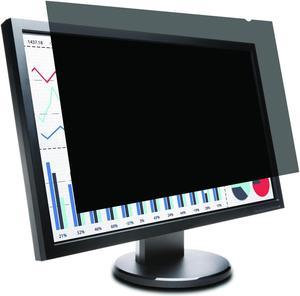
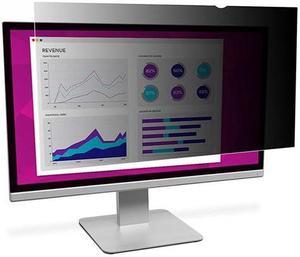
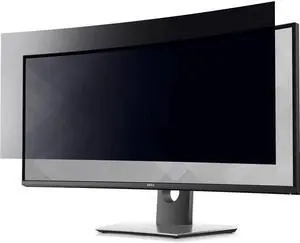
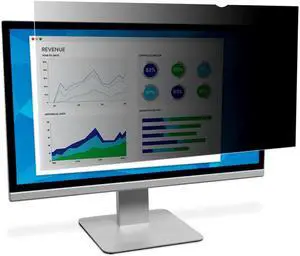
PRIVACYVIEW FILTER STD 19IN
Quick View
PRIVACYVIEW FILTER STD 19IN
  • Color: Black
  • Type: Office Products
  • Model #: PV0001-B1
  •  
  • 3,571.77 
  • ₱2,735.79 Shipping
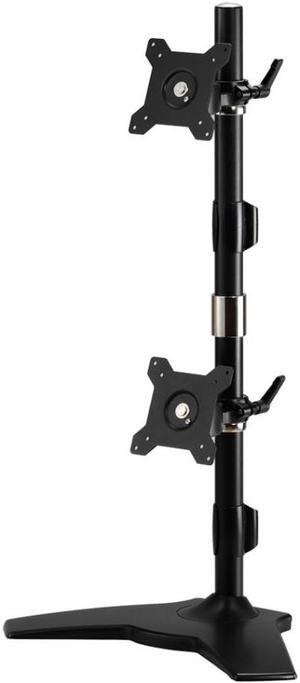
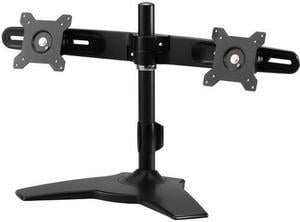
Amer Mounts Dual Stand For Up To 32in Screens
Quick View
Amer Mounts Dual Stand For Up To 32in Screens

OUT OF STOCK

  • Type: Home and garden
  • Features: Sold as 1 Each.
  • Model #: AMR2S32U
  •  
  • 11,682.75 
  • ₱5,477.39 Shipping

Monitor accessories improve your computing experience and productivity by increasing convenience, comfort and security. The right peripherals enhance the display unit’s functionality and usability, so you get the most out of your PC. Investing in high-quality computer monitor accessories, like adapters, mounts, stands and glare filters, offers the ability to maximize on-screen productivity.

Display Cables Enable Video Transmission From the Computer Tower

Cables and adapters are critical monitor accessories for any workplace computer setup. VGA cables have two male HDDB15 connectors on either side that are compatible with most displays and devices with a female video port. A DVI/VGA cable has blue connectors that provide analog and digital connections, while a long HDMI® cable offers flexible placement options. Use HD DisplayPort® cables with high bandwidth that allow for color depth, resolution and a refresh rate suitable for use with gaming monitors for a complete experience. If you run multiple monitors in parallel, you will need adapters with several connection points for each screen.

Adjust Your Monitor for Comfort Using a Mount

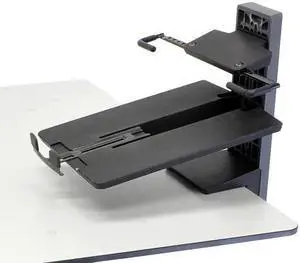
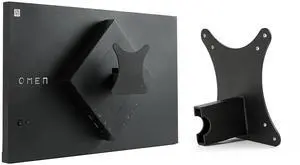
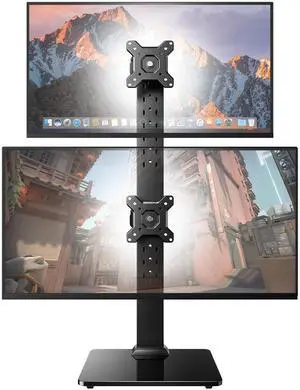
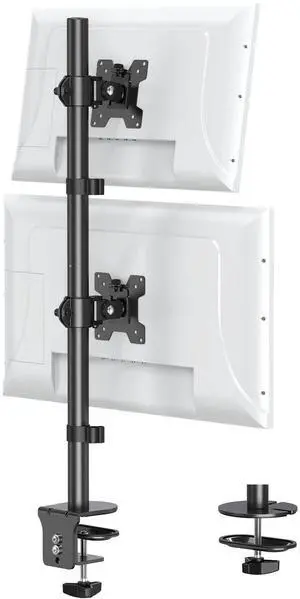
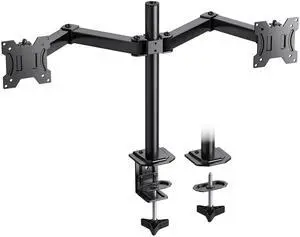
Try an adjustable desk mount LCD arm pedestal with swivel, tilt and vertical functions to alter and lift the monitor into the most ergonomic viewing position. Dual, triple and quad monitor mounts can hold multiple monitors simultaneously, freeing up your desk space for a less cramped and cleaner work area. Most of these monitor accessories have integrated cable management that keeps cords off your desk, while a universal VESA® plate is compatible with most displays. Pole-mounted displays make it easy to reposition the monitor to share work when you collaborate with teams or have frequent visitors. Thin client brackets securely hold compatible small computers to the back of touch screen monitors, creating complete workstation solutions for easy deployment across your business.

Create Space on Desks for Storing Essentials Under LCD Monitor Stands

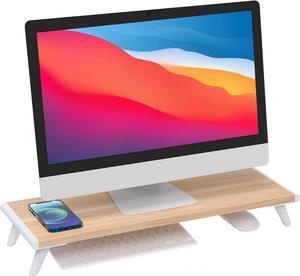
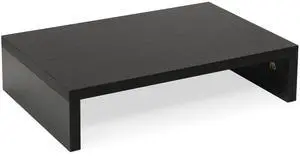
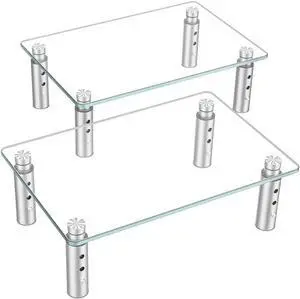
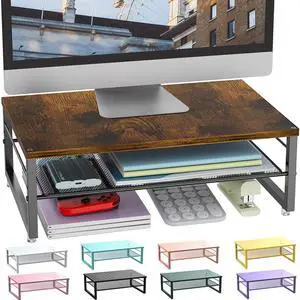
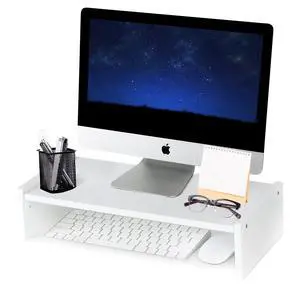
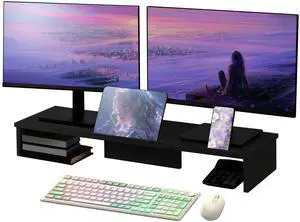
A monitor stand provides a spacious storage area for paperwork or keyboards on a desktop workstation for the organized user. Some display stands feature aluminum and tempered glass constructions for durability and strength, and are capable of supporting screens weighing up to 35 pounds, while the contemporary design adds a modern touch to any room. Units with integrated USB ports support data transfers from drives and fast charging for handheld devices. Adjustable standing desks are monitor accessories that give you the option of sitting or standing at a worktable for the most ergonomic posture to relieve pressure and maintain productivity.

Ensure Optimum Performance From a Monitor With More Accessories

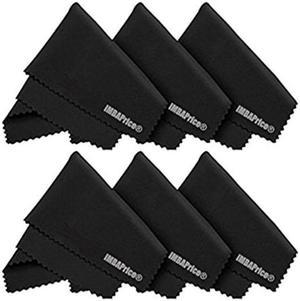
Reduce mirror-like reflections from bright indoor lights to see the screen more easily by using an anti-glare filter. Privacy filters disguise the screen when viewed from any angle other than straight, which is suitable if you often work with sensitive documents or intellectual property. A handy spray bottle of cleaner helps keep the computer monitor screen free from blemishes and dirt, while special wet wipes rub away residue without creating static. Whether you are upgrading from old displays or setting up new stations, having the right monitor accessories helps maximize the full potential of your devices.