
Your Browsing History
Quick View
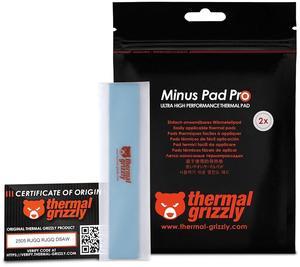
Thermal Grizzly TG-MP-P-120-20-05-2 Minus Pad Pro 2-Pack Thermal Interface Pad,120x20x0.5mm for SSDs, GPUs & Electronics
- Model #: TG-MP-P-120-20-05-2
- QAR108.33 –
- QAR796.36 Shipping
Quick View
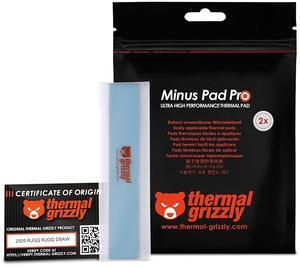
Thermal Grizzly TG-MP-P-120-20-15-2 Minus Pad Pro 2-Pack Thermal Interface Pad,120x20x1.5mm for SSDs, GPUs & Electronics
- Model #: TG-MP-P-120-20-15-2
- QAR108.33 –
- QAR796.36 Shipping
Quick View
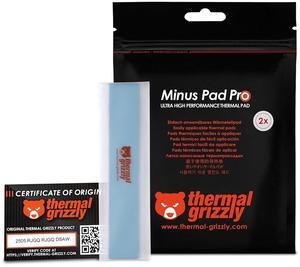
Thermal Grizzly TG-MP-P-120-20-10-2 Minus Pad Pro 2-Pack Thermal Interface Pad,120x20x1.0mm for SSDs, GPUs & Electronics
- Model #: TG-MP-P-120-20-10-2
- QAR108.33 –
- QAR796.36 Shipping
Quick View
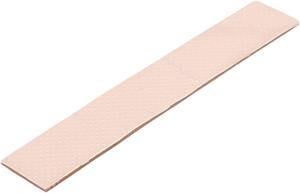
Thermopad Thermal Grizzly Minus Pad 8 - Silicone, Self-Adhesive, Thermally Conductive Thermal Pad - Conducts Heat and Cools The Heating Elements of The Computer or Console (120 × 20 × 1,5 mm)
- Thermal Conductivity: 8.0 W/mK
- Long Term Operating Temperature: -100 °C to +250 °C
- Features: Description: Thermal Grizzly Minus Pad is a thermal pad made from modified silicone. The silicone is filled with metal oxides, thus ensuring remarkable thermal conductivity. Properties: The Thermal Grizzly Minus Pad 8 is a soft gap filler, which is adhesive but easy to remove. The Thermal Grizzly Minus Pad 8 is
- Model #: TG-MP8-120-20-15 1R
- QAR42.11 –
- QAR753.51 Shipping
Quick View
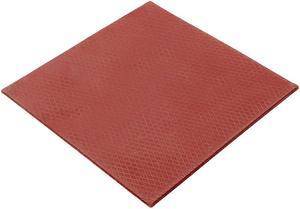
Thermal Grizzly TG-MPE-100-100-05-R Minus Pad Extreme 100x100x0.5
- Long Term Operating Temperature: -100 °C / +200 °C
- Model #: TG-MPE-100-100-05-R
- QAR401.33 –
- More options from QAR255.27 - QAR401.33
- QAR777.21 Shipping
Quick View
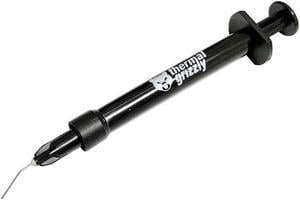
Thermal Grizzly Conductonaut Thermal Grease Paste - 5.0 Gram Model TG-C-005-R
- Volume / Net Weight: 5.0g
- Thermal Conductivity: 73 W/mK
- Long Term Operating Temperature: 10 to 140 C
- Specifications: Viscosity: 0.0021 Pas Density: 6.24g/cm3 Consistency: Liquid
- Model #: TG-C-005-R
- QAR209.36 –
- More options from QAR209.36 - QAR370.64
- QAR109.16 Shipping
Quick View
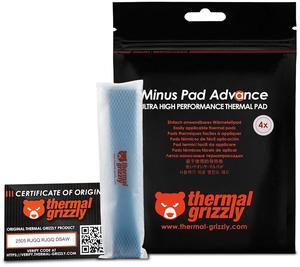
Thermal Grizzly TG-MP-A-120-20-05-4 Minus Pad Advance 120x20x0.5mm, Non-Conductive, High Thermal Conductivity & Compressibility for SSDs, GPUs & Electronics 4-Pack
- Model #: TG-MP-A-120-20-05-4
- QAR96.29 –
- QAR796.36 Shipping

Quick View
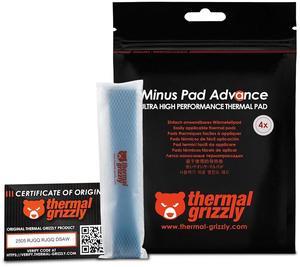
Thermal Grizzly TG-MP-A-120-20-15-4 Minus Pad Advance 120x20x1.5 mm, Non-Conductive, High Thermal Conductivity & Compressibility for SSDs, GPUs & Electronics 4-Pack
- Model #: TG-MP-A-120-20-15-4
- QAR80.23 –
- QAR796.36 Shipping
Quick View
Thermal Grizzly TG-MP-A-120-20-10-4 Minus Pad Advance 120x20x1.0mm, Non-Conductive, High Thermal Conductivity & Compressibility for SSDs, GPUs & Electronics 4-Pack
- Model #: TG-MP-A-120-20-10-4
- QAR80.23 –
- QAR796.36 Shipping
Quick View
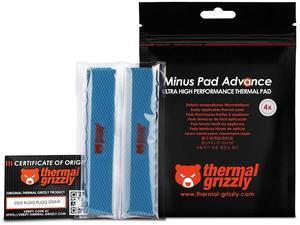
Thermal Grizzly TG-MP-A-120-20-30-4 Minus Pad Advance 120x20x3.0mm, Non-Conductive, High Thermal Conductivity & Compressibility for SSDs, GPUs & Electronics 4-Pack
- Model #: TG-MP-A-120-20-30-4
- QAR100.31 –
- QAR796.36 Shipping
Quick View
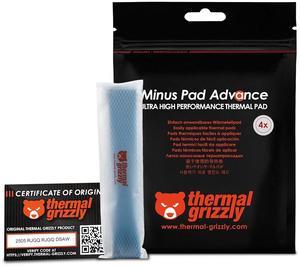
Thermal Grizzly TG-MP-A-120-20-20-4 Minus Pad Advance 120x20x2.0mm, Non-Conductive, High Thermal Conductivity & Compressibility for SSDs, GPUs & Electronics 4-Pack
- Model #: TG-MP-A-120-20-20-4
- QAR80.23 –
- QAR796.36 Shipping
Quick View
- QAR88.26 –
- More options from QAR88.26 - QAR116.83
- QAR753.51 Shipping
Quick View
Thermal Grizzly Carbonaut - Carbon Thermal Pad 32x32x0.2mm, Flexible and Reusable, Non-Adhesive, Very High Thermal Conductivity, Conducts Electricity!
- Model #: TG-CA-32-32-02-R
- QAR75.06 –
- More options from QAR75.06 - QAR245.69
- QAR109.16 Shipping
Quick View
- QAR414.51 –
- More options from QAR381.47 - QAR433.92
- QAR109.16 Shipping
Quick View
- QAR61.51 –
- More options from QAR61.51 - QAR74.45
- QAR109.16 Shipping
Quick View
- QAR59.81 –
- More options from QAR59.81 - QAR95.90
- QAR753.51 Shipping

Quick View
Thermal Grizzly Hydronaut Thermal Grease Paste 26.0 Grams
- Model #: TG-H-100-R
- QAR169.24 –
- More options from QAR169.24 - QAR200.80
- QAR109.16 Shipping
Quick View
- QAR158.03 –
- More options from QAR148.47 - QAR186.38
- QAR109.16 Shipping
Quick View
Thermal Grizzly - Minus Pad Extreme (100x100x1,5mm) - Self-Adhesive Cooling Conductive Thermal Pad - Elastic and Adaptable Silicone Thermopad CPU/GPU
- Model #: TG-MPE-100-100-15-R
- QAR842.82 –
- QAR777.21 Shipping
Quick View
Prolimatech PRO-PK1-5G PK-1 Thermal Compound - 5 Gram
- Specifications: Weight: 5 Gram Material Specification: Al: 60~85(wt%) ZnO: 15~25(wt%) Oil: 12~20(wt%) antioxidant: 0.5~2(wt%)
- Model #: PRO-PK1-5G
- QAR68.60 –
- QAR109.16 Shipping
Quick View
- QAR55.13 –
- More options from QAR55.13 - QAR69.47
- QAR109.16 Shipping
Quick View
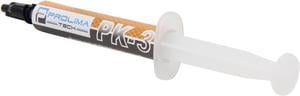
Prolimatech PRO-PK3-5G Nano Aluminum High-Grade Thermal Compound in 5 Gram
- Specifications: Material Specification: Al 70~88(wt%) ZnO 18~34(wt%) Oil 8~12(wt%) Antioxidant 0.5~2(wt%) Adhesiveness: 330000Cps Thermal Conductivity: 11.2 W/m - Degree C Thermal Impedance (Resistance): 0.013 Degree C-in2/W Included: One syringe of thermal compound and one easy-to-spread spoon Specific Gravity: 2.7g/cm3
- Model #: PRO-PK3-5G
- QAR86.63 –
- QAR109.16 Shipping
Quick View
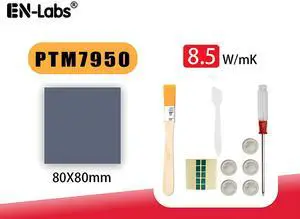
PTM7950 80x80x0.2mm Phase Change Material Thermal Pad, 8.5W/mK High Conductivity Silicone Grease Thermal Paste for PS5 Steam Deck CPU GPU SSD M.2 Laptop
- Model #: 11-001-362-8CM
- QAR132.39 –
- Free Shipping
Quick View
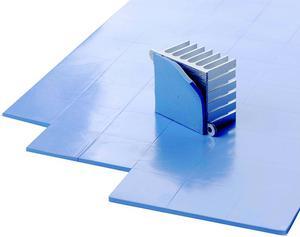
100pcs/Lot 10mmx10mmx1mm GPU Northbridge IC LED Chipset Heatsink Cooling Conductive Silicone Thermal Pad,10x10x1mm with 3.2W/mK
- Model #: 11-001-345
- QAR93.75 –
- Free Shipping
Quick View
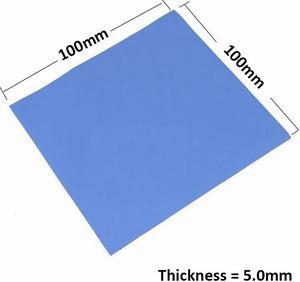
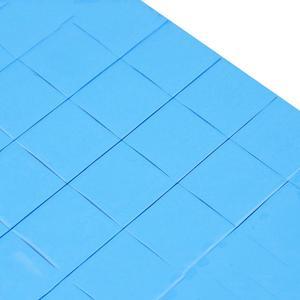
100mmx100mmx5.0mm GPU Northbridge IC LED Chipset Heatsink Cooling Conductive Silicone Thermal Pad,100x100x5mm w/ 3.2W/M-K
- Model #: 11-001-344
- QAR104.67 –
- Free Shipping
Quick View
100pcs/Lot 10mmx10mmx2mm GPU Northbridge IC LED Chipset Heatsink Cooling Conductive Silicone Thermal Pad,10x10x2mm with 3.2W/mK
- Model #: 11-001-346
- QAR96.69 –
- Free Shipping
Quick View
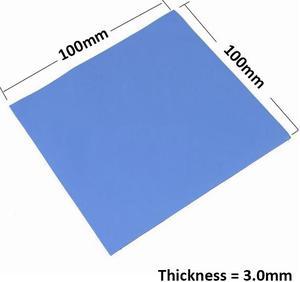
100mmx100mmx3.0mm GPU Northbridge IC LED Chipset Heatsink Cooling Conductive Silicone Thermal Pad,100x100x3mm w/ 3.2W/M-K
- Model #: 11-001-343
- QAR98.79 –
- Free Shipping
Quick View
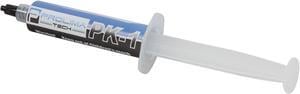
Prolimatech PRO-PK1-30G PK-1 Thermal Compound - 30 Gram
- Specifications: Weight: 30 Gram Material Specification: Al: 60~85(wt%) ZnO: 15~25(wt%) Oil: 12~20(wt%) antioxidant: 0.5~2(wt%)
- Model #: PRO-PK1-30G
- QAR186.04 –
- QAR109.16 Shipping
Quick View
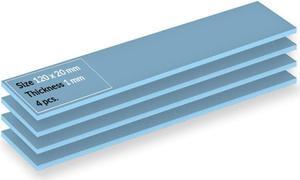
ARCTIC TP-3 (120x20mm - 1.0mm - 4 pcs) Premium Performance Thermal Pad ACTPD00056A
- Model #: ACTPD00056A
- QAR68.21 –
- QAR171.03 Shipping
Quick View
- QAR91.69 –
- QAR116.46 Shipping
Quick View
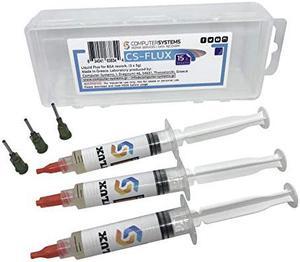
CS-FLUX reballing Low viscosity liquid flux for BGA component rework reflow 15g . Ideal for VGA GPU repairs
- Model #: FLUX 15
- QAR118.64 –
- QAR116.60 Shipping
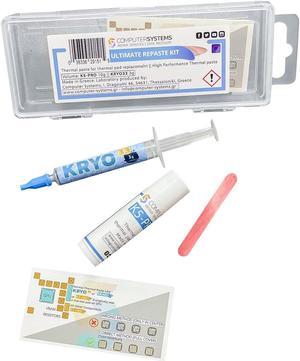
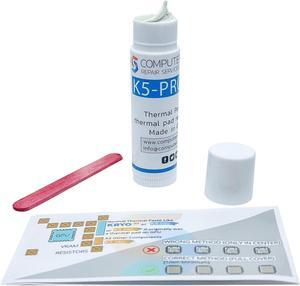
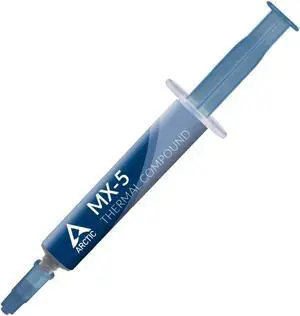
Thermal compound allows your computer's cooling system to perform at its best. You should use it every time you install a heatsink on your CPU or GPU. Thermal grease fills in the microscopic gaps between your CPU or GPU and the heatsink to prevent them from trapping air. This increases the cooling performance of the heatsink. Thermal paste consists of thermal interface materials that can conduct heat 100 times more efficiently than air. When assembling your PC, you need to use a small amount of thermal paste, as too much can hinder the cooling power of your heatsink. Thermal paste also works well for embedded solutions, which include the motherboard and CPU.
Liquid Metal Thermal Paste Offers a High Level of Performance
Liquid metal thermal paste is very effective at cooling your PC. Every liquid metal paste has a slightly different composition, but most contain gallium, a metal that is capable of staying liquid at low temperatures. This material tends to react with aluminum heatsinks. However, it has a high thermal conductivity to keep your processor cool. Liquid metal thermal paste is electrically conductive. If spilled on computer components and motherboard accessories, it may cause short-circuiting. The liquid texture requires some work for a correct installation. The Arctic Silver® 5 metal-based thermal compound uses high-density polysynthetic silver to reduce electrical conductivity.
Ceramic-Based Thermal Compound Provides Good Performance and Is Easy to Use
Ceramic-based grease is very popular, since it is not electrically conductive. This makes it much easier to use and means that accidental spills on your PC and computer accessories are not as likely to cause an issue. It consists of a thermally conductive grease with ceramic particles. Ceramic-based paste has a slightly inferior cooling performance than liquid metal.
Carbon-Based Grease Cools Your CPU Efficiently Without Electrical Conductivity
Carbon-based thermal grease is very effective at keeping your CPU or GPU and other embedded solutions cool. It contains carbon micro-particles with high thermal conductivity. Carbon-based paste is also beginner friendly, since it doesn't conduct electricity. Typically, it lasts longer than liquid metal and ceramic-based compounds, so you won't have to replace it as often.
Silicone-Based Paste Is Common in Thermal Pads
Silicone-based thermal compound is common in cooling kits and thermal pads, which are easier to apply than regular compound. It is best to choose a non-adhesive silicone paste, so you will be able to remove or replace your heatsink easily if needed.
How to Apply Thermal Compound
For optimal performance, apply a pea-size amount of thermal paste at the center of your CPU or GPU. When you install the heatsink, the paste will spread all over the components. For liquid compounds, you can apply a dot of product on both sides of your CPU. To remove the old thermal paste from a processor or graphics card, use a remover such as Arctic Silver Arcticlean.