Acer Aspire Go 15 AI ready - 15.6" Laptop - Intel Core i9-13900H - Intel Iris Xe Graphics - 16GB RAM - 512GB PCIe SSD - FHD 1920 x 1080 - Windows 11 Home, NX.JSDAA.001 14 AI Copilot+
  •  
  • $749.99 –
  • Save: 16%
  • $129.00
  • Free 30-day Returns
  • Price alert

    Best Sellers

    Top Rated
    4.5 (17,994 total ratings)
    • $88.38
    • + FREE SHIPPING
    Hot Seller
    4.5 (9,028 total ratings)
    • $92.99
    Hot Seller
    4.1 (2,367 total ratings)
    • $95.29
    • + FREE SHIPPING
    Shop it at NeweggBusiness.

    Meet Your Seller

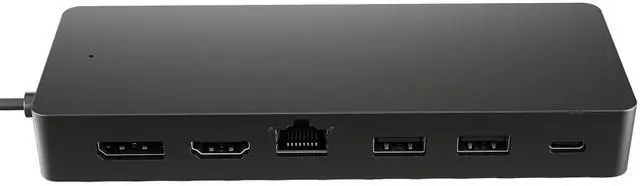
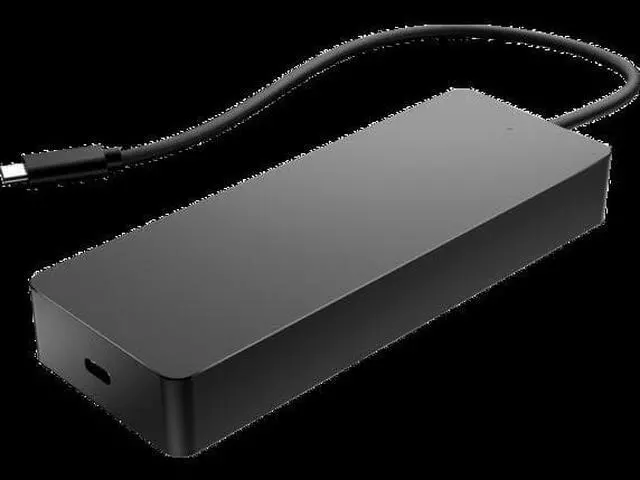
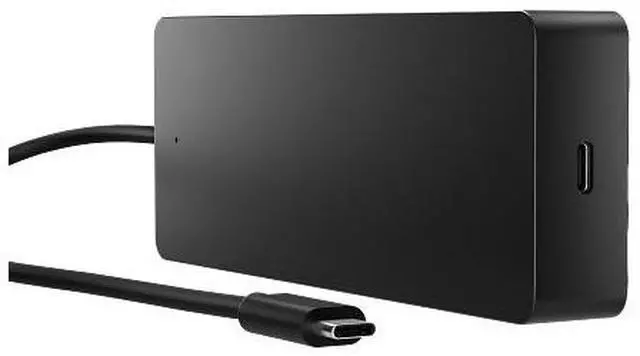
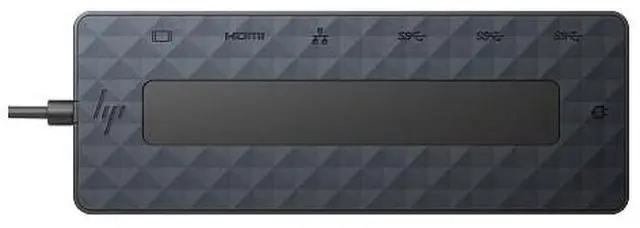
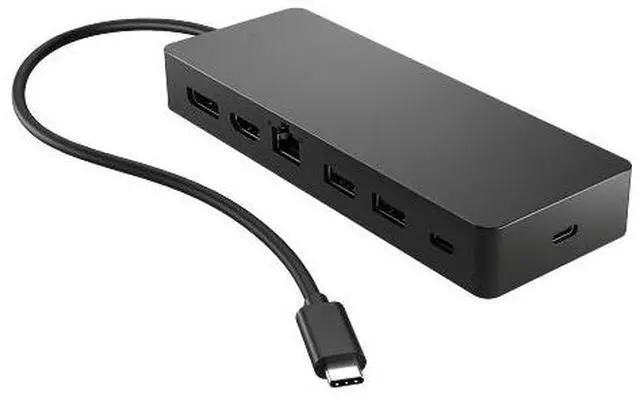
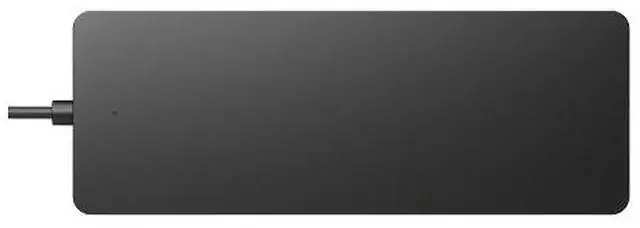
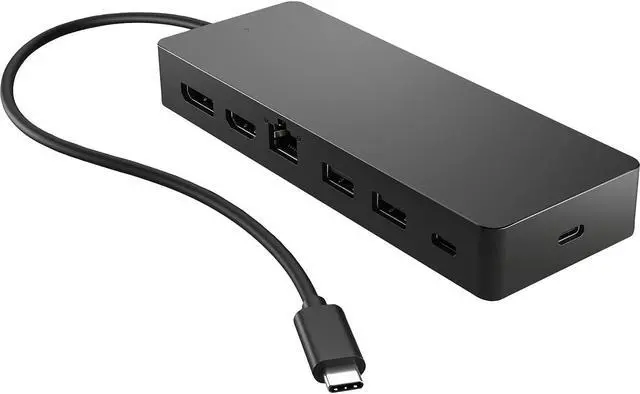
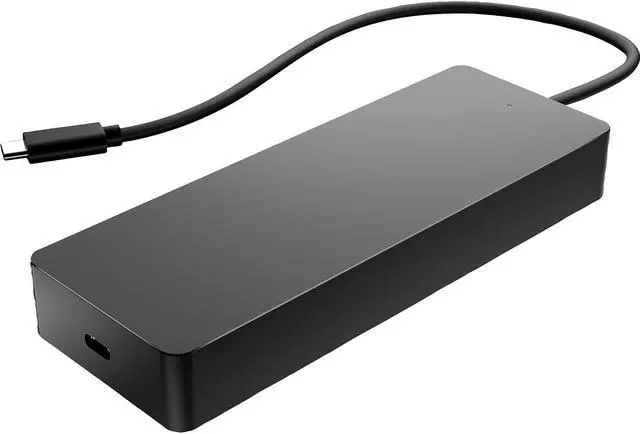
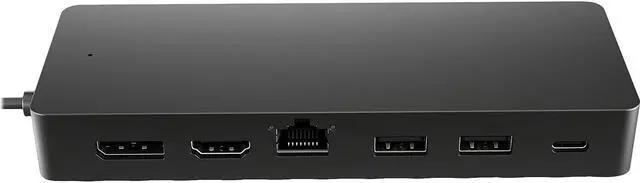
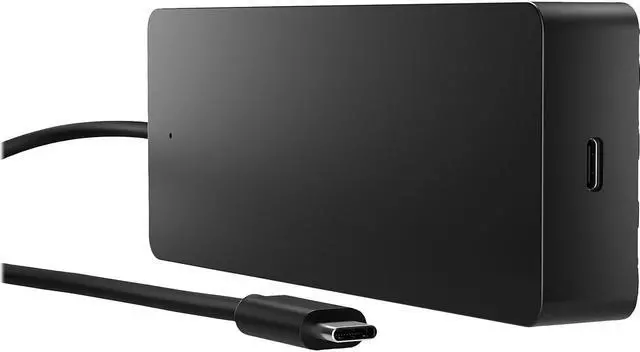
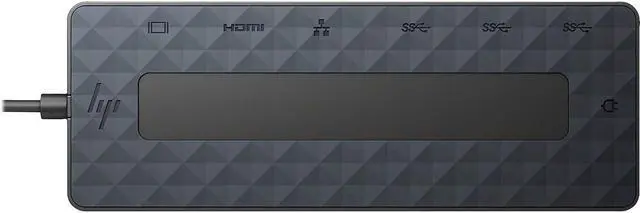
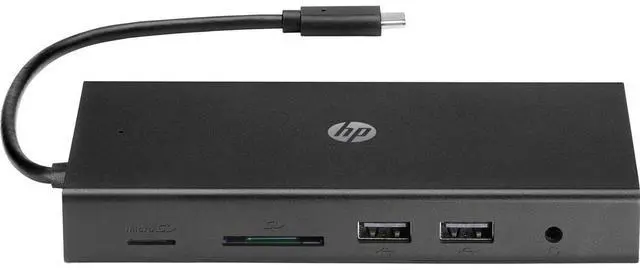
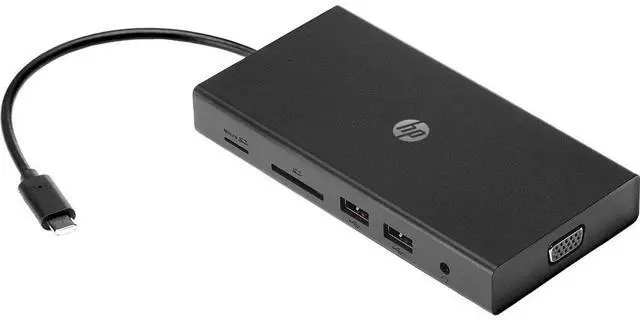
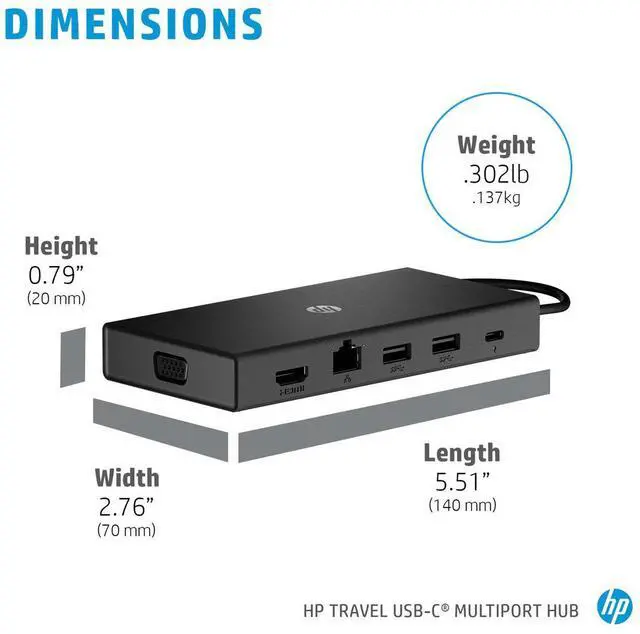
    HP Black 50H55UT Travel USB-C Multi Port Hub

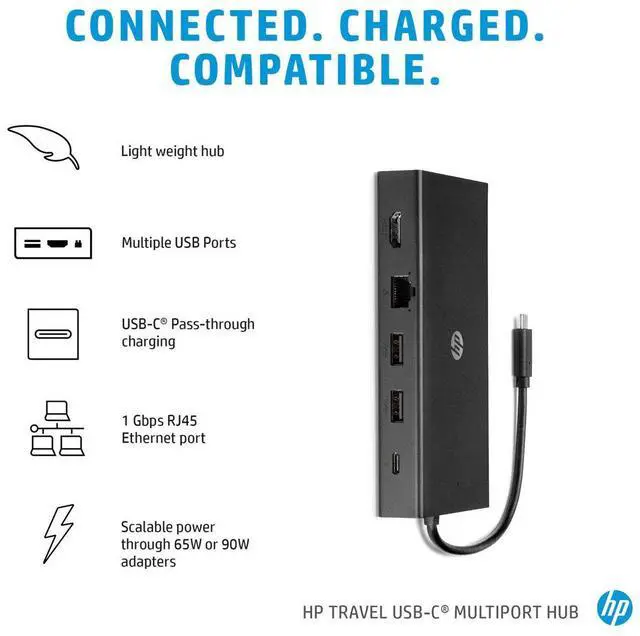
    • Universal USB-C. Every OS--One simple, single USB-C cable plugs into your PC2, regardless of the brand or OS so you can use your hub seamlessly
    • 7 multifunction ports provide a complete solution for just about any data, video, or network connection. 1 HDMI 2.0, 1 Display Port 1.2, 2 USB-A ports, 1 USB-C port, 1 USB-C passthrough port, and 1 ethernet port
    • Keep your PC charged via the USB-C passthrough while powering up or connecting data through the 7 total ports
    +
    +
    Overview
    Specs
    Reviews
    See all Q & A

    Any questions? Ask CelesteSM will help you find out quickly.

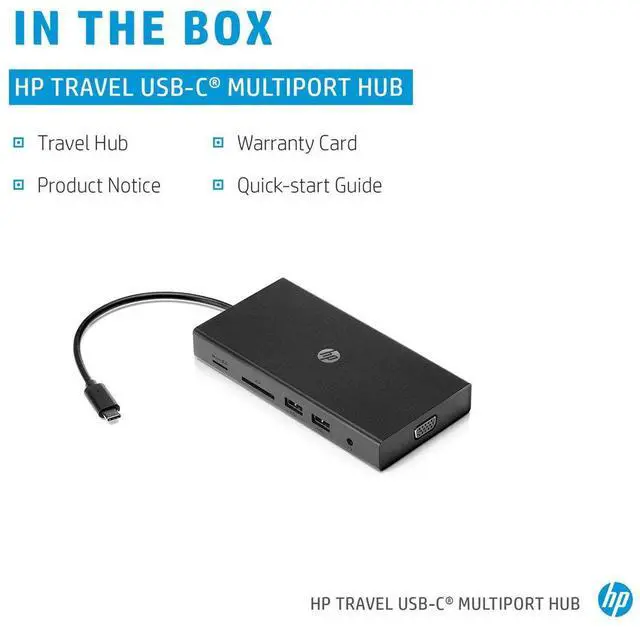
    OverviewUnlock new possibilities with the HP Universal USB-C Multiport hub, now supporting any USB-C® compatible PC. 7 ports, 1 power and data passthrough cable, and many peripherals to plug and play however you like. It also supports dual 4K displays via HDMI 2.0 and 1 DisplayPort 1.2. This hub is all you need to stay connected. What's in the box? HP Universal USB-C Multiport Hub; Product notice; WarrantyDisclaimers USB Type-C® and USB-C® are trademarks of USB Implementers Forum. 4K content required to view full 4K images. Based on HP internal testing on select non-HP notebook models compatible with USB-C® industry standards.

    Firmware updates on Windows-based host systems only. For USB-C® functionality, host PC must support the DisplayPort Alt mode protocol through its USB-C® port. Thunderbolt enabled notebooks will function at USB-C® speeds. Charging and port replication is supported on notebooks that have implemented USB-C® industry specifications. Supports only 3840 x 2160 @30Hz, while host PC supports DisplayPort 1.4. Passthrough charging requires a notebook or tablet with USB-C® AC adapter. This product does not include an AC adapter. 65 W max combined power output when using a 90 W charger and charging multiple devices.

    Warranty & Returns

    Warranty, Returns, And Additional Information

    Warranty

    • Please contact the Seller directly for warranty information. Warranty information may also be found on the Manufacturer's website.
    • Read full details
    • CONTACT

    Return Policies

    Manufacturer Contact Info

    LOADING...
    LOADING...

    The HP 50H55UT is a compact, seven-port USB-C hub for laptop users who want to connect displays, USB accessories, and wired Ethernet through one cable while keeping their laptop charged via USB-C passthrough.

    Recommended For

    • Traveling professionals who want one compact hub for connecting a laptop to a meeting-room display, wired Ethernet, and USB-A accessories.
    • Hybrid workers who move between home and office and want to reconnect a compatible laptop to a monitor, keyboard, mouse, and wired network through one hub.
    • Laptop users who need one external display plus USB peripherals and Gigabit Ethernet, while keeping the laptop powered through USB-C passthrough.
    • People using supported Windows, macOS, or ChromeOS laptops with USB-C DisplayPort Alt Mode who want a hub that can work across different computer brands.

    Real-World Use Scenarios

    • At a desk, connect a compatible USB-C laptop to a monitor, wired network, keyboard, and mouse through one hub connection; the laptop can stay powered through the hub when a suitable USB-C charger is connected.
    • For a presentation or home-office setup, connect two external displays using HDMI and DisplayPort; supported resolution and refresh rate depend on the laptop, and dual 4K output runs at up to 30 Hz.
    • When working in a hotel, meeting room, or shared office, pack the compact hub to add display, Ethernet, and USB connections to a compatible laptop without relying on built-in ports for each accessory.
    • If a laptop has few ports, use the hub to keep USB-A accessories such as a mouse or keyboard connected while also attaching a USB storage device and an external display.
    • For a laptop with a USB-C port that supports DisplayPort Alt Mode and USB Power Delivery, use the hub to add display and charging connections; a USB-C port without those capabilities may not support the full setup.