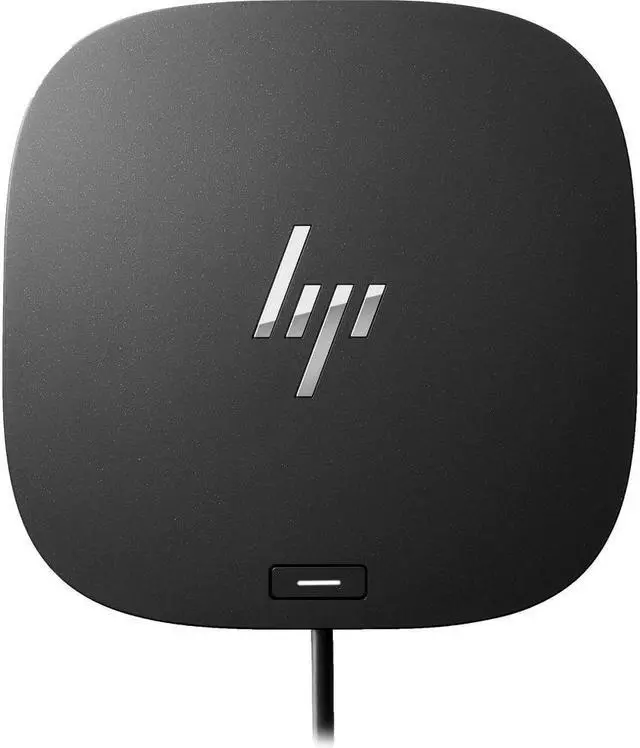
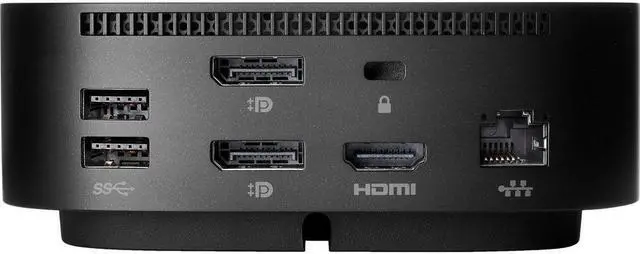
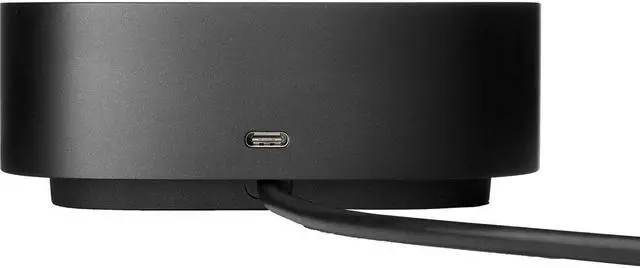
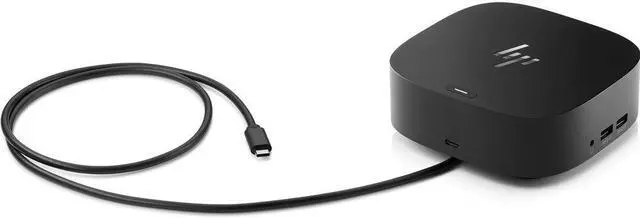
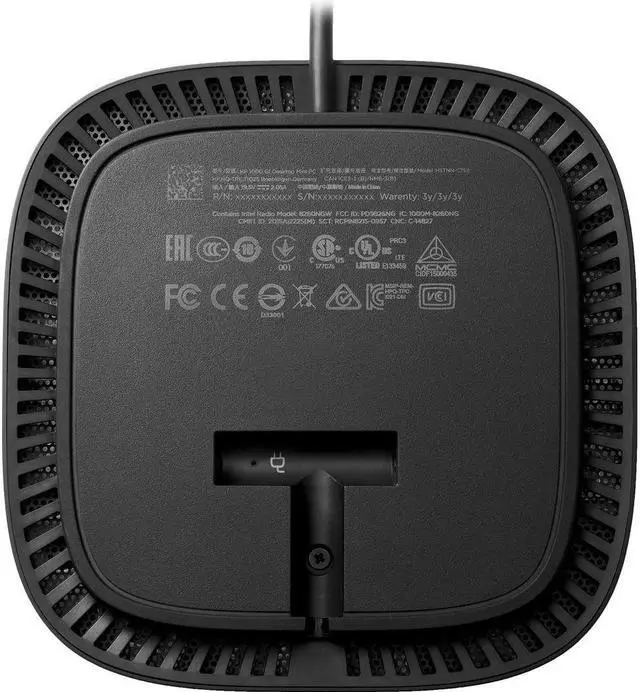
Get to work with the versatile, elegant, and space-saving HP USB-C Dock G5. Compatible with HP laptops, MacBook® computers, and other notebooks, this USB dock is great for organizing your desk with its small footprint and single-cable set-up. Whether its displays or other electronic accessories, your universal dock will assist with charging, data transfers, and networking between devices. For USB-C® functionality, host PCs must support the DisplayPort Alt mode protocol through its USB-C® port. Thunderbolt-enabled notebooks will function at USB-C® speeds. Charging and port replication is supported on notebooks that have implemented USB-C® industry specifications.
Power button to turn on or wake the system, Wake-on LAN from warm and cold dock, Wake-on LAN from S4/S5, and MAC Address Pass-Through in S0, S3, S4, S5 warm and cold dock features only function on HP or HP-supported notebooks. HP does not provide Ethernet and audio drivers on Mac PCs. Based on HP internal testing on select non-HP notebook models compatible with USB-C® industry standards. Certain Alt mode features are not supported, such as power button, MAC Address Pass-Through, Wake-on LAN, and OOB Wake on LAN.
Visit the HP Support page to determine your HP notebook's wattage and port specifications. Visit the support page of your non-HP notebook to determine its wattage and port specifications. (3) Supports three displays including the notebook screen. Internet connection required and sold separately. Managed PCs must be running Windows 10.




 here!