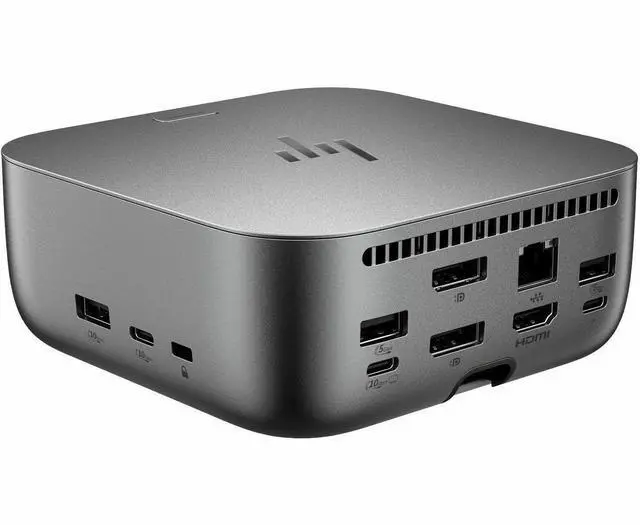
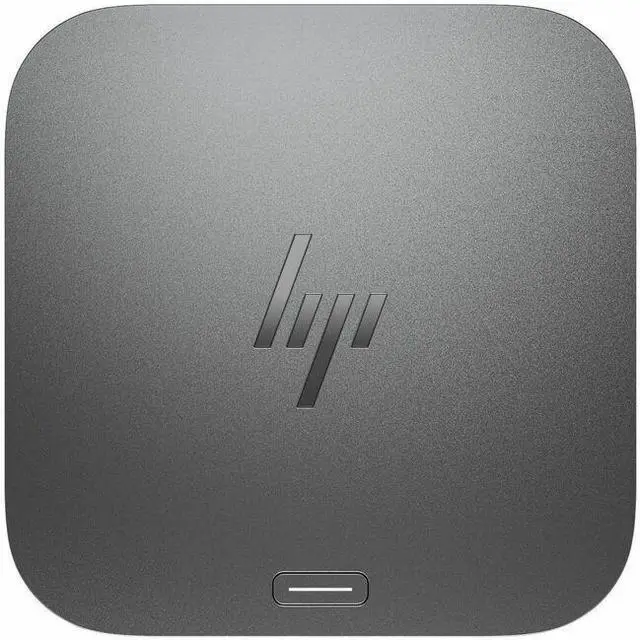
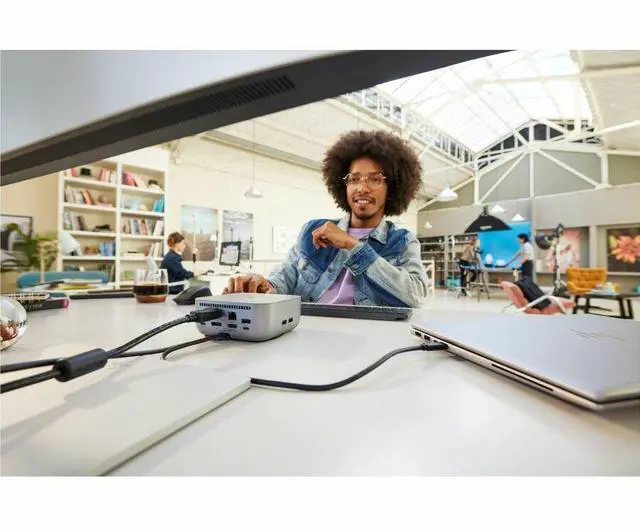
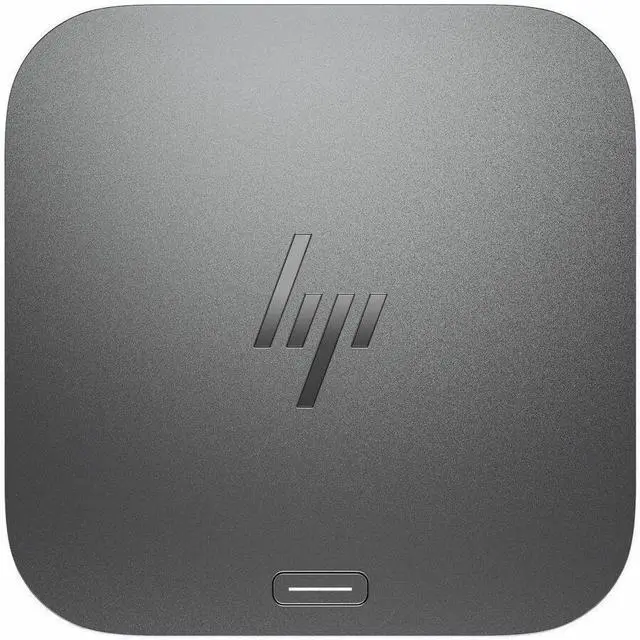
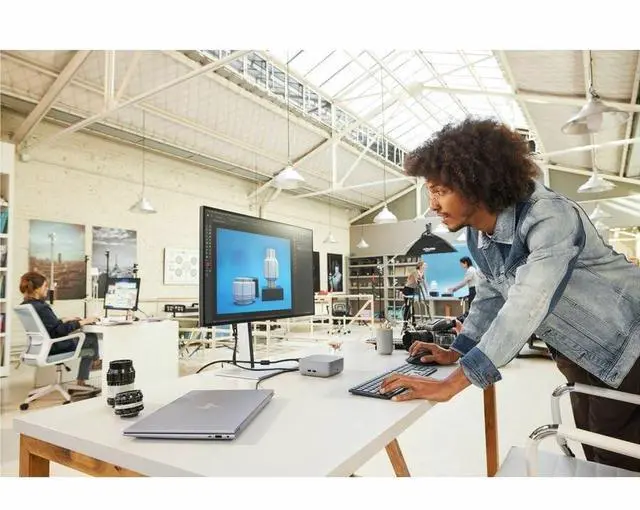
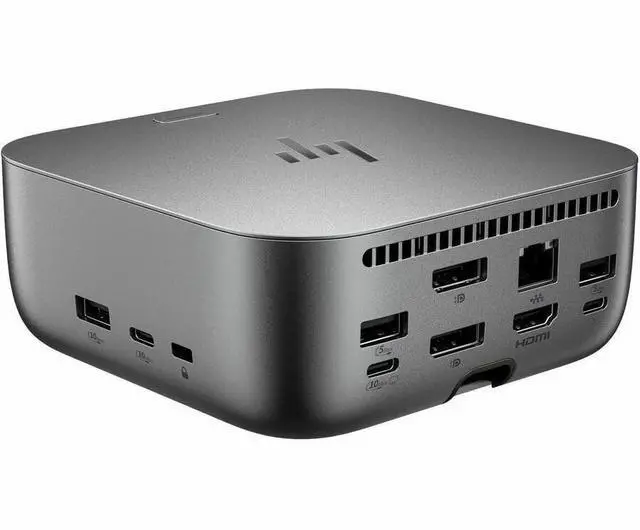
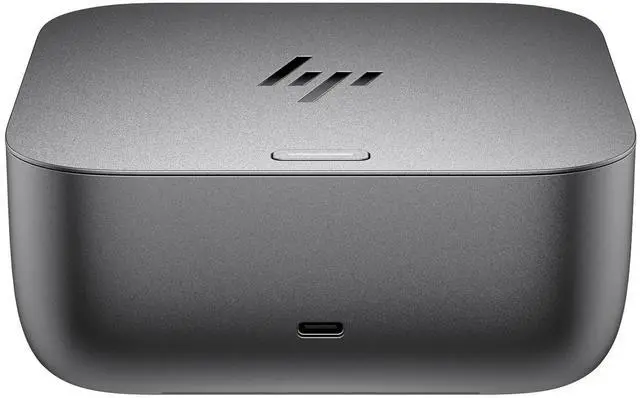
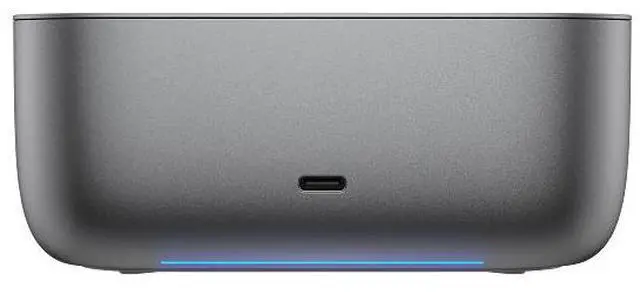
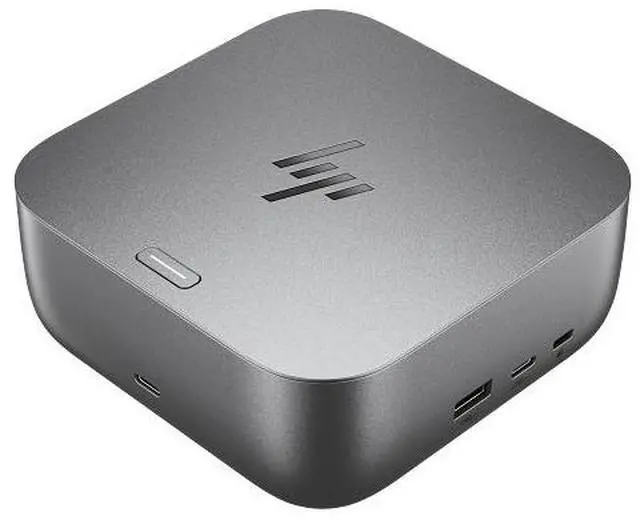
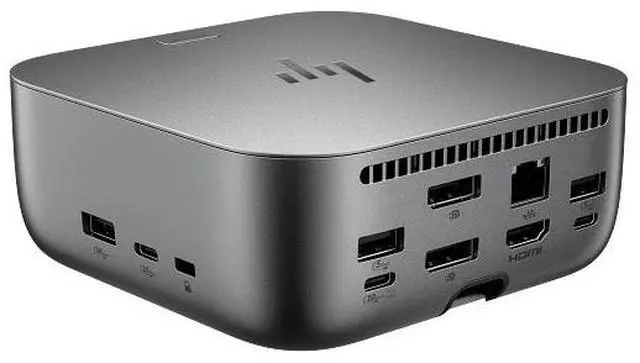
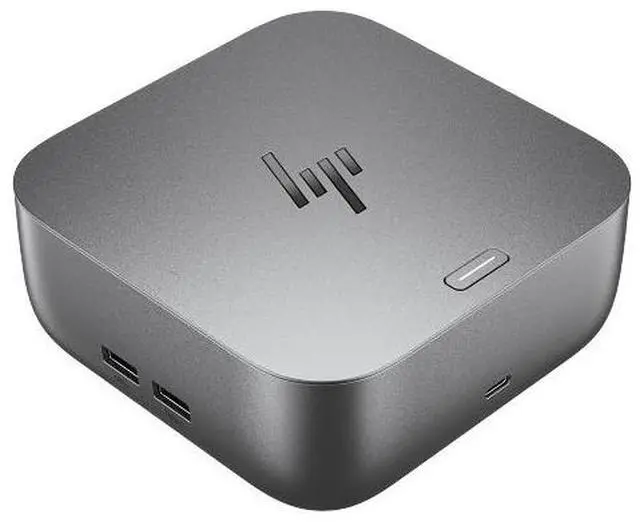
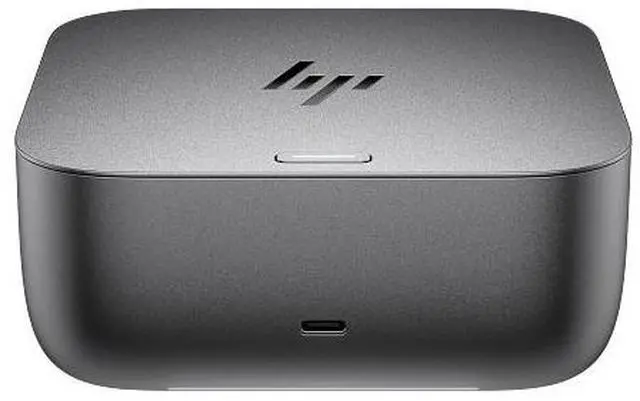
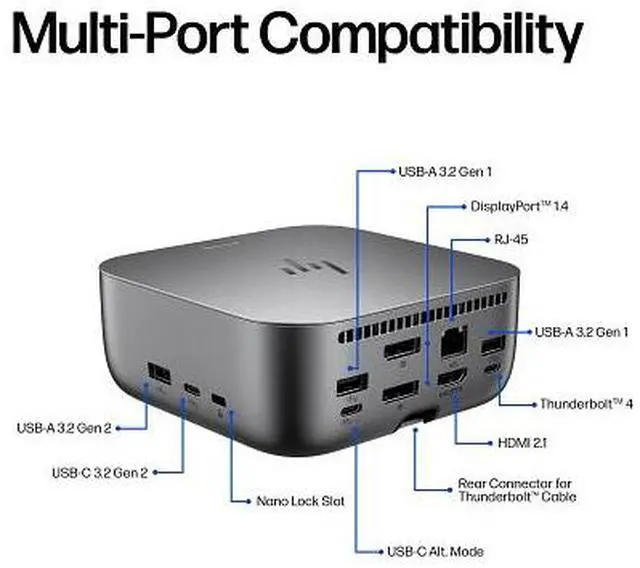
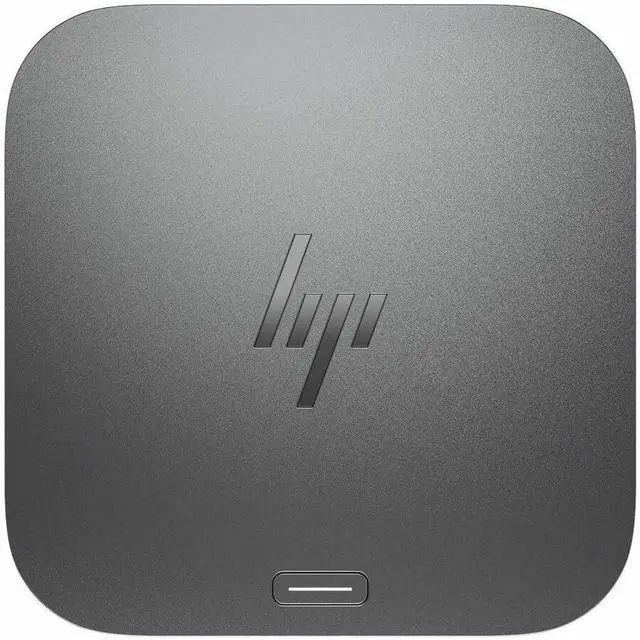
The HP Thunderbolt 4 Ultra 180W G6 Dock is an 8-port docking station for people building a connected desk setup, with Thunderbolt 4, up to 180W power delivery, and support for up to four external displays when the computer and displays are compatible.
Recommended For
- Desk-based workers who connect a compatible Thunderbolt 4 laptop to several monitors, wired networking, and USB accessories, then want to reconnect them through one cable. HP specifies support for up to four 4K displays, depending on the laptop’s display capabilities.
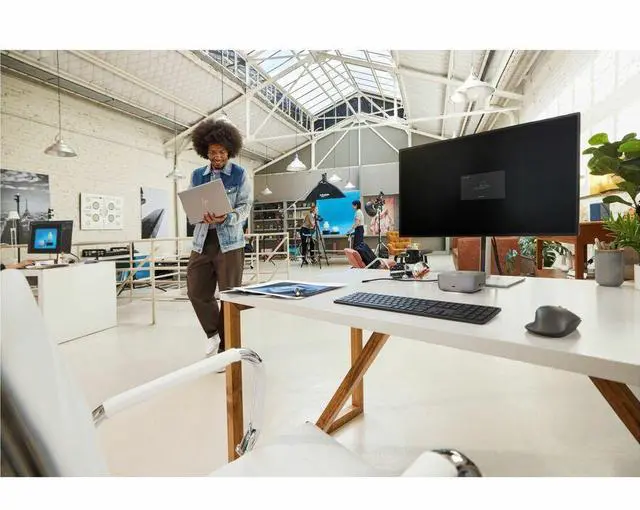
- People who regularly move between a desk setup and meetings or another workspace, and want a single dock connection for their displays and peripherals. HP customers describe using one hub to switch machines with a single plug.
- Organizations using supported HP commercial laptops that want a shared desk dock with HP-specific device management and security features. Some management functions are limited to HP or HP-supported notebooks.
- Users with a compatible laptop that supports USB-C Power Delivery and who want to charge it while using a dock; the dock can deliver up to 180W, subject to the laptop’s own power-delivery support.
Real-World Use Scenarios
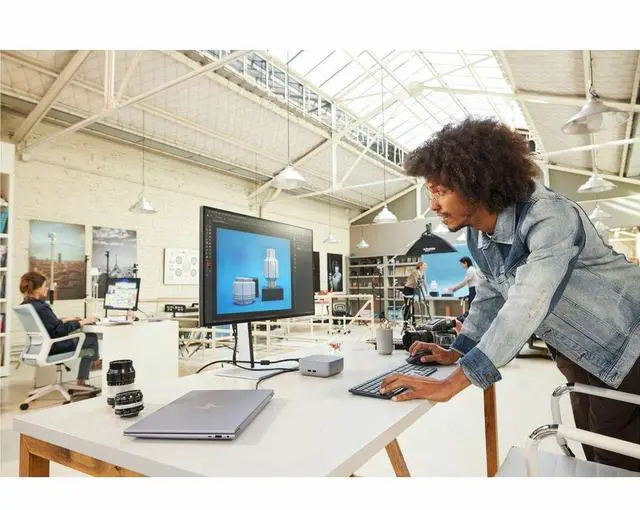
- At a fixed home or office desk, connect a compatible laptop with one Thunderbolt cable to bring its displays, wired network, and USB accessories together; disconnect that cable when leaving. Laptop charging depends on the laptop’s USB-C power-delivery support.
- For a multi-monitor workstation, use the dock to connect several external displays for side-by-side documents, spreadsheets, or communication apps; the actual display count and resolution depend on the laptop and its graphics/display support.
- For a wired office or home-office setup, connect the laptop through the dock’s Ethernet port while keeping monitors and USB devices attached; this provides a wired network connection without plugging a separate adapter into the laptop.
- When using several desk peripherals—such as external storage, a webcam, keyboard, and mouse receiver—connect them to the dock so they stay at the workstation when the laptop is unplugged and carried away.
- In a business fleet, IT can use supported HP dock-management features for tasks such as firmware management and network-based wake or boot workflows; these functions require compatible systems and configuration.




 here!

 Top Rated