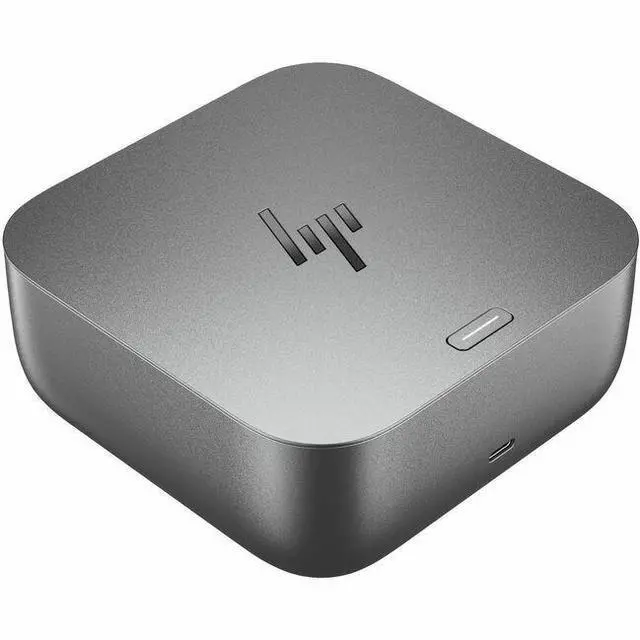
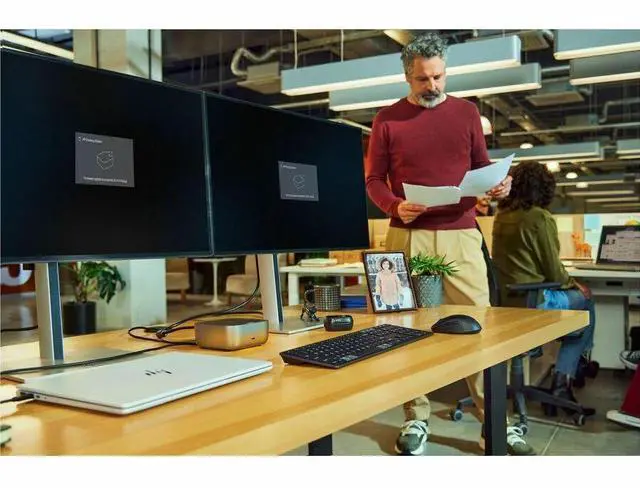
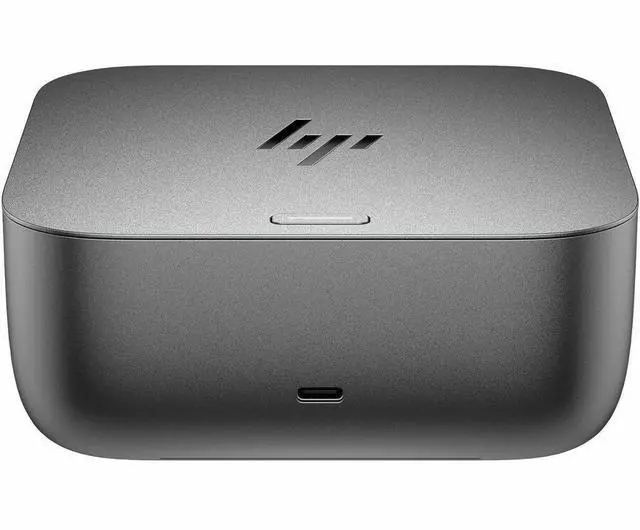
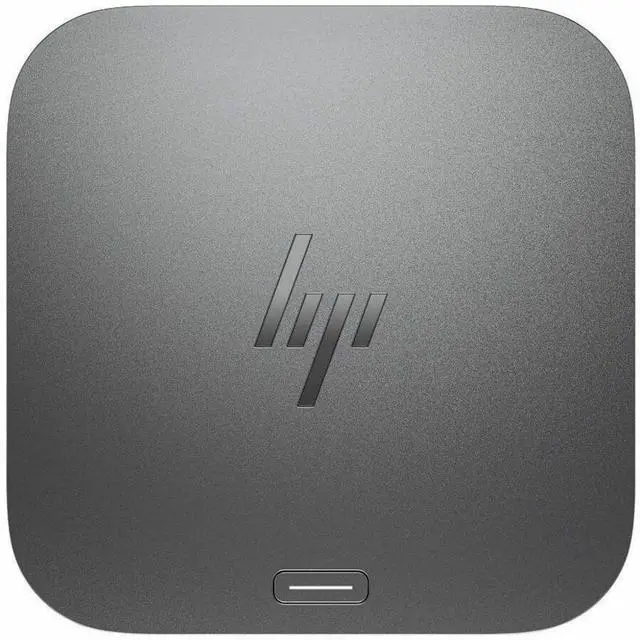
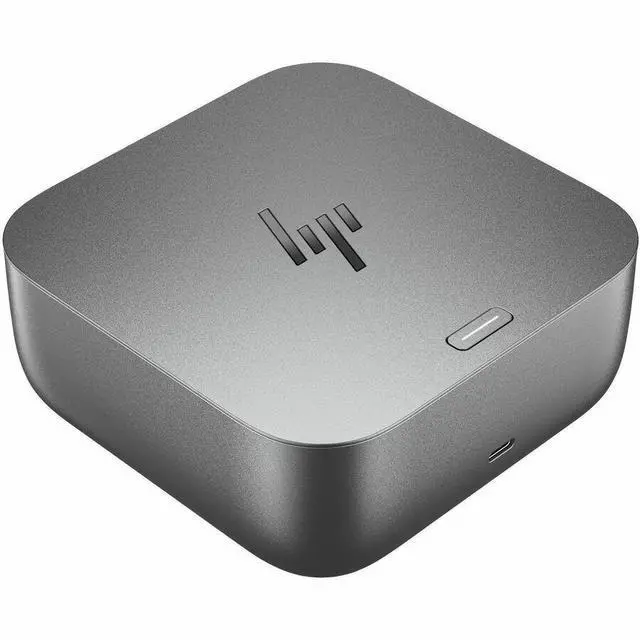
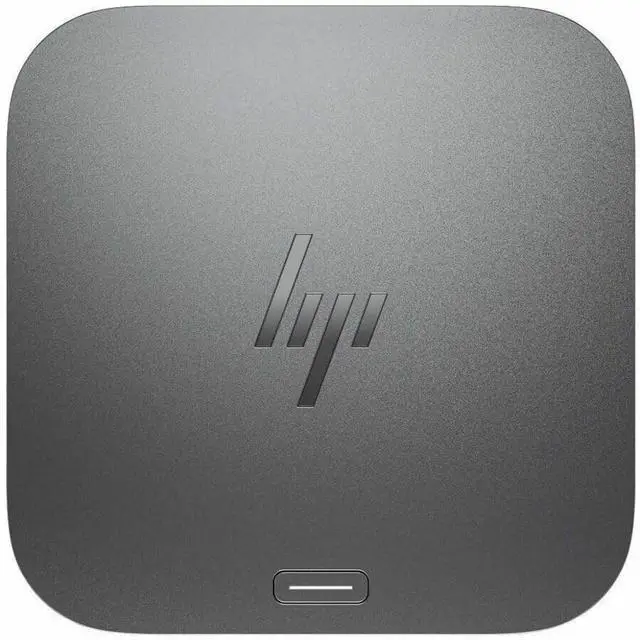
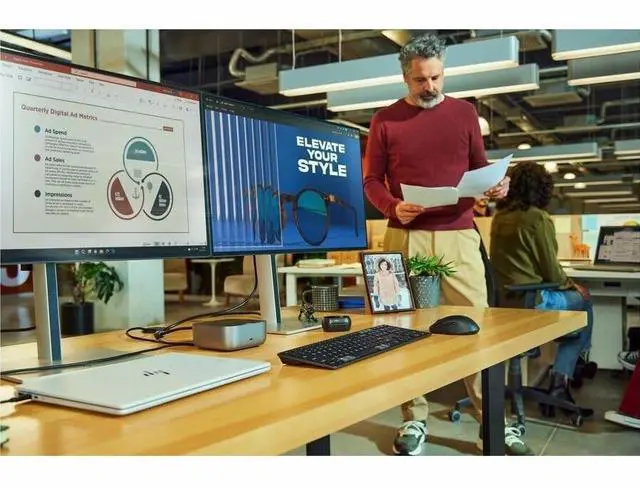
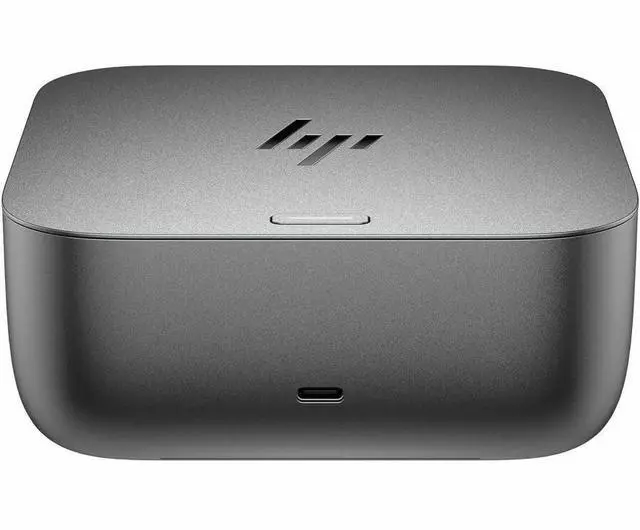
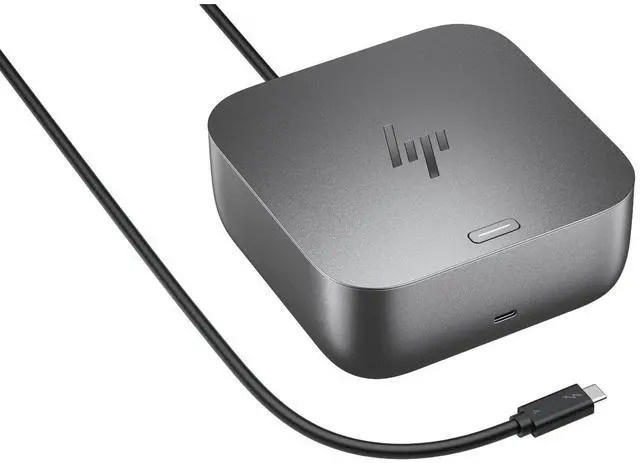
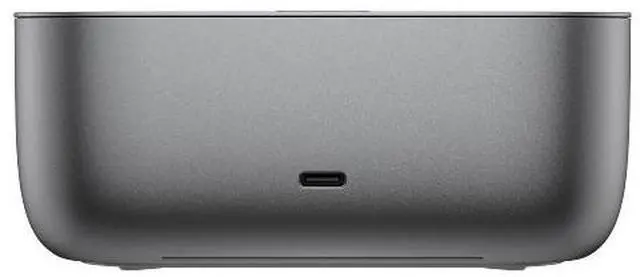
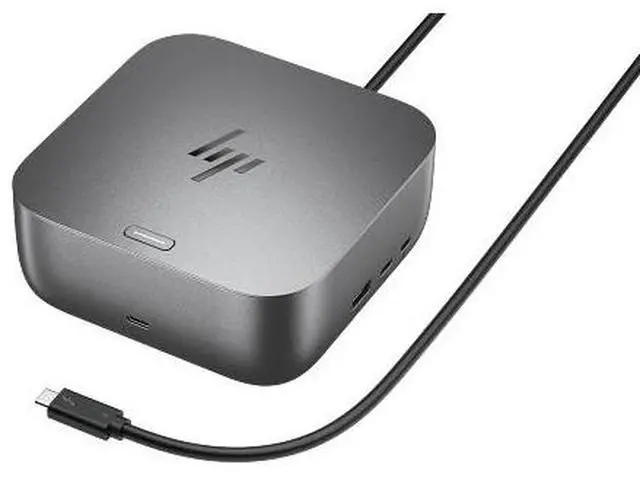
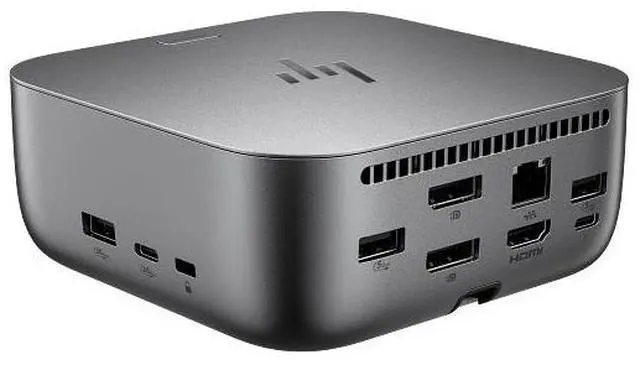
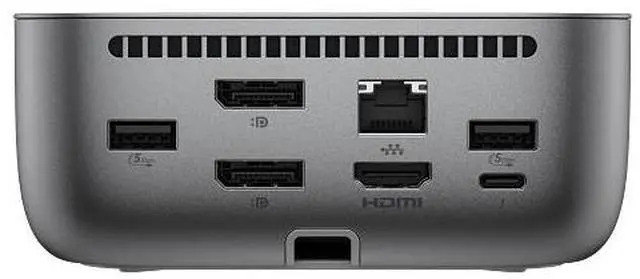
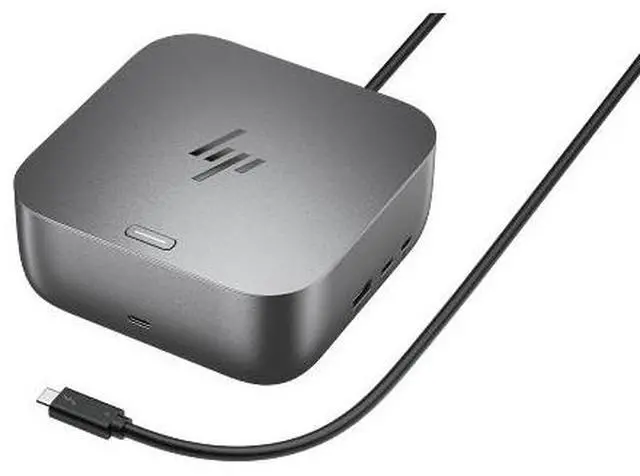
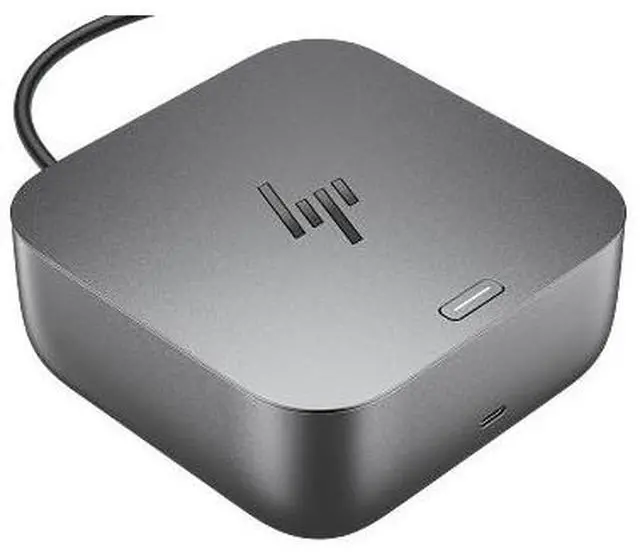
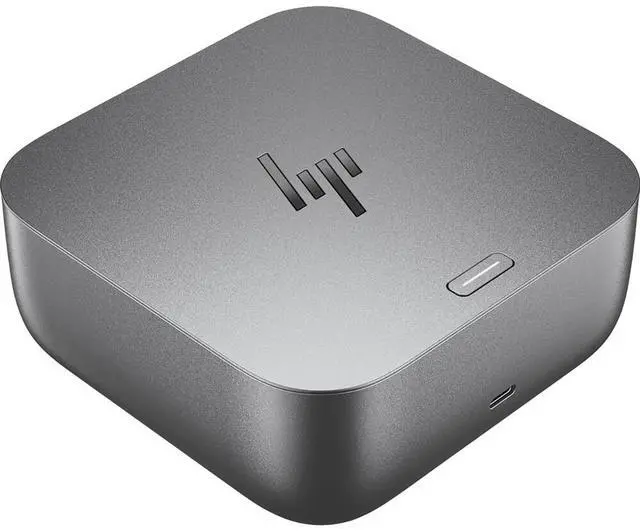
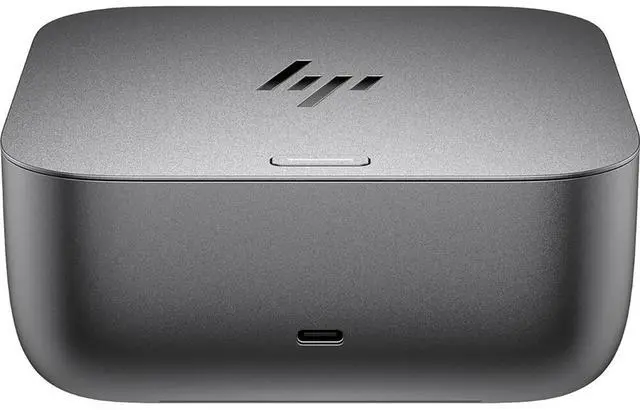
The HP Thunderbolt 4 100W G6 Dock is a docking station for compatible desktop PCs and notebooks, suited to users who want one hub for peripherals, wired networking, laptop charging, and a multi-display workspace supporting up to four displays.
Recommended For
- Laptop users who regularly move between home and office and want to reconnect monitors, wired networking, and desk peripherals through one cable when they sit down.
- Desk-based professionals who need a multi-monitor workspace for tasks such as spreadsheets, coding, or keeping several work apps visible, provided their laptop supports the required display setup.
- People building a cleaner fixed workstation who want to connect external storage and other USB accessories to the dock instead of plugging them into the laptop each day.
- Organizations standardizing compatible HP or other USB-C/Thunderbolt laptops across office desks, especially where centralized dock management and a single-cable setup are useful.
Real-World Use Scenarios
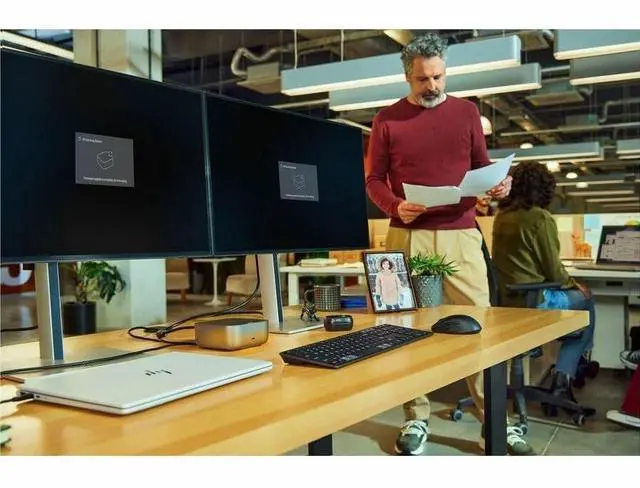
- At a home-office desk, a user connects a compatible laptop to the dock with one Thunderbolt cable to power it and reconnect desk peripherals, wired networking, and displays; unplugging that cable makes it easier to take the laptop on the go.
- For a laptop-based workstation, a user connects two external monitors for separate work windows alongside the laptop screen; the available display setup depends on the laptop’s graphics and port capabilities.
- When settling in for work, a user leaves a keyboard, mouse, webcam, and other USB accessories connected to the dock, reducing the need to plug each device into the laptop; the dock can also supply up to 100 W to a compatible notebook.
- For video calls, large downloads, or other network-heavy work, a user connects the dock to a wired Ethernet connection instead of relying on laptop Wi‑Fi; the dock includes a 2.5 GbE network port, though actual speeds depend on the network and connected devices.
- At a shared desk, a user can leave monitors, USB accessories, and Ethernet connected to the dock, then connect a compatible laptop when arriving; display behavior and charging depend on that laptop’s support and requirements.




 here!

 Top Rated
 Hot Seller