








What should I do if my smart door lock frequently fails to scan my fingerprint or unlock properly?
You can either try adding a new fingerprint with a different, clean, dry finger at various angles to enlarge the scan area, or simply reset the keyless entry door lock.
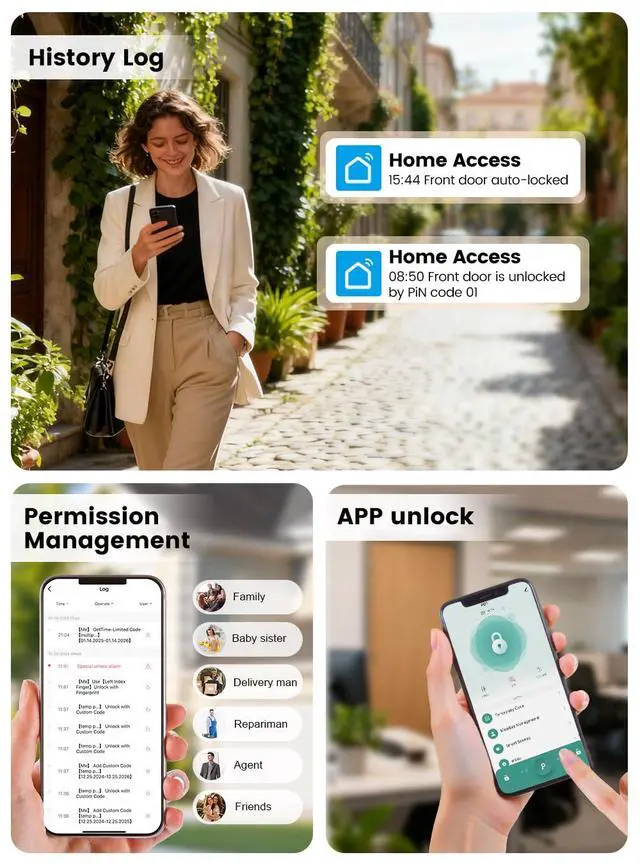
Why isn’t the smart lock unlocking after setting passcodes or temporary codes in the app?
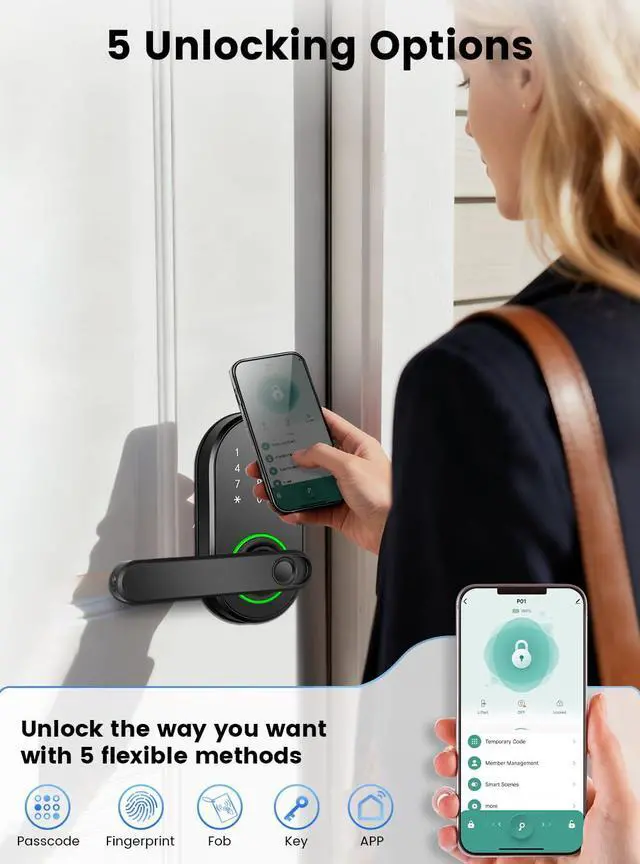
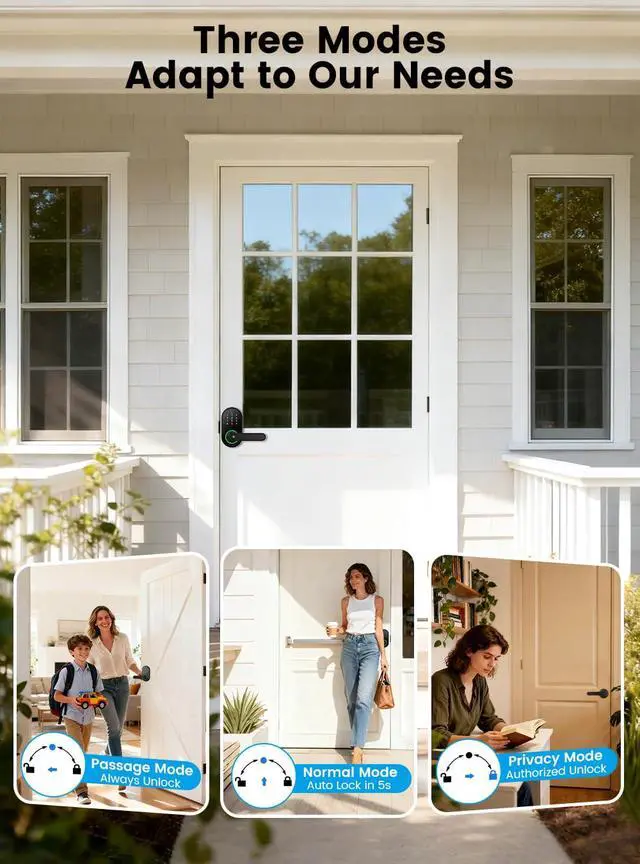
Please remember to tap 'SAVE' or 'OK' after setting a password for it to take effect. Note that Temporary Codes do not work in Privacy Mode, and enabling Password Privacy will hide the password from the app, so please save it securely.
Why can't I search for the smart lock on the App when I'm pairing it?
Make sure Bluetooth is on, you're within 3 meters of the lock, and your phone has internet (Wi-Fi/mobile data). Allow the app all necessary permissions. Wake the lock by touching its keypad before pairing.
How do I open my keypad door lock with handle if the battery dies?
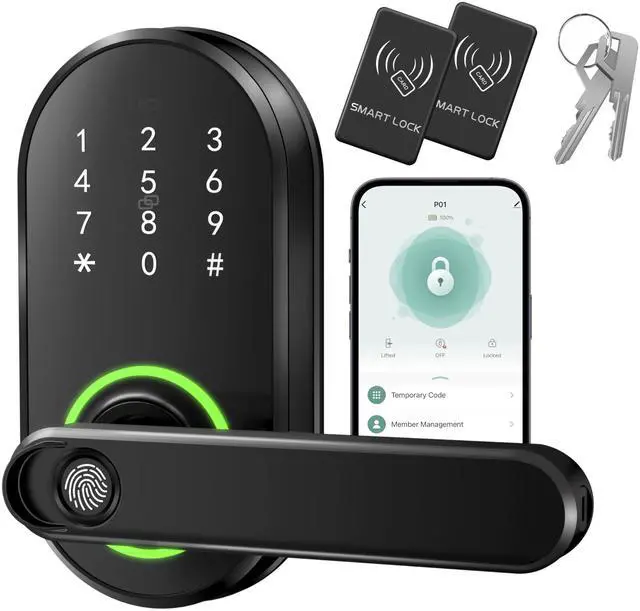
Simply plug a USB-C cable into the emergency power port to temporarily activate the lock, then unlock the door and replace the 4 AAA batteries. You can also use the backup mechanical keys to unlock the door.
Why can't I lock the door?
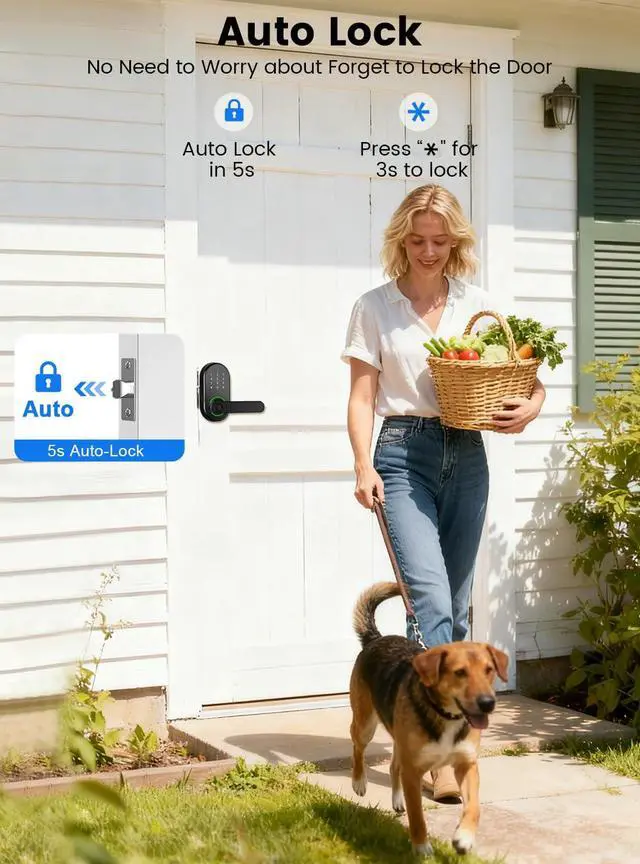
First,Check if the lock is in passage mode. Switch to Normal Mode and 5s auto-lock.
Second,ensure the spindle bar is vertical.


What should I do if my smart door lock frequently fails to scan my fingerprint or unlock properly?
You can either try adding a new fingerprint with a different, clean, dry finger at various angles to enlarge the scan area, or simply reset the keyless entry door lock.
Why isn’t the smart lock unlocking after setting passcodes or temporary codes in the app?
Please remember to tap 'SAVE' or 'OK' after setting a password for it to take effect. Note that Temporary Codes do not work in Privacy Mode, and enabling Password Privacy will hide the password from the app, so please save it securely.
Why can't I search for the smart lock on the App when I'm pairing it?
Make sure Bluetooth is on, you're within 3 meters of the lock, and your phone has internet (Wi-Fi/mobile data). Allow the app all necessary permissions. Wake the lock by touching its keypad before pairing.
How do I open my keypad door lock with handle if the battery dies?
Simply plug a USB-C cable into the emergency power port to temporarily activate the lock, then unlock the door and replace the 4 AAA batteries. You can also use the backup mechanical keys to unlock the door.
Why can't I lock the door?
First,Check if the lock is in passage mode. Switch to Normal Mode and 5s auto-lock.
Second,ensure the spindle bar is vertical.