
This one comes up so often it has become a running joke. Someone gets a new graphics card, goes looking for a monitor, finds a 1440p OLED and a 4K IPS panel sitting at roughly the same place in the lineup, and freezes. The thread that got me writing this had over a hundred replies and no consensus at all.
I have used both daily. The short version is that they fail in opposite directions, and which failure bothers you is personal. Let me lay out what actually differs before I give an opinion.
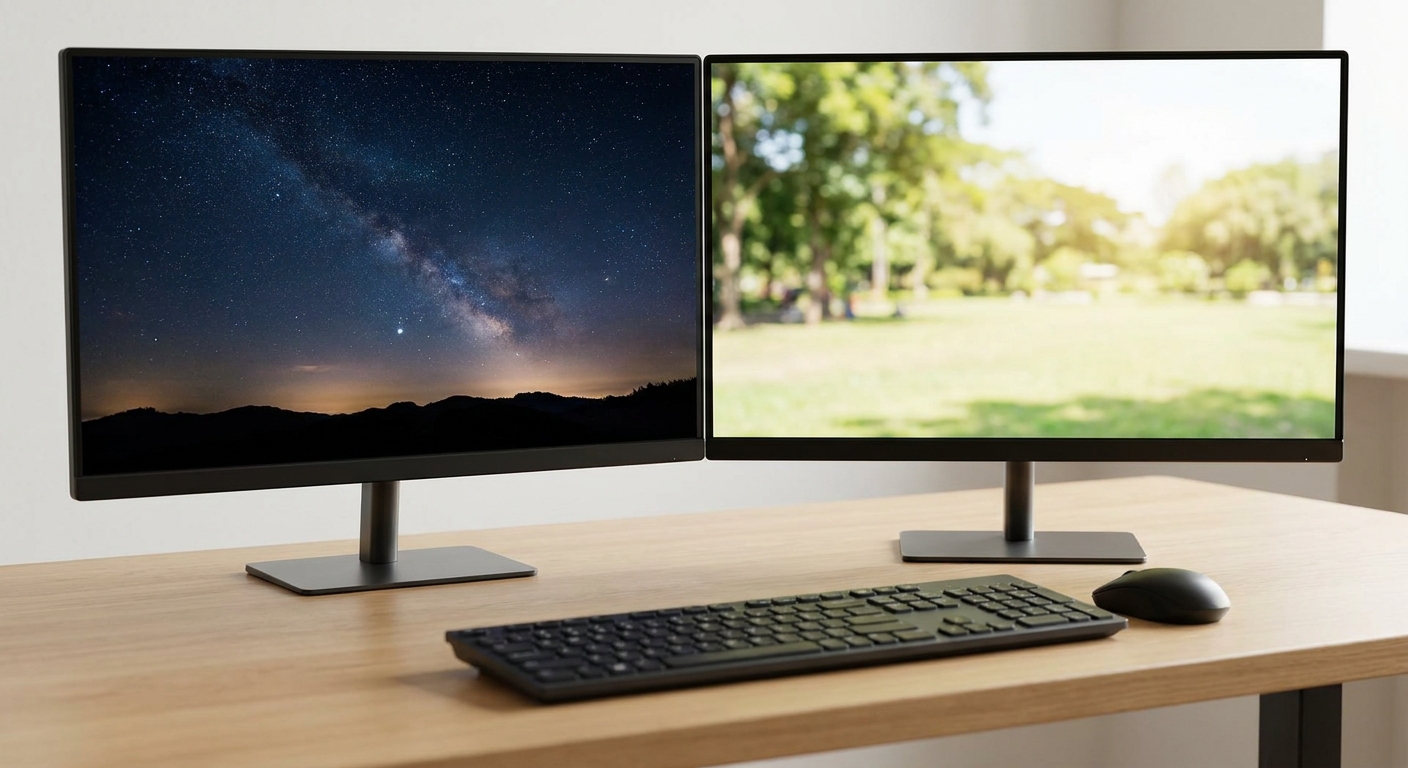
The Two Camps
OLED at 1440p. Every OLED here lists a 0.03ms grey-to-grey response and a 1,500,000:1 contrast ratio. Black is actually black, motion is genuinely clearer, and 240Hz is the norm rather than the ceiling. The cost is sustained brightness and, depending on who you ask, long-term burn-in risk.
IPS at 4K. Every IPS panel here lists a 1,000:1 contrast ratio and a 1ms response. You get a sharper image, more desktop space, and a panel you can leave on a static spreadsheet for eight hours without thinking about it. Dark scenes look grey instead of black.
Notice that neither list mentions frame rate, and that is deliberate. Driving 4K takes considerably more graphics card than 1440p. If your GPU is mid-range, the 4K panel will quietly push you toward upscaling in a way the 1440p panel will not.
Side by Side
| Monitor | Panel | Resolution | Refresh | Response | Brightness |
|---|---|---|---|---|---|
| LG UltraGear 27GS93QE-B | OLED 27″ | 2560 x 1440 | 240Hz | 0.03ms | 275 cd/m2 typ. |
| GIGABYTE GO27Q24A | OLED 27″ | 2560 x 1440 | 240Hz | 0.03ms | 400 cd/m2 |
| MSI MAG 272QP QD-OLED X24 | QD-OLED 27″ | 2560 x 1440 | 240Hz | 0.03ms | 200 cd/m2 |
| ASUS ROG Strix XG27AQDMGR | OLED 26.5″ | 2560 x 1440 | 240Hz | 0.03ms | 1300 cd/m2 peak |
| LG UltraGear 32GR93U-B | IPS 32″ | 3840 x 2160 | 144Hz | 1ms | 400 cd/m2 typ. |
| ASUS TUF Gaming VG27UQ1A | Fast IPS 27″ | 3840 x 2160 | 160Hz | 1ms | 300 cd/m2 |
| GIGABYTE G27U | Super Speed IPS 27″ | 3840 x 2160 | 160Hz | 1ms | 350 cd/m2 |
| ASUS ROG Strix XG27UCSR | Fast IPS 27″ | 3840 x 2160 | 160Hz | 1ms | 350 cd/m2 |
The OLED Case
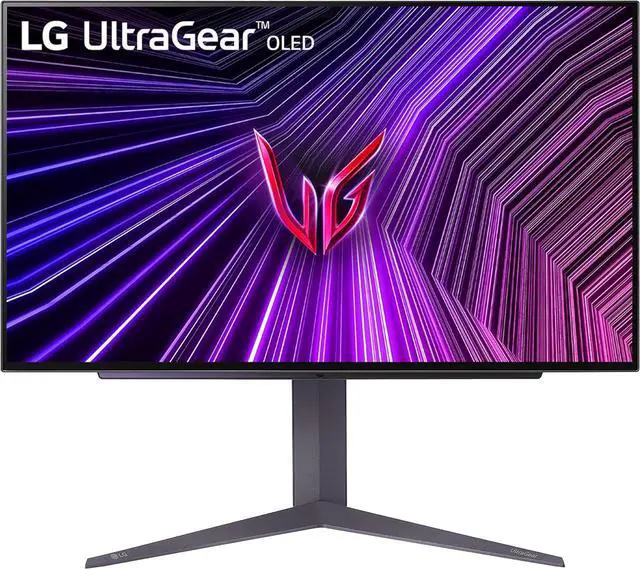
The LG UltraGear 27GS93QE-B is the one I would point a first-time OLED buyer at. It is 27 inches, 2560 x 1440, 240Hz, 0.03ms, 1.07 billion colours, and carries DisplayHDR True Black 400 certification. Typical brightness is 275 cd/m2, which is modest on paper and fine in a room that is not flooded with sunlight. One DisplayPort and two HDMI, plus a USB hub.
If your room is bright, look at the ASUS ROG Strix XG27AQDMGR instead. It is 26.5 inches, same 2560 x 1440 at 240Hz and 0.03ms, but it lists a 1300 cd/m2 peak and DisplayHDR 400, with DisplayPort 1.4 and two HDMI 2.1 inputs. The GIGABYTE GO27Q24A sits between them at 400 cd/m2 with HDR10, DisplayPort 1.4 and two HDMI 2.1, and it is the lightest of the three at 12.72 lbs with the stand.
The MSI MAG 272QP QD-OLED X24 is the QD-OLED option, with a USB-C input carrying DisplayPort alt mode and 15W of power delivery. MSI rates it at 200 cd/m2, the lowest here, so treat it as a controlled-lighting monitor.
The 4K IPS Case
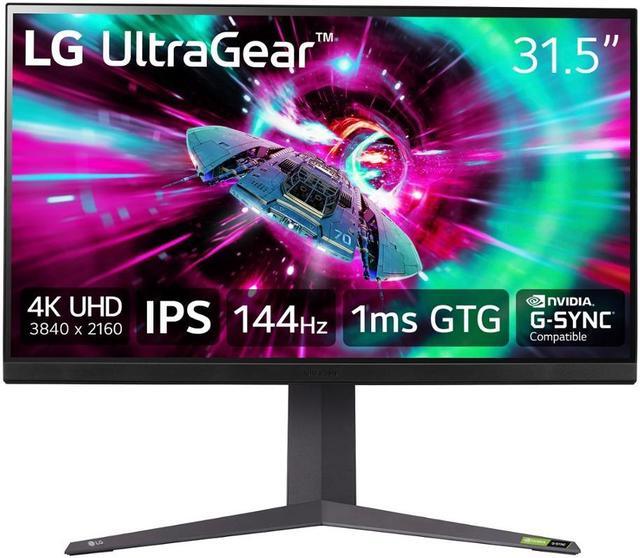
The LG UltraGear 32GR93U-B is 32 inches of 3840 x 2160 IPS at 144Hz, 1ms grey-to-grey at the Faster setting, 400 cd/m2 typical, DisplayHDR 400, with 95% DCI-P3 coverage. It is the heaviest panel here at 18.3 lbs with the stand, and at 32 inches the pixel density lands in a spot where Windows scaling is comfortable at 100%.
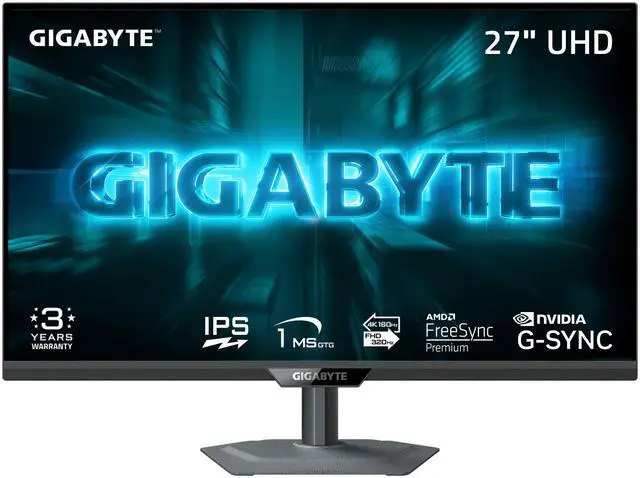
The dual-mode panels are the genuinely interesting development. The GIGABYTE G27U runs 3840 x 2160 at 160Hz for everything, then switches to 1920 x 1080 at 320Hz when you want frame rate over sharpness. It is 350 cd/m2 with DisplayHDR 400, 1ms, DisplayPort 1.4 and two HDMI 2.1.
For a plain, dependable 4K panel, the ASUS TUF Gaming VG27UQ1A does 27 inches at 160Hz with Fast IPS, 300 cd/m2, built-in speakers and two HDMI 2.1 ports. The ASUS ROG Strix XG27UCSR is the one I would take to a desk with a laptop, since it adds a USB-C input with 15W power delivery alongside DisplayPort 1.4 and HDMI 2.1, at 350 cd/m2 and 95% DCI-P3.
Winner by Category
Dark games, in a dim room. OLED, no argument. The contrast difference is not subtle and no IPS panel closes it.
Competitive shooters. Also OLED, but for the response time rather than the contrast. 240Hz at 0.03ms is a real advantage over 160Hz at 1ms.
Work plus gaming on one screen. 4K IPS, and the 32-inch LG in particular. Static interfaces all day are exactly what OLED panels ask you to be careful with, and the extra resolution genuinely helps with text.
Mid-range graphics card. 1440p, whichever panel type. Pushing 4K with a card that is already working hard means leaning on upscaling constantly, which undoes some of the sharpness you paid for.
If you want my actual answer: most people asking this question play in a normally lit room and use the same screen for work. That pushes me to 4K IPS more often than the enthusiast consensus would suggest. The full range is in Newegg’s 1440p OLED gaming monitor listings if you want to compare panel specs side by side.
Frequently Asked Questions
Is OLED burn-in still a real concern for a gaming monitor? It is a risk you manage rather than one you ignore. Static elements like taskbars, HUDs and spreadsheet gridlines are the pattern that causes trouble over years of use. Modern panels ship with pixel-shifting and refresh routines that help considerably. If your screen spends eight hours a day showing the same interface, IPS is the lower-stress choice.
Why do OLED monitors list such low brightness numbers? Typical full-screen brightness on these panels ranges from 200 to 400 cd/m2, which is lower than most IPS panels, because OLED brightness is limited across large bright areas. Peak numbers, like the 1300 cd/m2 on the ASUS ROG Strix XG27AQDMGR, apply to small highlights rather than the whole screen. In a dim room this rarely matters; next to a sunlit window it does.
Do I need a strong graphics card for 4K at 160Hz? To actually reach 160 frames per second at 4K in demanding games, yes, and a mid-range card will not get there without upscaling. The panel still works perfectly well at lower frame rates with adaptive sync, and older or lighter games will hit the ceiling easily. Buy the monitor for where your system is heading, not just where it is.
What is a dual-mode monitor and is it worth it? Panels like the GIGABYTE G27U can run their native 3840 x 2160 at 160Hz or switch to 1920 x 1080 at 320Hz. It is genuinely useful if you split your time between sharp single-player games and competitive titles where frame rate matters more than detail. If you only ever play one of those, the feature will go unused.
Is 27 inches or 32 inches better at 4K? At 27 inches the pixel density is high enough that many people turn on display scaling, which gives you sharp text but not much extra desktop space. At 32 inches, 4K lands close to the density of a 1440p 27-inch panel, so you get more usable area at 100% scaling. It comes down to desk depth and how you use the screen outside games.
Read More
- RTINGS: The Best Gaming Monitors — Lab-measured contrast, response and brightness data across OLED and IPS panels.
- Tom’s Hardware: Monitor Reviews and Buying Guides — Ongoing monitor reviews and buying advice organised by panel type and resolution.
- LG: UltraGear Gaming Monitors — Manufacturer specifications for the 27GS93QE and 32GR93U, including panel and port details.
- VESA: DisplayHDR Performance Criteria — What DisplayHDR 400 and DisplayHDR True Black 400 actually certify, which explains the brightness numbers above.
- Newegg: 1440p OLED Gaming Monitors — Filter current panels by size, refresh rate and port selection.