
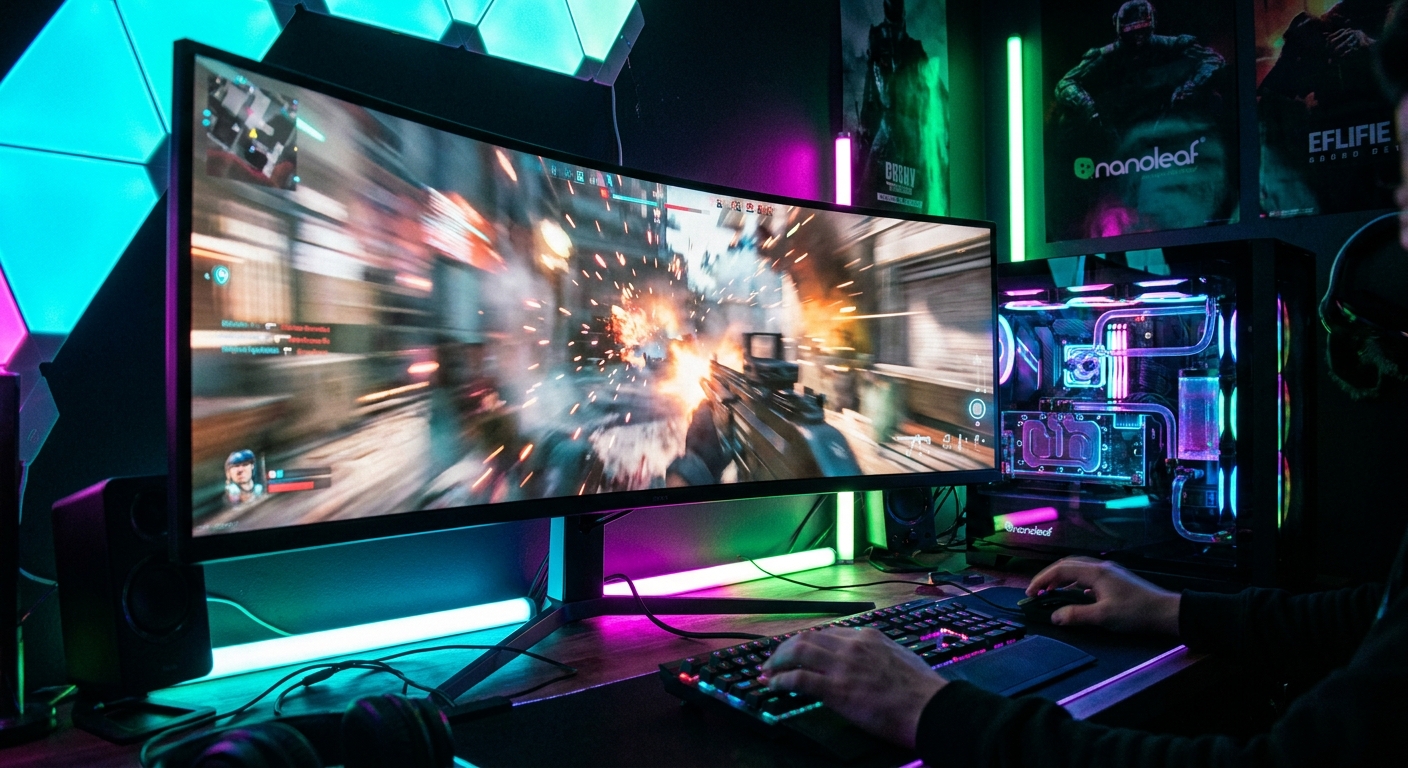
If you’ve ever browsed gaming monitors on Newegg, you’ve probably noticed that two monitors can look nearly identical on paper — same size, same resolution — yet one costs significantly more because it runs at 144Hz instead of 60Hz. But what does that actually mean for your gaming experience? And is it worth the upgrade? Let’s break it down.
What Is Refresh Rate?
Refresh rate refers to how many times per second your monitor updates the image on screen. It’s measured in hertz (Hz). A 60Hz monitor refreshes 60 times per second, while a 144Hz monitor refreshes 144 times per second. Think of it like a flipbook animation: the more pages you flip per second, the smoother the motion appears.
60Hz: The Standard Baseline
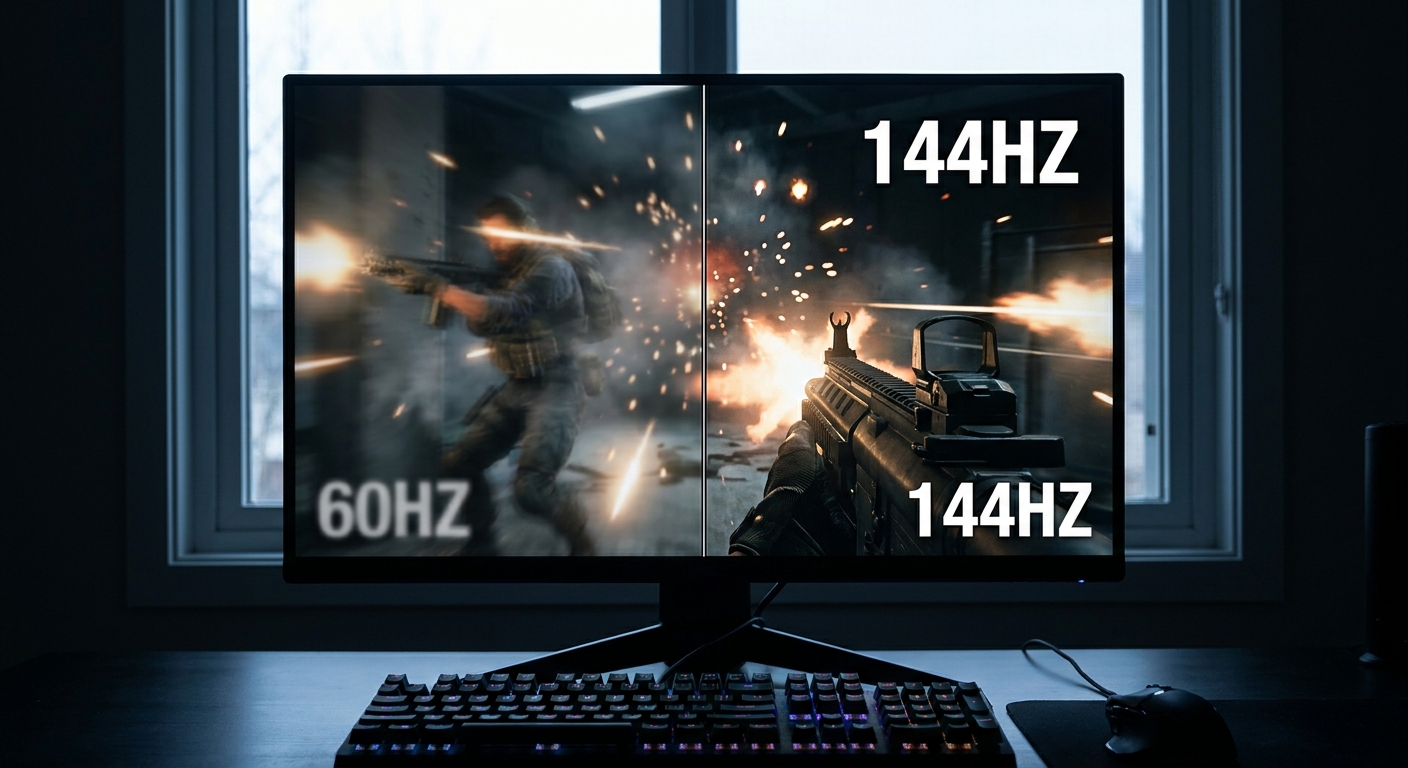
For years, 60Hz was the industry standard for both consumer and gaming displays. At 60 frames per second, most casual games, movies, and everyday applications look perfectly fine. If you’re playing turn-based strategy games, single-player RPGs, or casual titles, a 60Hz monitor is more than sufficient. However, the limitations become apparent in fast-paced action — motion blur and screen tear can become noticeable, especially when your GPU pushes out more than 60 frames per second.
144Hz and Beyond: The Competitive Edge
A 144Hz monitor refreshes more than twice as fast as a 60Hz panel. The result? Motion is dramatically smoother, objects in motion appear sharper, and the overall experience feels more responsive.
Reduced Input Lag
Higher refresh rates are paired with lower input lag, meaning the gap between you pressing a button and seeing the result on screen is shorter. In competitive titles like Valorant, CS2, or Apex Legends, that fraction of a second can be the difference between winning and losing a gunfight.
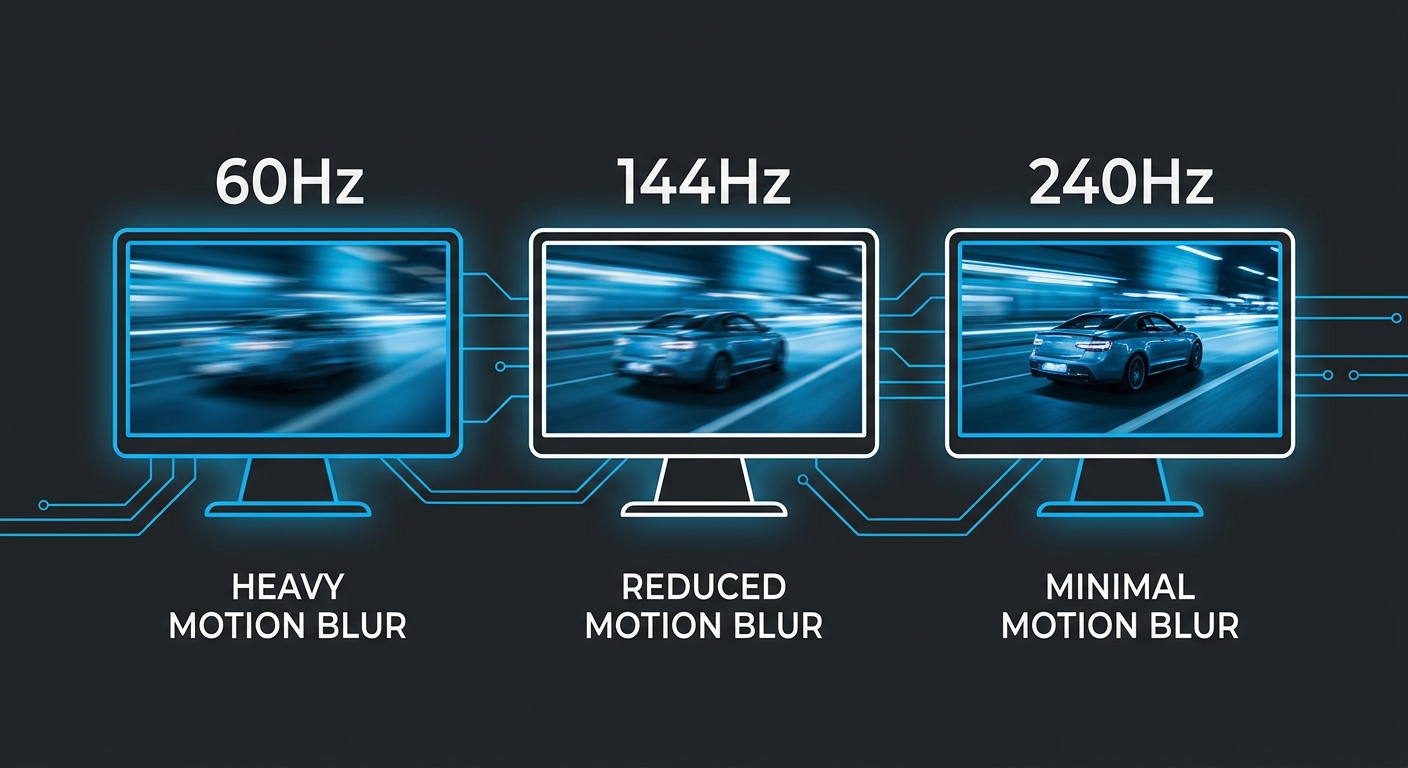
Smoother Motion Clarity
Fast-moving objects — enemy players, bullets, vehicles — are rendered more clearly at 144Hz. At 60Hz, these same objects can appear as blurs.
Less Eye Fatigue
Many users report less eye strain during extended gaming sessions at 144Hz compared to 60Hz. The smoother motion reduces visual “judder” that causes discomfort over time.
What About 240Hz, 360Hz, and Beyond?
The refresh rate tiers break down as follows: 60Hz for casual gaming and media consumption; 144Hz as the sweet spot for most gamers; 165–180Hz for mid-range competitive gaming; 240Hz for serious esports; and 360Hz+ for professional-level play. For most gamers, 144Hz hits the sweet spot between performance and price.
Does Your PC Need to Keep Up?
To benefit from a 144Hz monitor, your GPU needs to consistently push 144+ frames per second. Technologies like AMD FreeSync and NVIDIA G-Sync help by synchronizing your GPU’s frame output with your monitor’s refresh rate, eliminating screen tearing even when frames fluctuate.
Our Top Picks on Newegg
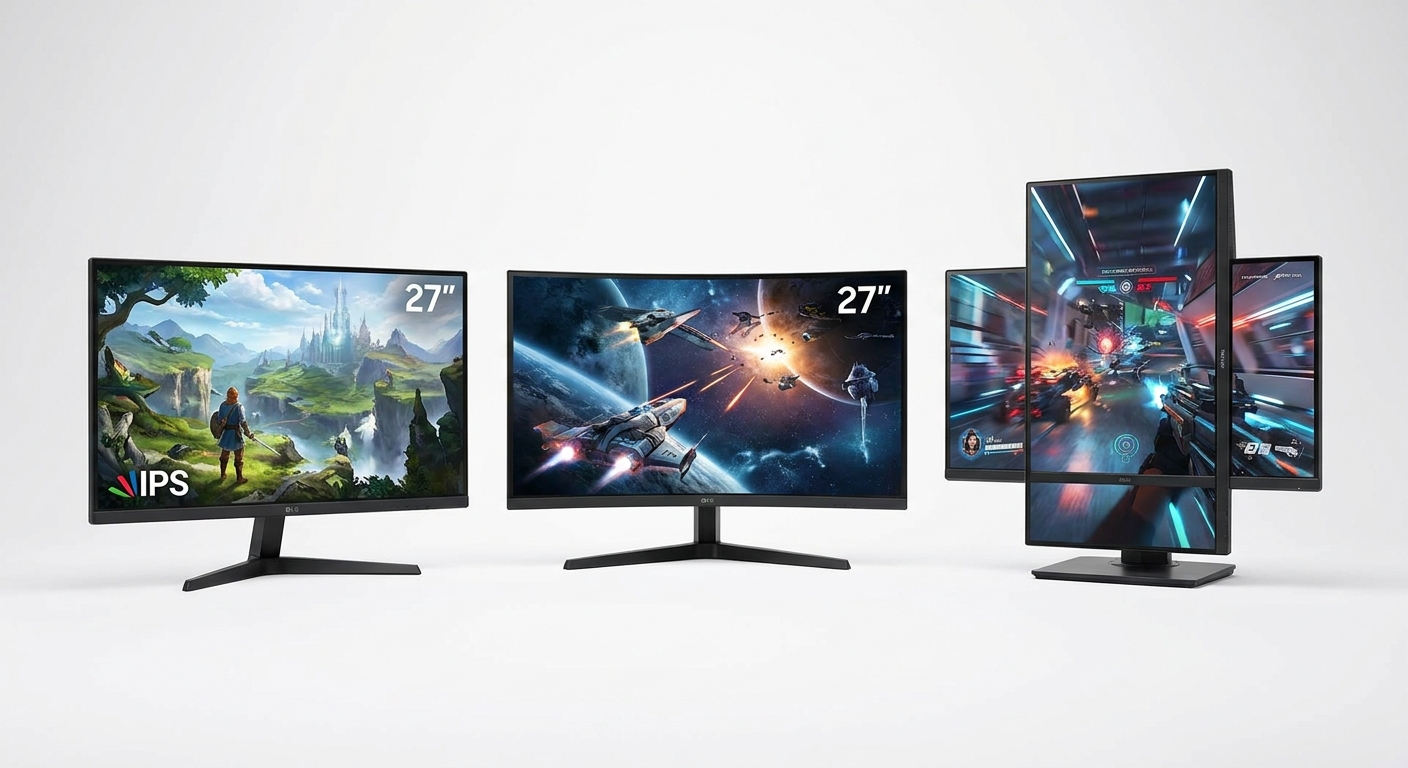
Best Value — MSI G275L E14 27″ FHD 144Hz IPS: A reliable 1080p 144Hz monitor with AMD FreeSync and 1ms response time. View on Newegg
Best Mid-Range — MSI MAG 275UPD E14 27″ 4K 144Hz / FHD 288Hz: A dual-mode powerhouse — switch between 4K 144Hz for clarity and FHD 288Hz for competitive speed. View on Newegg
Best Budget — Dell S2721HGF 27″ Curved FHD 144Hz: G-Sync compatible with AMD FreeSync Premium at an accessible price. View on Newegg
Explore the full range of gaming monitors on Newegg.
Verdict: Should You Upgrade to 144Hz?
If you’re still gaming on a 60Hz display, upgrading to 144Hz is one of the most impactful hardware upgrades you can make — often more noticeable than upgrading your GPU alone. For casual gamers, 144Hz makes everyday gaming more enjoyable. For competitive gamers, it’s the minimum — look at 240Hz+ for esports. The bottom line? Once you game at 144Hz, going back to 60Hz feels like watching a slideshow.