
Introduction
A great 4K monitor transforms how you interact with your computer. For creators, it means more real estate for editing timelines, color-accurate visuals, and sharper text. For gamers, it means breathtaking detail in open-world environments, better situational awareness in competitive titles, and an immersive gaming experience that 1080p simply cannot match. In 2026, 4K monitors have come down in price significantly — excellent options now exist under $400, and premium OLED panels have become more accessible than ever.
The challenge is that the right 4K monitor looks different depending on what you use it for. This guide walks through the key use-case scenarios and recommends the best 4K monitors for each.
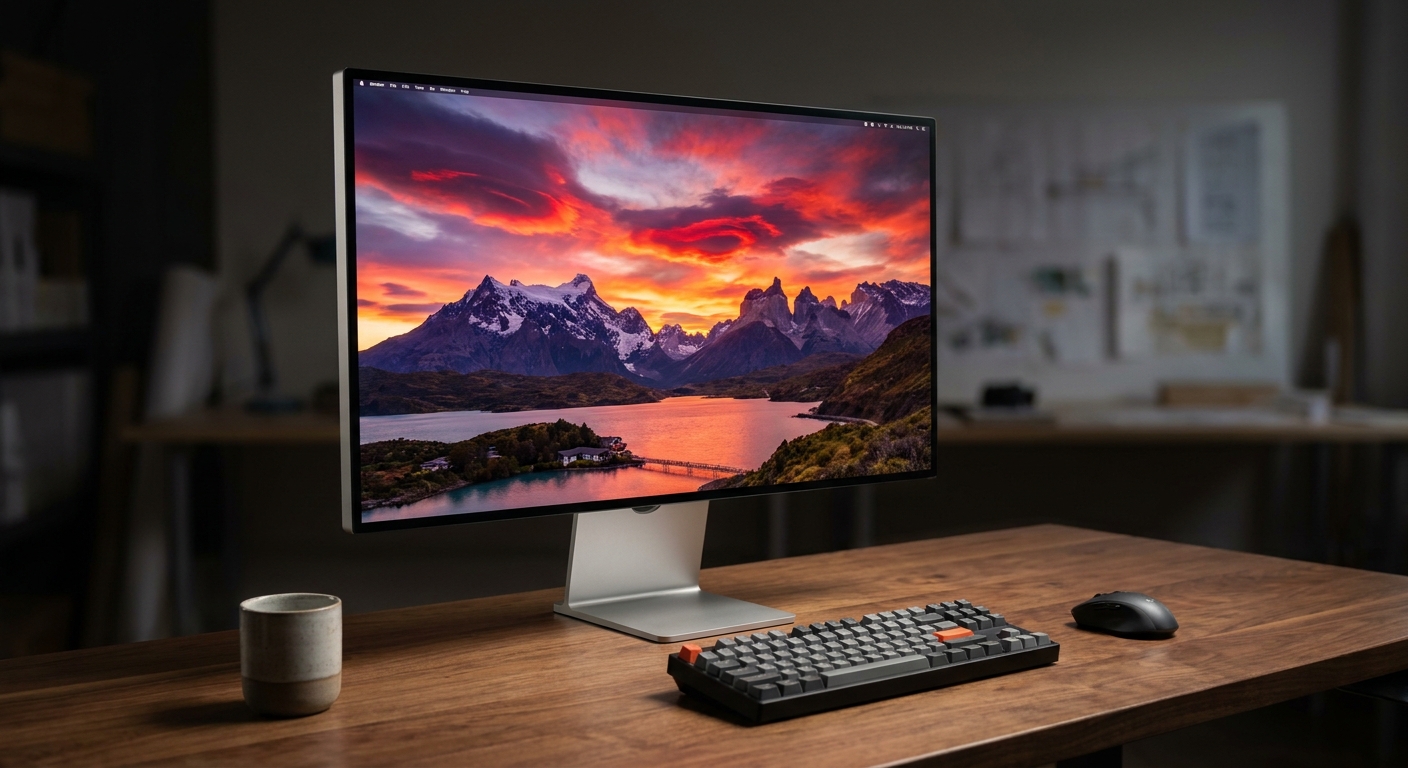
Who Needs a 4K Monitor in 2026?
4K monitors make the most sense for three groups of people: creative professionals who need color accuracy and resolution for photo or video work; PC gamers who have upgraded to an RTX 4080, RTX 5080, or RX 7900 XTX and want a display that matches their GPU’s capability; and general users who spend hours in front of a screen and want the sharpest, most comfortable image quality possible.
If you are primarily gaming on a mid-range GPU like an RTX 4060, a 1440p monitor will give you better frame rates at a lower price and is likely the smarter choice. But if your GPU can push 60+ FPS at 4K in your favorite games, the step up to 4K is worthwhile.
Use-Case Scenarios
Scenario 1: The Creative Professional
Video editors, photographers, and graphic designers need a 4K monitor with accurate, consistent color reproduction. Look for a panel with at least 99% sRGB and 95% DCI-P3 coverage, factory calibration to reduce Delta-E color deviation, and a matte or low-glare panel for studio use. Refresh rate matters less here — 60Hz is fine for creative work, though 120Hz is a nice bonus for smoother UI interaction.

Top picks for creators: ASUS ProArt PA279CRV (99% DCI-P3/Adobe RGB, excellent uniformity).
Shop ASUS ProArt Monitors on Newegg
Scenario 2: The PC Gamer
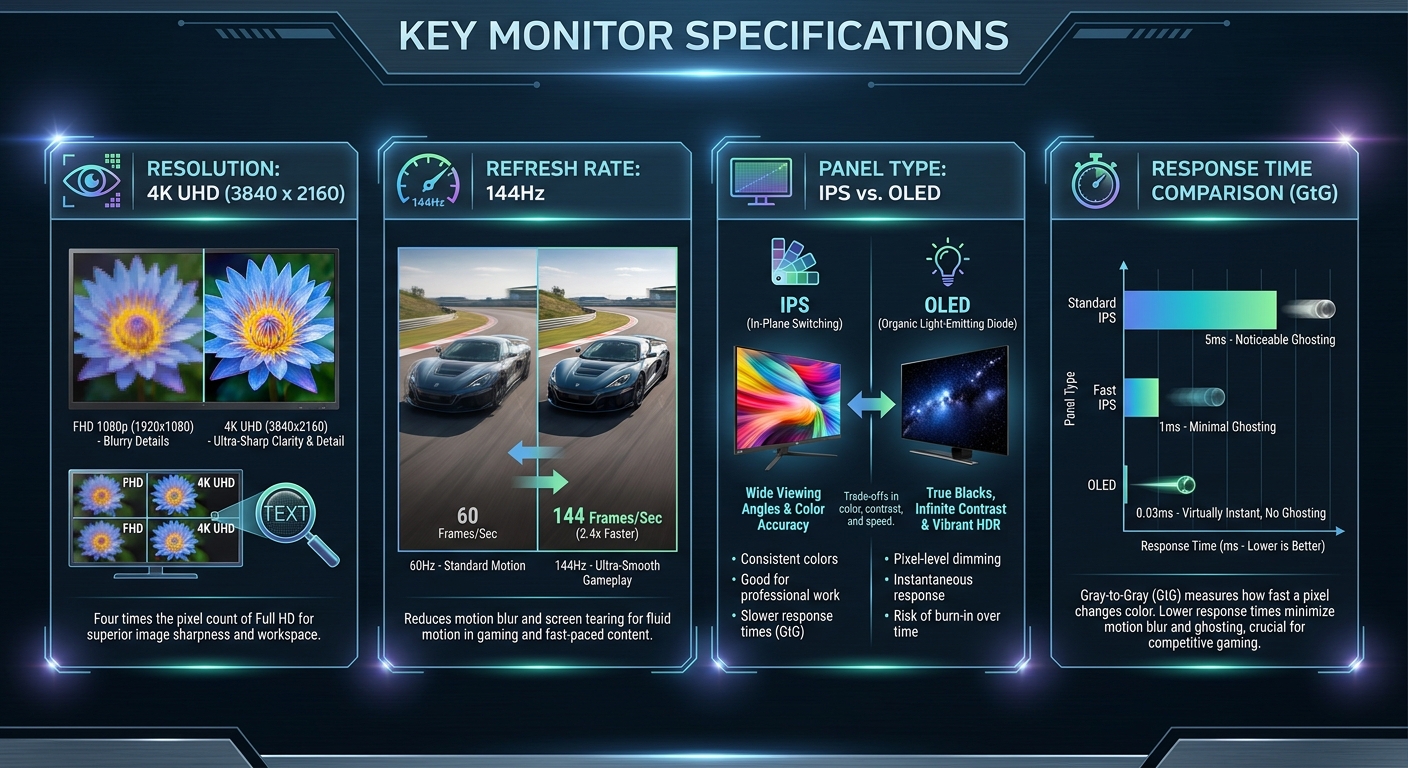
For gaming, 4K monitors need high refresh rates — ideally 144Hz or higher — and fast response times under 5ms for competitive play. OLED and Mini LED panels deliver the best contrast ratios for dark scenes in games. If you play HDR-enabled titles, look for a monitor with genuine HDR performance: VESA DisplayHDR 600 or above. HDMI 2.1 and DisplayPort 1.4 support is important to ensure bandwidth for 4K at 144Hz without compression.
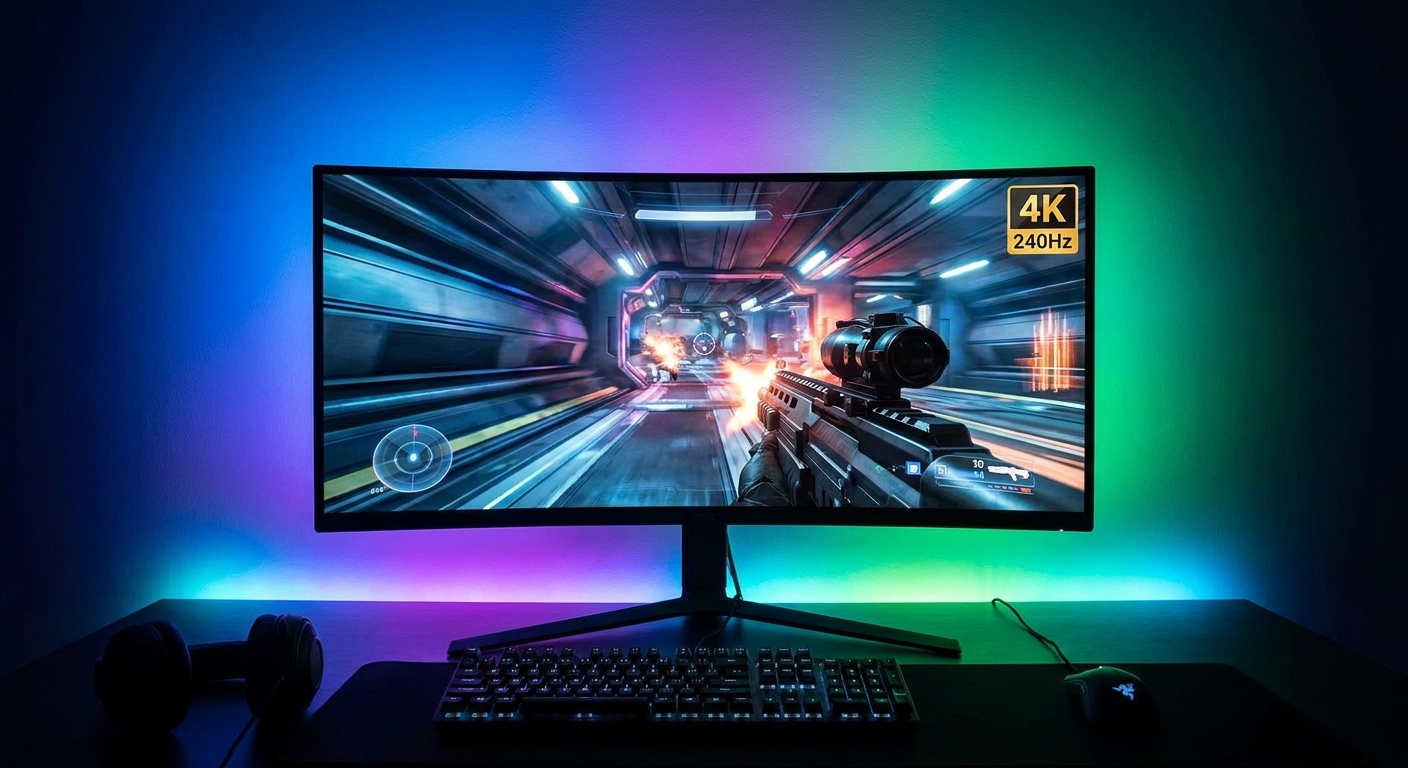
Top picks for gamers: MSI MAG 272URDF E16 (Dual Mode UHD 4K 160Hz) and the ASUS ROG Swift PG32UCDM (4K OLED 240Hz, DisplayPort 1.4).
Shop 4K Gaming Monitors on Newegg
Scenario 3: The Home Office / General User
For general use — document editing, spreadsheets, video calls, and media consumption — a 4K IPS monitor at 60 to 120Hz with good ergonomics and USB-C connectivity is the priority. Features like USB-C with 65W or 90W power delivery let you charge a laptop through the monitor cable, simplifying your desk setup. Pivot, tilt, and height adjustment allow comfortable positioning for long work sessions.
Top picks for home office: Dell U2723QE (USB-C 90W PD, excellent uniformity) and the BenQ EW3280U (USB-C, sRGB calibrated, media-focused).
Shop Dell 4K Monitors on Newegg
Best Pick Per Scenario
Best for Creators: ASUS ProArt PA279CRV — factory-calibrated, 99% DCI-P3/Adobe RGB, excellent panel uniformity. Shop on Newegg
Best for Gamers: ASUS ROG Swift PG32UCDM — 4K OLED at 240Hz with DisplayPort 1.4 and HDR400. Shop on Newegg
Best for Home Office: Dell U2723QE — USB-C 90W PD, exceptional color accuracy, reliable ergonomic stand. Shop on Newegg
Verdict
The best 4K monitor in 2026 depends entirely on your primary use case. Creators who need color accuracy should invest in a factory-calibrated IPS or OLED panel like the ASUS ProArt series. Gamers who want the ultimate visual experience should look at OLED panels with 240Hz refresh rates and DisplayPort 1.4 connectivity. Home office users benefit most from USB-C integration, ergonomic stands, and solid panel uniformity.
Read More
- RTINGS: Best 4K Monitors 2026 — Objective, measurement-based ratings for color accuracy, response time, HDR performance, and uniformity across all major 4K monitors.
- TechSpot: Best 4K Gaming Monitors — Expert reviews focused on gaming performance metrics including input lag, pixel response, and HDR quality.
- ASUS ROG Swift PG32UCDM Official Page — Full specs and features for the flagship ASUS ROG 4K OLED gaming monitor.
- Reddit r/Monitors: Best 4K Monitor 2026 Recommendations — Community discussion with firsthand owner experiences and recommendations across use cases.
- Shop All 4K Monitors on Newegg — Browse the full range of 4K monitors with filters for refresh rate, panel type, and price.
Related Posts
- 1440p OLED or 4K IPS: The Monitor Question I Keep Getting
- Best Graphics Cards for 1080p Gaming in 2026
- Best Power Supplies in 2026
- Best Gaming Laptops in 2026
- How Much Memory an AM5 Build Actually Needs in 2026
Frequently Asked Questions
Common questions about buying the best 4K monitor in 2026.