
Introduction
Gaming laptops under $1,000 have never been this capable. In 2026, you can buy a notebook that handles modern AAA games at 1080p high settings, comes with a 144Hz IPS or QHD display, runs on an NVIDIA RTX 4060 or AMD RX 7600M GPU, and weighs under 2.5 kg. The challenge is finding the right balance between GPU performance, display quality, battery life, build quality, and cooling — because compromises exist at every price point.
This buying guide covers what to look for, compares the top contenders, and picks the best gaming notebooks for different priorities — all for under $1,000.
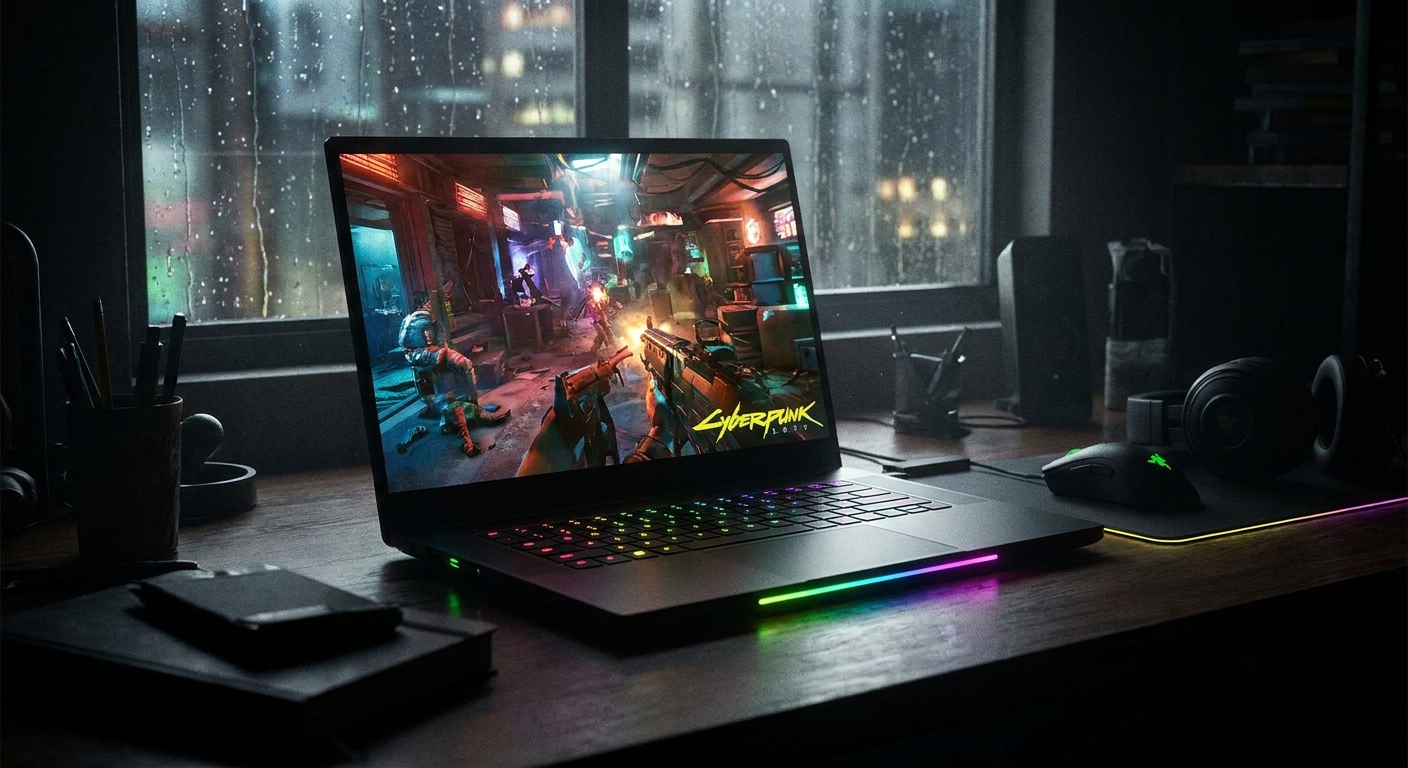
Why $1000 Is a Sweet Spot for Gaming Laptops
The sub-$700 gaming laptop tier is crowded with machines that compromise on cooling, display resolution, or battery life. The $1,000 to $1,200 tier moves into premium territory with slim designs, QHD displays, and more efficient cooling. At around $800 to $1,000, you get the best of both worlds: genuine gaming performance with a quality display and build without the premium price of flagship designs.
What to Look For in a Gaming Notebook Under $1000
GPU
In 2026, the NVIDIA GeForce RTX 4060 Mobile is the benchmark for gaming notebooks at this price tier. It handles 1080p gaming at high-to-ultra settings in modern titles and supports DLSS 3 Frame Generation. AMD’s Radeon RX 7600M XT is a strong competitor with more VRAM (12GB vs 8GB) and solid FSR 4 support. Avoid notebooks with RTX 4050 Mobile if you want comfortable performance in demanding titles.
Display
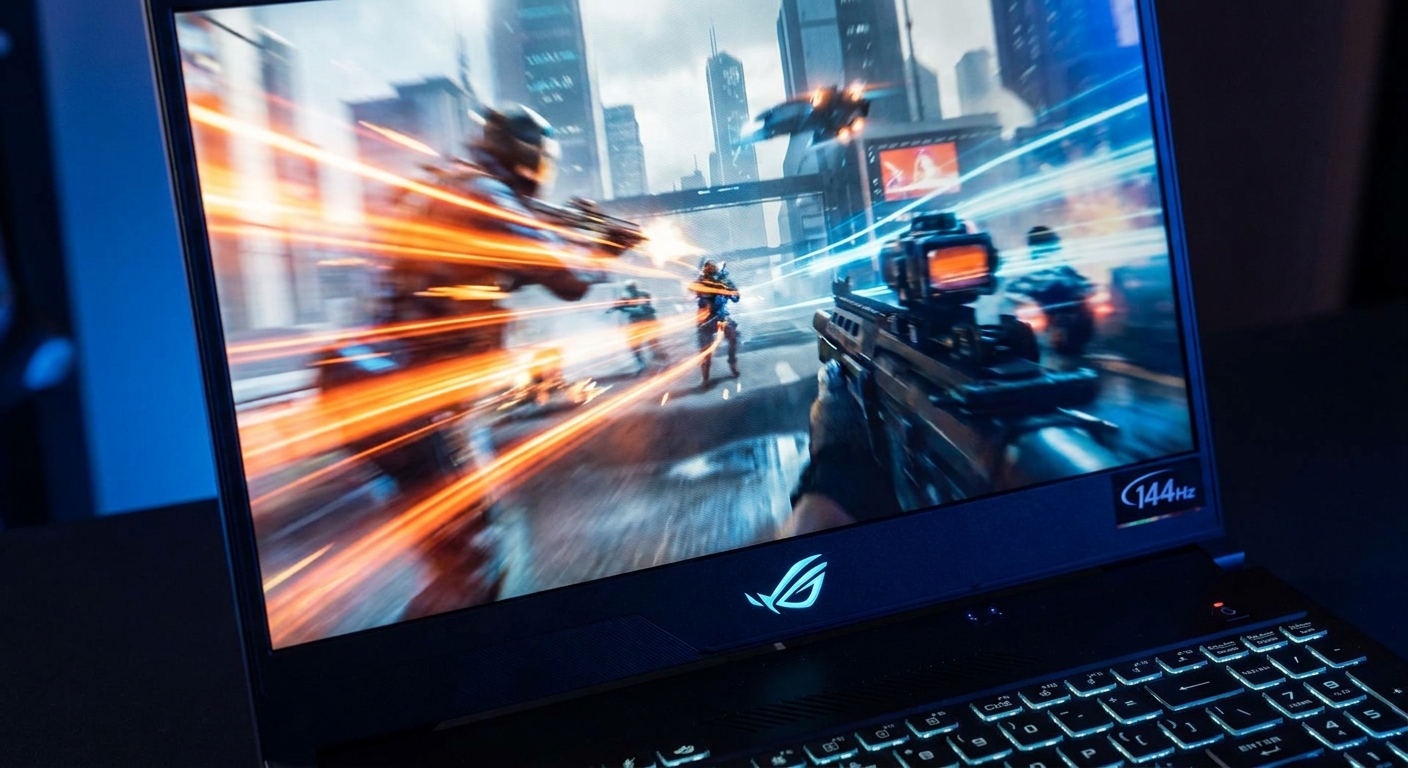
A 1080p 144Hz IPS display is the minimum you should accept in a gaming notebook. For the best experience, look for 1080p 165Hz or a 2560×1600 (QHD) 144Hz panel, which offers noticeably more detail without the GPU cost of full 4K. OLED displays at this price tier are rare but worth seeking out for their contrast and color accuracy.
Cooling
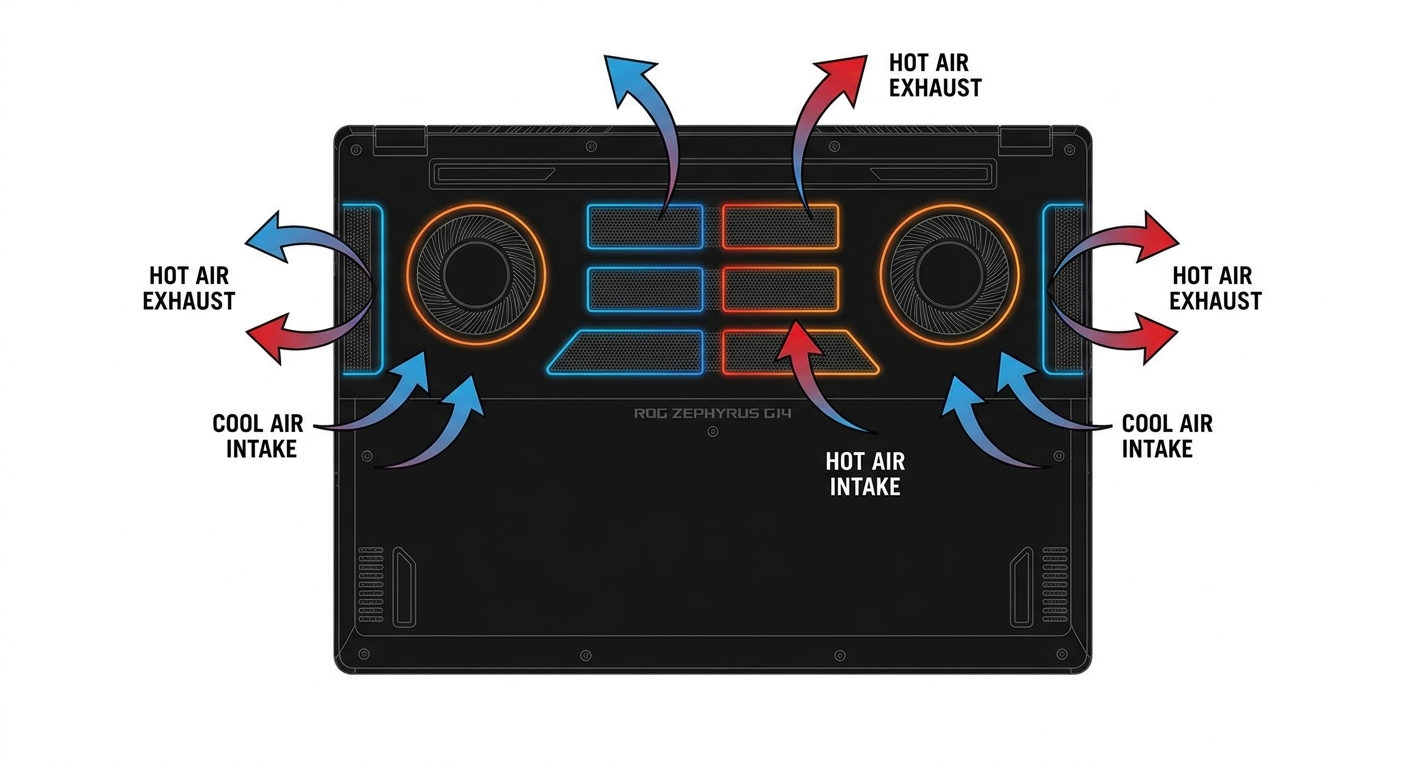
Cooling is the biggest challenge in laptop design, and it is where budget gaming laptops most often cut corners. Look for notebooks with dual-fan, multi-heatpipe cooling systems and dedicated thermal paste or liquid metal application on the CPU die. Avoid machines that throttle (reduce clock speeds under load) — user reviews and benchmark sites like NotebookCheck are invaluable for verifying thermal performance before you buy.
Battery Life
Gaming laptops with discrete GPUs typically get 4 to 7 hours of battery life during light tasks. Do not expect more than this from a notebook with a dedicated GPU. Some models include a battery-saver mode that switches to integrated graphics for lighter workloads, which can extend battery life to 8 to 10 hours for document editing and web browsing.
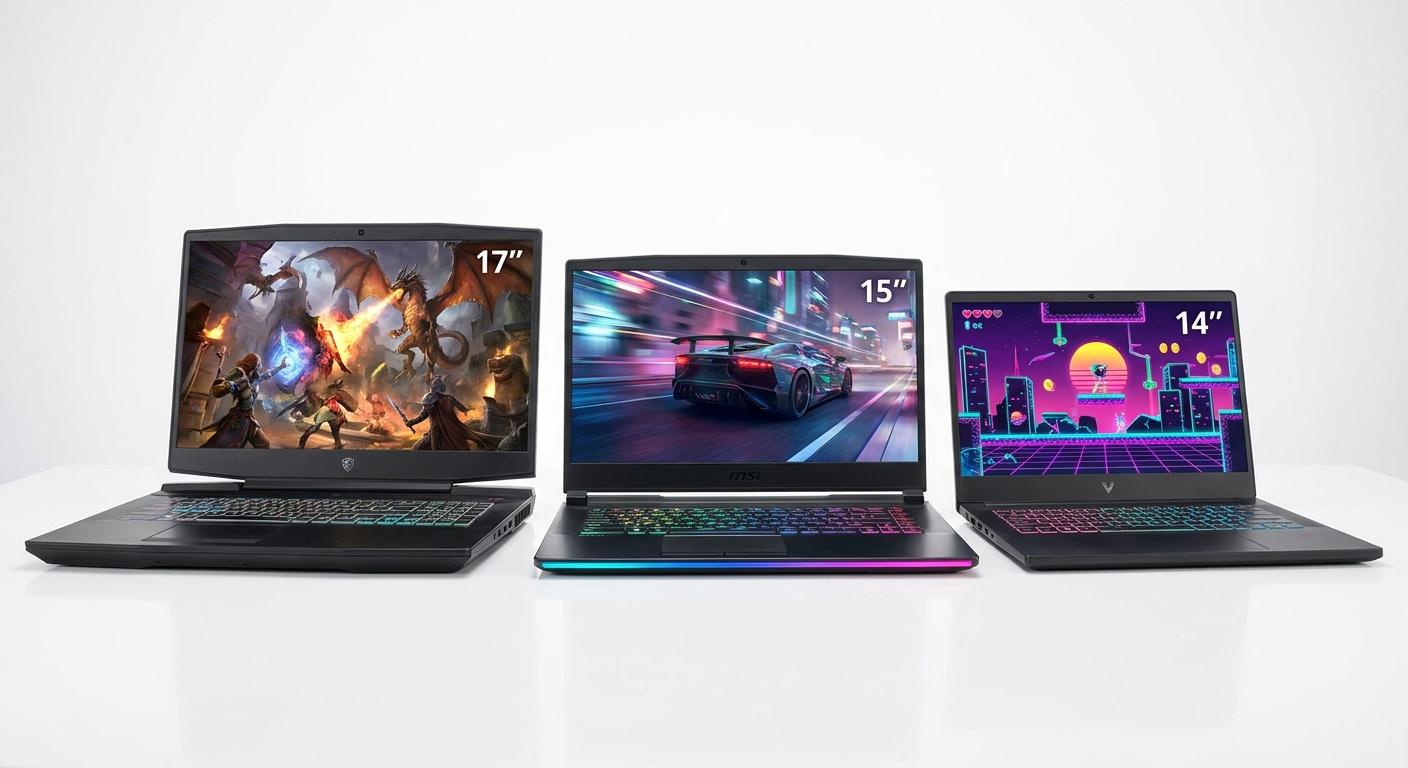
Top Gaming Notebooks Under $1000 in 2026
| Laptop | GPU | CPU | Display | RAM | Storage |
|---|---|---|---|---|---|
| ASUS TUF Gaming A15 (2026) | RTX 4060 Mobile | Ryzen 9 7945HX | 15.6″ 1080p 165Hz | 16GB DDR5 | 1TB NVMe |
| Lenovo LOQ 15i Gen 4 | RTX 4060 Mobile | Core i7-13620H | 15.6″ 1080p 144Hz | 16GB DDR5 | 512GB NVMe |
| MSI Thin 15 B13UCX | RTX 4050 Mobile | Core i7-13620H | 15.6″ 1080p 144Hz | 16GB DDR4 | 512GB NVMe |
| Acer Nitro V 16 | RTX 4060 Mobile | Ryzen 7 7745HX | 16″ 1080p 165Hz | 16GB DDR5 | 1TB NVMe |
Detailed Picks
Best Overall: ASUS TUF Gaming A15 (2026)
The TUF Gaming A15 continues to be one of the most balanced gaming notebooks in its price range. With an RTX 4060 Mobile, Ryzen 9 7945HX CPU, and excellent thermal design, it handles demanding games without throttling. The 165Hz 1080p display is smooth and responsive, and ASUS includes a MUX switch to bypass the integrated graphics processor for a direct GPU-to-display connection, boosting gaming performance by an additional 10 to 15 percent. Build quality is solid and the keyboard is one of the better ones in this category.
Shop ASUS TUF Gaming A15 on Newegg
Best Value: Lenovo LOQ 15i Gen 4
Lenovo’s LOQ series is designed specifically for budget-conscious gamers who do not want to compromise on the GPU. The LOQ 15i Gen 4 packs an RTX 4060 Mobile into a chassis that starts under $750 — one of the most affordable RTX 4060 laptops available. Cooling is adequate thanks to Lenovo’s Cold Front 5.0 thermal system, and the 144Hz display is suitable for smooth 1080p gaming. The build is plasticky compared to premium notebooks, but for pure gaming performance per dollar, it is hard to beat.
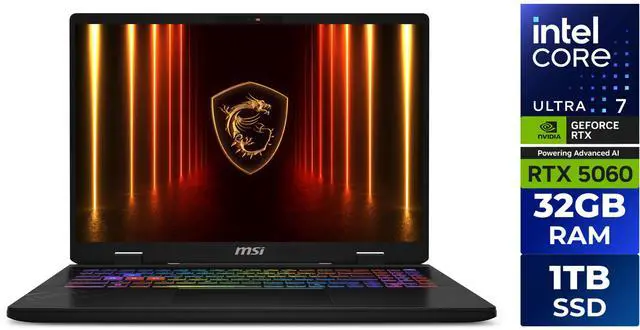
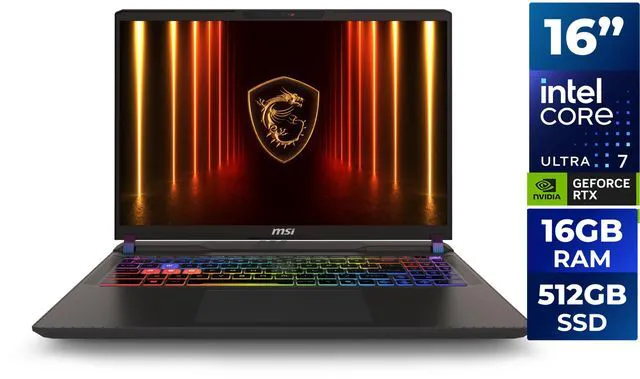
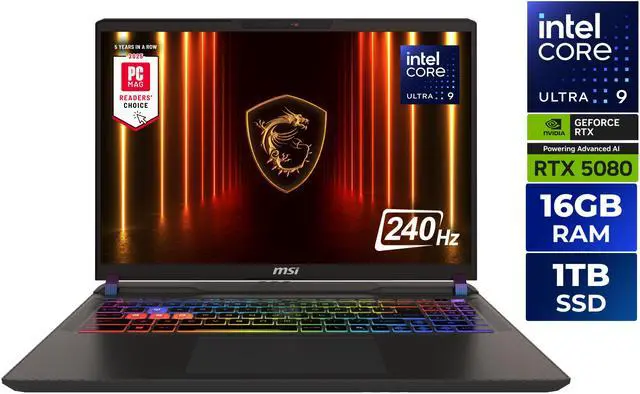
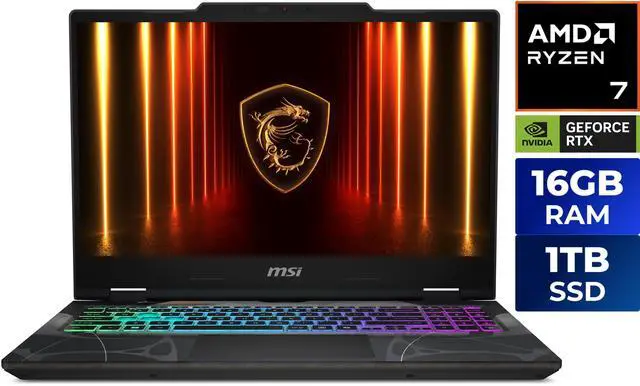
Best Budget Alternative: MSI Thin 15
If $700 is the ceiling of your budget, the MSI Thin 15 with RTX 4050 Mobile is worth considering. While it trails the RTX 4060 models in performance, it handles 1080p gaming at medium-to-high settings in most modern titles. The “Thin” name is not marketing — at under 2.0 kg, it is significantly more portable than most gaming notebooks in this class, making it a strong option for gamers who also commute or travel frequently.
Shop MSI Gaming Notebooks on Newegg
Final Verdict
For under $1,000, the ASUS TUF Gaming A15 is the best all-around gaming notebook in 2026, thanks to its combination of a powerful CPU, RTX 4060 Mobile GPU, MUX switch, and excellent thermal management. If budget is the primary constraint, the Lenovo LOQ 15i Gen 4 delivers the same RTX 4060 GPU at a lower price, making it one of the best value gaming laptops available. Whatever you choose, gaming notebooks in 2026 have reached a point where you no longer need to spend over $1,200 to enjoy smooth, high-quality gaming on the go.
Read More
- NotebookCheck: Best Gaming Laptops Under $1000 — Benchmark-driven reviews with detailed thermal, battery, and display measurements for every major gaming notebook.
- XDA Developers: Best Gaming Laptops 2026 — Hands-on recommendations with practical buying advice across budget and mid-range gaming laptop tiers.
- ASUS TUF Gaming A15 Official Page — Full specs, available configurations, and warranty information for the TUF Gaming A15.
- Best Gaming Laptops Under $1000 — YouTube Review — Video comparison of top gaming notebooks with real gameplay footage and thermal benchmarks at the $1000 price tier.
- Shop All Gaming Laptops on Newegg — Filter by GPU, display size, and price to find the best gaming notebook for your needs.
Related Posts
- Best Gaming Laptops Under $1500 in 2026: Power Without Breaking the Bank
- How to Set Up a New Laptop After Unboxing: A Step-by-Step Guide
- What Should I Do After Buying a New Laptop? The Smart Owner’s Checklist
- ROG Strix vs. Lenovo Legion Pro 5i vs. Razer Blade: Which Gaming Laptop Brand Wins in 2026?
- RTX 4070 Laptop vs. AMD RX 7700S: Which Gaming GPU Delivers Better Value in 2026?
Frequently Asked Questions
Common questions about buying a gaming notebook under 1000.