
A network-attached storage (NAS) box used to be a thing only IT hobbyists owned. In 2026 it is closer to a household appliance: a small always-on computer with hard drive bays that stores your files, streams your media, and runs the little services that keep a connected home humming. But “best home NAS” is a trick question, because the right pick depends entirely on what you plan to do with it.
This guide skips the spec-sheet overload and organizes the decision around how real people actually use a NAS at home. We will look at who genuinely needs one, walk through three common scenarios, and name a best pick for each.
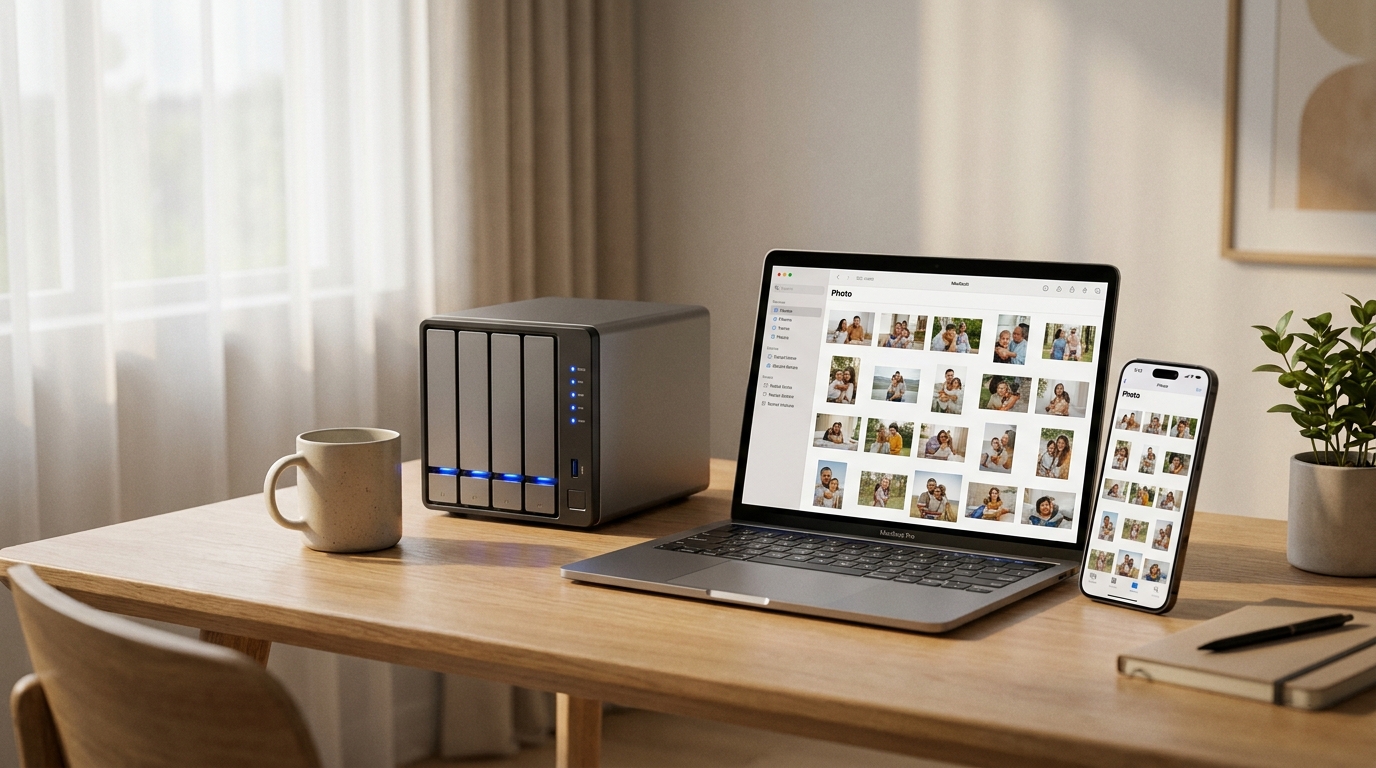
Who Needs This?
You probably want a NAS if any of these sound like you. First, you are tired of juggling external USB drives and cloud subscriptions and want one private place for everything. Second, you take a lot of photos and video and have outgrown free cloud tiers. Third, you want to stream your own movie and music collection to TVs and phones around the house without monthly streaming fees. Fourth, you want automatic, redundant backups of multiple computers so a single drive failure never costs you data.
You probably do not need one if you own a single laptop, store little, and are happy paying for a cloud plan. For that life, a USB SSD plus cloud sync is simpler and cheaper. A NAS earns its keep when you have multiple devices, multiple people, or a growing media library. If that is you, browse current models on the Newegg NAS selection to see what fits your budget.
Use-Case Scenarios
Scenario 1: Simple backup and photo vault. You want a reliable, low-effort place to back up two or three computers and offload your phone’s photo roll. You are not running heavy apps and you do not stream much. Here, two drive bays in a mirror (RAID 1) are plenty, low power draw matters, and ease of setup beats raw horsepower.
Scenario 2: Plex / Jellyfin media server. You have a movie, TV, and music library and want to stream it to TVs, tablets, and phones, sometimes to several screens at once. The deciding factor is the processor and whether it has hardware transcoding and an HDMI port, plus enough bays to hold a large library that keeps growing.
Scenario 3: Power-user home server. You want to run Docker containers, virtual machines, smart-home dashboards, a personal cloud, and maybe self-hosted apps, all at once. You need a strong CPU, generous and upgradable RAM, fast 2.5GbE or 10GbE networking, and NVMe slots for caching.
Best Pick per Scenario
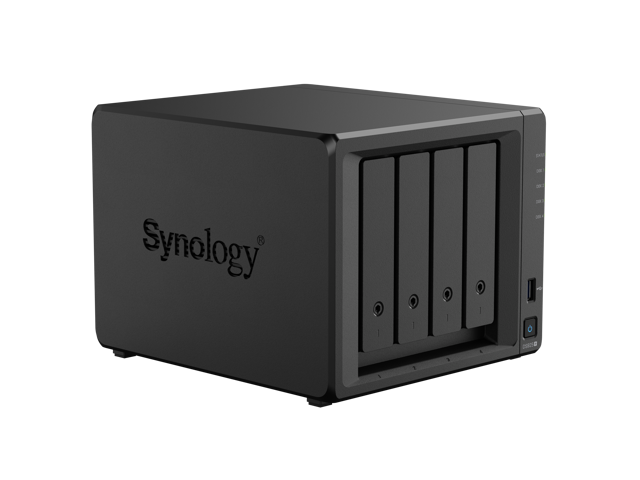
Best for simple backup: Synology DS224+. This is the friendly entry point. It is a 2-bay unit built around a quad-core Intel Celeron at 2.0 GHz with 2GB of DDR4 (expandable to 6GB). Synology’s DSM software is the easiest in the category, and its Active Backup and Photos apps handle exactly the “back up my computers and phone” job this scenario describes. Two bays in RAID 1 give you redundancy without overspending. It is available on Newegg, with MSRP around $370 (commonly sold lower).
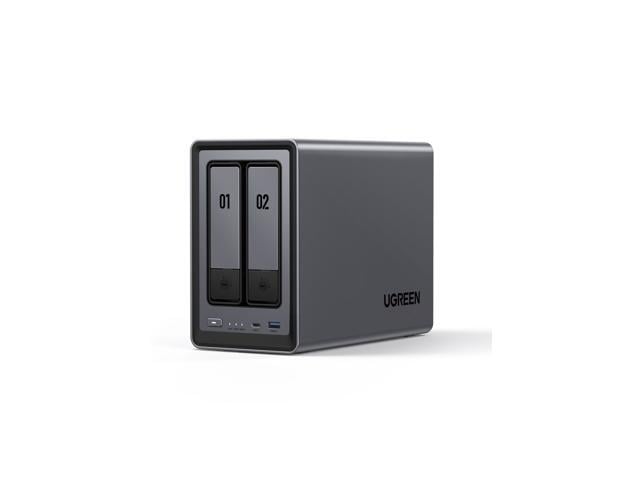
Best for media server: UGREEN NASync DXP4800 Plus. For Plex and Jellyfin, this 4-bay unit punches above its price. It runs an Intel Pentium Gold 8505 (a 5-core 12th-gen chip with quick-sync hardware transcoding), ships with 8GB of DDR5, and crucially pairs one 10GbE port with one 2.5GbE port plus a 4K-capable HDMI output. Four bays support up to roughly 144TB of raw capacity, with two NVMe slots for caching. Expect a price around $620, available on Newegg. If you prefer the most polished media app ecosystem instead, the QNAP TS-464 (quad-core Celeron N5095/N5105, 8GB DDR4, HDMI 2.1, dual 2.5GbE) is a strong alternative, available on Newegg.
Best for power-user home server: Synology DS925+ or TerraMaster F4-424 Pro. If you live in the Synology ecosystem and want rock-solid software for Docker, Virtual Machine Manager, and surveillance, the DS925+ is the pick: a 4-bay unit with a quad-core AMD Ryzen V1500B, 4GB ECC DDR4 expandable to 32GB, dual 2.5GbE, and two M.2 slots. MSRP is about $620, available on Newegg. If you want the most raw compute for the money and are comfortable with TerraMaster’s TOS software, the F4-424 Pro is a beast for the class: an 8-core Intel Core i3-N305, 32GB of DDR5, four bays, and dual 2.5GbE, with a US price around $699, available on Newegg. The Synology wins on software polish; the TerraMaster wins on horsepower per dollar.
The Drives Matter Too
Whichever enclosure you choose, remember that most home NAS units ship diskless, so you buy the hard drives separately. For an always-on box, use drives rated for 24/7 NAS duty rather than standard desktop drives. You can compare capacities and warranties across the Newegg NAS hard drive selection and plan to fill at least two bays so you can run a mirror from day one.
Verdict
There is no single best home NAS for 2026, only the best one for your scenario. If you just want painless backups and a private photo library, the Synology DS224+ is the easy, affordable answer. If your home revolves around streaming your own media, the UGREEN NASync DXP4800 Plus delivers transcoding muscle and fast networking at a fair price. And if you are the household tinkerer running containers and virtual machines, step up to the Synology DS925+ for software polish or the TerraMaster F4-424 Pro for sheer performance. Match the box to the job, add NAS-rated drives, and you will have a private cloud that pays for itself in a year or two.
Related Posts
- Best Home and Small-Office NAS in 2026: Pick by Scenario
- Build Your First Home NAS with Newegg’s NAS Builder: Three Real Scenarios
- AI-Powered NAS in 2026: How Intelligent Storage Is Changing the Way We Manage Data
- NAS Storage Explained: How to Build the Right Capacity for Your Data in 2026
- Personal Cloud NAS vs. Rackmount NAS: Which Storage Solution Is Right for You in 2026?
Frequently Asked Questions
Common questions about choosing a home NAS in 2026.