
A new school year is the perfect excuse to fix your setup’s slowest part: storage. If your laptop takes forever to boot, your projects open at a crawl, or you keep running out of room, a modern NVMe SSD is the single most satisfying upgrade you can make. It is fast, affordable, and in most machines it installs in minutes. This guide rounds up the best NVMe SSDs for students and creators in 2026, with clear picks for value, performance, tiny laptops and handhelds, and external storage.
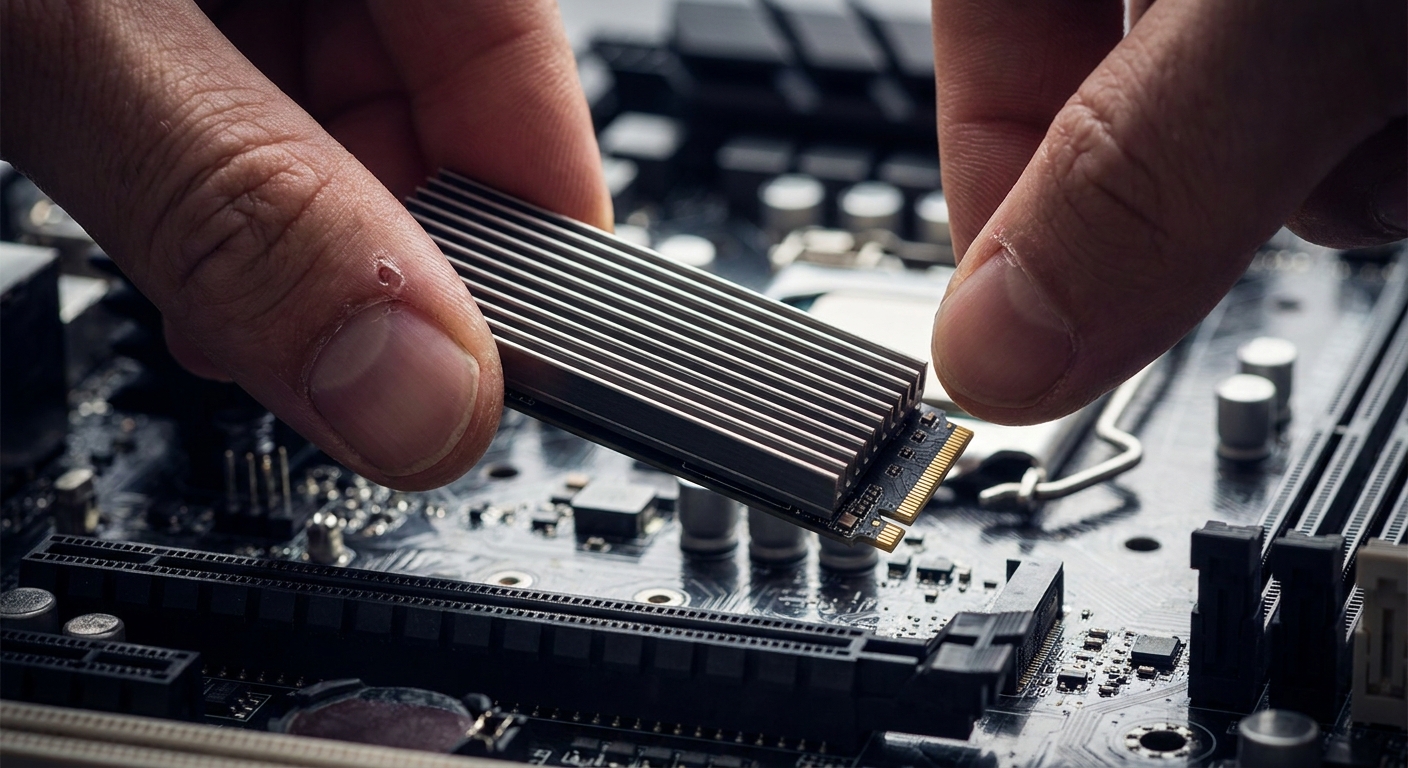
Why It Matters
For students, a fast drive means quicker logins between classes, snappier browsing with dozens of tabs, and less waiting when you save a paper before a deadline. For creators the payoff is bigger: editing 4K video, large RAW photo libraries, and exporting projects all lean heavily on storage speed. A slow drive becomes a bottleneck no amount of RAM can hide. A good NVMe SSD gives you more usable capacity and faster read and write speeds, so your tools stop fighting you.
What to Look For
PCIe Gen4 vs Gen5: Gen5 drives are the new speed champions, but they run hotter, cost more, and need a compatible motherboard. For most students and creators in 2026, a good PCIe Gen4 drive hits the sweet spot: dramatically faster than any SATA SSD, widely compatible, and priced sensibly. Save Gen5 for high-end desktops that truly need the headroom.
Capacity (1TB vs 2TB): We consider 1TB the practical minimum today. It comfortably holds your operating system, apps, and coursework with room for a few games. Creators who juggle video, high-resolution photos, or large design files should consider 2TB or a second drive, since running an SSD near full slows it down.
DRAM vs DRAM-less: DRAM-equipped drives keep a small map of your data in fast onboard memory, helping them stay quick during heavy, sustained work. DRAM-less drives are cheaper and fine for everyday browsing, notes, and light gaming, but creators pushing large files will appreciate a DRAM drive’s consistency.
Form factor (2280 vs 2230): Most laptops and desktops use the full-size M.2 2280 stick. Ultra-compact laptops and gaming handhelds often need the shorter M.2 2230 size instead. Always check your device’s manual first, because the wrong length will not fit.
Endurance for creators: Endurance, often listed as TBW (terabytes written), tells you how much data a drive can handle over its life. Casual users rarely approach the limit, but creators who write huge files daily should favor higher-endurance drives with a solid warranty.
NVMe SSD Comparison
| Drive | Price | Interface | Form factor | Best for |
|---|---|---|---|---|
| GIGABYTE AORUS Gen4 1TB | $140.00 | PCIe Gen4 | M.2 2280 | Best value |
| XPG SPECTRIX S65G 1TB | $169.99 | PCIe Gen4 | M.2 2280 | Best RGB / style |
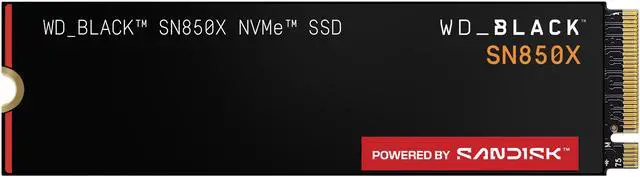
| WD_BLACK SN850X 1TB | $212.63 | PCIe Gen4 | M.2 2280 | Best performance |
| Crucial T500 1TB | $262.95 | PCIe Gen4 | M.2 2280 | Best all-round for creators |
| Patriot VP4000 Mini 1TB | $154.99 | PCIe Gen4 | M.2 2230 | Laptops / handhelds |
| Samsung T7 Portable SSD 1TB | $229.00 | External USB | Portable | Best external |
Prices were checked on Newegg on August 6, 2026, and may change.
Best Value: GIGABYTE AORUS Gen4 1TB
For the biggest speed jump for the least money, the GIGABYTE AORUS Gen4 1TB is our top value pick at $140.00 at the time of writing. This M.2 2280 drive delivers proper PCIe Gen4 speeds that make everyday computing feel instant, an easy back-to-school upgrade for almost any laptop or desktop that can accept it.
Best Style: XPG SPECTRIX S65G 1TB
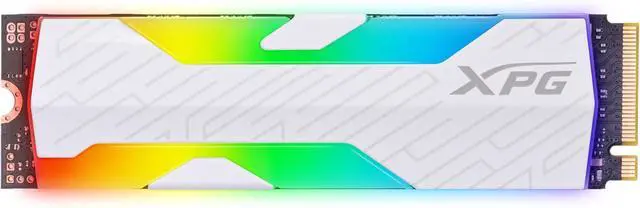
Building a PC you want to show off? The XPG SPECTRIX S65G 1TB Gen4 pairs solid Gen4 performance with an RGB heatsink for $169.99 at the time of writing. The heatsink helps keep temperatures in check during longer sessions, and the lighting suits a windowed case.
Best Performance: WD_BLACK SN850X 1TB
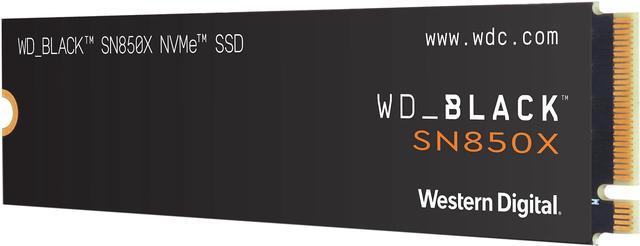
For top-tier Gen4 speed in gaming and heavy multitasking, the WD_BLACK SN850X 1TB Gen4 is our performance pick at $212.63 at the time of writing. It is a well-rounded, high-speed drive that loads big games and large project files quickly, and remains an enthusiast favorite.
Best All-Round for Creators: Crucial T500 1TB
Creators who need dependable speed for video, photo, and design work should look at the Crucial T500 1TB Gen4, priced at $262.95 at the time of writing. It balances strong sustained performance with a reputation for reliability, exactly what you want when a drive is handling your most important projects. Stepping up to a 2TB version is worth considering if your budget allows.
Best for Laptops and Handhelds: Patriot VP4000 Mini 1TB
Thin-and-light laptops and gaming handhelds usually require the shorter M.2 2230 form factor, and the Patriot VP4000 Mini 1TB is built exactly for that at $154.99 at the time of writing. It packs a full terabyte of Gen4 storage into a tiny stick, a great way to upgrade a compact device with too little space. Double-check that your handheld or ultrabook uses 2230 first.
Best External: Samsung T7 Portable SSD 1TB
Not everyone can, or wants to, open their laptop. The Samsung T7 Portable SSD 1TB plugs into a USB port and gives you fast, pocketable storage for $229.00 at the time of writing. It is ideal for moving big project files between the library, the studio, and home, or backing up work so a lost laptop never means a lost semester. Explore more in portable SSDs.
How to Install an M.2 NVMe SSD
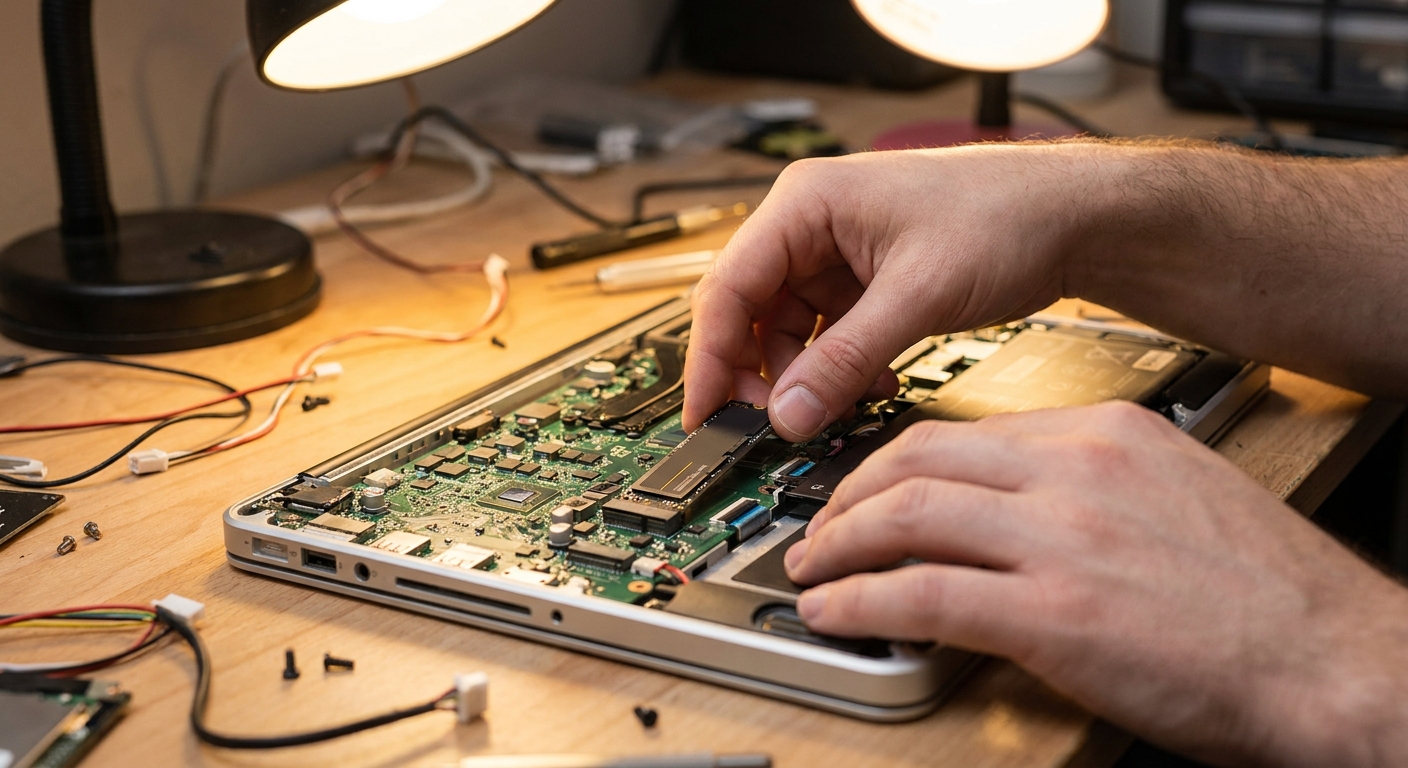
Installing an internal NVMe SSD is easier than most people expect. Power down and unplug your device, open the access panel, and locate the M.2 slot. Remove the mounting screw, slide the drive in at a slight angle, press it flat, and secure it. Close everything up, boot your operating system, and initialize the new drive. Always ground yourself and follow your manufacturer’s guide first. To compare options, browse internal NVMe SSDs.
Final Verdict
For most students, the GIGABYTE AORUS Gen4 delivers the best bang for your buck, while the WD_BLACK SN850X is the pick for speed-hungry gamers. Creators should lean toward the Crucial T500, compact machines need the Patriot VP4000 Mini, and the Samsung T7 covers external storage. Any of these is a smart back-to-school upgrade that keeps your work moving fast.
Read More
- Tom’s Hardware: Best SSDs — A regularly updated roundup of top-rated SSDs across budgets and use cases.
- PCMag: The Best SSDs — Hands-on reviews and buying advice for internal and portable drives.
- WD_BLACK SN850X Official Page — Manufacturer details and specifications for the SN850X.
- Crucial T500 Official Page — Official product information and compatibility notes for the T500.
- Newegg: NVMe SSDs — Browse the full selection of NVMe SSDs to compare prices and capacities.