
Starting a new school year online means your classmates and instructors will meet you through a screen. That makes your camera, headset, and microphone just as important as your notebook and pens. The good news: you do not need a professional studio to look and sound great on a video call. With a few smart choices, you can turn a fuzzy built-in webcam and echoey laptop speakers into a clear, confident setup that keeps you present in every lecture and study group. This guide walks you through it one step at a time, with picks for every budget so you spend only what you actually need.
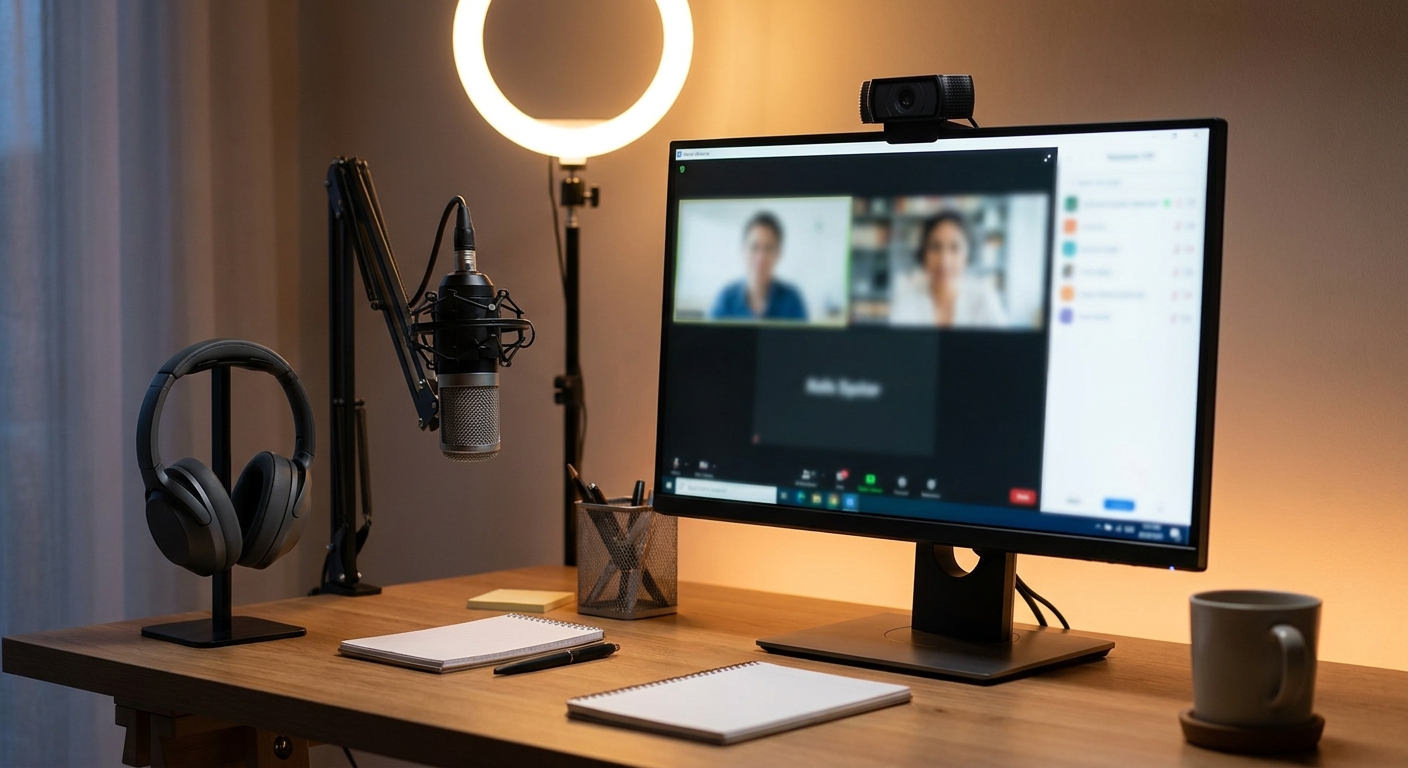
Before You Start: What Actually Matters
Every good remote-learning setup comes down to three things: how you look on camera, how well you hear the class, and how clearly you can be heard. Your laptop already covers all three at a basic level, and for a light course load that may be enough. But built-in webcams are usually low resolution and struggle in dim rooms, and laptop speakers and mics pick up every keyboard clack and background hum. Upgrading even one piece makes a noticeable difference. Work through the steps below in order and stop whenever your setup feels good enough for how you study.
Step 1: Sort out your camera
A sharp, steady image is the fastest way to look prepared and engaged. If you plan to be on camera often, a dedicated webcam for online class use is the single best upgrade you can make, since it delivers clearer video and better low-light handling than most built-in cameras.
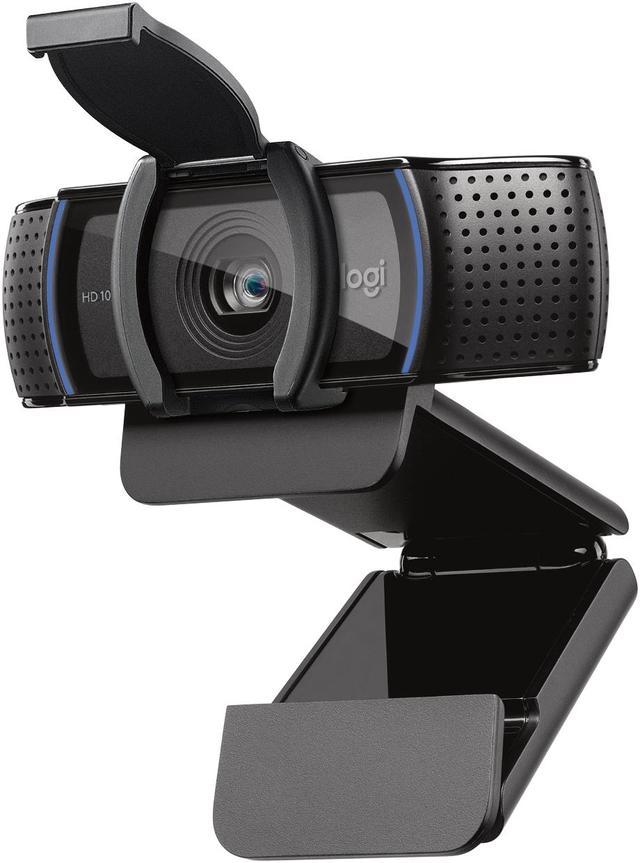
Best Overall: The Logitech C920s HD Pro 1080p Webcam ($69.99 at the time of writing) is the reliable choice for most students. It records smooth 1080p video, handles autofocus well, and adds a physical privacy shutter you can slide shut between classes.
Best Budget: If money is tight, the Logitech Brio 100 1080p Webcam ($29.99 at the time of writing) is a simple, affordable jump up from a built-in camera while still giving you clean 1080p.
Best Premium: For students in film, design, or content-heavy programs, the Logitech MX Brio 4K Webcam ($199.99 at the time of writing) steps up to 4K resolution and refined detail for a polished, near-broadcast look. Want to compare more options? You can browse webcams to see the full range.
Step 2: Fix your audio (headset vs speakers)
Hearing the class clearly matters more than most people expect. Laptop speakers leak sound into your microphone, which creates echo for everyone else, and they make it hard to follow a soft-spoken lecturer. A headset solves both problems at once: it keeps audio in your ears and usually includes a decent boom mic, so you get hearing and speaking sorted in a single purchase.
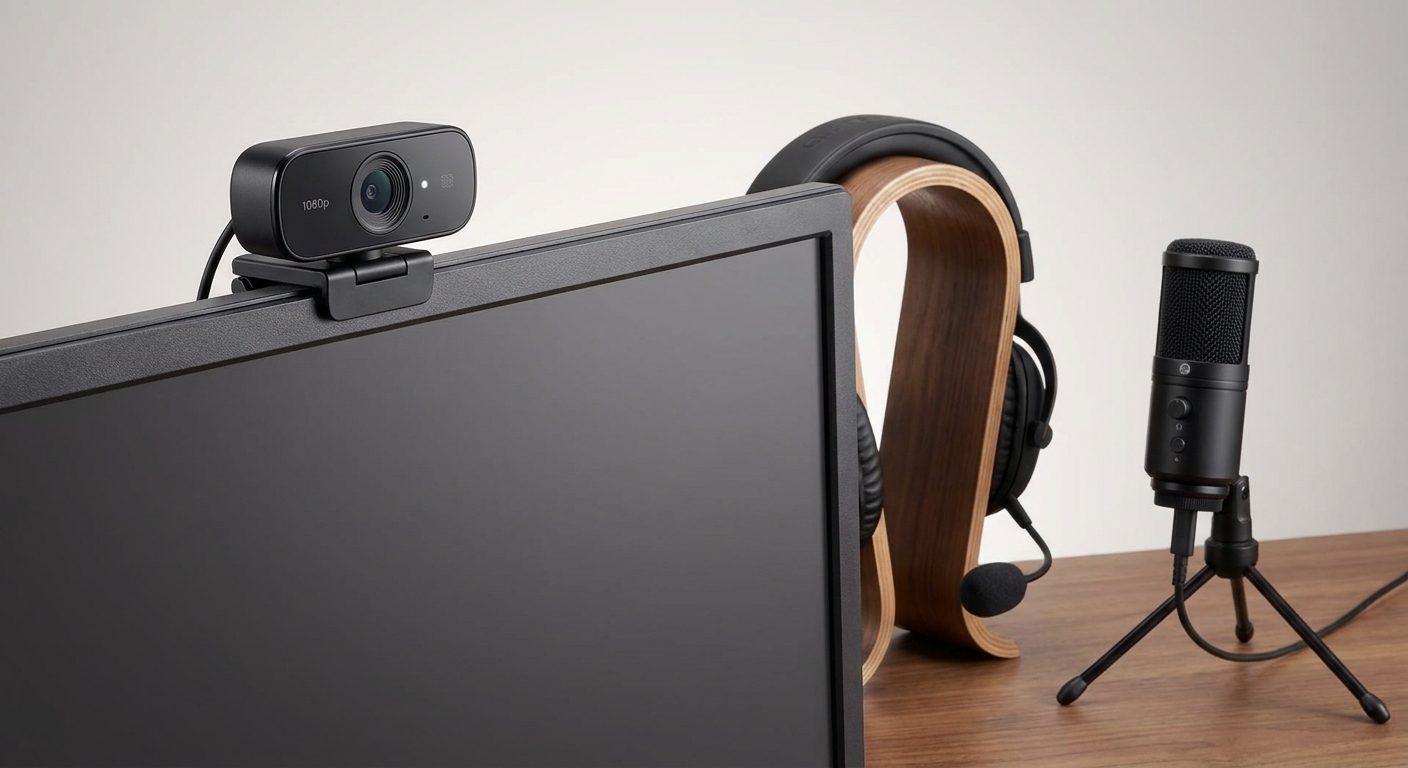
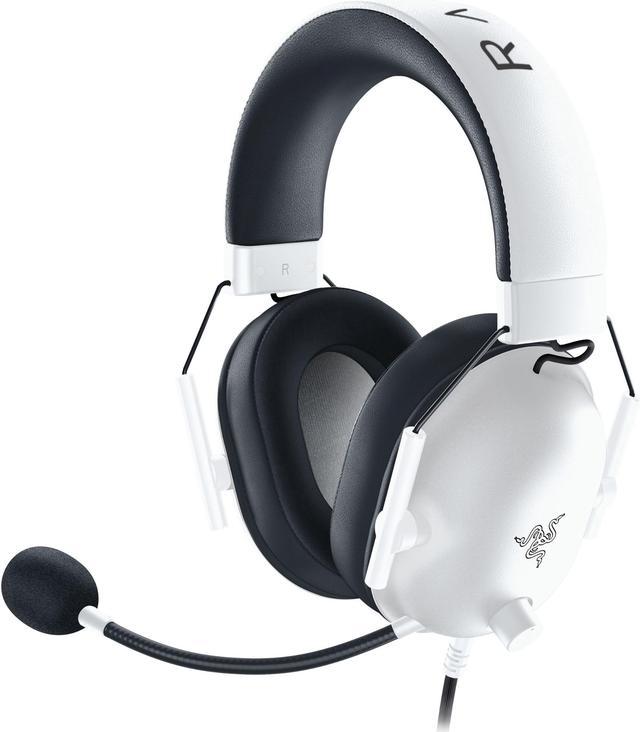
Best Budget Headset: The Razer BlackShark V2 X Headset ($54.99 at the time of writing) is a comfortable, lightweight wired option with 7.1 surround sound and a clear microphone that works just as well for group calls as it does for gaming between study sessions.
Best Wireless Headset: If you like to move around or hate cables, the SteelSeries Arctis Nova 3 Wireless Headset ($109.99 at the time of writing) frees you from the desk while keeping voices clear and comfortable for hours of back-to-back classes.
Step 3: Be heard clearly (do you need a mic?)
Here is the honest answer: many students do not need a separate microphone. If your headset mic sounds clear, you are done. But a standalone USB mic is worth it if you present often, record lessons, join a debate or language class, or want to sound your best without wearing a headset all day. A dedicated mic captures a fuller, warmer voice and shrugs off the room noise that trips up built-in mics.
Best USB Mic: The Blue Yeti Nano Premium USB Microphone ($99.99 at the time of writing) is a compact, plug-and-play favorite that makes your voice sound noticeably more professional on any call.
Best Budget Mic: The FIFINE K688 Neo USB/XLR Microphone ($59.99 at the time of writing) offers flexible USB or XLR connection at a friendlier price, so it can grow with you if you ever get into podcasting or streaming.
Step 4: Lighting and setup tips
Great gear still needs a little help from your surroundings, and these free adjustments make everything look and sound better. Face a window or a lamp rather than sitting with a bright light behind you, which turns you into a silhouette. Raise your webcam or laptop to eye level using a stand or a stack of books so you are looking into the lens, not down at it. Keep the camera close enough that you fill a comfortable part of the frame, and tidy the background behind you or use a plain wall.
For audio, choose a quieter room when you can and add soft items like a rug, curtains, or cushions to soak up echo. Position your mic or headset boom slightly to the side of your mouth to avoid harsh popping sounds, and always run a quick test call before an important class so you catch problems early.
Quick Picks by Budget
| Need | Budget pick | Step-up pick |
|---|---|---|
| Webcam | Logitech Brio 100 ($29.99) | Logitech C920s ($69.99) or MX Brio 4K ($199.99) |
| Headset | Razer BlackShark V2 X ($54.99) | SteelSeries Arctis Nova 3 ($109.99) |
| Microphone | FIFINE K688 Neo ($59.99) | Blue Yeti Nano ($99.99) |
Summary
You do not have to buy everything at once. Start with the piece that bothers you most: a webcam if you look grainy, a headset if you struggle to hear or create echo, and a standalone mic only if you present or record a lot. A budget webcam and a wired headset will already transform how you show up in class, and you can always add or upgrade later. Pair the right gear with good lighting and a quiet corner, and you will be ready for a confident, distraction-free semester of online learning.
Read More
- RTINGS Webcam Reviews — Independent, lab-tested reviews to compare image quality across popular webcams.
- Logitech Official Site — Specs, software, and support for the C920s, Brio, and MX Brio cameras.
- PCMag: The Best Webcams — A regularly updated roundup of top webcam picks for work and school.
- Tom’s Guide: Best Headsets — Hands-on recommendations for headsets that work well on calls.
- Newegg Webcam Category — Browse the full selection of webcams to find your best fit.