
A desktop is the quiet workhorse of student life. It does not go to lectures with you, but it is waiting on your dorm or apartment desk every evening for writing papers, catching up on readings, streaming a lecture recording and handling the light tasks that fill a semester. Because a tower or mini PC uses a separate monitor and keyboard, it also stretches a tight budget further than a laptop: many of the best values here are barebone kits and refurbished office machines that cost a fraction of a new all-in-one. Below are the best budget desktops on Newegg right now, matched to four real student scenarios. All prices were checked on Newegg on August 15, 2026.
Who Needs a Desktop?
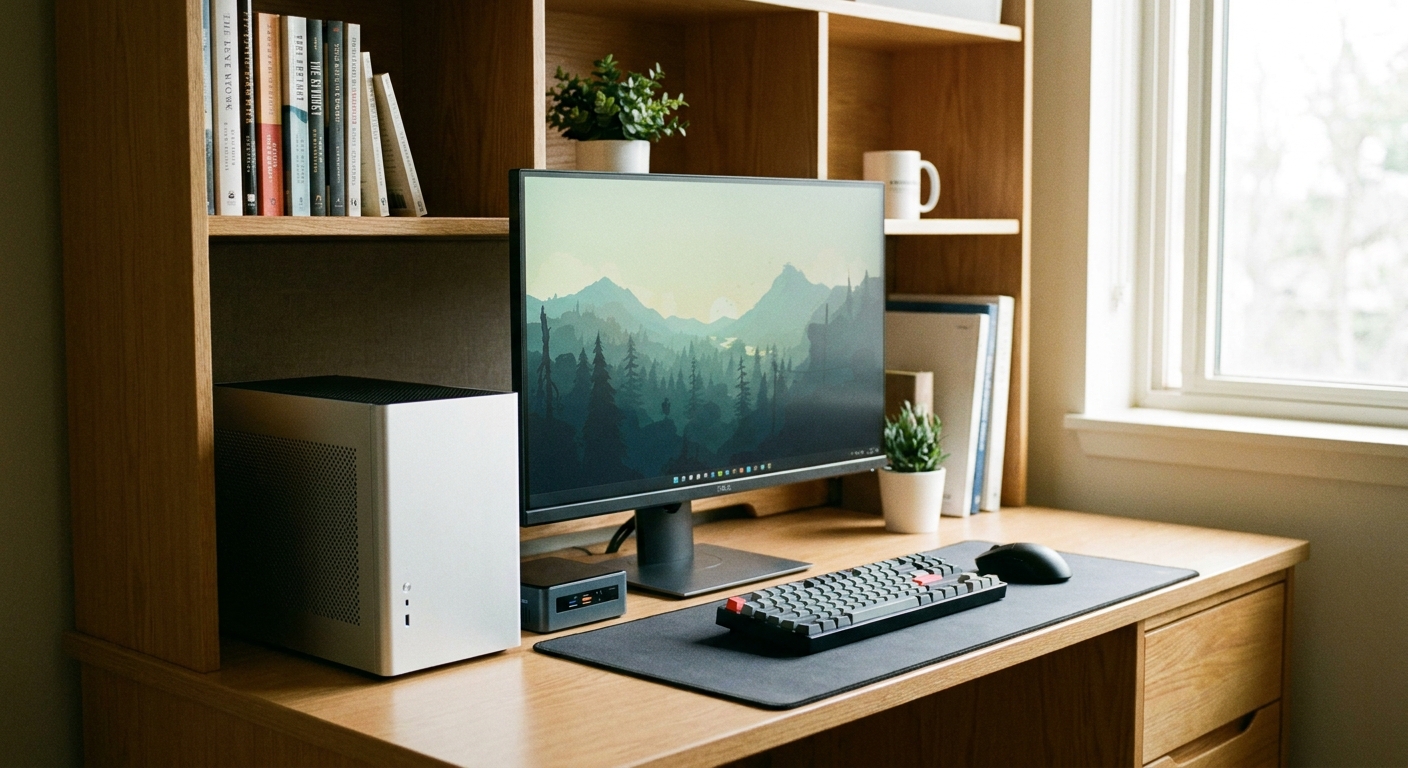
A desktop makes sense if you mostly work from one spot and want the most performance and the biggest screen for your money. You lose portability, but you gain a comfortable dedicated study station, easier upgrades and, often, a lower price than a comparable laptop. A desktop also tends to run cooler and last longer under a heavy workload, and repairs usually mean swapping one inexpensive part rather than replacing the whole machine. One thing to plan for before you buy: several of the picks below are either barebone kits, which ship without RAM, an SSD or an operating system, or refurbished units that may need a fresh drive or a Windows license. Budget a little extra for those parts, plus a monitor, keyboard and mouse if you do not already own them. Even after adding a screen, these builds usually undercut a new laptop of similar speed.
Scenario 1: The Dorm Essentials PC
If you just need a reliable box for documents, browsing and video calls, a refurbished business desktop is the smartest money in the whole category. The HP EliteDesk 800 G5 at $230.57 is a compact, well-built machine that was designed for offices and is easy to service. Right beside it, the Dell OptiPlex 3060 at $240.00 offers the same plug-and-play simplicity from another trusted commercial line. Both arrive ready to run, so first-year students can be online the same afternoon they unbox. Confirm the listing includes Windows and enough storage, and add an inexpensive SSD later if you want more room.
Scenario 2: The DIY Mini PC
If you want to learn how a PC goes together and keep the footprint tiny, a barebone kit is a rewarding first build. The ASRock DeskMini X600W at $159.99 is the lowest entry price on this list, a book-sized chassis with motherboard and cooler already installed, waiting for you to add a Ryzen chip, memory, an SSD and Windows. Step up to the ASRock DeskMeet X600 at $209.99 and you get a slightly larger case that still accepts a full-size graphics card down the road, which makes it the more future-proof choice for a student who might add light gaming later.
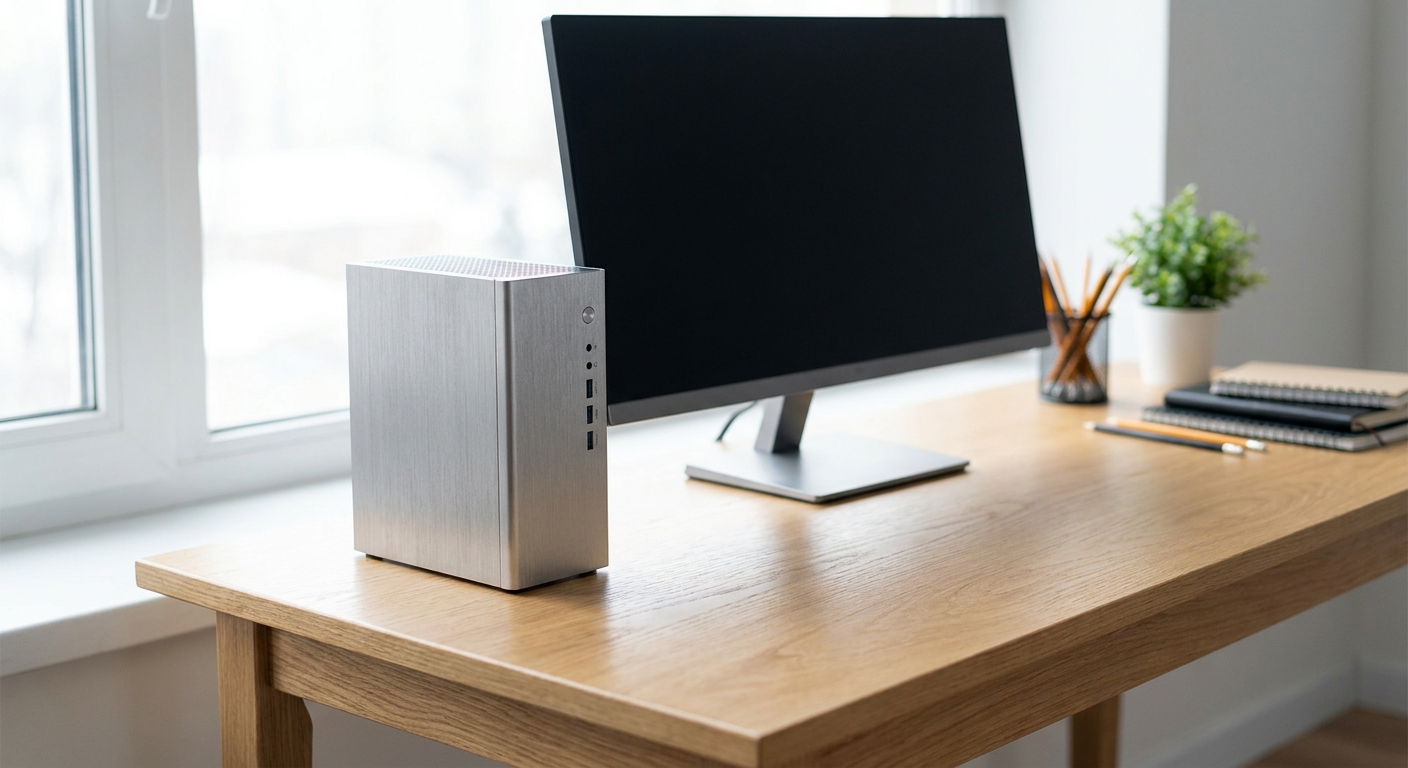
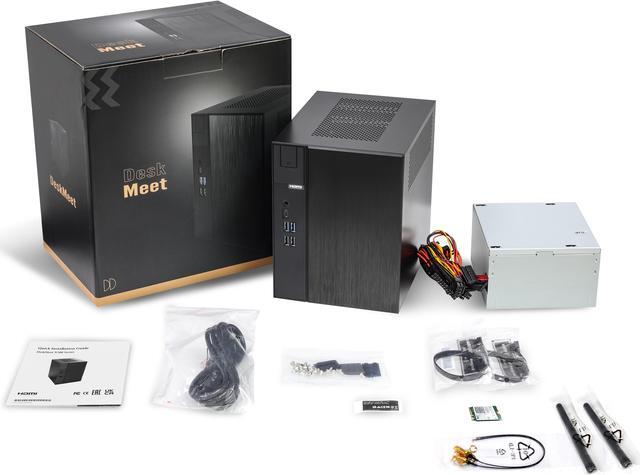
Remember that both kits are barebone, so factor in the cost of a processor, RAM, an SSD and an OS before you compare them against a ready-made desktop.
Scenario 3: The Refurbished Office Workhorse
Need a little more speed for a heavier course load, spreadsheets or multitasking across many tabs? Two refurbished towers deliver more headroom without leaving budget territory. The HP ProDesk 405 G8 at $279.99 pairs a modern AMD Ryzen processor with a small-form-factor case, a great fit for students who prefer AMD and want a quiet machine. The Dell OptiPlex 5060 at $357.77 is the roomiest pick here, with tool-free access that makes it simple to drop in extra memory or a second drive as your needs grow. Both are proven business platforms built to run for years.
Scenario 4: The Compact All-Rounder
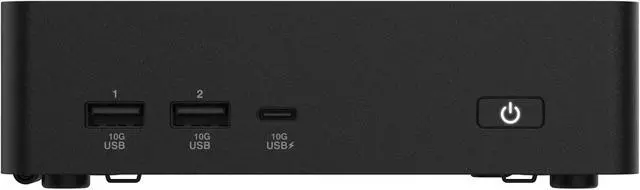
If you want a brand-new, current-generation machine that disappears behind a monitor, the ASUS NUC 16 Pro at $697.99 is the premium pick. It delivers modern performance and connectivity in a palm-sized enclosure, making it ideal for a small dorm desk or a shared apartment where space is scarce. It costs more than the refurbished towers, but you get a warranty, the latest platform and near-silent operation, which is worth it for students who want one clean device to last all four years. It also sips power and adds almost no clutter, so it is easy to mount behind a display and forget about until it is time to graduate.
Best Pick per Scenario
| Model | Price | Type | Best for |
|---|---|---|---|
| ASRock DeskMini X600W | $159.99 | Barebone kit | Cheapest DIY entry |
| ASRock DeskMeet X600 | $209.99 | Barebone kit | Upgradable mini build |
| HP EliteDesk 800 G5 | $230.57 | Refurbished | Dorm essentials |
| Dell OptiPlex 3060 | $240.00 | Refurbished | Plug-and-play basics |
| HP ProDesk 405 G8 | $279.99 | Refurbished | AMD workhorse |
| Dell OptiPlex 5060 | $357.77 | Refurbished | Room to grow |
| ASUS NUC 16 Pro | $697.99 | New mini PC | Compact all-rounder |
The Verdict
For most students, the refurbished HP EliteDesk 800 G5 at $230.57 is the sweet spot: it is affordable, ready to use and easy to upgrade. If you enjoy building, the $159.99 ASRock DeskMini X600W is the cheapest way in, provided you budget for RAM, an SSD and an OS. And if you want a brand-new, no-compromise compact machine, the $697.99 ASUS NUC 16 Pro is the one to stretch for. Remember to account for a monitor, keyboard and mouse if you need them, and you can compare current configurations across the full range in Newegg’s mini PC and desktop listings.
Read More
- Tom’s Hardware: Best Budget PC Guide — Component-level advice for keeping a desktop build affordable.
- PCMag: The Best Desktop Computers — Hands-on reviews and picks across every price tier.
- ASUS NUC Mini PC Official Page — Manufacturer specifications for the NUC mini PC lineup.
- PCWorld: Is a Refurbished PC Worth It? — A plain explainer on the risks and savings of buying refurbished.
- Newegg: Mini PCs — Browse and filter current mini PCs and small desktops by price and specs.