
The cooler question is usually asked backwards. People start from air versus liquid and then look for a chip to justify the answer. The useful order is the reverse: find out how much heat your processor actually produces, then buy the smallest, quietest cooler that handles it. In 2026 that distinction matters more than it used to, because AMD’s cache-heavy gaming chips and Intel’s high-core-count parts sit at opposite ends of the power scale. This guide is organized by the build you are actually putting together.
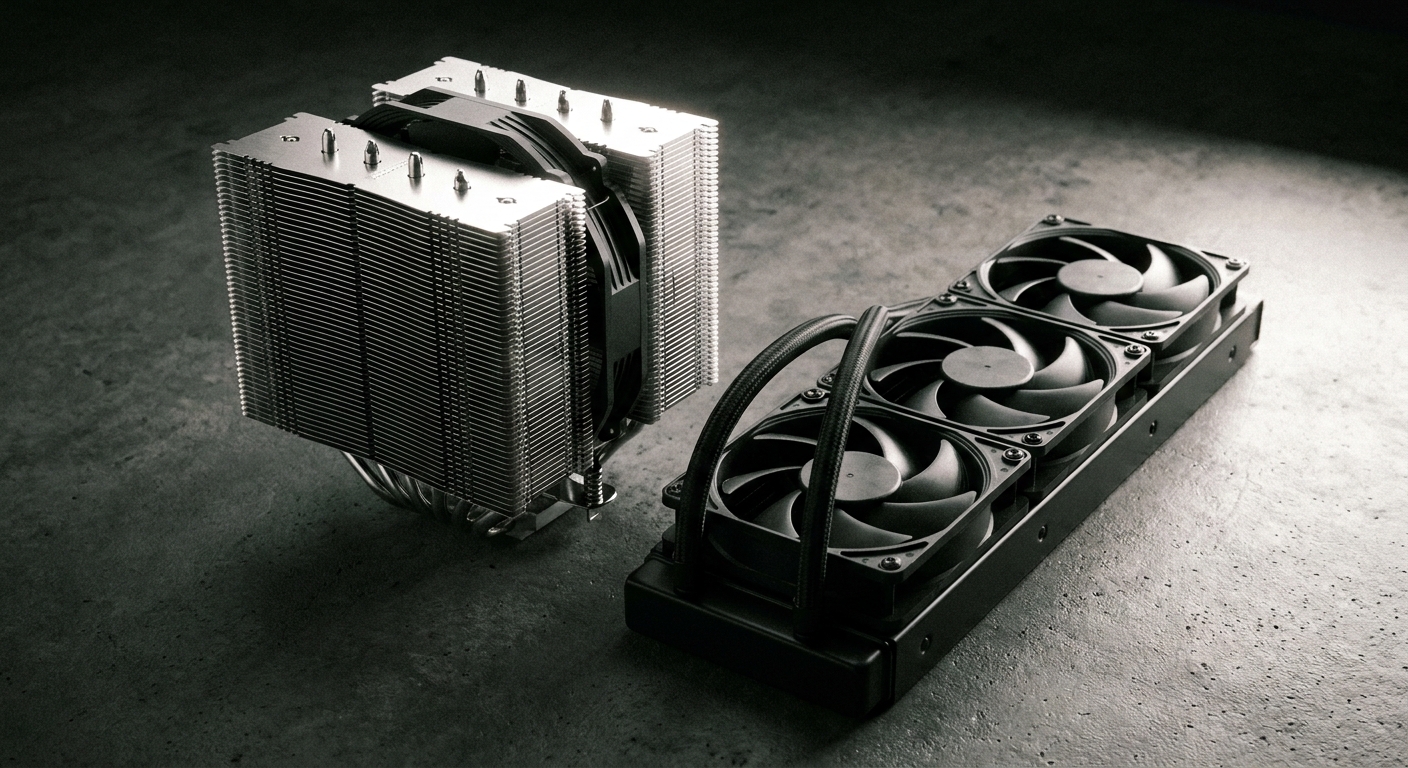
The Honest Answer on Air vs Liquid
At gaming-chip power levels they are close enough to be interchangeable. Gamers Nexus tested at roughly 157W — a Ryzen 7 9800X3D load — and found the best air cooler landed within a degree or two of the field, with the best 360mm liquid cooler at 53.6°C over ambient when everything was normalized to the same noise level.
The gap opens as power rises. At 250W on Intel, normalized to 25 dBA, the same premium air cooler measured 57.8°C over ambient against 48.1°C for a 360mm AIO — nearly 10 degrees. At 200W on AMD the gap was about 8 degrees. Gamers Nexus also notes that a flagship dual-tower air cooler was the only air cooler in its suite able to complete a 276W Ryzen 9 9950X3D run without throttling.
A practical rule falls out of that: up to roughly 150 to 200W, good air is fine. Around 200 to 250W, a 240 or 280mm AIO starts pulling ahead by several degrees. Above 250W sustained, a 360mm AIO is the comfortable answer — or one of the very few air coolers built for it.
The X3D Exception Worth Knowing
AMD’s X3D gaming chips draw far less than Intel’s flagships. Tom’s Hardware measured a Core Ultra 9 285K at 325W in Prime95 AVX and 287W in y-cruncher, against 171W and 176W for a Ryzen 7 9800X3D — roughly 90% more power for Intel in the heaviest test. That is why the same publication recommends a mid-range air cooler for the 9800X3D and a high-end air cooler or a 240mm-plus AIO for the 285K.
One nuance to keep honest: X3D chips run at lower package power but the cache die sits above the compute die, so they reach their thermal limit at fewer watts. The correct takeaway is “you need less cooler,” not “temperatures do not matter.” And the 16-core 9950X3D behaves like a high-power Intel part at around 276W, so it wants a 360.
If You Are Building on a Budget
The Cooler Master Hyper 212 Black remains the default answer for a mainstream 65W to 105W chip: a 152mm single tower with four copper heat pipes and a 120mm PWM fan rated at 32.8 dB(A), supporting AM5, AM4, LGA1851 and LGA1700. It is not going to tame a 250W processor, and it does not need to.
If You Want the Best Air Cooler Available
The Noctua NH-D15 G2 is the dual-tower benchmark: 168mm tall, two 140mm NF-A14x25r G2 fans rated at 24.8 dB(A) maximum, a six-year warranty, and mounting for AM5, AM4, LGA1851 and LGA1700 — Noctua’s spec sheet now also lists the forthcoming LGA1954. Check two clearances before ordering: your case needs about 170mm of side-panel space, and memory taller than 32mm forces the front fan upward, adding height millimetre for millimetre.
If You Are Building Small
The Thermalright AXP90-X53 Full Copper is the low-profile answer at 53mm total height — a 38mm full-copper downdraft heatsink with four heat pipes plus a 15mm 92mm fan rated at 22.4 dB(A), covering AM5, AM4, LGA1851 and LGA1700. In a small-form-factor case that height figure is the whole specification.
If You Want the Value Liquid Cooler
The ARCTIC Liquid Freezer III 240 A-RGB is the perennial recommendation in this class, and its advantage is physical: a 38mm-thick radiator plus an integrated 60mm VRM fan, with two P12 PWM PST fans running 200 to 2000 RPM and a PWM pump. It covers AM5, AM4, LGA1851 and LGA1700 out of the box and carries a six-year warranty; LGA1200 and LGA115x need a separate ARCTIC kit.
If You Want a Mainstream 360
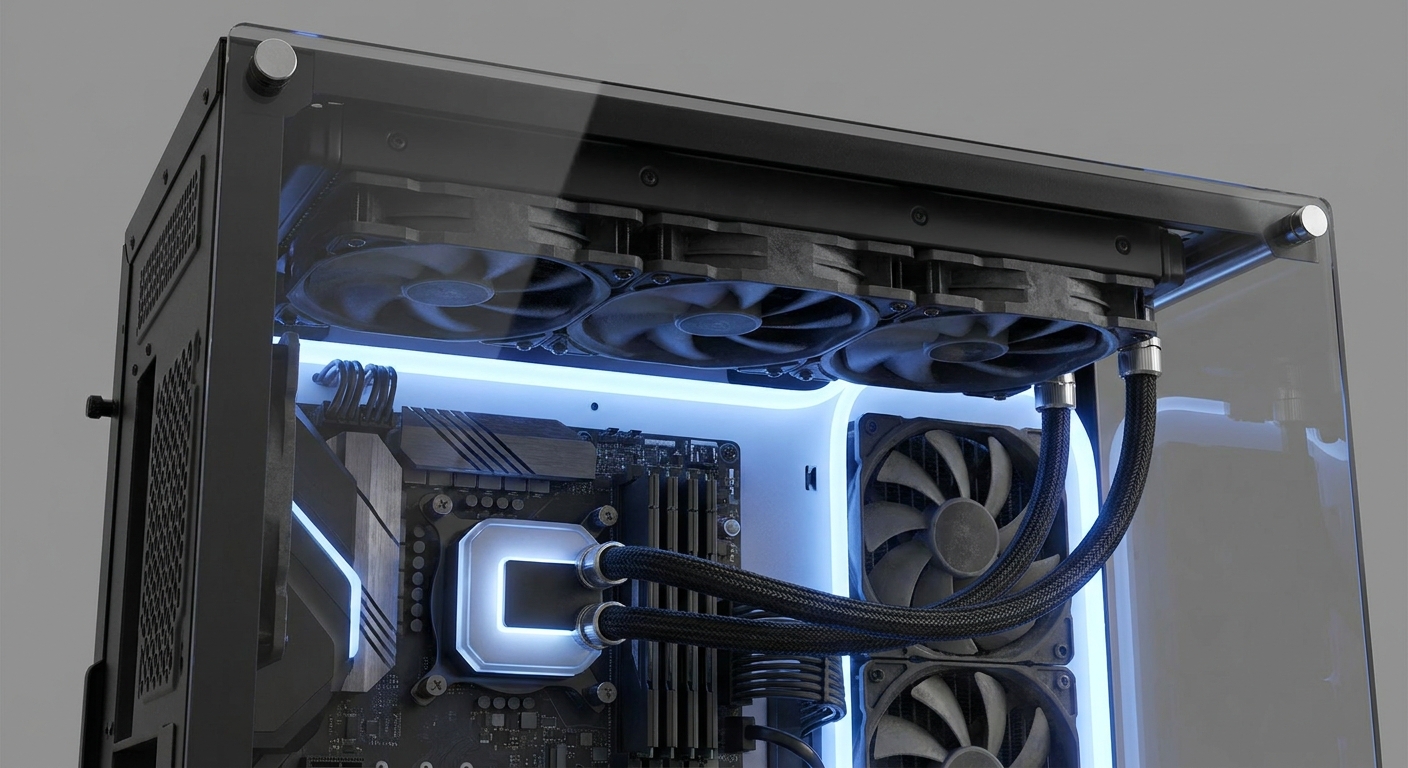
The MSI MAG CoreLiquid E360 is a straightforward 360mm unit: a 394mm radiator, a copper cold plate with a 270-degree rotatable cap, three 120mm fluid-dynamic-bearing fans running 600 to 1800 RPM at 11.2 to 32.5 dBA, broad socket coverage including AM5, AM4, LGA1851 and LGA1700, and a five-year warranty.
If You Want the Showpiece

The Lian Li HydroShift II OLED Curved 360TL pairs a 400mm radiator with a motorized lift-and-rotate pump head carrying a 6.67-inch 2288×1048 curved OLED at 500 nits, plus three UNI FAN TL FLEX 120mm fans running 200 to 2600 RPM. Lian Li covers the AIO for six years and the screen and fans for three.
If You Want Silence
The be quiet! Dark Rock Pro 6 is the quiet-build pick: a 169mm dual tower with seven heat pipes, a 120mm and a 135mm Silent Wings PWM fan measured at 7.5, 20.2 and 32.4 dB(A) at 50, 75 and 100% speed, a semi-passive mode that stops the fans entirely at low load, and a height-adjustable fan rail for memory clearance. Independent testing on a 170W-limited Ryzen 9 9950X3D recorded a 60.5°C peak core temperature at just 1,200 RPM and 30.6 dBA.
If You Are Building Something Extreme

The Thermaltake MAGFloe 420 Ultra is a 456mm 420mm-class radiator with three SWAFAN EX 140mm fans running 500 to 2000 RPM, magnetic swappable blades and a 3.95-inch square LCD. Be realistic about the return, though — Tom’s Hardware measured a 420 within about one degree of the best 360 at roughly 200W, and actually behind it at lower loads. The 420’s real advantage is sustained headroom at maximum power, not everyday temperatures.
The Numbers That Actually Decide It
Radiator size scales, then stops. Going from 280 to 360 is a genuine step — Gamers Nexus measured about 3 degrees at the same noise level. Going from 360 to 420 is largely not. Radiator thickness, fan quality and pump behavior matter as much as length, which is why one well-built 240 can beat a thin 360.
Fan curve beats cooler choice. This is the most useful practical finding in cooler testing. On the Dark Rock Pro 6, moving from 600 to 1,200 RPM bought 14 degrees; moving from 1,200 RPM to maximum bought half a degree for roughly 14 more dBA. Set a sane curve and you get most of the performance at a fraction of the noise.
Manufacturer dB(A) figures are lab numbers. Noctua measures at one metre in an anechoic chamber and says plainly that such values are only moderately suitable for real PCs, since mounting and enclosure add noise the measurement cannot capture. Compare within a brand, not across brands.
Thermal paste method barely matters. Gamers Nexus tested a big blob, a thin spread, a pea dot and deliberate over-application and found all results within about half a degree of the median. Cover the heat spreader and move on.
You can compare the full range in Newegg’s CPU cooler listings.
Frequently Asked Questions
Is an air cooler still good enough in 2026? For most builds, yes. At around 157W — a typical AMD X3D gaming load — the best air coolers land within a degree or two of the best 360mm AIOs at the same noise level. The gap only becomes significant above roughly 200W, reaching nearly 10 degrees at 250W on Intel.
What cooler does a Ryzen 7 9800X3D need? A mid-range air cooler is enough. It draws roughly 171 to 176W under heavy load, against 287 to 325W for a Core Ultra 9 285K. Note that the 16-core Ryzen 9 9950X3D is a different animal at around 276W and wants a 360mm AIO or a flagship air cooler.
Is a 420mm radiator worth it over a 360? Rarely. Tom’s Hardware measured a 420 within about a degree of the best 360 at roughly 200W and actually behind it at lower loads, with the advantage showing only as sustained headroom at maximum power. A 280-to-360 step is a real gain; 360-to-420 mostly is not.
Where should the AIO pump sit? Never as the highest point in the loop. Corsair’s guidance is to mount so that air collects in the radiator rather than the pump, and NZXT states the highest point of the radiator should always sit above the pump cap and advises against bottom-mounting a radiator. Air trapped in the pump moves less heat, makes more noise and shortens the pump’s life.
Read More
- Gamers Nexus: CPU Cooler Mega Charts — Noise-normalized and full-speed thermal data for dozens of air and liquid coolers across several load levels.
- Tom’s Hardware: Best CPU Coolers — Separate air and AIO picks tied to specific CPU power levels and radiator sizes.
- Noctua: LGA1851 Compatibility Guide — Confirms LGA1851 mounting matches LGA1700 and explains which coolers need an upgrade kit.
- Hardware Canucks: Air Coolers vs AIOs — A direct head-to-head between tower air coolers and all-in-one liquid coolers.
- Newegg: CPU Coolers — Filter by cooler type, radiator size, height and socket support.