
PCIe 5.0 SSDs have reached the point where the fastest of them read at nearly 15,000 MB/s. That is a genuinely spectacular number, and it is also the number least likely to change your day. Gen5’s real payoff lands in large sequential work — video, big asset libraries, AI model loading — not in game loading or Windows boot, where a good Gen4 drive already does everything asked of it. This guide picks the best Gen5 drives on Newegg, keeps two strong Gen4 alternatives on the list, and is honest about which one you should actually buy.
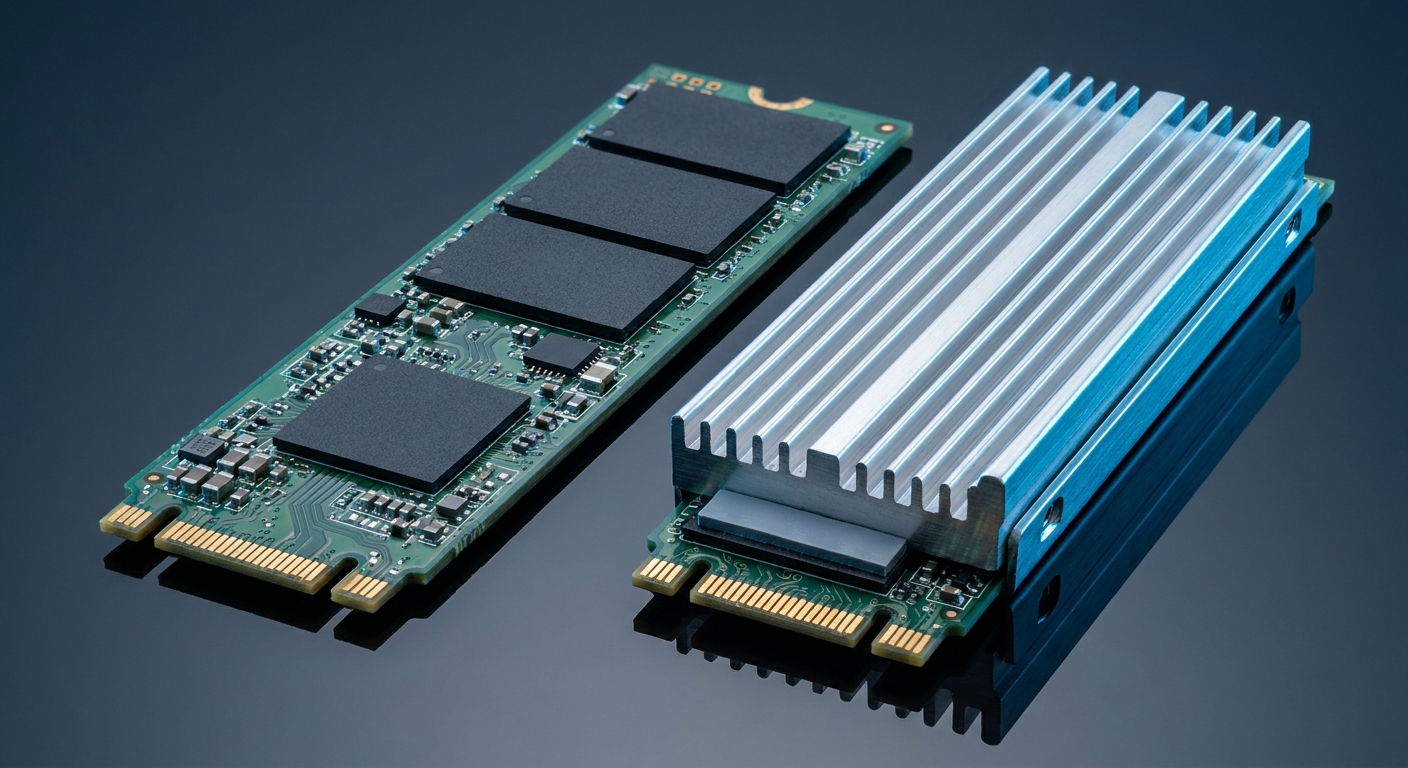
Does Gen5 Actually Feel Faster?
For gaming, no — and the measurements are consistent about it. Tom’s Hardware’s game-load testing on a current Gen5 flagship found an average improvement of 0.05 seconds, roughly one percent. PCWorld measured a Gen5 drive loading Counter-Strike 0.44 milliseconds faster than Gen4 and Cyberpunk 2077 about a second faster. DirectStorage testing in Forspoken put a Gen5 drive at 10.483 seconds against 10.872 for a Gen4 drive — and 13.838 for a Gen3 drive. The meaningful cliff is Gen3 and older, not Gen4 to Gen5.
Where Gen5 genuinely doubles Gen4 is bulk sequential work. StorageReview measured a Gen5 flagship at 15GB/s read and 14.1GB/s write in burst and about 10,000 MB/s in video-editing testing, against roughly 5,200 to 5,800 MB/s for top Gen4 drives in the same test. It also loaded a 7B-parameter AI model in 2.57 seconds. If you move 100GB video projects or work with large local models, that is your upgrade. If you play games, buy capacity instead of interface.
One note on DirectStorage: version 1.4 arrived at GDC 2026 with Zstandard compression, a multi-tier decompression framework and a new asset conditioning library, and all four GPU vendors have driver work landing in 2026. It is real progress, but adoption remains the problem, and Microsoft published no measured load-time figures with it. It has not yet changed the Gen4-versus-Gen5 calculus for gamers.
The Field at a Glance
| Drive | Interface | Sequential read | Best for |
|---|---|---|---|
| Samsung 9100 PRO 2TB | PCIe 5.0 x4 | Up to 14,700 MB/s | Flagship all-rounder |
| WD_BLACK SN8100 2TB | PCIe 5.0 x4 | Up to 14,900 MB/s | Fastest on paper |
| SanDisk Optimus GX PRO 8100 | PCIe 5.0 x4 | Up to 14,900 MB/s | Heatsink included |
| Kingston FURY Renegade G5 4TB | PCIe 5.0 x4 | Up to 14,800 MB/s | High capacity, huge endurance |
| Crucial P510 2TB | PCIe 5.0 x4 | Up to 10,000 MB/s | Efficient DRAM-less Gen5 |
| TEAMGROUP T-FORCE GA PRO 2TB | PCIe 5.0 x4 | Up to 10,000 MB/s | Gen5 with graphene cooling |
| Seagate FireCuda 530R 2TB | PCIe 4.0 x4 | Up to 7,400 MB/s | Endurance and data recovery |
| MSI SPATIUM M480 2TB | PCIe 4.0 x4 | Up to 7,000 MB/s | Gen4 value with DRAM |
The Flagship Picks
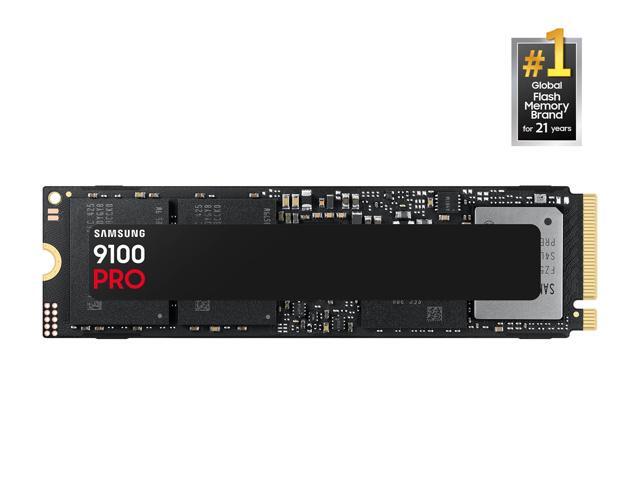
The Samsung 9100 PRO 2TB is the safe flagship: PCIe 5.0 x4 with NVMe 2.0, up to 14,700 MB/s read and 13,400 MB/s write, 1,850,000 read and 2,600,000 write random IOPS, 2GB of LPDDR4X DRAM, Samsung V8 TLC and a 1,200TBW rating with a five-year warranty. Tom’s Hardware measured it peaking at 67°C and usually under 60 — 15 to 25 degrees below its throttle point.
The WD_BLACK SN8100 2TB edges it on paper at up to 14,900 MB/s read and 14,000 MB/s write with 2GB of DRAM and the same 1,200TBW rating. Both ship bare, which is the right choice if your motherboard’s M.2 slot already has a heatsink.
Best With a Heatsink Included
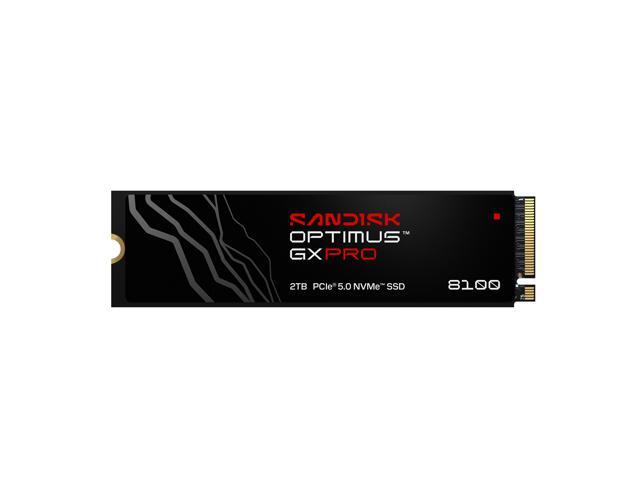
If your board’s primary M.2 slot has no heatsink — or the one it has does not make good contact — the SanDisk Optimus GX PRO 8100 2TB solves it in the box, with an anodized aluminum heatsink and an RGB LED on top of a 14,900 / 14,000 MB/s drive with onboard DRAM and 1,200TBW. SanDisk states the heatsink sustains peak performance up to 5.5 times longer than the bare version.
Best High-Capacity Pick
The Kingston FURY Renegade G5 4TB is the outlier on endurance: 4TB at up to 14,800 MB/s read and 14,000 MB/s write, with a 4.0 petabyte TBW rating — more than three times the 2TB flagships above — and a five-year warranty. Capacity also buys sustained speed, for reasons covered below.
Best Efficient Gen5
The Crucial P510 2TB takes a different approach: a DRAM-less Phison E31T controller using Host Memory Buffer, Micron 276-layer TLC and up to 10,000 MB/s read with a 1,200TBW rating. That is why it sits a tier below the flagships on paper — but it runs cooler and draws less power, and for general use the difference is invisible.
The TEAMGROUP T-FORCE GA PRO 2TB is the other 10,000 MB/s-class option and takes the opposite approach to cooling — onboard DRAM cache plus a patented graphene heatsink thin enough to fit under most motherboard covers, with 1,200TBW and five years of coverage.
The Gen4 Alternatives Worth Buying
For most gaming builds these are the smarter spend. The Seagate FireCuda 530R 2TB runs up to 7,400 MB/s read and 6,900 MB/s write with DRAM cache and a 2,400TBW endurance rating — double the Gen5 flagships — plus five years of warranty and three years of Rescue data recovery. The MSI SPATIUM M480 2TB pairs a Phison E18 controller with 2GB of DDR4 DRAM for up to 7,000 MB/s read and 1,400TBW, warranted for five years or until the TBW figure is reached.
Heat Is the Real Gen5 Story
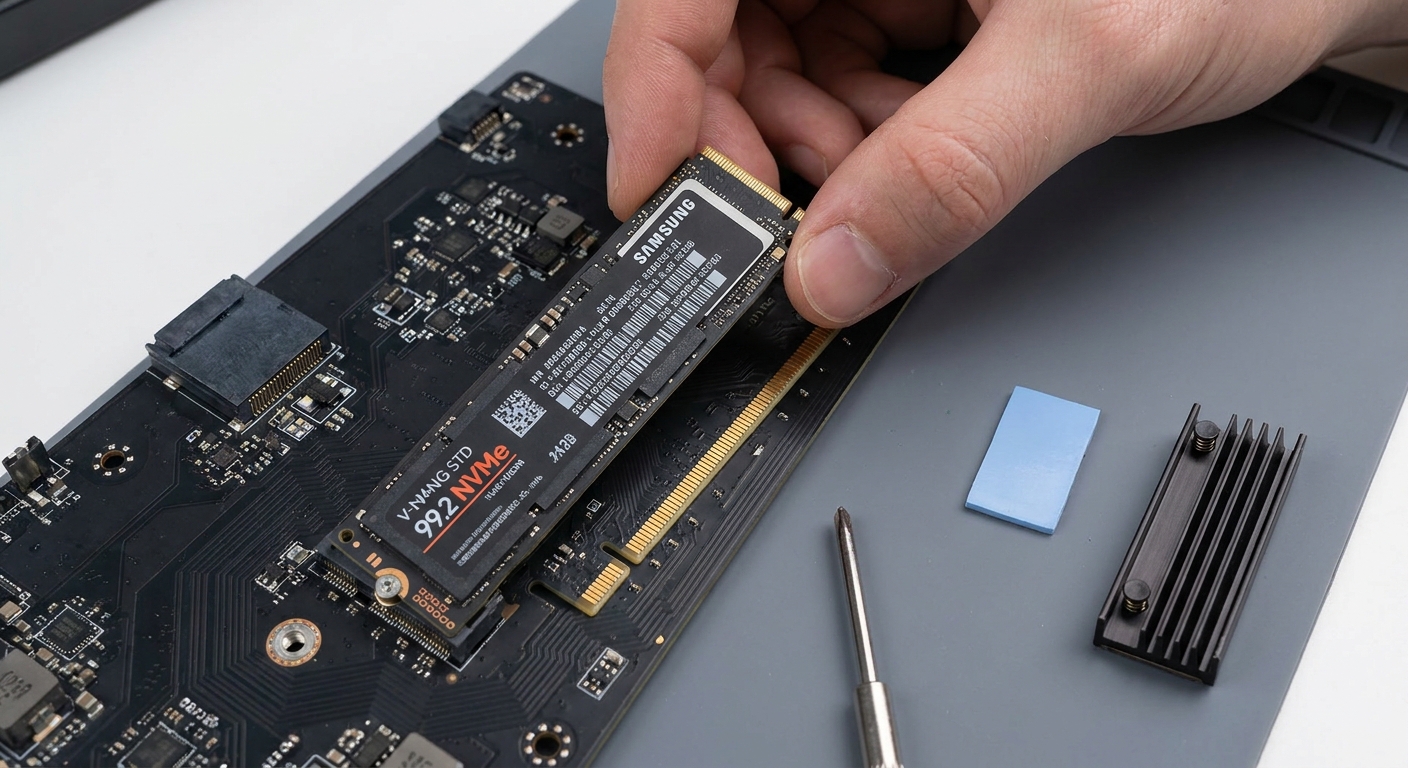
Controllers can tolerate up to about 120°C, but the NAND flash beside them is only reliable to roughly 70 to 85°C, and ideally sits between 25 and 50°C. That mismatch is why cooling matters. An early uncooled Gen5 drive hit 86°C and collapsed to around 100 MB/s in testing; with its heatsink attached, sustained writes averaged 3,681 MB/s instead of 1,027.
Current drives run cooler than that first generation, but do not assume the motherboard has it covered. Tom’s Hardware tested 20 modern Intel and AMD boards and found only six of 20 made good contact between the primary M.2 heatsink and the drive; nine failed to make adequate contact at all. Their uncooled test drive fell from nearly 4,000 MB/s to about 1,700 and eventually 600, with throttling starting between 70 and 85°C. Check the fit, or buy a drive with its own heatsink.
Two Specifications Worth Understanding
Sustained write speed. TLC drives write into a fast pseudo-SLC cache first, then fold data down to native TLC. On a 2TB flagship that means roughly 12.9 GB/s while the cache holds, then just under 1.9 GB/s once it fills. Capacity changes this dramatically: an 8TB drive measured about a 2.7TB cache with 7.64 GB/s on native TLC, against 3.92 GB/s for the 2TB version. If you regularly move very large files, buy the bigger drive.
Endurance. TBW is total host writes over the drive’s life. The 1,200TBW shared by most drives here means 1,200 terabytes written — a user writing 100GB every single day would need over 30 years to reach it. Warranties typically end at five years or the TBW figure, whichever comes first, so for normal use the years matter and the terabytes do not.
Before You Buy: Check the Slot
A Gen5 drive needs a CPU-attached PCIe 5.0 x4 M.2 slot. On AMD, X870E and X870 provide one as standard while B850 makes it optional per board. On Intel, Z890 exposes a CPU x4 M.2 alongside the x16 graphics slot. And on a number of boards, populating that CPU-attached Gen5 M.2 drops the graphics slot from x16 to x8 because both draw from the same lane pool — check the manual’s lane-sharing table. In practice the x8 drop costs little on current cards, but it is worth knowing.
One market note: Kioxia and SanDisk announced in August 2026 a multi-year investment programme running through 2032 to expand flash production at their Japanese plants, citing AI-driven demand. That is good news eventually; in the near term, NAND supply remains tight and consumer SSD pricing is under upward pressure. Compare current drives in Newegg’s PCIe 5.0 SSD listings.
Frequently Asked Questions
Is a PCIe 5.0 SSD worth it for gaming? Not really. Measured game-load differences between Gen5 and a good Gen4 drive are typically under a second, and one Gen5 flagship averaged a 0.05-second improvement in testing. The large jump is from Gen3 to Gen4. For gaming, spend on capacity rather than interface.
Do I need a heatsink on a Gen5 drive? Usually yes, in some form. NAND is only reliable to roughly 70 to 85°C while controllers run far hotter, and an uncooled Gen5 drive can lose most of its sustained write speed. Motherboard M.2 heatsinks help, but testing across 20 boards found only six made good contact with the drive — so verify the fit or buy a drive that includes its own heatsink.
Why does my SSD slow down during a big file transfer? The pseudo-SLC cache filled up. TLC drives write quickly into a fast cache and then fold data down to native TLC, which is much slower — one 2TB flagship went from about 12.9 GB/s to just under 1.9 GB/s. Larger drives have larger caches and faster native speeds, so capacity directly buys sustained performance.
Will a Gen5 drive slow down my graphics card? On some boards, slightly. The CPU-attached Gen5 M.2 slot and the x16 graphics slot often share the same processor lanes, so populating the M.2 drops the graphics slot to x8. Check your board manual’s lane-sharing table; in practice the performance cost on current graphics cards is small.
Read More
- Tom’s Hardware: Best SSDs — Continuously updated tested picks across PCIe 5.0, PCIe 4.0, laptop and console categories.
- DirectStorage Load-Time Testing: Gen3 vs Gen4 vs Gen5 — Real-world load times showing under half a second separating Gen5 from Gen4.
- Samsung: 9100 PRO Official Product Page — The manufacturer’s own PCIe 5.0 specifications and compatibility notes.
- Techtesters: WD_BLACK SN8100 Gen5 SSD Review — A hands-on benchmark walkthrough of one of the fastest drives on this list.
- Newegg: PCIe 5.0 SSDs — Filter current drives by capacity, interface and heatsink.
Related Posts
- Samsung 9100 Pro vs Crucial T705: The Fastest PCIe 5.0 SSDs for Creators
- How to Upgrade a Prebuilt Desktop PC: What You Can and Cannot Change
- B850 vs B860: How to Pick a Motherboard in 2026
- Best CPU Coolers in 2026: Air vs AIO for Every Build
- Ryzen 7 9800X3D vs Core Ultra: Which CPU for Gaming in 2026?