
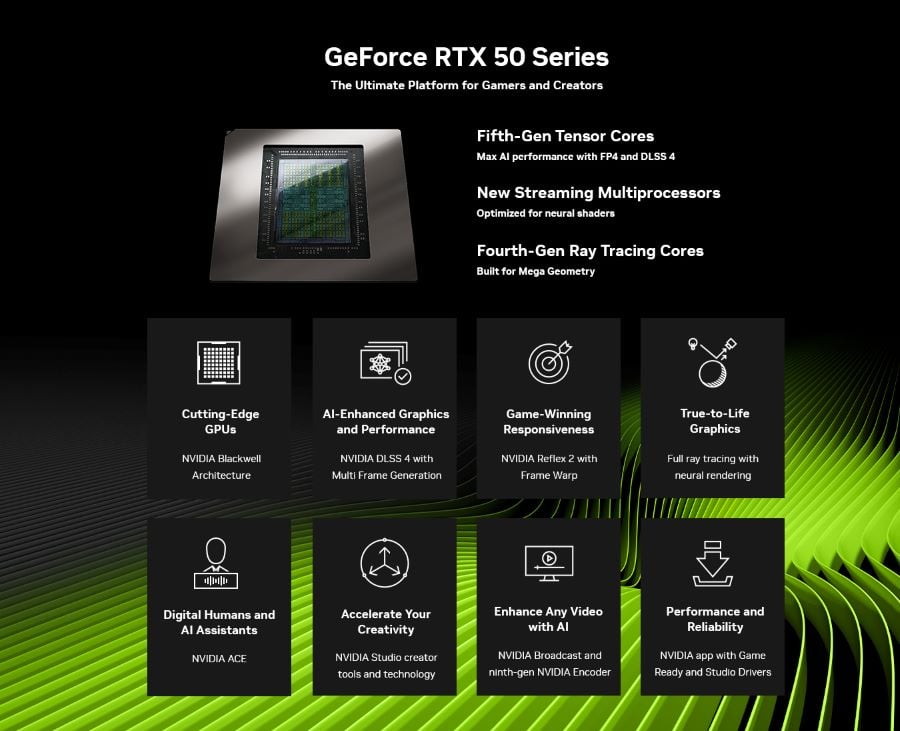
The RTX 50 desktop line covers an enormous range. At one end, the RTX 5050 is 2,560 CUDA cores and 8GB of GDDR6 at 130W. At the other, the RTX 5090 is 21,760 CUDA cores and 32GB of GDDR7 at 575W. Calling both of them “an RTX 50 card” is technically correct and practically useless.
Prebuilts make this easier and harder at once. Easier because someone has already matched the power supply and cooling to the card. Harder because the model name is doing a lot of work in the listing title. These are the questions I would ask before choosing a tier.
Where Are the Real Jumps in the Lineup?
Not evenly spaced, is the short answer. Looking at the desktop cards: 5050 at 2,560 cores, 5060 at 3,840, 5060 Ti at 4,608, 5070 at 6,144, 5070 Ti at 8,960, 5080 at 10,752, 5090 at 21,760.
Two gaps stand out. The step from the 5060 Ti to the 5070 is roughly a third more cores plus a move from a 128-bit to a 192-bit memory bus — that is the first genuine tier change. The step from the 5070 to the 5070 Ti is nearly 50% more cores and another bus widening to 256-bit. Between the 5060 and the 5060 Ti, by contrast, you are mostly buying memory rather than throughput.
The Builder Behind the Badge
ABS is Newegg’s in-house builder, which is part of why its machines track NVIDIA’s lineup fairly closely. The company dates to 1990, founded by Fred Chang in Southern California under the name Always Better Service and run as a direct-mail computer business. It became a Newegg subsidiary, operates from Diamond Bar, California, and was relaunched on 1 October 2020 as Advanced Battlestations with a gaming focus.
They work with Intel, AMD, NVIDIA and Microsoft and assemble in-house from name-brand retail parts, which is why the RTX 50 cards in these builds are identifiable retail models with their own product numbers rather than anonymous OEM variants. That is the difference between reading a tier off a listing title and actually knowing which card you are getting. Whichever tiers are in stock at a given moment show up in the ABS brand store on Newegg.
Does the Memory Size Track the Tier?
Mostly, with one confusing exception. The 5050 and 5060 carry 8GB. The 5060 Ti exists in both 8GB and 16GB versions of the same GPU, which is where people get caught. The 5070 has 12GB, the 5070 Ti and 5080 have 16GB, and the 5090 has 32GB.
That 5060 Ti split is worth repeating because the listing titles do not always make it obvious. Same cores, same bus, twice the memory, meaningfully different behaviour at 1440p with high textures.
What Does Each Tier Look Like as a Finished Machine?
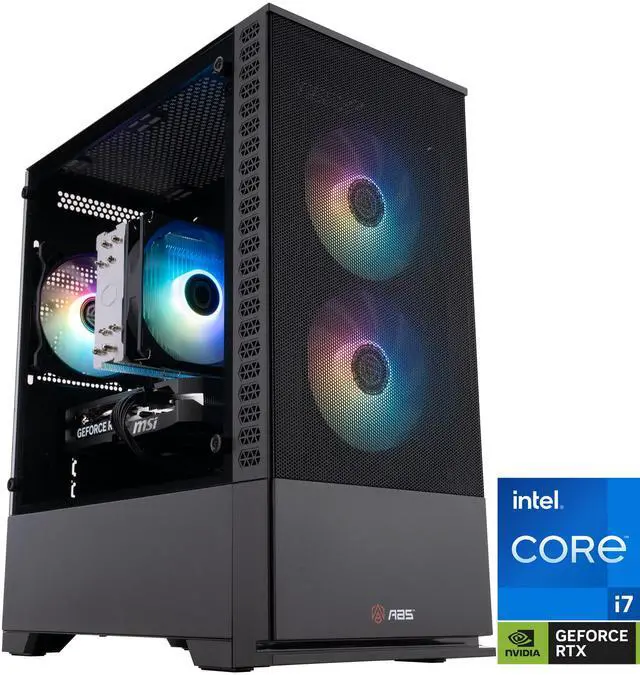
At the entry of the range, the ABS Cyclone Aqua with the Core i7-14700F and RTX 5060 takes an interesting position. The card is the 3,840-core, 8GB, 145W part, which is a 1080p proposition. But the processor is a twenty-core i7 with 33MB of L3, and there is 32GB of DDR5-6000 behind it.
That sounds unbalanced until you think about upgrades. The CPU and memory in this machine would not hold back a card two tiers higher, and on a 650W supply you have room to move up to a 5060 Ti or a 5070 without replacing anything else. It is a reasonable way to buy in stages.
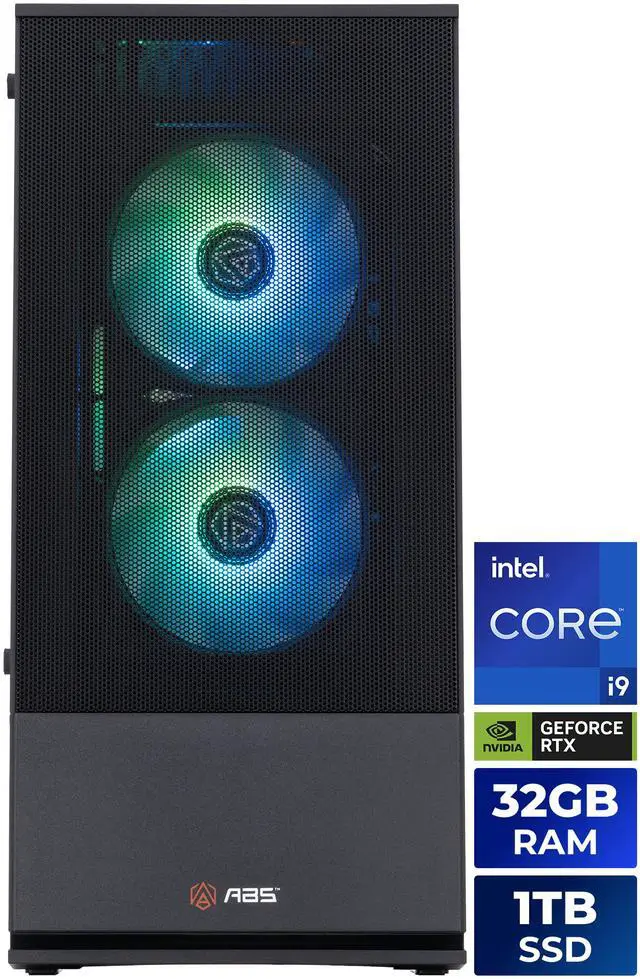
In the middle, the ABS Cyclone Aqua with the Core i9-14900KF and RTX 5070 pairs the 6,144-core, 12GB, 250W card with a twenty-four core processor that peaks at 6.0GHz, a 240mm liquid cooler, 32GB of DDR4-3200 and a 1TB M.2 drive. The memory here is DDR4 rather than DDR5, which is the compromise that makes the configuration work — and at 1440p, where this card lives, it is not the thing you will notice.
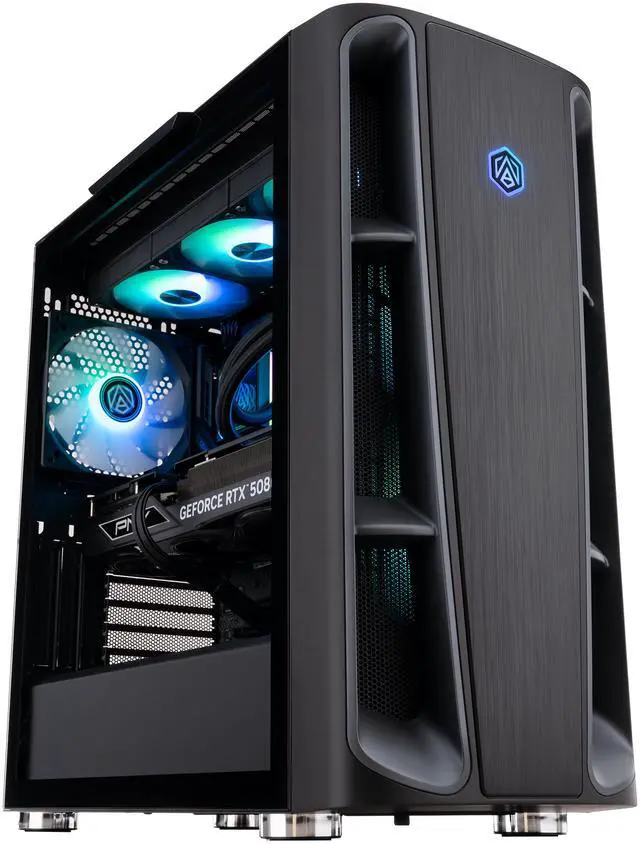
At the top of what I could find in stock, the ABS Kaze II Ruby with the Ryzen 7 9800X3D and RTX 5080 is the 4K machine. The 5080 is 10,752 CUDA cores and 16GB of GDDR7 on a 256-bit bus at 360W, and this build gives it a 1000W 80+ Gold supply, a 360mm all-in-one cooler, 32GB of DDR5-6400 and 2TB of NVMe storage. The 9800X3D’s 96MB of L3 is more relevant when you drop below 4K than at it, which makes this a flexible machine rather than a single-purpose one.
So Which Tier Should You Buy?
| GPU | Memory | Bus | Board power | Resolution I would pair it with |
|---|---|---|---|---|
| RTX 5060 | 8GB GDDR7 | 128-bit | 145W | 1080p |
| RTX 5060 Ti | 8 or 16GB GDDR7 | 128-bit | 180W | 1080p, 1440p with the 16GB version |
| RTX 5070 | 12GB GDDR7 | 192-bit | 250W | 1440p |
| RTX 5070 Ti | 16GB GDDR7 | 256-bit | 300W | 1440p maxed, entry 4K |
| RTX 5080 | 16GB GDDR7 | 256-bit | 360W | 4K |
My own rule is to buy the tier that matches the monitor and put anything left over into memory, storage or the display itself. The card tiers above what your panel can use are the easiest money to waste in this whole category. The current configurations are on Newegg’s ABS gaming desktop listings.
Frequently Asked Questions
What is the difference between the 8GB and 16GB RTX 5060 Ti? The GPU is identical — 4,608 CUDA cores on a 128-bit bus with a 180W rating. Only the memory capacity differs. The 16GB version holds up better at 1440p and with high texture settings, which is where 8GB cards tend to run out first. If the two are close in a listing, the larger memory version is the one I would take.
Is the RTX 5070 a big step up from the 5060 Ti? Yes, and more than the names suggest. The 5070 has 6,144 CUDA cores against 4,608, and moves from a 128-bit to a 192-bit memory bus with 12GB of GDDR7. That combination of more cores and more bandwidth is why it is the first card in the range I would call a proper 1440p part.
Do I need an RTX 5080 for 4K gaming? It is the tier I would aim for if 4K is the main use. The 5070 Ti can manage 4K in many titles, particularly with upscaling, but the 5080’s extra 1,792 CUDA cores give more headroom at high settings. Both carry 16GB of GDDR7, so the difference is throughput rather than memory capacity.
What power supply does each RTX 50 card need? Board power runs 130W for the 5050, 145W for the 5060, 180W for the 5060 Ti, 250W for the 5070, 300W for the 5070 Ti, 360W for the 5080 and 575W for the 5090. As a practical guide, 650W suits the first three tiers, 850W suits a 5070 Ti, and a 5080 build should have 1000W. Always check the card maker’s own recommendation as well.
Will a prebuilt let me upgrade the graphics card later? Usually, within the limits of the power supply and case. A build with a 650W unit has room to move up a tier or two, but not to a 360W or 575W card without replacing the supply. Checking the wattage, the available power connectors and the chassis clearance before buying makes the upgrade path predictable.
Read More
- NVIDIA: GeForce RTX 50 Series — The manufacturer’s overview of the Blackwell desktop generation and the features shared across tiers.
- Wikipedia: GeForce RTX 50 Series — A consolidated specification table covering CUDA counts, memory, bus width and board power for every model.
- Tom’s Hardware: GPU Hierarchy — Measured performance rankings that show how far apart the tiers actually sit.
- NVIDIA: DLSS 4 and Multi Frame Generation — What the current upscaling and frame generation features do on RTX 50 hardware.
- Newegg: ABS Gaming Desktops — Compare RTX 50 configurations across the current ABS lineup.
Related Posts
- Is Your Gaming PC Ready for GTA 6? Best ABS Gaming Desktops to Consider
- How to Choose the Right ABS Gaming PC by GPU
- Smart PC Upgrades with AI: Your Questions About Newegg’s PC Upgrader, Answered
- Build Your First Home NAS with Newegg’s NAS Builder: Three Real Scenarios
- How to Use Newegg’s Custom PC Builder: From Blank Page to Complete Build