
A friend messaged me last week with a parts list and one question: “everyone on Reddit says build AM4 now, is that mad?” Six months ago I would have said yes, obviously, build AM5. This year I actually had to think about it.
What changed is memory. DDR5 prices have climbed hard through 2026, enough that the memory kit has stopped being the boring line item at the bottom of a build sheet and started being one of the two or three things that decide the shape of the whole machine. That single shift has dragged a socket AMD launched in 2017 back into the conversation.
The Honest Version of the Difference
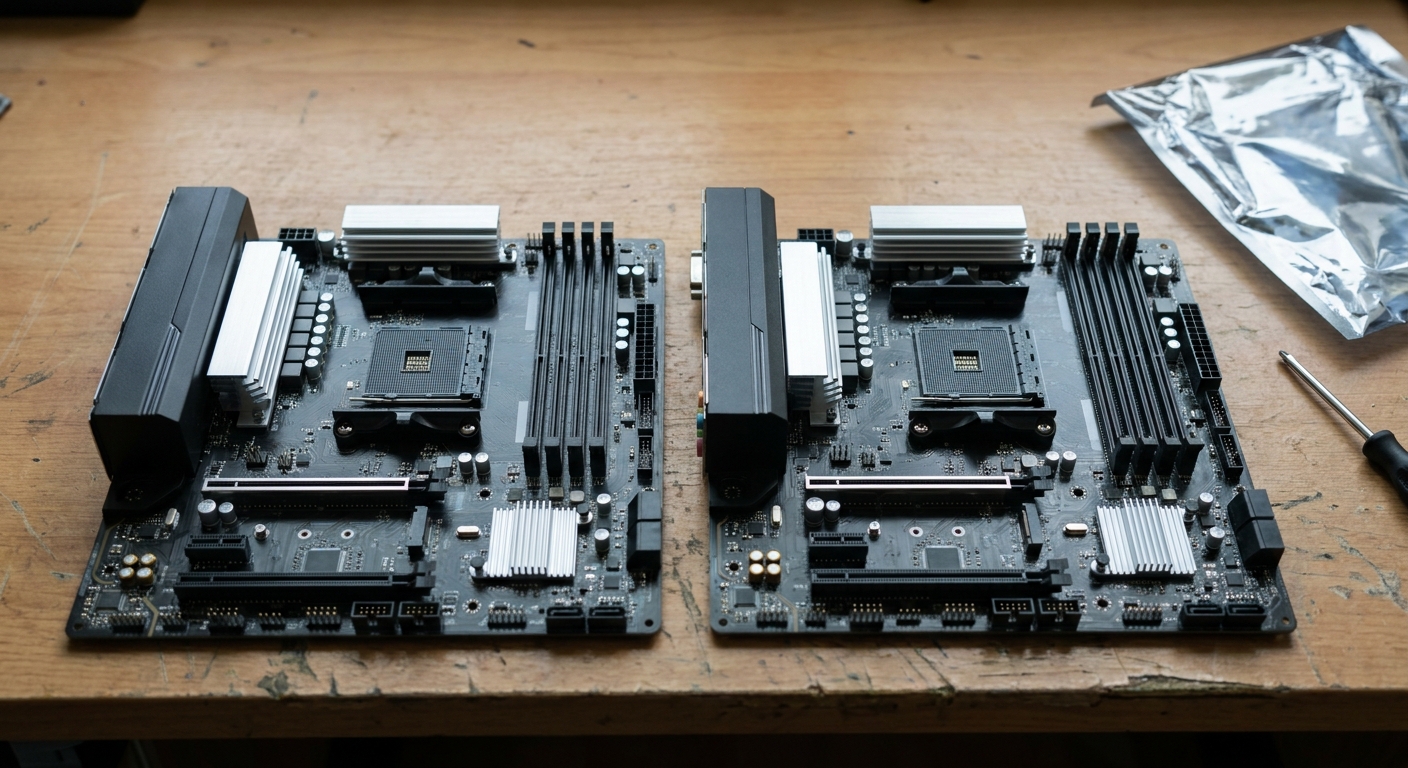
AM4 takes DDR4. AM5 takes DDR5. They are not interchangeable in either direction — not the CPU, not the memory, not the cooler mounting in some cases. Pick a lane at the start, because switching later means replacing three parts at once.
AM5 gives you PCIe 5.0, higher official memory speeds, an integrated GPU on every chip so you can boot a machine without a graphics card, and a socket AMD has now said it will keep supporting through 2029. AM4 gives you none of that. What AM4 gives you is a mature platform where the boards are cheap, the CPUs are cheap, and the memory is DDR4.
In a normal year that is not a close call. This is not a normal year.
Side by Side
| AM4 route | AM5 route | |
|---|---|---|
| Value CPU | Ryzen 5 5600 — 6C/12T, 3.5GHz base, 4.4GHz boost, 32MB L3, 65W | Ryzen 5 9600X — 6C/12T, 3.9GHz base, up to 5.4GHz, 32MB L3, 65W |
| Gaming CPU | Ryzen 7 5700X3D — 8C/16T, 3.0GHz base, 4.1GHz boost, 96MB L3, 105W | Ryzen 7 9800X3D — 8C/16T, 4.7GHz base, 5.2GHz boost, 96MB L3, 120W |
| Memory | DDR4, officially 3200 | DDR5, officially 5600, boards go far higher |
| PCIe | 4.0 | 5.0 |
| Integrated graphics | None on these chips | Radeon Graphics on both |
| Cooler in box | Wraith Stealth with the 5600 | Not included |
| Future CPUs | Effectively none | Committed through 2029 |
The Case for AM4, Made Properly
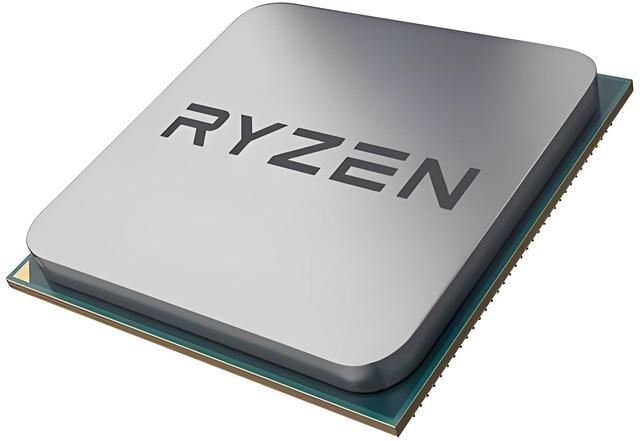
The Ryzen 5 5600 is six cores and twelve threads at 3.5GHz base and 4.4GHz boost, 32MB of L3, 65W, and it comes with a Wraith Stealth cooler in the box. That last detail matters more than it looks: it is one fewer part to buy.
Step up and the Ryzen 7 5700X3D brings eight cores, sixteen threads and 96MB of L3 cache at 105W. Clocks are modest — 3.0GHz base, 4.1GHz boost — and it does not matter nearly as much as the cache does in games. AMD lists it as compatible with A520, B450, B550, X470 and X570 boards, so it also drops into machines people already own. That is the quiet reason this chip refuses to die.
For a new AM4 build the ASUS TUF GAMING B550-PLUS WIFI II is more board than the platform strictly needs: four DDR4 slots up to 128GB, a PCIe 4.0 x16 slot, six SATA ports and two M.2 slots, the first of which runs PCIe 4.0 x4 with a Ryzen 5000 chip. Pair it with something like the G.SKILL Ripjaws V 32GB DDR4-3600 CL16 kit at 1.35V and you have 32GB of memory in a build without wincing.
The Case for AM5, Which Has Not Actually Weakened
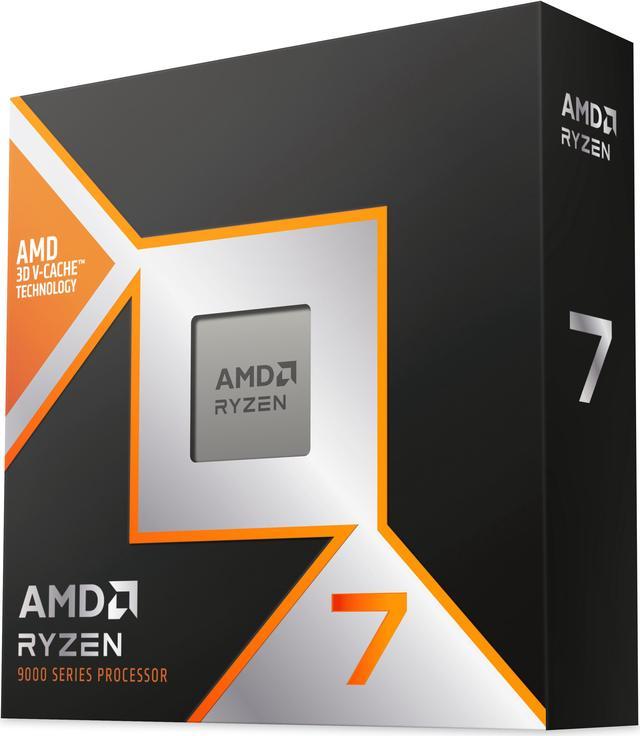
The Ryzen 5 9600X is the entry point: six Zen 5 cores at 3.9GHz base and up to 5.4GHz, 65W, with Radeon Graphics on board and support for up to 192GB of DDR5. No cooler in the box, so budget for one.
The Ryzen 7 9800X3D is still the gaming chip everyone benchmarks against. Eight cores, sixteen threads, the same 96MB of L3 as the 5700X3D, but at 4.7GHz base and 5.2GHz boost inside a 120W envelope. Comparing the two X3D parts on paper is the clearest illustration of what four years of platform progress bought: identical cache, wildly different clocks.
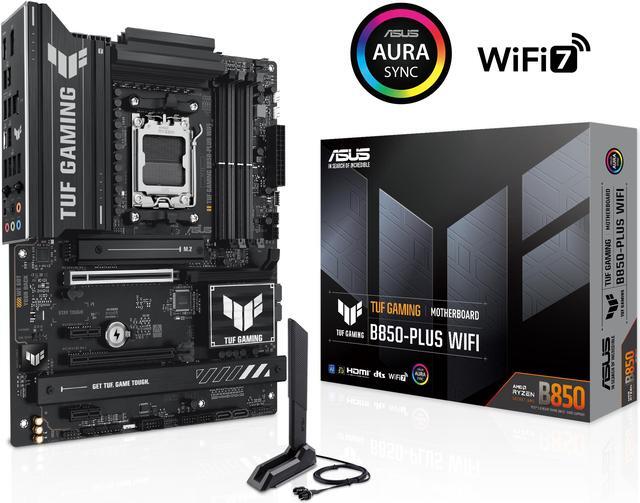
The ASUS TUF GAMING B850-PLUS WIFI shows where the money goes: 14+2+1 power stages, four DDR5 slots supporting up to 192GB and rated beyond 8000MT/s with overclocking, a PCIe 5.0 x16 slot with Ryzen 7000 or 9000 chips, three M.2 slots with the first running PCIe 5.0 x4, Wi-Fi 7, 2.5Gb LAN and BIOS FlashBack. Feed it a CORSAIR Vengeance 32GB DDR5-6000 CL38 kit with EXPO and you are at the sweet spot AMD tunes for.
So Which One
Here is where I landed, and I want to be clear that it is a judgment call rather than a verdict.
Build AM4 if you already own a B450, B550 or X570 board — dropping in a 5700X3D is the best value upgrade in desktop computing right now and it is not close. Build AM4 if your ceiling is genuinely fixed and the memory line item is what breaks the budget.
Build AM5 for anything else. The socket has years of CPUs ahead of it, the boards give you PCIe 5.0 storage and Wi-Fi 7, and every chip boots without a graphics card, which is worth more than it sounds the first time a GPU dies on you. Memory is expensive this year. Memory has been expensive before and it came back down.
What I would not do is buy a brand new AM4 board and a brand new AM4 CPU as a long-term machine. That is paying today’s prices for a dead end. If you want to see what the current boards look like side by side, Newegg’s AM5 motherboard listings are the place to start.
Frequently Asked Questions
Can I put an AM4 CPU in an AM5 motherboard? No. They are physically and electrically different sockets — AM4 chips have pins on the processor, AM5 uses a land grid array with the pins in the socket. The memory is incompatible too, since AM4 is DDR4-only and AM5 is DDR5-only. Choosing a platform means choosing a CPU, a motherboard and a memory kit together.
Is the Ryzen 7 5700X3D still worth buying in 2026? As an upgrade to an existing AM4 machine, absolutely. It is eight cores with 96MB of L3 cache and it works in A520, B450, B550, X470 and X570 boards, so for many people it is a single-part upgrade with no new motherboard or memory. As the basis of a completely new build it is harder to justify, because you are buying into a platform with no future CPUs.
Do I need DDR5-6000 specifically? DDR5-6000 with reasonably tight timings is the range AMD’s Ryzen 7000 and 9000 chips are happiest at, because it keeps the memory controller running in its efficient synchronous mode. Faster kits exist and will run, but the gains taper off quickly. A 6000 kit with EXPO enabled is the sensible default.
Will a B850 board work with a Ryzen 9800X3D out of the box? Yes. B850 is a current-generation chipset designed alongside Ryzen 9000, so no BIOS update should be needed. Older AM5 chipsets such as B650 and X670 also support the chip, though those may need a BIOS update first — which is exactly what the BIOS FlashBack button on boards like the TUF B850-PLUS is for.
Read More
- Tom’s Hardware: Ryzen 7 9800X3D Review — Full benchmark data behind the gaming performance claims for AMD’s current X3D flagship.
- TechSpot: Ryzen 7 5700X3D Review — The testing that explains why an AM4 chip is still recommended years after launch.
- AMD: Ryzen Desktop Processors — Official specifications and socket compatibility for every current Ryzen desktop part.
- ASUS: TUF GAMING B850-PLUS WIFI — Manufacturer detail on the PCIe 5.0 layout, memory support and BIOS FlashBack.
- Newegg: AM5 Motherboards — Compare current B850, X870 and X670 boards by chipset, form factor and M.2 count.