
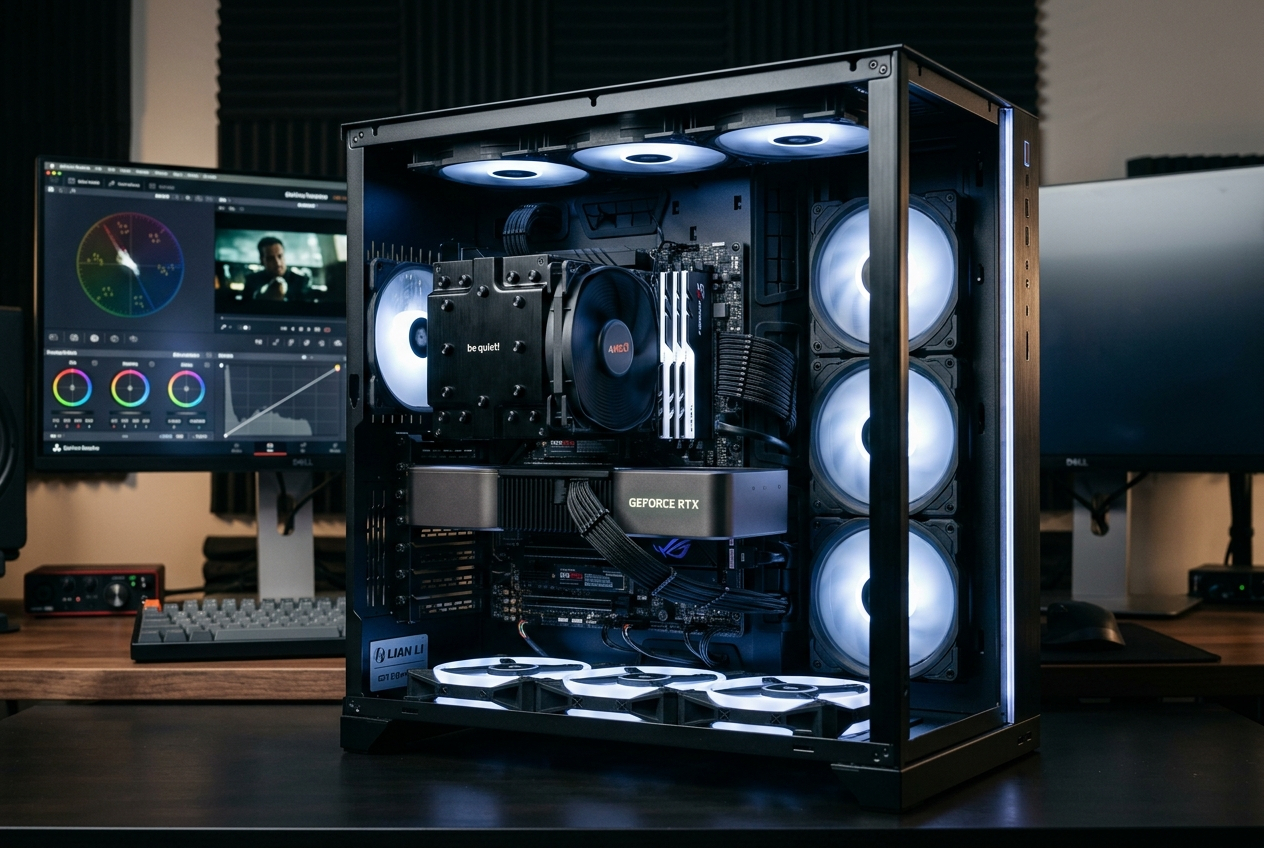
The desktop CPU market in 2026 is being reshaped by a force that barely registered in the conversation two years ago: AI acceleration. Local AI inference — running language models, image generation pipelines, and video enhancement tools directly on your desktop hardware without cloud dependency — has elevated CPU selection criteria beyond traditional rendering benchmarks. At the same time, content creators face increasingly demanding encoding, compositing, and 3D rendering workloads that expose real architectural differences between AMD’s Zen 5 platform and Intel’s Raptor Lake Refresh. The question facing serious buyers today is no longer simply “which CPU renders faster” — it’s “which platform best serves my full creative and AI workflow in 2026 and beyond.”
The AI Acceleration Landscape: What “AI-Ready” Actually Means
The term “AI-ready CPU” has become marketing shorthand for several genuinely different capabilities, and understanding the distinction is essential for making an informed purchase.
On-CPU AI inference uses the processor’s traditional compute cores to run AI model calculations. Both AMD Zen 5 and Intel Raptor Lake Refresh processors are capable of this, though performance scales with core count, AVX-512 support, and cache size. The Ryzen 9 9950X’s Zen 5 architecture brings native AVX-512 support with improved throughput, giving it an architectural edge in CPU-bound inference tasks.
NPU (Neural Processing Unit) acceleration is Intel’s differentiating angle with Arrow Lake (Core Ultra series). The Core Ultra 7 265K and Core Ultra 9 285K include dedicated NPU silicon capable of approximately 13 TOPS (Tera Operations Per Second). AMD’s mainstream Ryzen desktop processors do not include NPU hardware, though AMD’s Ryzen AI processors in laptop form factors do.
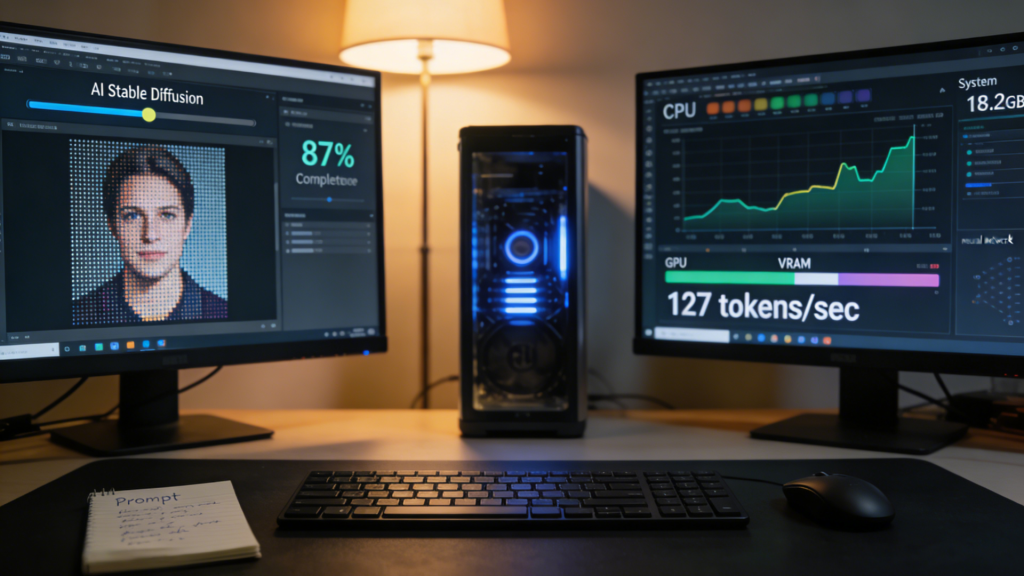
GPU-accelerated AI remains the dominant method for demanding local AI workloads — image generation with Stable Diffusion, video frame interpolation, and large language model inference all run dramatically faster on a discrete GPU than on any CPU or integrated NPU. For desktop workstation buyers, GPU selection matters more than CPU NPU integration for AI-intensive workflows.
For workstation-class AI inference at scale — the kind of deployments that require dozens of CPU cores and massive memory bandwidth — platforms like AMD EPYC and Intel Xeon w9-3475X represent the enterprise-grade foundation, while AMD Ryzen Threadripper PRO 7965WX addresses the high-core-count prosumer workstation segment.
 Ryzen 9 9950X vs. Core i9-14900K: Content Creation Deep Dive
For the majority of content creators — video editors, 3D artists, photographers, and music producers — the choice between AMD’s Ryzen 9 9950X and Intel’s Core i9-14900K represents a genuine architectural and generational decision.
| Specification | AMD Ryzen 9 9950X | Intel Core i9-14900K |
|---|---|---|
| Architecture | Zen 5 | Raptor Lake Refresh |
| Cores / Threads | 16C / 32T | 24C / 32T (8P + 16E) |
| L3 Cache | 64MB | 36MB |
| Base Clock | 4.3 GHz | 3.2 GHz (P-Core) |
| Boost Clock | 5.7 GHz | 6.0 GHz (P-Core) |
| TDP / PBP | 170W | 125W (253W MTP) |
| Memory Support | DDR5-5600 | DDR5-5600 / DDR4-3200 |
| AVX-512 | Yes (Zen 5 native) | Yes (via AVX-512 emulation) |
| PCIe Lanes | PCIe 5.0 x16 + x4 | PCIe 5.0 x16 |
| Platform | AM5 | LGA1700 |
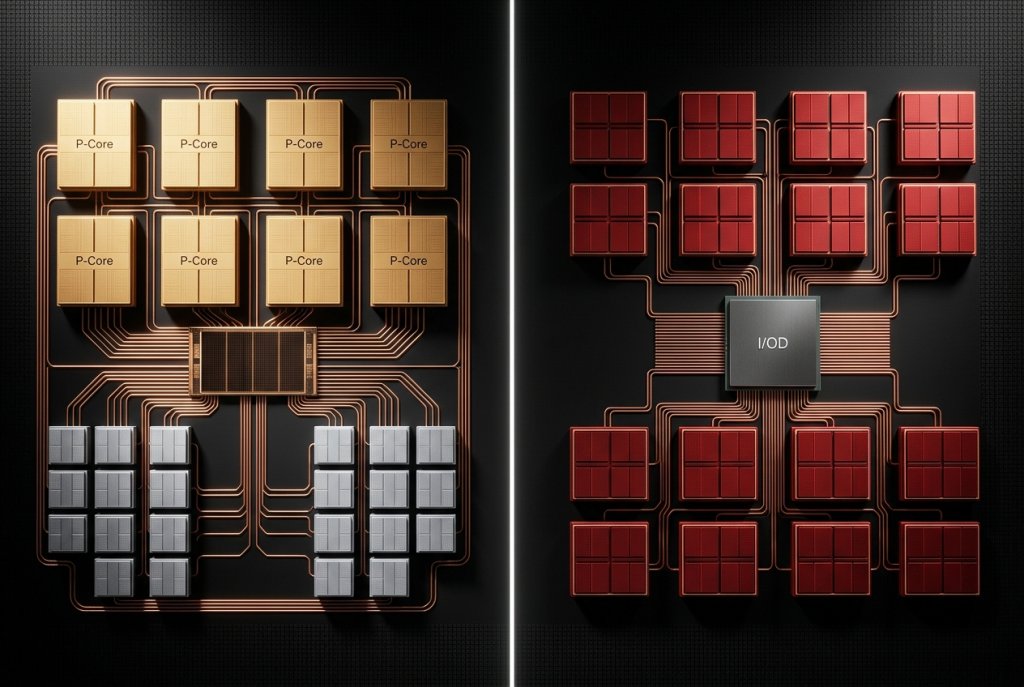
The core count difference — 16 physical cores for the 9950X versus Intel’s 24-core hybrid design — deserves context. Intel’s 14900K uses 8 Performance cores and 16 Efficiency cores in its hybrid architecture. In workloads that efficiently utilize all available threads (video encoding, Blender rendering, Handbrake transcoding), Intel’s raw thread count advantage produces measurable results. In workloads that prefer fewer high-frequency cores with large caches (certain game engines, some DAW processing), AMD’s Zen 5 cores with 64MB L3 cache take the lead.
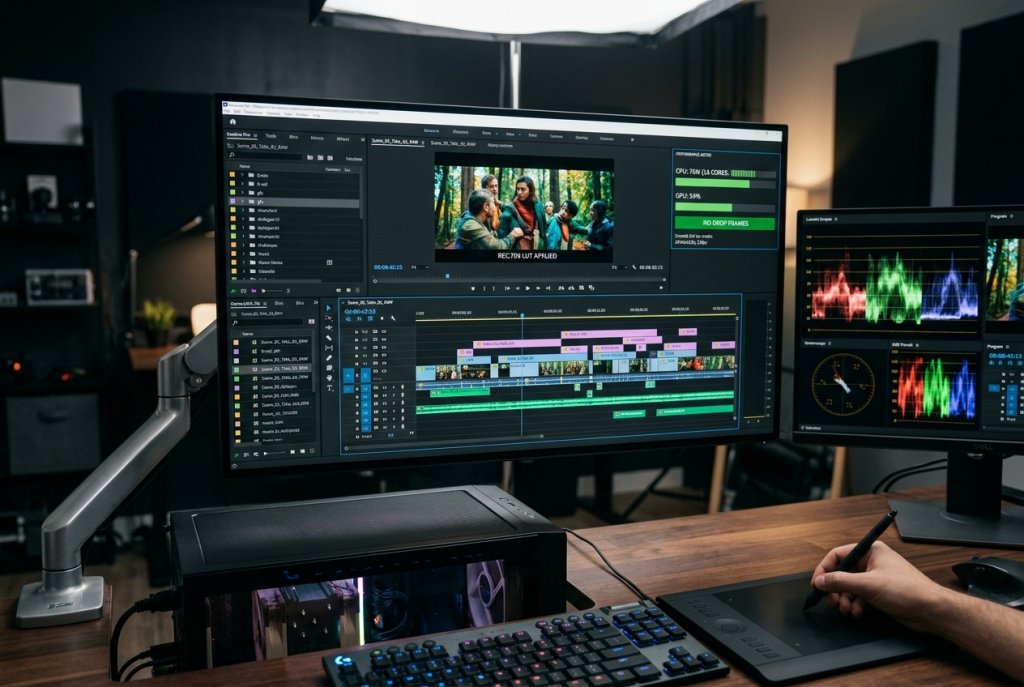
Video Encoding (H.264/H.265 software encode): Intel i9-14900K leads by approximately 10–15% in software encoding benchmarks due to total thread count advantage. Hardware encoding using Intel Quick Sync Video is substantially faster than CPU software encoding on either platform — if your workflow uses hardware encoding, GPU or Intel Quick Sync choice matters more than CPU selection.
3D Rendering (Blender, Cinema 4D, V-Ray): The Ryzen 9 9950X’s Zen 5 IPC improvements narrow the thread-count gap significantly. In Blender CPU rendering benchmarks, the 9950X and i9-14900K perform within 8–12% of each other, with the 9950X leading in ray-tracing-heavy scenes due to its AVX-512 throughput advantage.
Photo Editing (Lightroom, Photoshop): Both processors deliver excellent single-threaded responsiveness for photo editing tasks. Lightroom’s catalog operations and batch export scale across multiple cores, where the 14900K’s thread count helps. Photoshop’s neural filter AI operations benefit from the 9950X’s AVX-512 capabilities. Neither platform meaningfully limits a professional photographer’s workflow.
 AMD vs. Intel: Which Handles AI Workloads Better at the Same Level?
For buyers comparing AMD and Intel at equivalent market tiers — not just these two specific processors — the AI workload picture is nuanced and increasingly important.
Intel’s Arrow Lake CPUs (Core Ultra 200 series) are the current Intel mainstream recommendation for 2026 AI-adjacent workloads. The dedicated NPU in Core Ultra processors handles Windows 11’s Copilot+ AI features, Adobe Firefly local AI acceleration, and real-time noise cancellation in communication apps with lower CPU overhead than software-only approaches. For buyers who use AI-enhanced productivity and creative tools daily, Intel’s NPU integration provides genuine quality-of-life improvements.
AMD’s answer for desktop AI acceleration currently relies on GPU pairing rather than integrated NPU silicon. AMD’s discrete GPU lineup — particularly RDNA 3 and upcoming RDNA 4 cards — handles AI inference with competitive TOPS figures that dwarf any integrated NPU. For buyers who already pair their workstation with a discrete AMD or NVIDIA GPU, the absence of a desktop CPU NPU is inconsequential for serious AI workloads.
The emerging consensus among creative professionals in 2026 is this: for AI tasks heavy enough to matter, the GPU is the relevant component; for light ambient AI (auto-captioning, noise cancellation, Copilot assistance), Intel NPU integration is convenient; for maximum raw compute in traditional rendering and encoding, AMD Zen 5’s IPC efficiency is competitive despite lower thread count.
For enterprise-scale AI and ML workloads where raw compute throughput is paramount, consider the AMD Ryzen Threadripper PRO 5955WX or Server CPU Processors on Newegg for platforms purpose-built to handle these demands.
 Building the Optimal Creative Workstation in 2026
Platform selection extends beyond the CPU itself. The Ryzen 9 9950X’s AM5 platform offers a clear upgrade path to future Zen 6 processors, PCIe 5.0 NVMe storage, and DDR5-6000+ memory speeds. The Core i9-14900K on LGA1700 is Intel’s final generation on that platform — future Intel processors use LGA1851, meaning a processor upgrade requires a new motherboard.
For content creators investing in a long-term workstation platform, AMD’s AM5 socket longevity is a meaningful financial consideration. An AM5 motherboard purchased today will accept Zen 6 CPUs when they arrive, protecting the platform investment. Pair your CPU with high-capacity DDR5 RAM — 32GB minimum, 64GB for serious video work — and a fast NVMe SSD for project storage to complete a workstation that handles current and near-future creative demands.
 The Verdict: Platform Fit Beats Benchmark Numbers
Choose Ryzen 9 9950X if your workflow is rendering-heavy, you prioritize platform longevity and upgrade path, and your AI acceleration runs through a discrete GPU rather than integrated NPU silicon. The Zen 5 architecture’s IPC efficiency and AM5 platform future-proofing make it the more strategically sound investment for 2026.
Choose Core i9-14900K if your budget is tighter, you work in thread-count-sensitive applications that benefit from Intel’s 24-thread configuration, or you need DDR4 compatibility for an existing memory investment. Recognize that LGA1700 is Intel’s last generation on this socket — future processor upgrades will require a new motherboard.
Both processors represent serious workstation-capable hardware. The right answer depends on your specific software stack, upgrade timeline, and whether NPU integration or platform longevity matters more to your workflow priorities.
Related Posts
- Best CPUs for Gaming and Productivity in 2026: Intel vs AMD Showdown
- Should You Buy an Unlocked CPU in 2026? A Practical Guide for Every Type of Builder
- Unlocked vs. Locked CPUs Explained: What the “K” Really Means in 2026
- Do You Actually Need a Xeon or Threadripper? A 2026 Workload Guide to Choosing the Right CPU Platform
- Desktop CPU vs. Server CPU: What’s Actually Different Under the Hood in 2026