
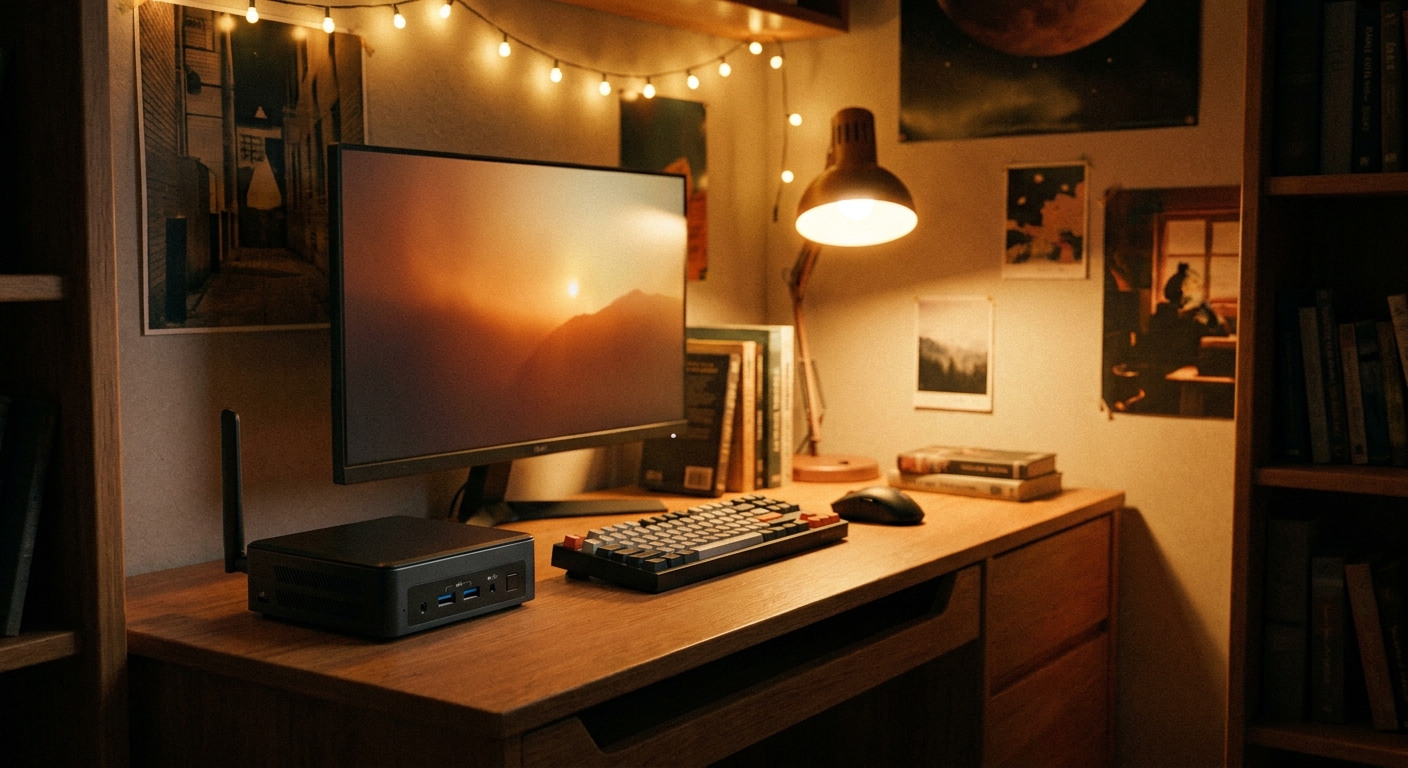
The move-in checklist always comes down to one big question: what computer belongs on that cramped dorm desk? For most students the choice splits neatly in two. On one side is the mini PC, a palm-sized box that sips power, stays whisper quiet, and disappears behind a monitor. On the other is the budget desktop tower, bigger and louder but far more powerful and easy to upgrade when your needs grow. This guide walks through who each one suits, the real scenarios you will run into during the semester, and the best pick for each. All prices were checked on Newegg on August 6, 2026.
Who Needs This
Start by being honest about how you actually use a computer. If your days are filled with lecture notes, research papers, browser tabs, video calls, and streaming, and you never plan to crack the case open, a mini PC is built for you. It reclaims desk space, runs cool, and handles office and study workloads without fuss. You plug it in and forget it is there.
If, on the other hand, you want to game between classes, run creative software, or add more storage and memory over the next few years, a budget gaming desktop earns its larger footprint. Towers include a real graphics card and standard-size components, so upgrades are cheap and simple. The tradeoff is size, noise, and the fact that a desktop usually needs a monitor and a keyboard and mouse if they are not in the box. Browse the full range of small-form-factor options in the mini PC listings or the broader desktop computer listings to see what fits.
Scenario 1: Tiny Dorm Desk and Office or Study Work
Space is the enemy in a shared room. A mini PC solves it by hiding behind or beside your screen, leaving room for textbooks and coffee. The MSI Cubi 5 12M Mini PC at $829.00 pairs an Intel Core i5-1235U with 16GB of memory, which is plenty for a full load of documents, browser tabs, and video meetings. It is quiet enough for late-night study sessions when your roommate is asleep, and its low power draw is kind to a dorm outlet strip. This is our best mini PC pick for students who want a clean, no-maintenance study machine. The small chassis also travels well between a dorm and a family home over breaks, and because it draws so little power you can leave it running for downloads or backups without worrying about heat or fan noise filling the room.
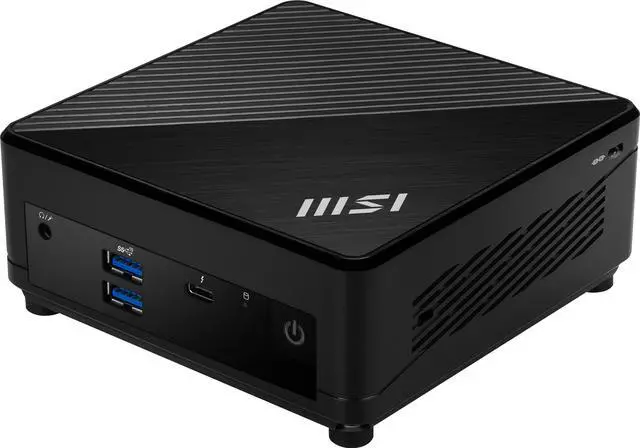
Because the Cubi ships without a screen, you will pair it with your own display. A sharp, high-refresh panel like the MSI 27″ QHD 1440p 180Hz monitor at $149.99 makes long reading sessions easier on the eyes and doubles as a streaming screen. Add the Logitech MK270 Wireless Keyboard and Mouse Combo for just $29.99 to keep the desk cable-free.
Scenario 2: Budget Gaming Between Classes
A mini PC is not the machine for modern gaming. When you want real frame rates, a tower with a dedicated GPU is the answer. The Zotac GAMING MEK Gaming Desktop at $799.99 is a strong entry point that plays popular titles at 1080p without stutter, and it arrives assembled so there is no building required and no risk of a first-time build going wrong before the semester even begins. If your budget stretches a little further, the step-up Zotac GAMING MEK Desktop at $999.99 adds headroom for that 1440p monitor and more demanding games.
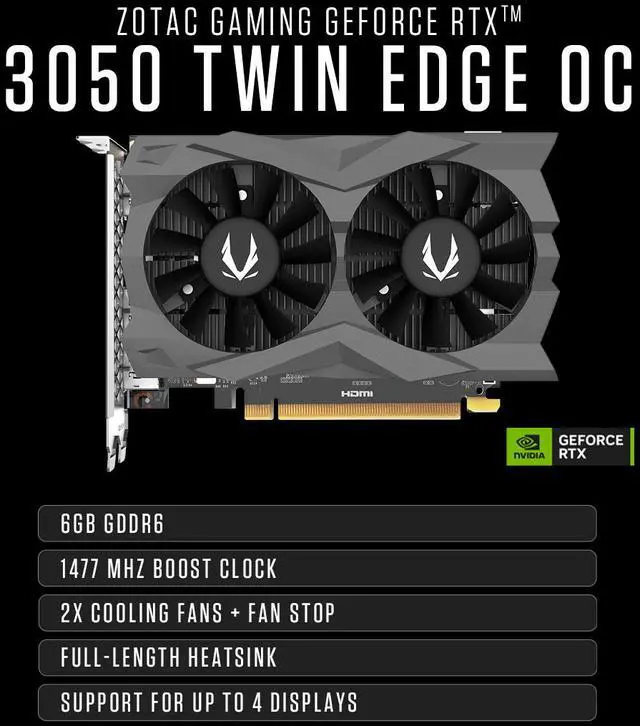
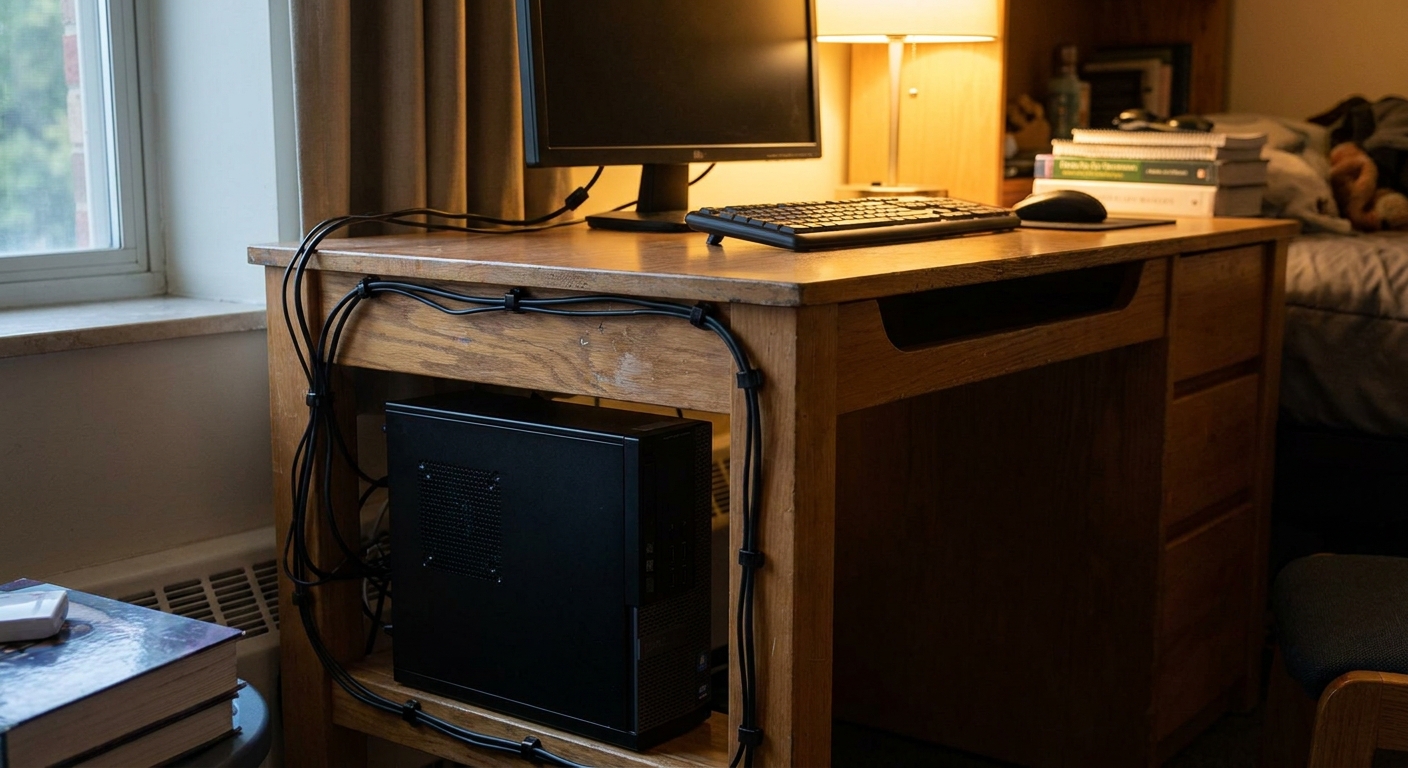
Remember that a desktop tower is just the box. Unless a bundle says otherwise, you supply the monitor and peripherals, so factor the $149.99 display and $29.99 combo above into your total. The upside is that everything inside a tower is standard and replaceable, which brings us to the real long-term advantage.
Scenario 3: The Display and Peripherals You Add
Whichever base you choose, the accessories define the experience. A good monitor matters more than most students expect, since it is the part of the setup you actually stare at for hours every day: the MSI 27″ QHD 180Hz panel is a bargain that flatters both a mini PC study setup and a gaming rig. A tidy wireless keyboard and mouse keeps the desk uncluttered. And for the desktop crowd, storage is the easiest upgrade to plan for. Games and video projects fill drives fast, so a GIGABYTE AORUS Gen4 1TB SSD at $140.00 is a smart addition to any tower with a free slot. That upgrade path is exactly what a mini PC trades away for its small size.
Best Pick Per Scenario
Tiny desk and study work: the MSI Cubi 5 12M is the clear winner for a quiet, space-saving machine at $829.00. Budget gaming: the $799.99 Zotac GAMING MEK gets you in the door, and the $999.99 step-up is worth it if you can swing the extra money. The add-ons everyone should consider: the MSI 27″ 1440p monitor and Logitech MK270 combo, plus the GIGABYTE 1TB SSD when a tower needs more room.
Verdict
There is no single best student computer, only the best one for how you work and play. If your semester is papers, tabs, and video calls on a tight desk, the mini PC’s silence and small size make it the easy call. If you want to game or plan to upgrade for years, the budget tower’s power and open case are worth the extra space and the cost of a monitor and peripherals. Match the machine to the scenario and you will get through finals week without regret, whether that is with a hushed little Cubi or a MEK humming under the desk.
Read More
- PCMag keeps an up-to-date roundup of the best desktop computers across price ranges.
- MSI’s official Cubi 5 12M page lists full specifications, ports, and configuration options.
- Zotac’s gaming PC hub details the MEK desktop lineup and its included hardware.
- Browse current YouTube mini PC reviews to see real-world performance and noise levels.
- Newegg’s Mini PC category page is the fastest way to compare current models and prices.
Related Posts
- Turn a Mini PC into a Local AI Edge Computer
- Best Small Form Factor and Mini Desktop PCs for Dorms and Small Desks in 2026
- Best Budget Desktop PCs for Students in 2026
- Mini PCs Explained: What They’re Good For and Why Shoppers Love Them
- ASRock DeskMini X600: Small Form Factor, Big Capabilities with USB4 Boost