
A monitor is the least glamorous back-to-school purchase and quite possibly the most useful one. Working on a 15-inch laptop screen for four years is a slow tax on your posture and your patience, and adding a proper display is the cheapest upgrade that makes studying measurably less unpleasant. The trouble is that monitor spec sheets are dense with numbers that mean very little at this price point. So rather than a ranking, here are the questions students actually ask, answered plainly, with specific picks attached. Every price was checked on Newegg on July 28, 2026.
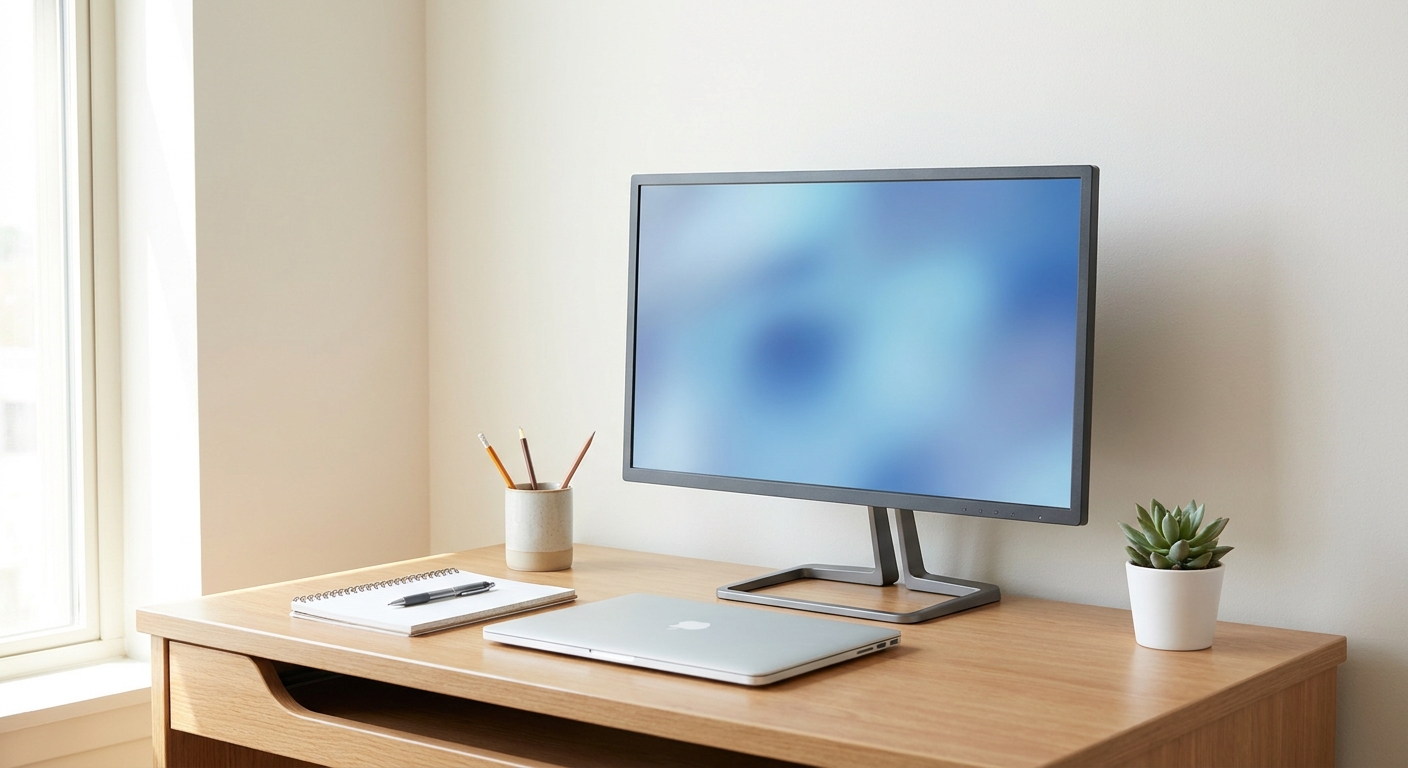
How big should it be for a dorm desk?
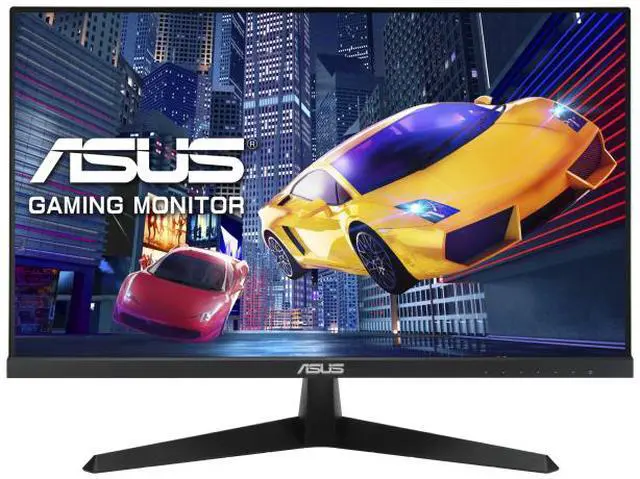
Measure your desk depth before anything else. Dorm desks are frequently around 24 inches deep, and a 27-inch monitor placed on a shallow desk sits too close, which forces you to move your head to read the edges. For most dorm rooms a 24-inch panel is the right answer, and the ASUS 24-inch Full HD IPS at $99.99 is a clean example: 120Hz, Adaptive Sync, a low blue light mode and an IPS panel, for the price of a couple of textbooks.
If your desk is deeper, or you can mount the monitor on the wall or an arm, 27 inches gives you noticeably more room for two documents side by side. Just be aware of the pixel density trade-off covered in the next question.
Do I need 1440p, or is 1080p fine?
At 24 inches, 1080p is genuinely fine. Text is sharp, and there is no compelling reason to spend more. At 27 inches the calculation shifts: the same 1080p pixel count spread across a bigger panel means slightly softer text, which some people notice immediately and others never do. If you are sensitive to that, or you spend all day reading, the fix is 1440p.
The pleasant surprise is how affordable that has become. The MSI 27-inch WQHD 1440p IPS at $119.99 gives you the higher resolution at 100Hz with built-in speakers, which is $20 more than the 24-inch 1080p pick above. For a student who works in spreadsheets, code editors or split-screen research, that is the best-value upgrade on this list, because 1440p means you can genuinely fit two full documents side by side rather than two cramped ones.
How cheap can I actually go?
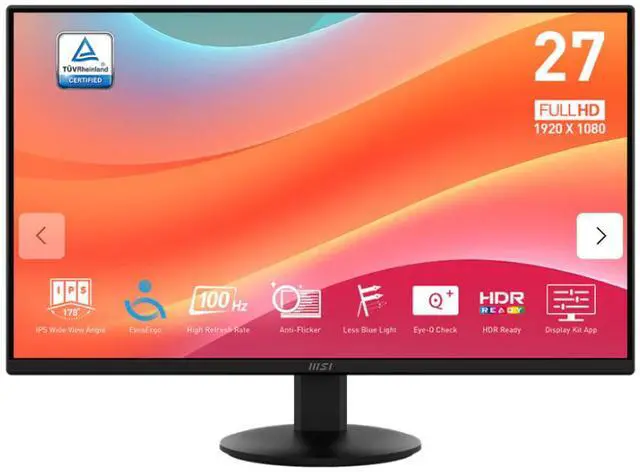
Lower than you would guess. The MSI 27-inch Full HD 100Hz IPS is $89.99, which is remarkable for a 27-inch IPS panel with a 1ms response time and Adaptive Sync. At the time of writing its product page also carries a monitor-arm combo offer, which is worth a look if desk space is tight and you would rather clamp the display to the edge of the desk.
The thing to avoid at the bottom of the market is a TN panel. TN monitors are cheap and fast but their colors shift noticeably when you are not looking straight at them, which matters if you ever share your screen with a study partner sitting beside you. IPS costs a few dollars more and holds its color from an angle. Every pick in this article is IPS for that reason.
Does refresh rate matter if I do not game?
Less than marketing suggests, but it is not nothing. Moving from 60Hz to 100Hz makes scrolling and window dragging visibly smoother, and it is the kind of improvement you stop noticing until you go back to a 60Hz screen. Since essentially everything at this price is now at least 100Hz, you get the benefit without paying for it.
If you do game, then it matters properly. The ASUS TUF 24-inch Full HD IPS at $122.98 runs at 144Hz with an overclock to 146Hz, includes Adaptive Sync to eliminate tearing, and supports HDR. For competitive shooters at 1080p that combination is much more useful than a higher resolution would be, because a smaller, faster panel keeps the whole playfield inside your field of view.
What about eye strain during finals week?
This is the question worth taking seriously, because a monitor you look at for ten hours a day during exams is a health purchase as much as a productivity one. Two features do real work here: a flicker-free backlight and a low blue light mode. The BenQ 27-inch Full HD IPS at $134.37 is TUV-certified flicker-free with a low blue light setting and slim bezels, and BenQ has a long reputation in this specific area.
Two habits help more than any feature. Turn the brightness down until the screen matches the room rather than outshining it, most panels ship far too bright, and follow the twenty-twenty-twenty rule: every twenty minutes, look at something twenty feet away for twenty seconds. If you prefer a lighter desk aesthetic, the ASUS 27-inch Full HD IPS in white at $159.00 offers the same flicker-free and blue light filtering features in a white chassis.
Should I buy two monitors instead of one better one?
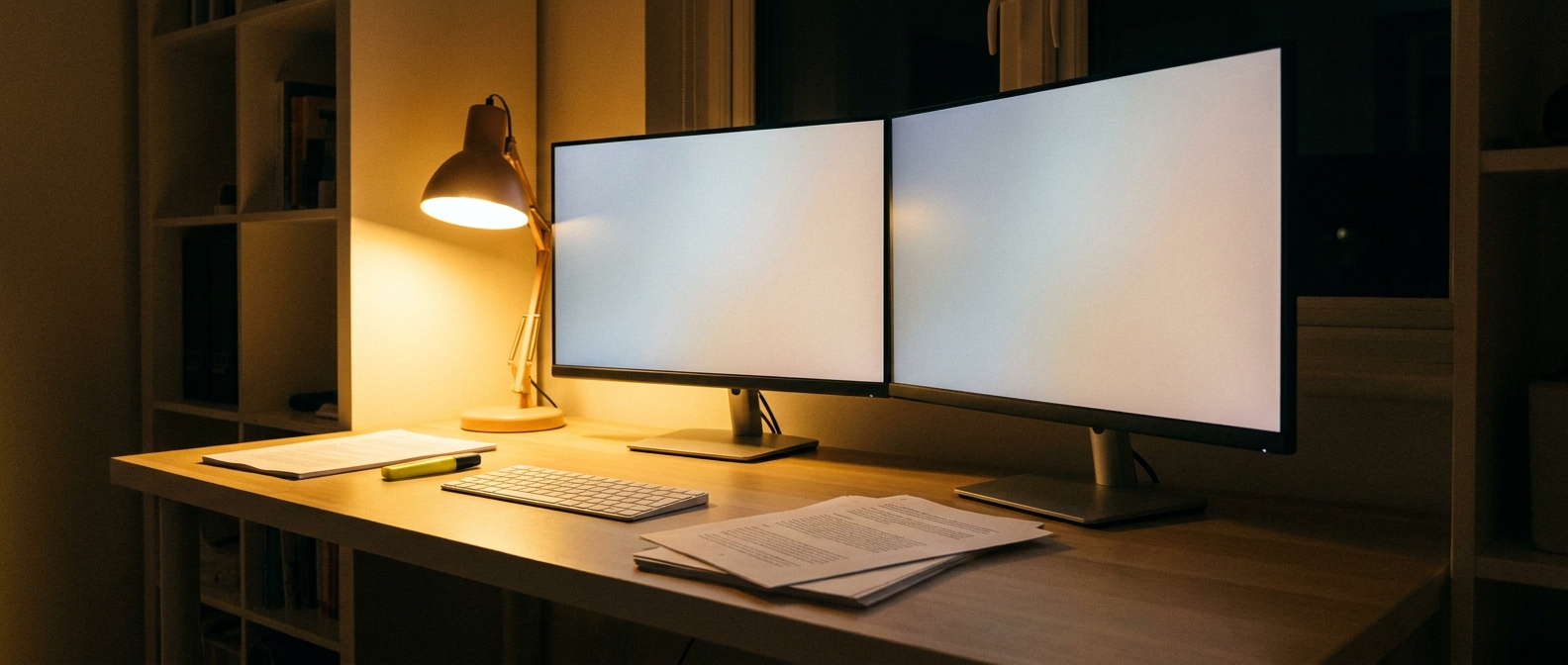
For most students, no, at least not in year one. Two 27-inch monitors need roughly four feet of desk width, which few dorm rooms provide. A better approach is one good external monitor plus your laptop screen off to the side, which gives you a second surface for a reference document without consuming any extra desk.
If you move into an apartment with a real desk later, then two matching panels genuinely help for research, coding and anything involving comparison. Buying the same model twice matters more than the model itself, because mismatched brightness and color between two monitors is more distracting than having only one. You can browse current options on Newegg’s 24-inch monitor listings to see what is available in matched pairs, or the 27-inch monitor listings if your desk is deep enough for the larger size.
The Short List
Cheapest useful screen: MSI 27-inch Full HD at $89.99. Best fit for a shallow dorm desk: ASUS 24-inch Full HD 120Hz at $99.99. Best value overall: MSI 27-inch 1440p at $119.99, because the extra resolution is what you will feel every day. Best for gaming on the side: ASUS TUF 24-inch 144Hz at $122.98. Best for long study sessions: BenQ 27-inch at $134.37, or the ASUS 27-inch white at $159.00 if you want it to match a lighter setup. Whatever you choose, check your desk depth first and turn the brightness down on day one.
Read More
- RTINGS: Best Work Monitors — Lab-measured brightness, contrast and text clarity results.
- Tom’s Hardware: Best Computer Monitors — Independent picks with measured color and response data.
- American Optometric Association: Computer Vision Syndrome — Clinical guidance on reducing screen-related eye strain.
- PCWorld: Best Home Office Monitors — Reviewer picks focused on comfort for long working sessions.
- Newegg: 24-Inch Monitors — Filter by panel type, refresh rate and resolution.
Related Posts
- Best CPU for the RTX 5070: Four Contenders, One Clear Winner
- How to Choose the Right Business Desktop for Work on Newegg
- Back to School 2026: Which Laptop Should You Actually Buy?
- Ryzen 7 7700X3D Motherboard and BIOS Guide: Official Support, Step by Step
- Celebrity Gaming Setups: The PCs That Keep the Spotlight Running
Frequently Asked Questions
Answers to the most common questions about choosing a back-to-school monitor.