
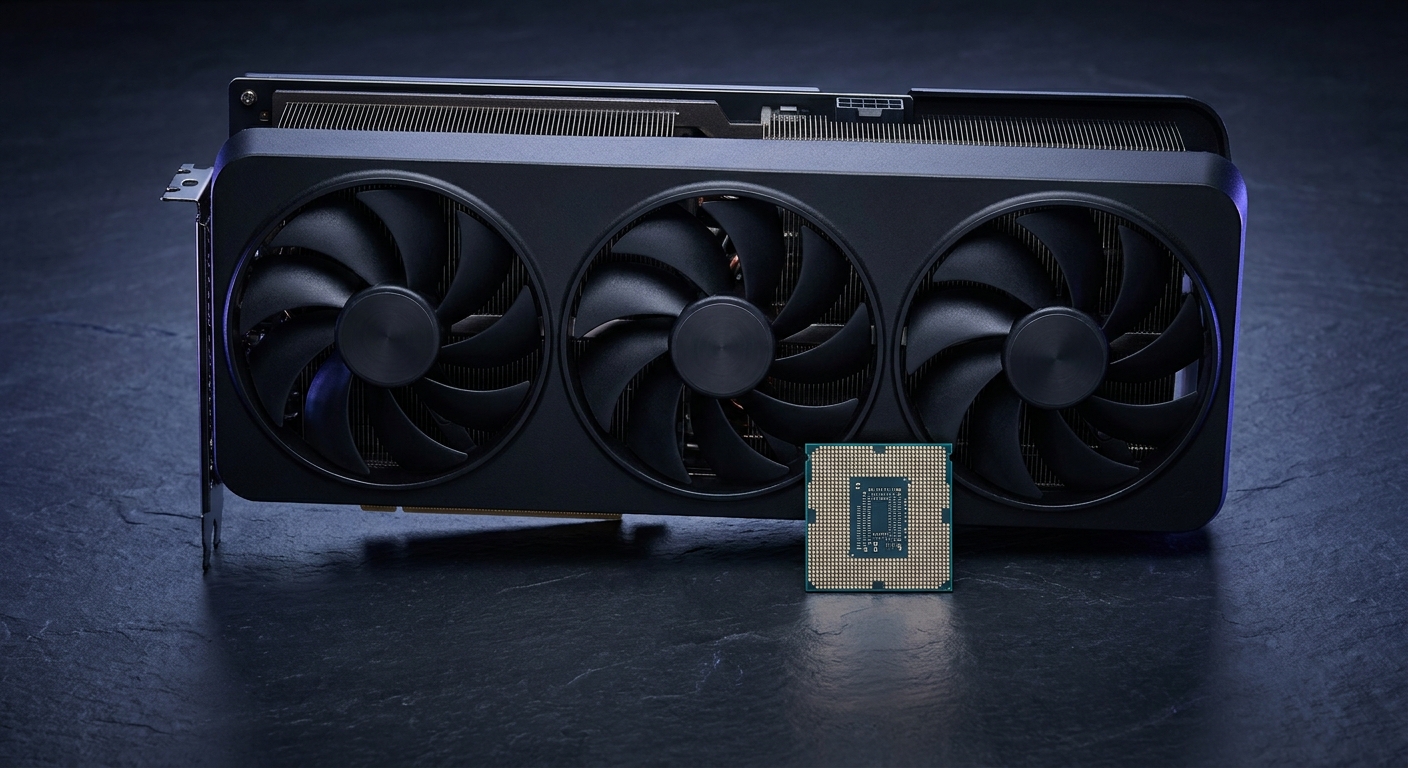
The RTX 5070 has settled into a comfortable spot in 2026: a 12GB GDDR7 card on a 192-bit bus that is built for high-refresh 1440p gaming, priced from around $642 on Newegg. That makes it the card a lot of people build around this year, which raises the obvious follow-up question. Which processor should sit next to it? Pair a 5070 with too little CPU and the card idles while the processor scrambles to feed it. Pair it with too much and you have spent money that would have been better aimed at storage or memory. Below are four realistic candidates, compared on the things that actually matter for this card, followed by a straight answer.
What the RTX 5070 Actually Asks For
Start with what the card is for. At 1440p with settings turned up, the RTX 5070 is usually the component doing the hardest work, and the processor’s job is to keep the frame pipeline full. But 1440p is also the resolution where CPU limits start to show, particularly in games that simulate a lot at once: large multiplayer maps, strategy titles with hundreds of units, city builders, and simulators. In those cases the deciding factor is not core count. It is memory latency and cache, because the CPU spends its time chasing game-state data rather than crunching through parallel math.
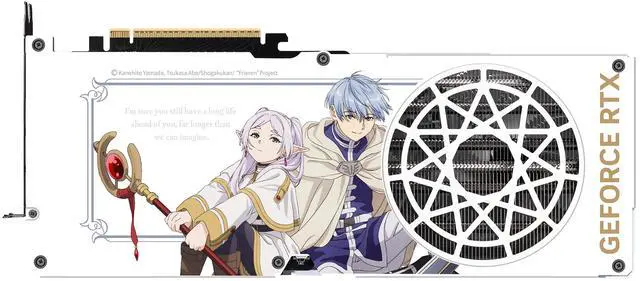
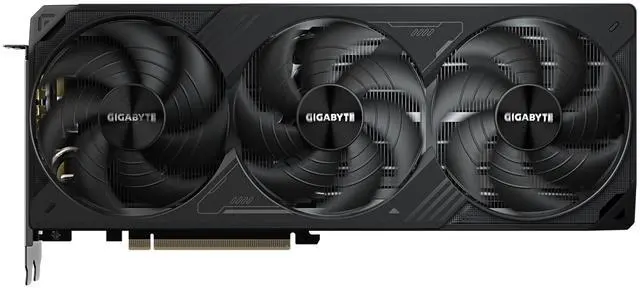
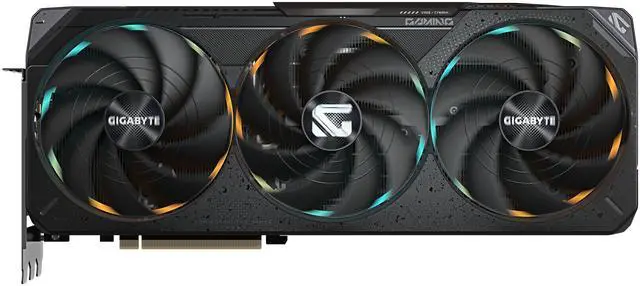
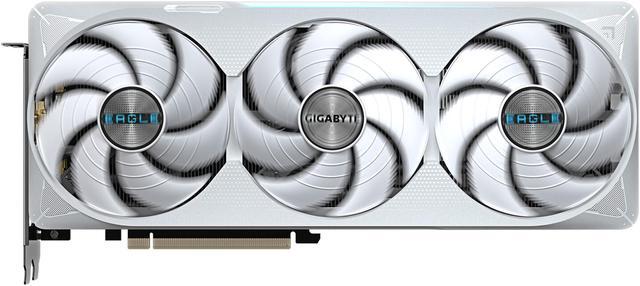
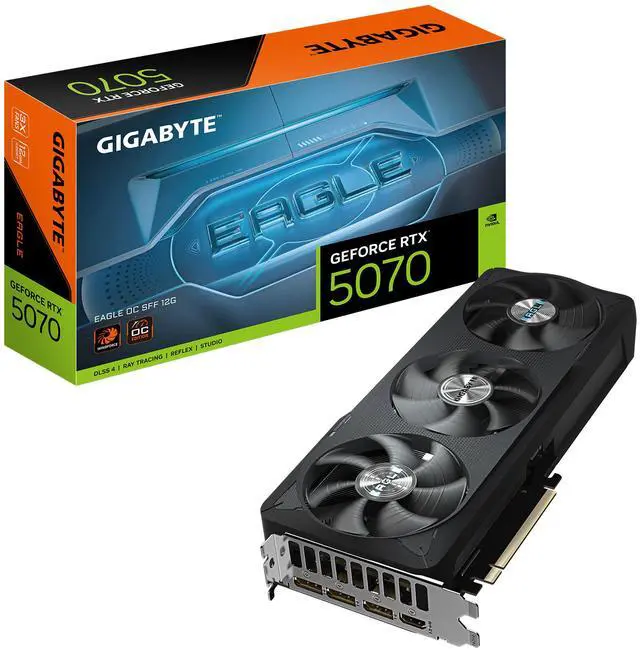
That is why cache-heavy processors punch above their specifications in gaming. Current RTX 5070 options on Newegg include the ASUS PRIME RTX 5070 at $641.99, the GIGABYTE Eagle RTX 5070 OC at $659.99, and the GIGABYTE Gaming RTX 5070 OC at $679.99. Whichever you pick, the CPU decision below is the same.
Contender 1: Ryzen 7 7700X3D, $329
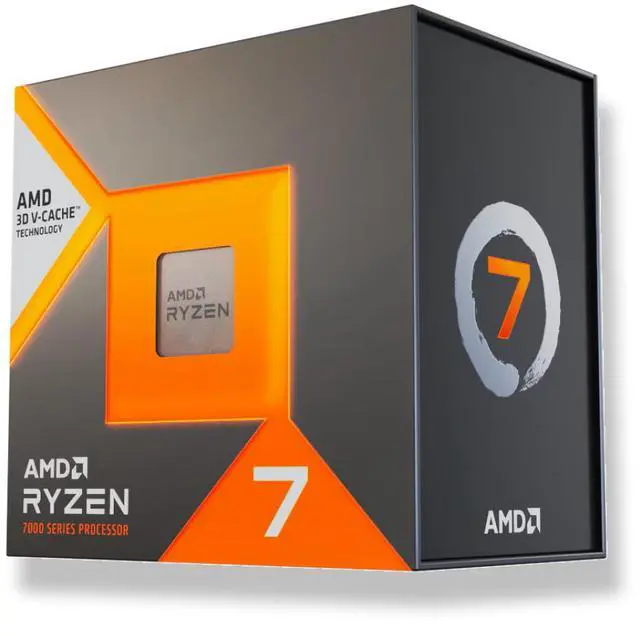
The Ryzen 7 7700X3D is a Zen 4 chip with 8 cores and 16 threads, a 4.0 GHz base and 4.5 GHz boost, and 104MB of total cache, of which 96MB is L3 courtesy of AMD’s 3D V-Cache. Its TDP is 120W. On paper the clock speeds look unremarkable next to Intel’s parts, and that is exactly the point of an X3D chip: the enormous L3 pool means the processor finds the game data it needs without waiting on system memory, which is where frame time actually gets lost.
For an RTX 5070 build this is a well-matched pairing. Eight cores is comfortably enough for any current game plus a browser, a chat client and a stream overlay, and the cache advantage lands precisely in the CPU-sensitive titles where a 5070 owner would otherwise see dips. It is also an AM5 part, which means the platform continues forward rather than ending here. The retail box does not include a cooler, but at the time of writing the product page carries a limited-time offer that includes a Cooler Master Elite Liquid 240 AIO with purchase, plus a 4% off coupon in the buy box, which softens that cost considerably.
Contender 2: Ryzen 5 9600X, $199.99
The Ryzen 5 9600X is the budget answer: a Zen 5 chip with 6 cores and 12 threads, boosting to 5.4 GHz, at a genuinely low 65W. It is a newer architecture than the 7700X3D and it is $129 cheaper, and in plenty of games paired with a 5070 you will not feel the difference. It also runs cool enough that a modest cooler is fine, and it currently carries a Newegg promo code for extra savings.
Where it gives ground is the two areas that matter most for this specific card: it has 38MB of total cache against the 7700X3D’s 104MB, and six cores rather than eight. If you play cache-sensitive simulation and strategy titles, or you stream while gaming, that gap becomes visible in the one-percent-low frame times that determine whether gameplay feels smooth. As a way to get a 5070 build running for less, it is a solid choice. As the best partner for the card, it is not.
Contender 3: Intel Core Ultra 7 265K, $314.98
The Core Ultra 7 265K brings 20 cores, split as 8 performance and 12 efficiency cores, on the LGA1851 platform at a 125W TDP, and it costs $15 less than the 7700X3D. If your workload is genuinely mixed, with heavy video encoding, compilation or rendering alongside gaming, that core count is real value and it will beat the AMD chip in throughput benchmarks.
For gaming specifically, the calculus is different. Those 12 efficiency cores do very little for frame rates, and Arrow Lake does not have anything comparable to 3D V-Cache to lean on. You would also be buying into LGA1851 rather than AM5. Choose this chip if productivity is at least half of what the machine does. If it is a gaming PC that occasionally does other things, the extra cores are paying rent on space you are not using.
Contender 4: Ryzen 7 7800X3D, $389
The Ryzen 7 7800X3D is the 7700X3D’s older sibling and the interesting comparison, because they share the same 8-core Zen 4 layout, the same 96MB L3 cache and the same 120W TDP. The difference is clock speed: 4.2 GHz base and 5.0 GHz boost versus 4.0 and 4.5. That buys you a modest gaming uplift for $60 more.
Whether that is worth it depends on the rest of the build. With an RTX 5070 at 1440p, the graphics card is the limiting factor in most titles, so the higher clocks have less room to express themselves than they would alongside a much faster GPU. If the $60 would otherwise go toward a larger SSD or a better cooler, the 7700X3D is the smarter allocation. If you already have everything else you want and simply prefer the faster chip, the 7800X3D is a perfectly good buy.
The Verdict, by Category
Best overall match for the RTX 5070: the Ryzen 7 7700X3D at $329. It has the cache that this class of card benefits from, eight cores for streaming and multitasking, a 120W power budget an ordinary tower cooler can handle, and an AM5 socket with life left in it. Best budget pairing: the Ryzen 5 9600X at $199.99, accepting slightly worse frame consistency in demanding titles. Best if you also work: the Core Ultra 7 265K at $314.98. Best if you want a little more gaming headroom: the 7800X3D at $389.
Whichever CPU you choose, do not skimp on the board. An AM5 option like the MSI B850 GAMING PLUS WIFI6E at $151.98 gives you DDR5, PCIe 5.0 graphics support and Wi-Fi 6E without overpaying, and you can compare current card prices across the range on Newegg’s RTX 5070 listings. Remember to enable your memory’s EXPO profile once the system is up, because leaving DDR5 at its default speed quietly undoes part of what you paid for.
Read More
- Tom’s Hardware: Best CPUs for Gaming — Independent gaming CPU rankings with frame-time testing.
- AMD Official: Ryzen 7 7700X3D — Manufacturer specifications for cores, clocks, cache and socket.
- NVIDIA Official: GeForce RTX 5070 Family — Official specifications and feature set for the card.
- HotHardware: Ryzen 7 7700X3D Review — Full review with gaming benchmarks against other X3D parts.
- Newegg: GeForce RTX 5070 Graphics Cards — Compare models, coolers and current pricing.
Related Posts
- The Best GPU for Your New Ryzen 7 7700X3D: Three Builder Scenarios
- RTX 5070 vs RX 9070 XT: Best GPU for 1440p Gaming in 2026
- Best NVMe SSDs in 2026
- GPU Prices Climbed Again. Here Is What I Would Buy in 2026
- Best Mechanical Keyboards in 2026
Frequently Asked Questions
Answers to the most common questions about choosing a CPU for an RTX 5070.