
Why Running AI Locally Has Gone Mainstream in 2026
Two years ago, running a capable large language model on your own PC required either deep technical knowledge or very expensive hardware. In 2026, that barrier has collapsed. Tools like Ollama, LM Studio, and Jan make it possible to download, install, and chat with state-of-the-art AI models in minutes — no API key, no subscription, no data sent to external servers. The key variable is VRAM: the amount of memory on your GPU determines which models you can run and how fast they respond.
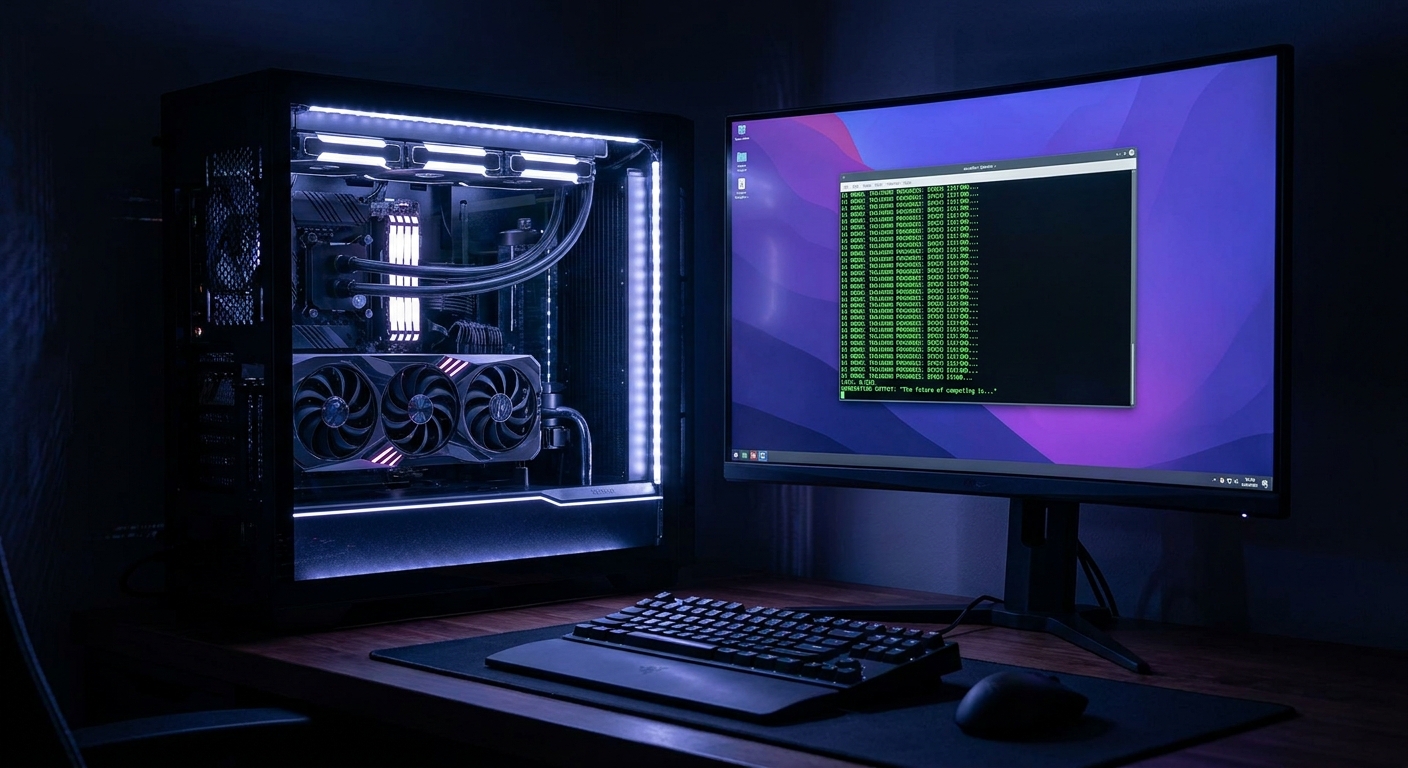
Who Needs a Local AI PC?
A local AI PC setup makes the most sense for people who value privacy (prompts never leave your machine), who need AI capability without ongoing subscription costs, who work offline or in restricted network environments, or who want to experiment with models without rate limits.
The Core Rule: VRAM Is Everything
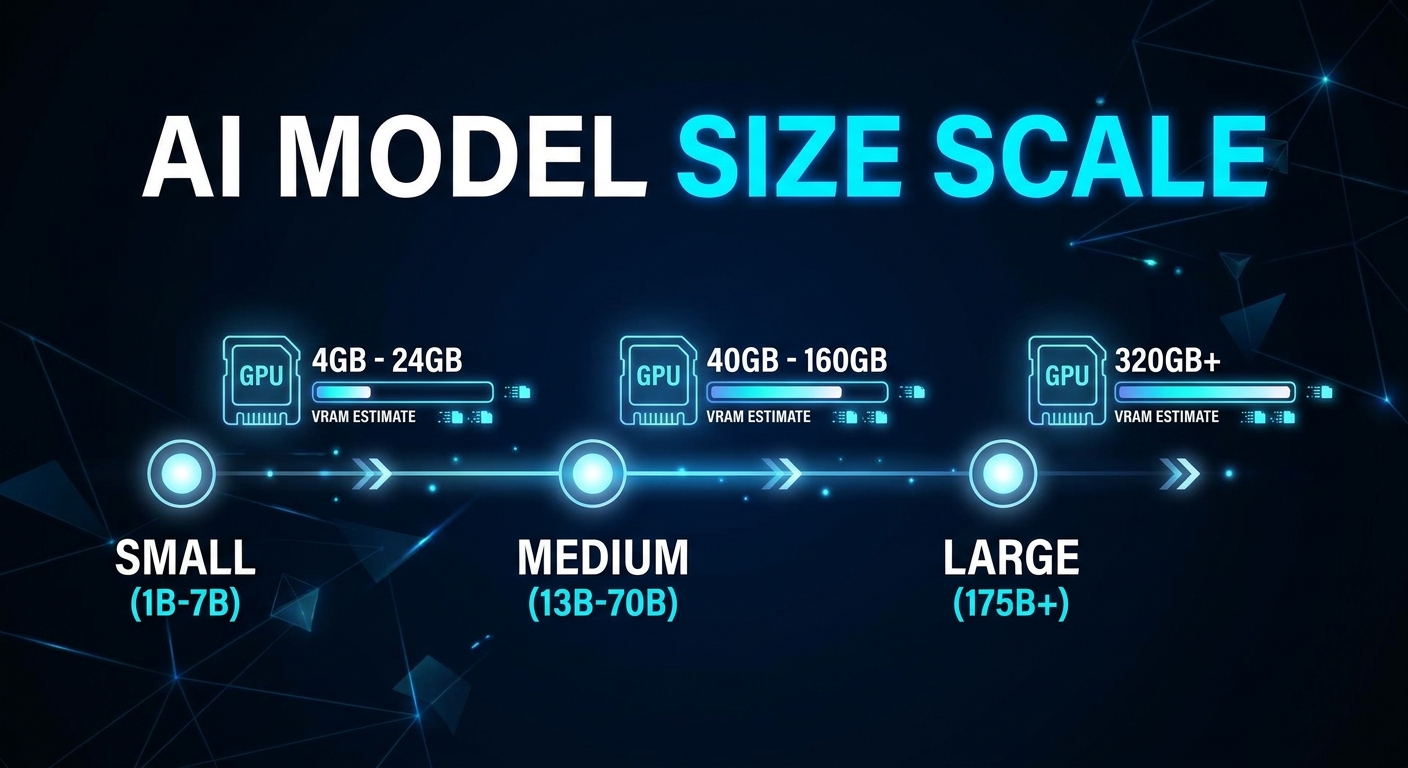
The AI model must fit in VRAM to run at usable speed. Here is a practical reference:
- 8GB VRAM: 7B parameter models at Q4 quantization
- 12GB VRAM: 13B models at Q4, or 7B models at Q8
- 16GB VRAM: 13B models at Q8, or comfortable 20B model runs
- 24GB VRAM: 32B models at Q4, or 70B models heavily quantized
- 48GB+ VRAM: 70B models at Q4 and above
Q4_K_M (4-bit quantization) reduces a model to about 25% of its original size with minimal quality loss — the recommended standard for local use.
Scenario 1: The Privacy-First Home User ($600-$900 Build)
Goal: Run 7B to 13B models locally for everyday chat, writing assistance, and coding help.
Best GPU: RTX 4060 Ti 16GB. The 16GB VRAM variant is available for around $400 and gives you enough headroom for 13B models at Q4. Browse RTX 4060 Ti 16GB on Newegg.
Supporting Hardware: Any modern AM5 CPU, 32GB DDR5 system RAM, and a 1TB NVMe SSD for model storage.
Scenario 2: The AI Power User ($1,200-$1,800 Build)
Goal: Run 32B models smoothly for complex coding tasks, document analysis, and RAG pipelines.
Best GPU: RTX 4090 24GB. The 24GB VRAM tier is the sweet spot for serious local AI work. NVIDIA’s CUDA ecosystem has broader compatibility with current AI frameworks. Browse RTX 4090 on Newegg.
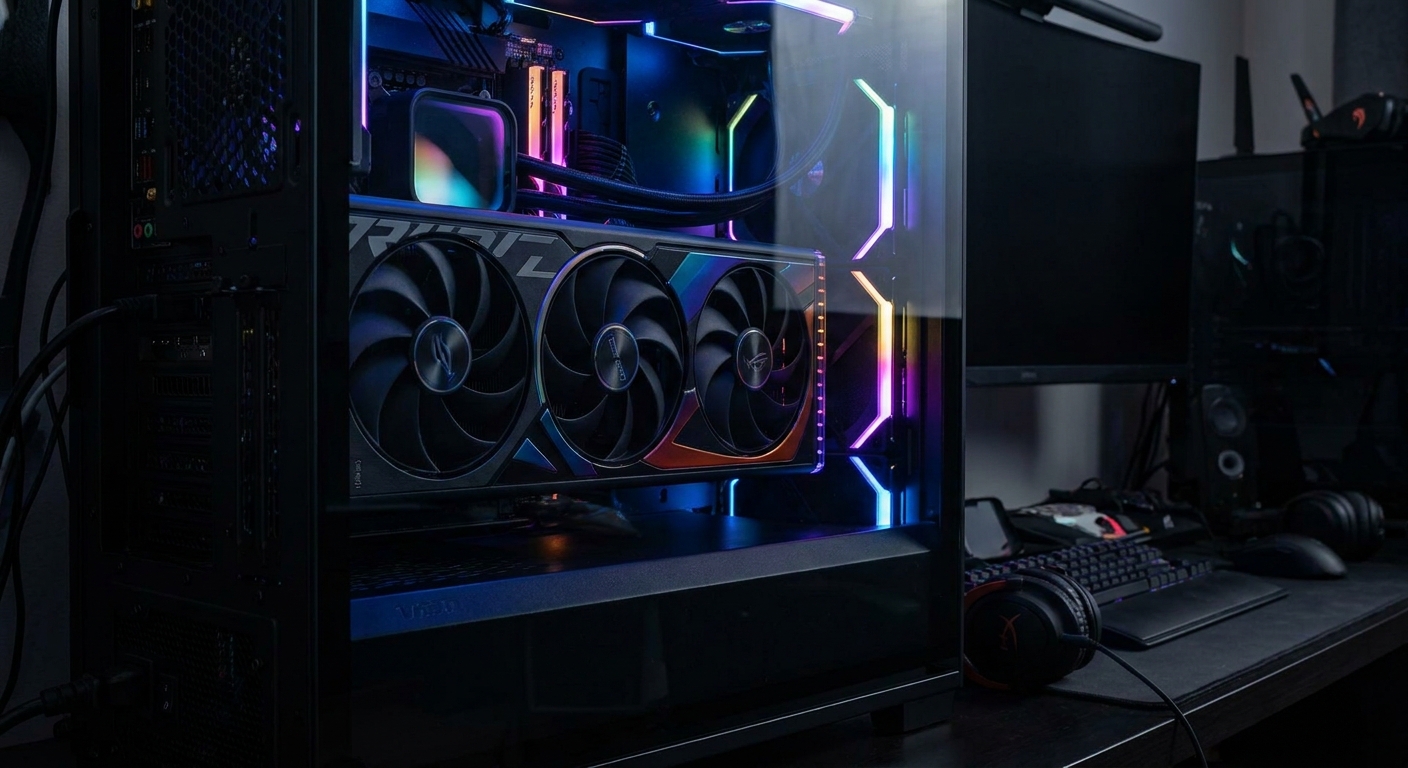
Supporting Hardware: Ryzen 7 9700X or Core i5 CPU, 64GB DDR5 system RAM, 2TB NVMe SSD for model storage.
Scenario 3: The Local AI Researcher / Developer ($3,000+ Build)
Goal: Fine-tune models, run 70B models at acceptable quality (Q4+), or experiment with multi-modal AI.
Best GPU: Two RTX 4090s in a dual-GPU setup (total 48GB VRAM). For most users, dual 24GB cards is more cost-effective than a single 48GB workstation card.
Summary: Best Pick per Scenario
| Scenario | Key GPU | VRAM | Models It Runs | Budget |
|---|---|---|---|---|
| Home Privacy User | RTX 4060 Ti 16GB | 16GB | 7B-13B at Q4 | $600-$900 |
| AI Power User | RTX 4090 24GB | 24GB | 32B at Q4, 70B at Q2 | $1,200-$1,800 |
| Researcher/Developer | Dual RTX 4090 | 48GB | 70B at Q4+ | $3,000+ |
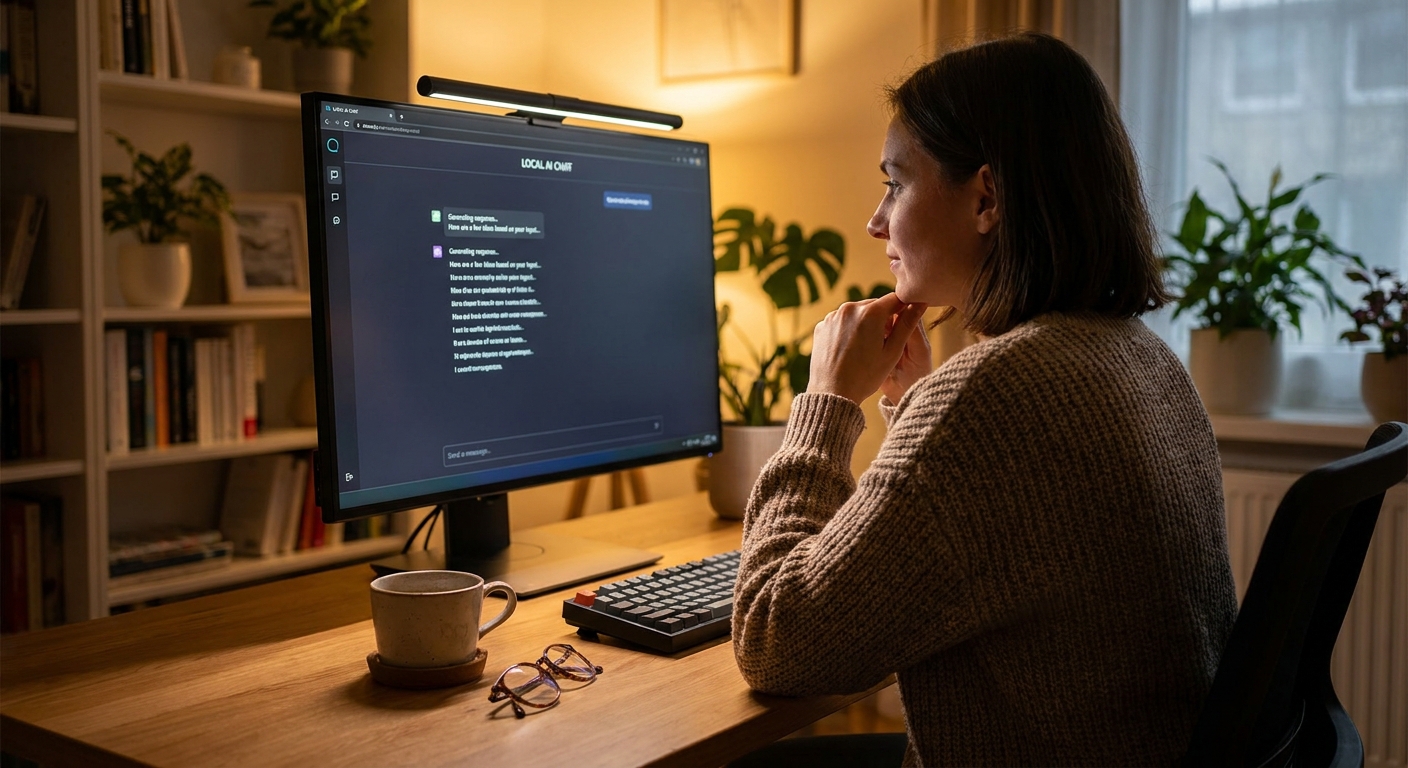
Local AI is no longer the domain of specialists. Start with your VRAM requirement based on the models you want to run, then build the rest of the system around it.
Read More
- The Local AI Hardware Guide 2026 (DEV Community) – Comprehensive breakdown of hardware tiers and VRAM requirements.
- Running Local LLMs in 2026: Complete Hardware Guide – Practical setup guide covering Ollama, LM Studio, and configuration tips.
- Ollama Official Site – The easiest tool for downloading and running local LLMs on Mac, Linux, and Windows.
- Browse High-VRAM GPUs on Newegg – Filter GPU selection by VRAM size to find cards suited for local AI.
- Local LLM Hardware in 2026 (Prompt Quorum) – Covers GPU vs Mini PC vs Mac for local inference.
Related Posts
- Best Power Supplies in 2026
- Best Gaming Laptops in 2026
- How Much Memory an AM5 Build Actually Needs in 2026
- CL36, CL30, CL28 or CL26? Picking a DDR5-6000 Latency Tier
- Best G.SKILL Trident Z5 NeoX RGB Kits with AMD EXPO ULL in 2026
Frequently Asked Questions
Common questions about building a PC for running local AI models.