

I spent roughly a year blaming my internet provider for dropped frames.
Called them twice. Ran speed tests at 2am like a man collecting evidence. Bought a new router. It was, of course, not the internet — it was a six-core processor trying to encode a 1080p60 stream while also running the game, which in hindsight is like asking someone to take notes during a marathon they are running.
Moved to a chip with more cores and the problem evaporated overnight. Since then I have gone properly down the rabbit hole on what creators actually need, which turns out to be less than the forums insist and more than the budget builds admit. Here is where I have landed, plus eight processors on Newegg that cover the range.

Do I Need More Cores, or Faster Ones?
Both. Not equally. It depends on what you spend the most hours doing.
Streaming and encoding scale with core count — an encoder will cheerfully eat everything you hand it. Editing timelines are a mix: scrubbing and effects lean on single-thread speed, exports lean on cores. Rendering and compiling are close to pure core count. Gaming is mostly about how fast a handful of cores can go, plus cache.
The honest version for most people: eight fast cores is the floor, twelve is comfortable, sixteen is for work that pays for itself. Buying twenty-four cores to stream a competitive shooter is a way to spend money, not a way to get frames.
Does Hardware Encoding Change the Answer?
Yes, and knowing this before you spend can save you a couple of hundred dollars of processor.
Modern graphics cards have dedicated encoder blocks that handle stream encoding without ever touching the CPU, and they are good enough now that most single-PC streamers just use them. If that is you, your processor’s only job is running the game. Software encoding still wins on quality per bitrate for archival work, and that is where high core counts earn their keep.
The Field at a Glance
| Processor | Cores / Threads | Boost | Socket | Base power |
|---|---|---|---|---|
| AMD Ryzen 9 9950X | 16 / 32 | 5.7 GHz | AM5 | 170W |
| AMD Ryzen 9 9950X3D | 16 / 32 | 5.7 GHz | AM5 | 170W |
| AMD Ryzen 9 9900X | 12 / 24 | 5.6 GHz | AM5 | 120W |
| AMD Ryzen 7 9700X | 8 / 16 | 5.5 GHz | AM5 | 65W |
| Intel Core Ultra 9 285K | 24 / 24 | — | LGA 1851 | 125W |
| Intel Core Ultra 7 270K Plus | 24 / 24 | 5.5 GHz | LGA 1851 | 125W |
| Intel Core Ultra 7 265 | 20 / 20 | 5.3 GHz | LGA 1851 | 65W |
| Intel Core Ultra 5 245K | 14 / 14 | 5.2 GHz | LGA 1851 | 125W |
What Should I Buy If I Render or Export All Day?
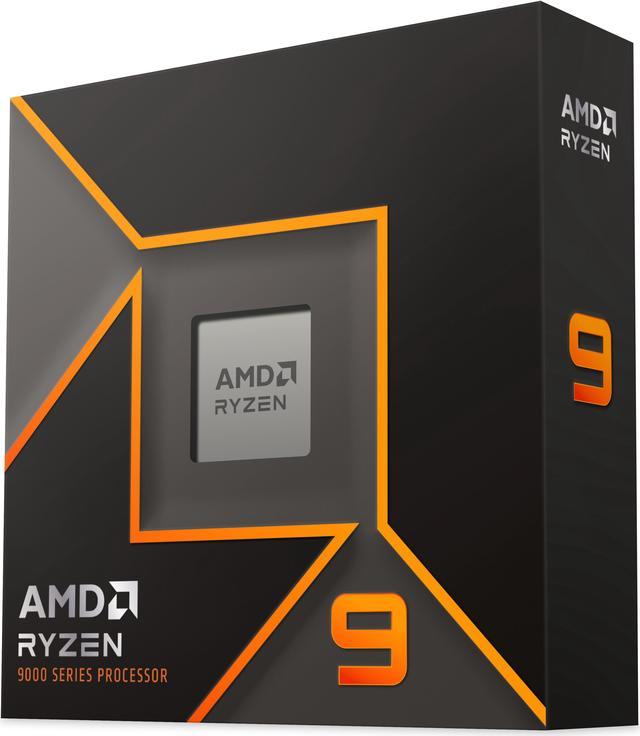
The AMD Ryzen 9 9950X goes in the machine whose job is finishing renders. Sixteen Zen 5 cores, 32 threads, 4.3GHz base and up to 5.7GHz boost, 80MB of total cache, 170W TDP on socket AM5, with Radeon graphics on board so the system still posts if a card dies on you.
No cooler in the box, and at 170W it wants a serious one. I have watched a mid-range air cooler try to keep up with this thing during a long export and it is a bit like watching someone fan a bonfire with a magazine.
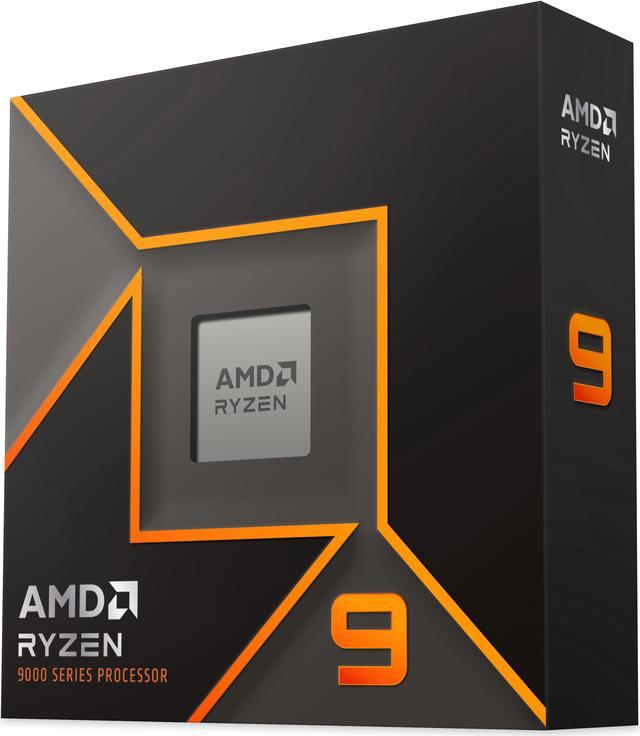
If the same box also has to be a proper gaming PC, the AMD Ryzen 9 9950X3D keeps the 16 cores, 32 threads and 5.7GHz peak but stacks 128MB of L3 on top. That cache is what pulls 3D V-Cache parts ahead in games that are memory-latency bound, and it does it without giving up multi-core throughput.
What Is the Sensible Middle?
The AMD Ryzen 9 9900X is the one I recommend most often to people who stream and edit but do not render for a living. Twelve cores, 24 threads, 4.4GHz base and up to 5.6GHz, 76MB of total cache, and a 120W TDP that is dramatically easier to cool than the 9950X — your case fans will thank you and so will anyone in the room. DDR5-5600 and PCIe 5.0 on AM5, same as the rest of the family.
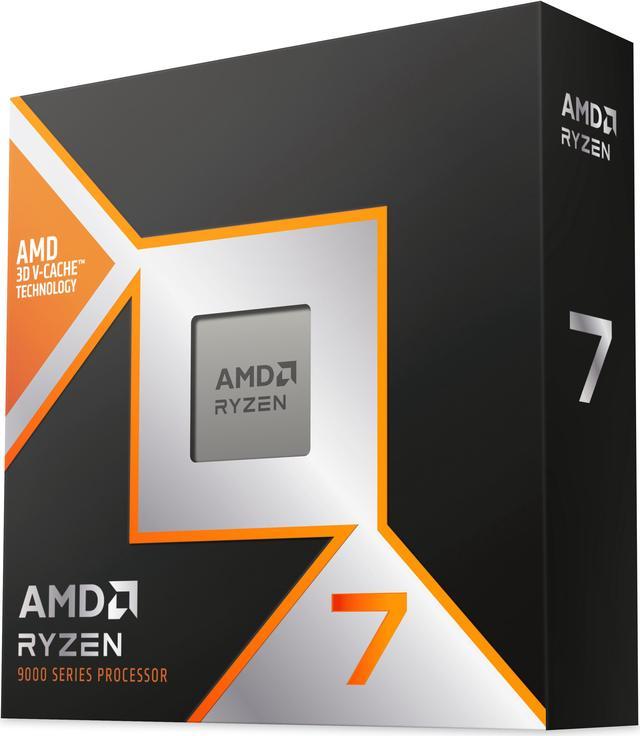
Below that, the AMD Ryzen 7 9700X is a seriously efficient eight-core: 16 threads, 3.8GHz base, 5.5GHz boost, 40MB of total cache, 65W TDP on a 4nm process. If your graphics card is doing the encoding, this is enough processor and it leaves budget where the frames actually come from.
What About Intel Right Now?
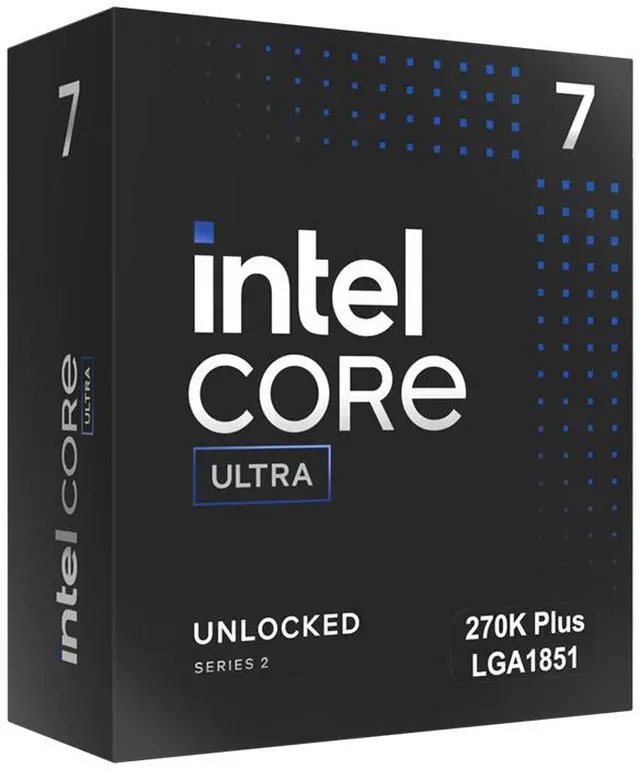
Intel’s answer is core count of a different shape — performance cores and efficiency cores, where the efficiency cores turn out to be very good at quietly soaking up background work like an encoder or a compile.
The Intel Core Ultra 7 270K Plus is the current sweet spot: 24 cores made of 8 performance cores and 16 efficiency cores, up to 5.5GHz, 40MB of L2 and 36MB of L3, 125W base with 250W maximum turbo power, DDR5-7200 support and 24 lanes of PCIe 5.0 on LGA 1851.
At the top, the Intel Core Ultra 9 285K is a 24-core part on the same LGA 1851 socket with a 3.7GHz base clock and a 125W TDP. Worth flagging, because it trips people up in spec comparisons: both of these are 24 cores and 24 threads. Intel’s current desktop parts do not use hyper-threading, so thread count matches core count rather than doubling it.
What If I Want to Spend Less?
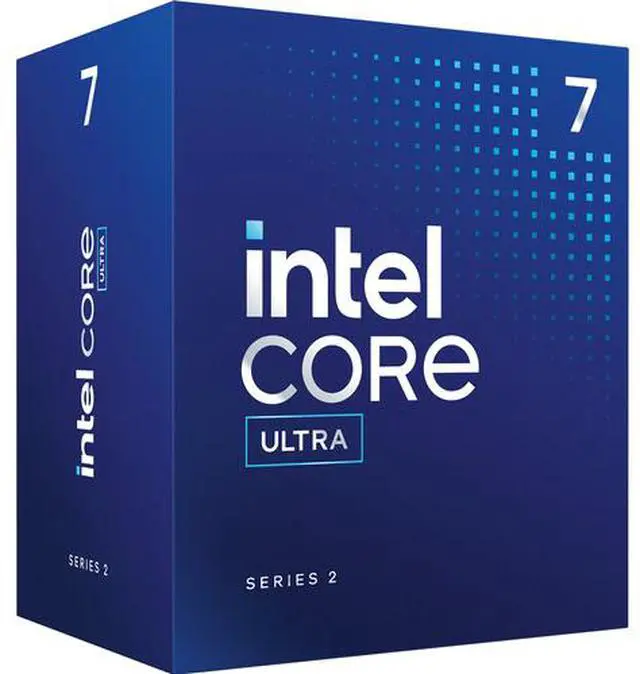
The Intel Core Ultra 7 265 is the quiet value pick and I do not think it gets enough credit. Twenty cores in an 8P+12E arrangement, P-cores boosting to 5.2GHz with Turbo Boost Max 3.0 reaching 5.3GHz, 36MB of L2 and 30MB of L3, 65W base power with a 182W maximum turbo. It also ships with an Intel Laminar RM2 cooler, which is one fewer box on the doorstep and one fewer seperate decision to make.
Tighter budget, still want the modern platform? The Intel Core Ultra 5 245K gives you 14 cores in a 6P+8E layout, P-cores to 5.2GHz and E-cores to 4.6GHz, 24MB of L3, 125W base with a 159W turbo ceiling. Those eight efficiency cores are exactly what keeps a stream stable while six fast cores run the game.
What I Would Actually Buy
Rebuilding today, I take the Ryzen 9 9900X for a streaming and editing machine. The 9950X or 9950X3D if renders are the bottleneck and the thing also plays games. The Core Ultra 7 265 if I wanted the most capable chip that does not also demand a tower cooler the size of a loaf of bread.
One buying note for 2026: memory has been expensive all year, so settle your RAM capacity before you finalise the processor budget rather than after. Compare current options in Newegg’s desktop processor listings.
Frequently Asked Questions
How many cores do I need to stream and game on one PC? If you encode on your graphics card, eight fast cores like the Ryzen 7 9700X is plenty, because the processor is only running the game. If you encode in software for better quality per bitrate, twelve cores is where it stops being a compromise — the Ryzen 9 9900X or an Intel part with a large block of efficiency cores handles the encoder without stealing time from the game.
Do Intel’s efficiency cores actually help creators? Yes, more than the name suggests. Background tasks — a stream encoder, a file transcode, a compile, a browser with thirty tabs — get scheduled onto the efficiency cores, leaving the performance cores free for whatever is in front of you. That is why a 20-core Core Ultra 7 265 feels smoother while multitasking than a raw clock comparison would predict.
Is 3D V-Cache worth it if I do not only game? It depends on the split. The Ryzen 9 9950X3D keeps all 16 cores and 32 threads while adding 128MB of L3, so you are not trading away productivity performance to get gaming performance. On a pure rendering box the standard 9950X makes more sense. On a machine that does both seriously, the X3D version is the one to look at.
Do these processors include a cooler? Mostly not. The AMD Ryzen 9000 chips here ship without one, and the higher-TDP Intel K-series parts do not include one either. The Intel Core Ultra 7 265 is the exception in this guide — it comes with a Laminar RM2. Budget for a cooler on everything else, and take the 170W parts seriously when you choose one.
Read More
- TechSpot: AMD Ryzen 9 9950X3D Review — Benchmarks separating gaming gains from productivity performance on the X3D parts.
- Tom’s Hardware: CPU Benchmark Hierarchy — A single ranked chart covering gaming and multi-threaded workloads across both vendors.
- AMD: Ryzen Desktop Processors — Official specifications, socket compatibility and supported memory speeds.
- OBS: Streaming Settings Guide — The practical difference between hardware and software encoding, from the people who make the software.
- Newegg: Desktop CPU Processors — Filter current processors by socket, core count and TDP.