
Introduction
NVIDIA’s GeForce RTX 5060 launched in early 2026 as the newest mainstream gaming GPU, replacing the popular RTX 4060. For gamers who already own an RTX 4060, the question is simple: is it worth paying for the upgrade, or should you hold on to your current card for another year or two? This guide breaks down the key differences, new features, real-world performance improvements, and helps you decide whether upgrading now makes financial sense.
Background: What Changed with the RTX 5060?
The RTX 5060 is built on NVIDIA’s new Blackwell architecture, a significant leap from the Ada Lovelace architecture that powered the RTX 4060. The most notable changes include a new GPU die with improved rasterization efficiency, GDDR7 memory replacing GDDR6, and full support for DLSS 4 including Multi Frame Generation. The card also improves ray tracing performance meaningfully, and NVIDIA has updated the driver stack to include AI-powered noise cancellation and more granular power management.
The RTX 4060, launched in 2023, was praised for its power efficiency (115W TDP) but criticized for a narrow 128-bit memory bus — a limitation that reduces memory bandwidth compared to older cards. The RTX 5060 addresses this with GDDR7 memory that significantly increases bandwidth despite keeping the same 128-bit bus width.
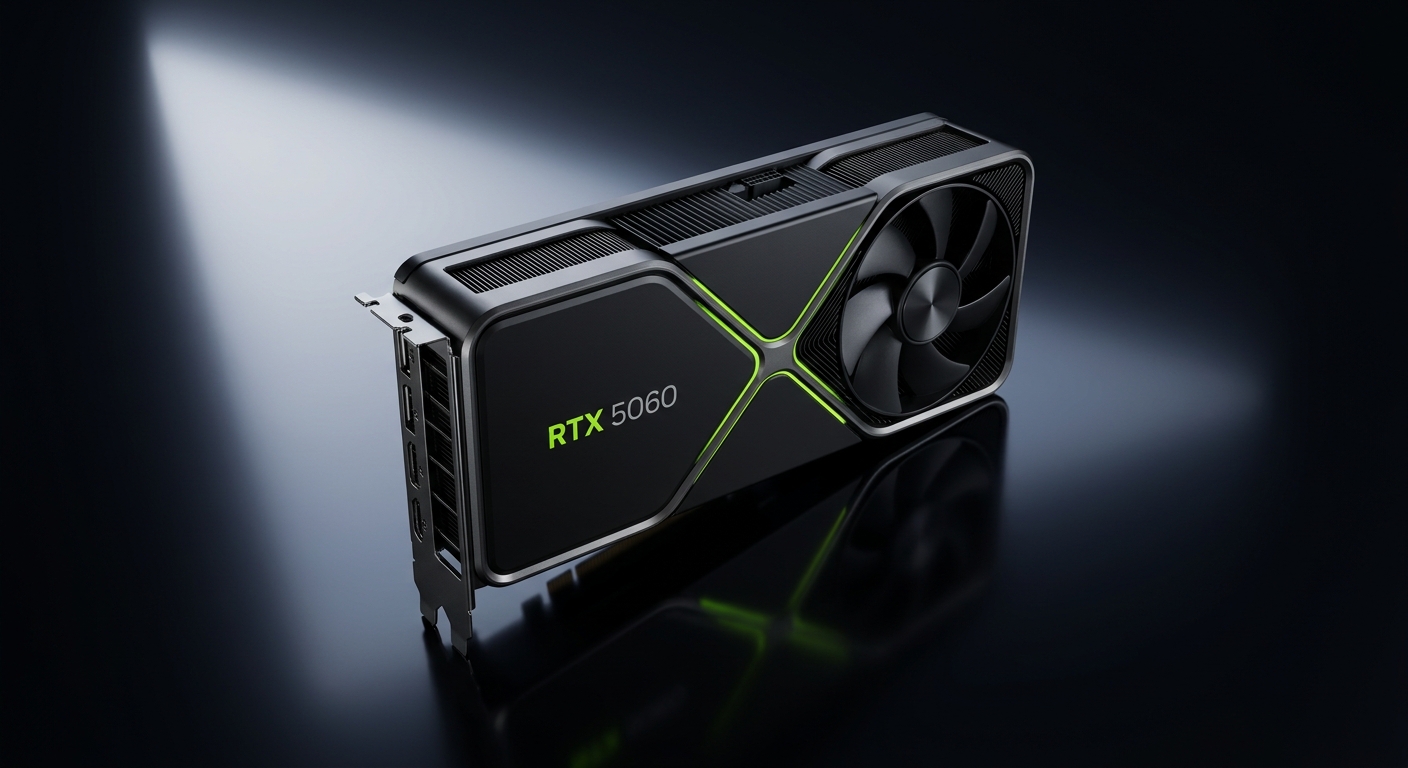
Key Specifications Compared
| Spec | RTX 5060 | RTX 4060 |
|---|---|---|
| Architecture | Blackwell | Ada Lovelace |
| VRAM | 8GB GDDR7 | 8GB GDDR6 |
| Memory Bandwidth | ~272 GB/s | ~272 GB/s |
| TDP | ~150W | 115W |
| DLSS Support | DLSS 4 (MFG) | DLSS 3 |
| Ray Tracing Cores | 4th Gen | 3rd Gen |
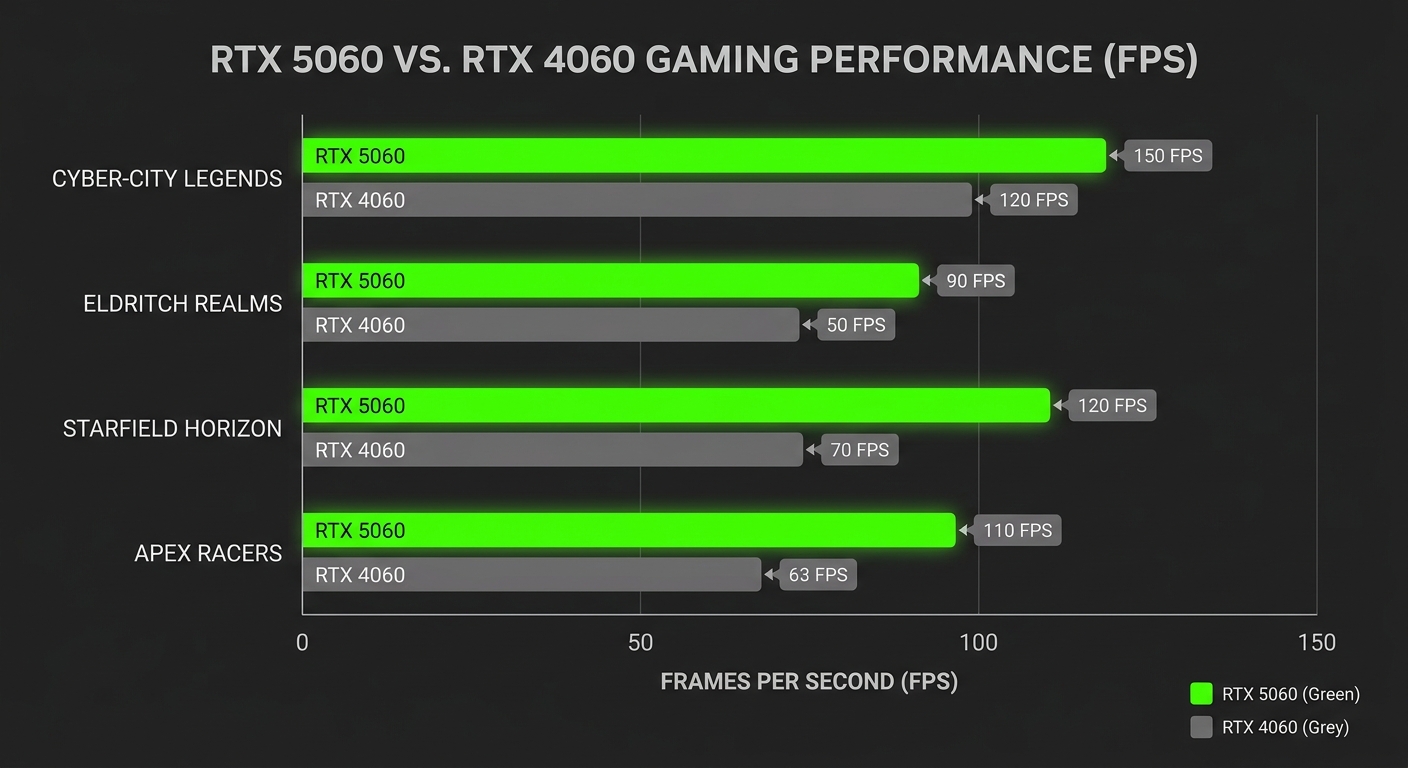
Step 1: Understand the Real-World Performance Gap
In rasterization workloads at 1080p without upscaling, the RTX 5060 is roughly 20 to 30 percent faster than the RTX 4060 across a range of modern titles. In games with heavy ray tracing, the gap widens further — the 4th-generation RT cores in the RTX 5060 handle complex lighting calculations more efficiently. In practice, if you were already getting 90 to 100 FPS on an RTX 4060, you can expect 115 to 130 FPS on an RTX 5060 in the same game with the same settings.
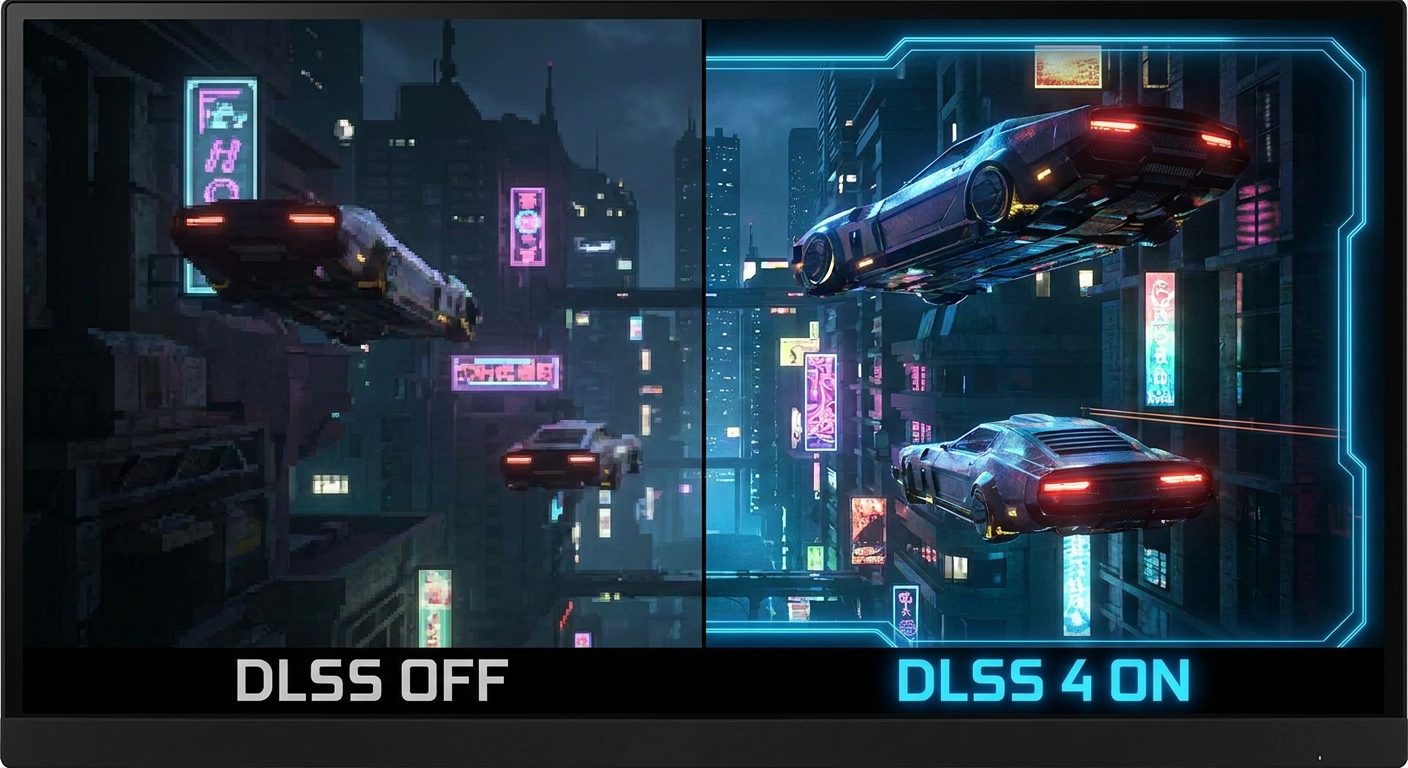
Step 2: Evaluate DLSS 4 Multi Frame Generation
The biggest practical upgrade the RTX 5060 brings over the RTX 4060 is DLSS 4 Multi Frame Generation (MFG). While the RTX 4060 supports DLSS 3 Frame Generation (one generated frame per rendered frame), the RTX 5060 supports generating up to three AI-generated frames for every one rendered frame. In supported games, this can more than double your effective frame rate with minimal visual quality loss.
For a 1080p 144Hz or 165Hz monitor, this means the RTX 5060 can produce far more headroom for higher-refresh-rate gaming. If you already own an RTX 4060 and are gaming at 1080p on a 60Hz monitor, the upgrade makes less practical sense. But if you have or are planning to get a high-refresh-rate monitor, DLSS 4 MFG is a meaningful upgrade.
Step 3: Calculate Whether the Upgrade Makes Financial Sense
The RTX 5060 retails for approximately $380. If you own an RTX 4060 and sell it secondhand, you might recover $150 to $200, making the effective upgrade cost $180 to $230. For a 20 to 30 percent performance gain plus DLSS 4 MFG support, this is a modest but not compelling upgrade if you are primarily gaming at 1080p on a 60Hz or 75Hz monitor.
However, if you are gaming at 1080p on a 144Hz monitor and want smoother frame rates in demanding titles, or if you plan to upgrade to a 1440p monitor soon, the RTX 5060’s combination of better rasterization performance and DLSS 4 MFG makes it a worthwhile investment.
Summary: Should You Upgrade?
Upgrade if: You game at 1080p 144Hz or higher, you plan to move to 1440p, you want DLSS 4 MFG support, or you are building a new system from scratch.
Hold off if: You are gaming at 1080p 60Hz and satisfied with current performance, your budget is tight, or you plan to upgrade to a significantly higher-tier GPU (RTX 5070 or above) within the next year.
For those building a new PC today, the RTX 5060 is clearly the better buy over the RTX 4060 at equivalent prices. The Blackwell architecture and DLSS 4 will remain relevant for a longer period of the product lifecycle.
Shop NVIDIA GeForce RTX 5060 on Newegg
Shop NVIDIA GeForce RTX 4060 on Newegg
Read More
- GamersNexus RTX 5060 Review — Comprehensive thermal, noise, and gaming benchmark review of the NVIDIA GeForce RTX 5060 including power consumption data.
- TechSpot: RTX 5060 vs RTX 4060 Head-to-Head — Direct side-by-side benchmark comparison across a wide range of game titles at 1080p and 1440p.
- NVIDIA RTX 5060 Official Page — Full specifications, DLSS 4 feature overview, and partner card listings from NVIDIA.
- Reddit r/nvidia: RTX 5060 vs 4060 — Is It Worth Upgrading? — Community discussion with firsthand upgrade experiences and real-world impressions from RTX 4060 owners.
- Shop All Gaming GPUs on Newegg — Browse the full range of NVIDIA and AMD gaming graphics cards with price, VRAM, and performance filters.
Related Posts
- Best Power Supplies in 2026
- Best Gaming Laptops in 2026
- How Much Memory an AM5 Build Actually Needs in 2026
- CL36, CL30, CL28 or CL26? Picking a DDR5-6000 Latency Tier
- Best G.SKILL Trident Z5 NeoX RGB Kits with AMD EXPO ULL in 2026
Frequently Asked Questions
Common questions about the RTX 5060 vs RTX 4060 upgrade decision.