Why It Matters
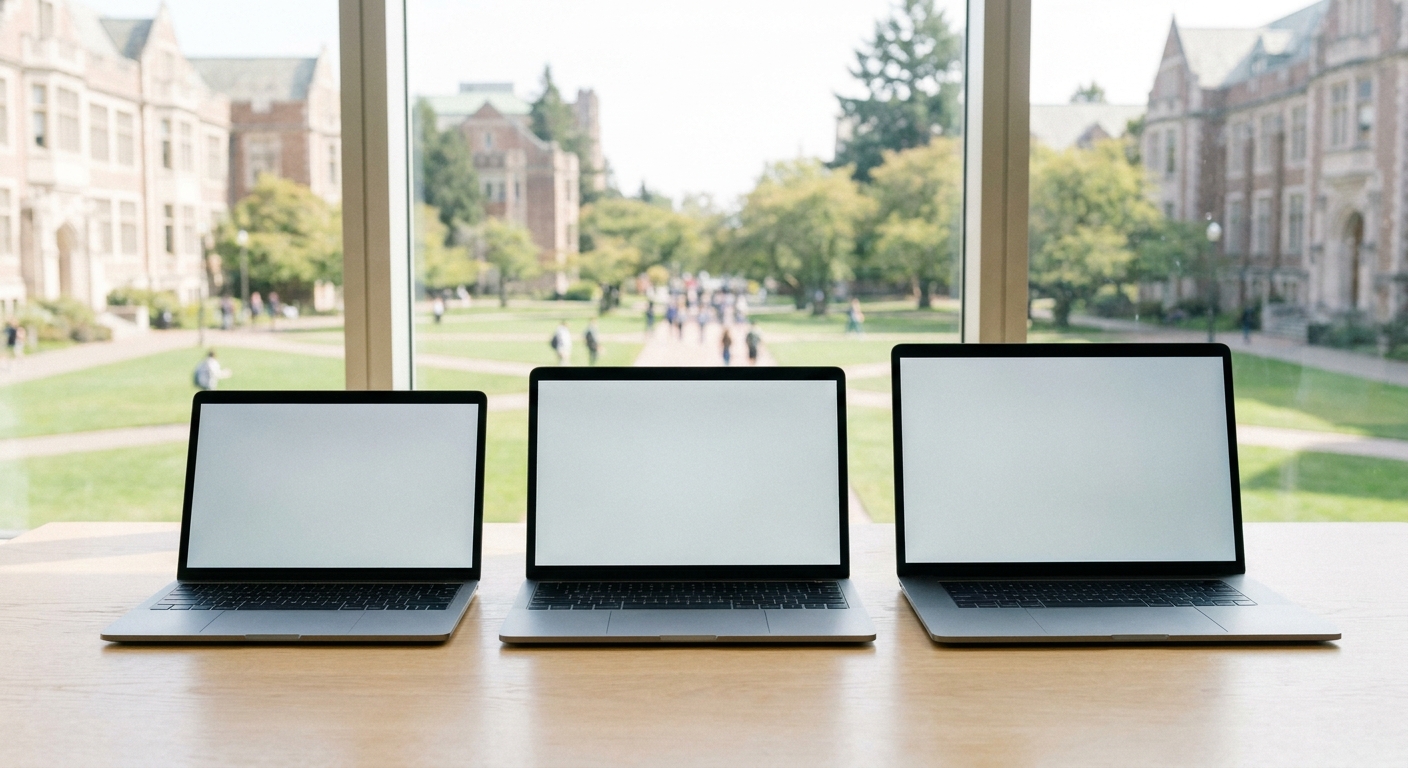
The stakes are asymmetrical. Buy one tier too low and you fight your tools for eight straight semesters: the spinning cursor during finals, the battery that dies mid-lecture, the video call that turns you into a slideshow during a group presentation. Buy blindly at the top and you carry a five-pound heat machine to classes that needed a web browser, having spent GPU money your major never once uses. The craft of laptop shopping is matching the machine to the actual student, and that starts with an honest audit: What does your major demand? How far do you walk between classes? Where does the money actually come from? Answer those three and the market of hundreds collapses to a shortlist of three.What to Look For

Comparison at a Glance
| Pick | Best for | Key specs | Newegg price (verified) |
|---|---|---|---|
| Lenovo IdeaPad Slim 3 15.6" | Essays and lectures on a budget | Ryzen 5, 8GB, 512GB SSD | $499.99 |
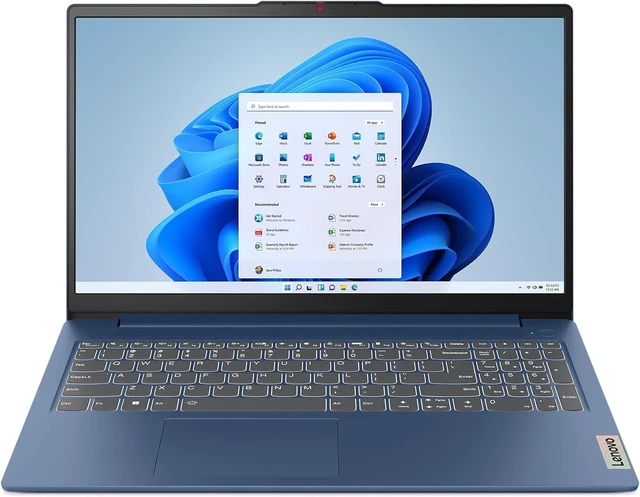
| ASUS Vivobook 16 Copilot+ | The do-everything mainstream pick | Ryzen AI 7 350, 16GB, 512GB SSD | $669.99 |
| MSI Cyborg 15 | Gaming and GPU-heavy majors | RTX 5070, Core 7 240H, 16GB, 1TB | $1,389.99 |
Budget Pick: Lenovo IdeaPad Slim 3
Mainstream Pick: ASUS Vivobook 16 Copilot+
Gaming and Creative Pick: MSI Cyborg 15
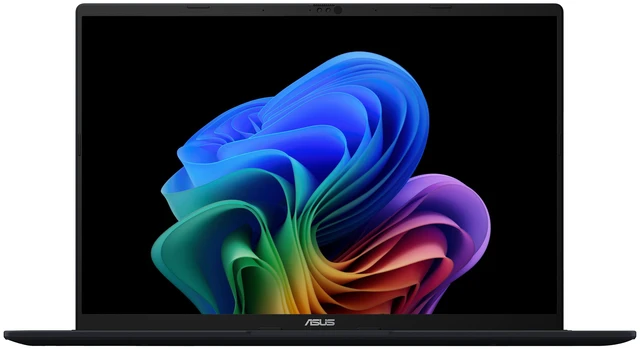
When the major, or the after-hours schedule, demands a real GPU, the calculus changes and the MSI Cyborg 15 ($1,389.99) becomes the value play. An RTX 5070 Laptop GPU with DLSS 4, a Core 7 240H, 16GB of DDR5, and a full terabyte of Gen4 storage add up to a machine that games hard at 1080p in the evening and accelerates Premiere renders, Blender viewports, and machine-learning coursework by day, the same CUDA ecosystem that campus labs and course software overwhelmingly assume. Consider the double-purchase math that usually surrounds this decision. A mainstream laptop plus a game console plus the external drive the console will need lands within shouting distance of the Cyborg's price, while covering less: the console cannot render your film project, and the mainstream laptop cannot run the simulation your engineering elective assigns. One machine, one backpack, one power brick. The trade-offs are real but manageable: gaming-class machines run warmer, weigh more, and want their charger nearby for serious sessions, so this pick belongs with students whose schedule genuinely uses the GPU, not those who merely like the idea of it.Five Mistakes Freshmen Make When Laptop Shopping
Learn from the upperclassmen who came before you. First, buying for the major you imagine instead of the one you declared; wait until the GPU-heavy elective is actually on your schedule before paying for the GPU. Second, ignoring the keyboard and trackpad, the two parts you will physically touch for thousands of hours; read reviews that mention them specifically. Third, treating battery claims as gospel; manufacturer figures describe video playback in laboratory silence, so mentally deduct a third for real campus workloads. Fourth, forgetting the ports; a laptop with only two USB-C jacks needs a dongle for the projector in every seminar room built before 2020. Fifth, and most common, waiting until move-in week, when the exact configuration everyone recommends is the exact configuration that is sold out. None of these mistakes is fatal, but all of them are avoidable for free.Final Verdict
Budget writers and single-taskers: the IdeaPad Slim 3 at $499.99 covers the true essentials and types beautifully. Almost everyone else: the Vivobook 16 Copilot+ at $669.99 is the best blend of memory, modern silicon, and screen this back-to-school season, the default answer when someone asks what laptop to buy. GPU-hungry majors and dorm gamers: the Cyborg 15 replaces two purchases with one. Whichever tier fits, act before the semester crowds do; popular configurations reliably thin out as move-in weekend approaches. Compare more options among student laptops on Newegg, and check the detailed spec tabs, now including TGP disclosures on gaming models, before you commit.Read More
- Tom's Hardware: Best Gaming Laptops — Deeper testing on gaming-class machines like our performance pick.
- ASUS Official: Vivobook Series — Full manufacturer specifications for the Vivobook lineup.
- Lenovo Official: IdeaPad Laptops — Configuration options across the IdeaPad family.
- Newegg Insider: Gaming Laptop TGP Explained — Read this before buying any laptop with a discrete GPU.
- Newegg: Gaming Laptops Category — Filter by GPU, screen, and budget with detailed spec tabs.
Frequently Asked Questions
Common questions about college laptops.
How much RAM does a college laptop need in 2026?
16GB is the recommended baseline for a four-year machine; 8GB suits only light document-and-browser workloads on a strict budget.
Are Copilot+ AI laptops worth it for students?
Increasingly yes. The NPU accelerates on-device AI features in study tools, and mainstream models no longer carry a big premium.
Should students buy a gaming laptop instead of a console?
If your major uses GPU acceleration, a gaming laptop covers coursework and play in one purchase.
When is the best time to buy a college laptop?
Back to school season brings the widest selection; popular configurations sell through as the semester approaches.