
Introduction
Choosing the right laptop for college can feel overwhelming. You need something that handles coursework, survives daily commutes, lasts through long lecture days on a single charge, and does not cost a fortune. In 2026, the laptop market has never been more competitive or more favorable for students — there are excellent options at every price point, from ultra-portable 13-inch Chromebooks to powerful 16-inch performance laptops for engineering and design majors.
This guide answers the most common questions students ask before buying, spotlights the best laptops across different majors and budgets, and wraps up with concrete recommendations you can act on today.

Key Questions Students Ask Before Buying a Laptop
How much should I spend on a college laptop?
For most students, $500 to $900 is the sweet spot. In this range, you can find a laptop with an Intel Core Ultra or AMD Ryzen AI processor, 16GB of RAM, a fast NVMe SSD, and 12 or more hours of battery life. Spending under $400 typically means compromising on performance or build quality. Spending over $1,200 is only justified for STEM, engineering, or creative majors with demanding software requirements.
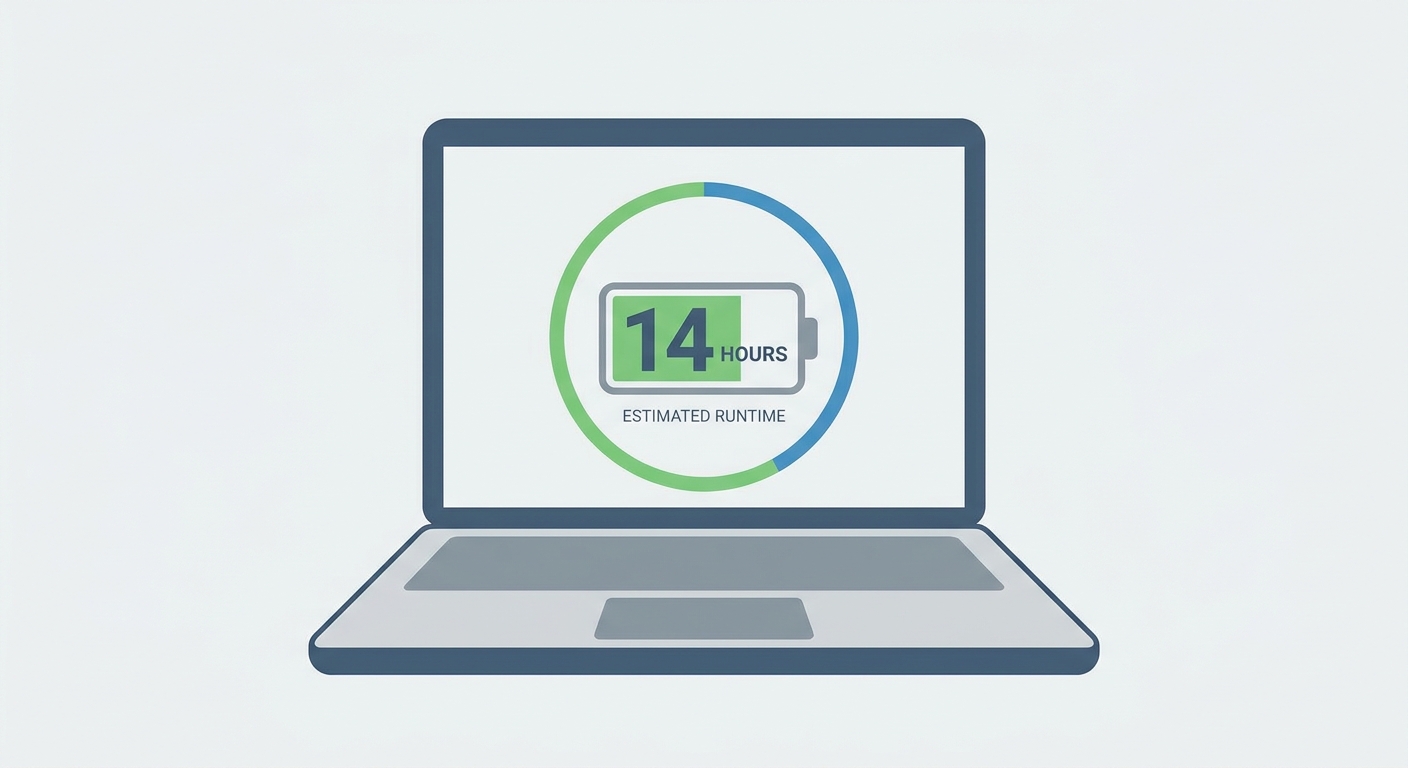
How long should a college laptop’s battery last?
Target at least 10 to 12 hours of real-world battery life. College days are long, and charging opportunities in classrooms and lecture halls are not always available. Laptops based on ARM processors (like Apple M4 or Qualcomm Snapdragon X Elite) and Intel’s Core Ultra series with integrated NPUs deliver exceptional efficiency. Avoid gaming laptops as daily drivers — their discrete GPUs drain batteries quickly even during light tasks.
Do I need a dedicated GPU for college?
For most majors — business, humanities, social sciences, pre-med, law — integrated graphics are completely sufficient. Only students in game development, 3D modeling, video editing, or machine learning coursework should prioritize a dedicated GPU. Even then, a mid-range GPU like an RTX 4060 Mobile is adequate for most coursework.
Should I get Windows, macOS, or ChromeOS?
Windows gives you the widest software compatibility, including specialized academic and engineering applications. macOS is favored in creative fields and offers excellent build quality and battery life. ChromeOS laptops are the most affordable but are limited to web-based apps and Android apps from the Play Store — suitable for students who primarily work in Google Workspace or browser-based tools.
Product Spotlight: Top Picks by Major
Best Overall: ASUS Zenbook 14 OLED (2026)
The ASUS Zenbook 14 OLED checks every box for most college students: a stunning 14-inch OLED display, Intel Core Ultra 7 processor, 16GB of LPDDR5 RAM, a 1TB NVMe SSD, and over 12 hours of battery life in a chassis under 1.4 kg. The OLED screen makes reading documents, watching lectures, and working with color-accurate design work a genuine pleasure. It is the best all-around college laptop for most majors in 2026.
Shop ASUS Zenbook 14 on Newegg
Best for Engineering and STEM: Lenovo ThinkPad X1 Carbon Gen 13
STEM students who run CAD software, MATLAB, Python environments, or simulation tools need a reliable workhorse. The ThinkPad X1 Carbon Gen 13 delivers with its Core Ultra 7 processor, 32GB RAM configuration, and a legendary keyboard that makes extended coding and writing sessions comfortable. The build quality is MIL-SPEC tested and the ThinkPad’s reputation for reliability is unmatched in the business and academic world.
Shop Lenovo ThinkPad on Newegg
Best Budget Pick: Acer Aspire 5 (2026)
For students on a tight budget, the Acer Aspire 5 with an AMD Ryzen 5 7530U processor, 16GB RAM, and a 512GB or 1TB NVMe SSD delivers genuine laptop performance at an affordable price. It is not the lightest or prettiest option, but it handles Microsoft Office, web browsing, video streaming, and basic coding without issue. A great choice for students who need a functional daily driver without overspending.
Best for Creative Majors: MSI Prestige 16 AI Evo
Graphic design, film, and digital media students need accurate color display and enough processing power for Adobe Creative Cloud. The MSI Prestige 16 AI Evo with Intel Core Ultra 9, an RTX 4060 Mobile, and a 4K OLED display handles Premiere Pro, Photoshop, and Illustrator without breaking a sweat. The large 16-inch OLED display at 4K resolution gives designers the real estate and color accuracy professional work demands.
Shop MSI Prestige Laptops on Newegg

Head-to-Head Comparison
| Laptop | CPU | RAM | Battery | Weight | Best For |
|---|---|---|---|---|---|
| ASUS Zenbook 14 OLED | Core Ultra 7 | 16GB | 12+ hrs | 1.39 kg | Most majors |
| Lenovo ThinkPad X1 Carbon | Core Ultra 7 | 32GB | 14+ hrs | 1.12 kg | STEM / Engineering |
| Acer Aspire 5 | Ryzen 5 | 16GB | 8-10 hrs | 1.8 kg | Budget / General use |
| MSI Prestige 16 AI Evo | Core Ultra 9 | 32GB | 10 hrs | 1.85 kg | Creative majors |
Recommendations
If you are unsure which laptop to pick, start with the ASUS Zenbook 14 OLED. It balances portability, display quality, performance, and battery life better than any other laptop in its price range in 2026. Engineering students should stretch to the ThinkPad X1 Carbon for its reliability and software compatibility. Budget-conscious students who just need a functional machine for papers and research will be well served by the Acer Aspire 5. Creatives should seriously consider the MSI Prestige 16 if their coursework involves color-critical design work.
Read More
- Notebookcheck: Best Laptops for Students — Detailed benchmark-driven reviews of student laptops with real-world battery and performance data.
- PCWorld: Best College Laptops 2026 — Expert picks by category with hands-on testing notes for each recommendation.
- Lenovo ThinkPad X1 Carbon Gen 13 Official Page — Full specs, configurations, and warranty information for the ThinkPad X1 Carbon.
- Best College Laptops 2026 — YouTube Comparison — Hands-on comparison of popular college laptops with real-world typing, display, and battery tests.
- Shop All Laptops on Newegg — Filter by processor type, display size, price, and brand to find your ideal college laptop.
Related Posts
- Snapdragon X2 Elite vs Panther Lake vs Ryzen: Which Laptop Chip Should Students Buy?
- Best Laptops for College Students in 2026
- MSI Prestige N16 Flip AI+: The RTX Spark Laptop That Brings the Full N1X Chip for $3,299 at Newegg
- What Actually Matters on a Motherboard
- Best Portable SSDs in 2026
Frequently Asked Questions
Common questions about choosing the best laptop for college in 2026.