
![[Gigastone] 1TB Micro SD Card, Gaming Plus, up to 150MB/s, MicroSDXC Memory Card for Nintendo-Switch, Steam Deck, 4K Video Recording, UHS-I A1 U3 V30 C10, with Adapter](https://c1.neweggimages.com/productimage/nb640/AGDFS24020606LG81E8.jpg)
Memory cards and portable drives are the components people buy on impulse and regret slowly. The symbols printed on a microSD card are genuinely confusing, the advertised speed on a portable SSD often describes a burst rather than a sustained transfer, and counterfeits are a real category problem. This guide sorts out what the markings mean, what a remarkable three-year endurance project actually found, and which cards and drives on Newegg are worth your attention — whether you are recording lecture video, shooting for a class project or carrying a semester’s files between machines.

What the Symbols on a microSD Card Actually Mean
Start with the rule that resolves most confusion: the bus interface is the ceiling and the speed class is the floor. The SD Association defines UHS bus speeds at 104 MB/s for UHS-I, 324 MB/s for UHS-II and 624 MB/s for UHS-III. No marking can exceed the bus the card is sitting on, so a fast card in a UHS-I reader is limited to roughly UHS-I speed.
UHS Speed Class — U1 and U3 — applies only to UHS bus products, with U3 guaranteeing 30 MB/s minimum sustained write. That is the practical floor for 4K video. Video Speed Class — V6 through V90 — was created for high-resolution video recording, and the number is the guaranteed minimum sustained sequential write in MB/s; V60 and V90 require a UHS-II or UHS-III host to deliver their rating. Application Performance Class — A1 and A2 — measures random IOPS rather than sequential throughput, which is what matters for running games and apps off a card. A1 guarantees 1500 random read and 500 random write IOPS; A2 raises that to 4000 and 2000.
Translated to purchases: V30 or U3 for 4K video and drones, A2 for handhelds and app loading, a high-endurance rating for cameras that write continuously, and UHS-II with V60 or V90 only if you shoot high-bitrate video and have a host that supports it.
What About SD Express?
SD Express and microSD Express replace the SD bus with PCIe and the NVMe protocol. Per the SD 9.1 specification, bus configurations reach roughly 985 MB/s at PCIe Gen3 x1 and about 3938 MB/s at Gen4 x2, with new Express speed classes from E150 to E600 guaranteeing 150 to 600 MB/s minimum sequential.
Two caveats. Express cards keep a legacy UHS-I interface for backward compatibility, so in an ordinary reader or older camera they fall back to roughly UHS-I speed — you only get PCIe performance in an Express-capable host. And real-world speeds vary widely by brand: retail cards are rated up to roughly 880 MB/s read, but Tom’s Hardware notes some manage only around 115 MB/s write in testing. The main consumer device that unlocks Express today is the Nintendo Switch 2, which Nintendo states is compatible only with microSD Express cards for storing and loading games.
The Cards
| Card | Class | Rated speed | Best for |
|---|---|---|---|
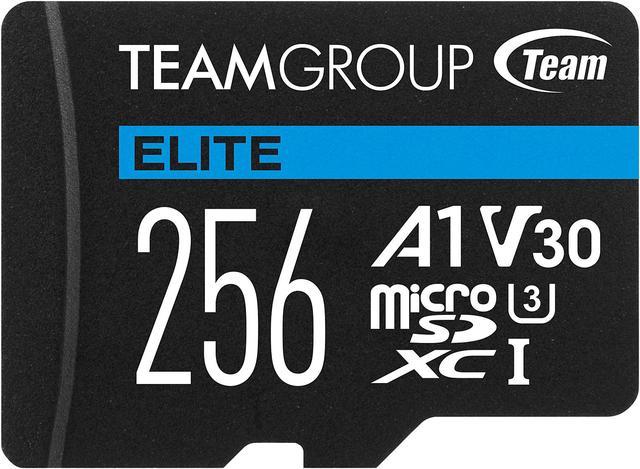
| Team Group Elite microSDXC | UHS-I U3 V30 A1 | Up to 100 MB/s read | Handhelds, value capacity |
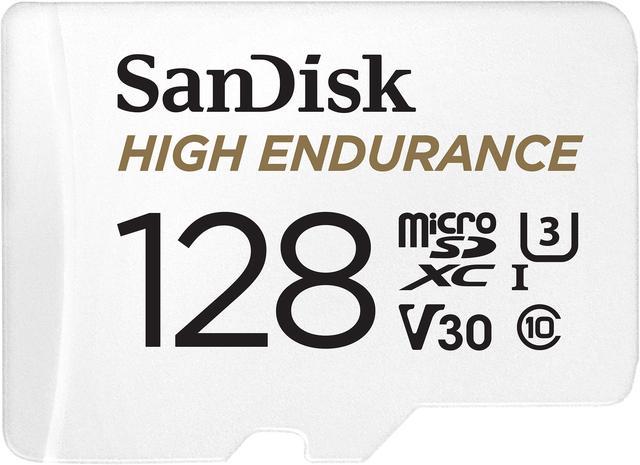
| SanDisk MAX Endurance | UHS-I U3 V30 | Up to 100 MB/s read | Dash and security cameras |
| SanDisk Extreme PRO microSDXC | UHS-I U3 V30 A2 | Up to 200 MB/s read | 4K video, drones |
| SanDisk microSD Express | Express U3 C10 A1 | Up to 880 MB/s read | Switch 2, Express hosts |
For a handheld or a value capacity upgrade, the Team Group 512GB Elite microSDXC is UHS-I U3 V30 A1 rated up to 100 MB/s read and 50 MB/s write, with 1500 random read and 500 random write IOPS, an SD adapter, and waterproof, dustproof and X-ray-proof construction backed by a lifetime limited warranty.
For a camera that records continuously, endurance rating matters more than peak speed. The SanDisk 128GB MAX Endurance microSDXC is Class 10 U3 V30, rated for up to 120,000 hours of recording, with a 10-year limited warranty and temperature, water, shock and X-ray resistance.
For 4K video and drone work, the SanDisk 1TB Extreme PRO microSDXC adds the A2 application class alongside U3 and V30, rated up to 200 MB/s read and 90 MB/s write.
And if you have a Switch 2 or another Express-capable host, the SanDisk 512GB microSD Express card is rated up to 880 MB/s read and 650 MB/s write, with a stated 220 MB/s sustained write — a figure worth noting, because sustained write is the number that governs long transfers.
What a Three-Year Endurance Test Found
In August 2026 an unusual project hit its third anniversary and got wide coverage. The Great MicroSD Card Survey, run independently by Matt Cole, has written roughly 133 petabytes across 351 cards spanning 52 brands and 111 models, through about 4.6 million program, verify and erase cycles. Of those, 177 cards have failed or degraded. The methodology has three phases: an authenticity test that writes random 4MB blocks across eight segments to detect fake capacity, a performance test against SD Association speed class standards, and an endurance phase of repeated full-capacity write and read cycles until failure. Consumer-grade cards averaged roughly 10,000 program and erase cycles before failing; industrial models lasted considerably longer.
The headline that circulated was that SanDisk was the outlier with six failures out of seven cards tested. That is accurate but needs context: it refers specifically to SanDisk’s high-endurance category, and it is a seven-card sample. Across a survey covering 111 models, many per-model samples are in the single digits, so these are directional signals rather than robust brand rankings. Brands the author reported performing well among consumer cards include PNY, Kingston, Delkin Devices, Lexar and Samsung.
The genuinely useful takeaway is not a brand verdict, it is a habit: this is destructive stress testing far beyond consumer use, and the same project documents fake-flash cards circulating in the market that fail earlier than authentic ones. Buy from authorized channels, then verify a new card before trusting data to it — run a full write-and-read-verify tool such as F3 or H2testw to confirm real capacity, and benchmark it against its printed speed class.
The Portable Drives
Interface determines the ceiling here too. USB 3.2 Gen 2 drives land around 1000 to 1050 MB/s, Gen 2×2 around 2000 MB/s, and USB4 or Thunderbolt 40Gbps drives up to roughly 3800 MB/s. One buyer caveat worth knowing: Gen 2×2 at 20Gbps is not supported by most Macs or by USB4-only ports without host support, so a 20Gbps drive can fall back to 10Gbps.
For everyday use, the Samsung T7 Portable SSD 1TB is the compact standard: USB 3.2 Gen 2 with speeds up to 1050 MB/s in a drive measuring 2.2 by 3.4 by 0.3 inches and weighing about two ounces.
If you move large video files, the Samsung T9 Portable SSD 2TB uses USB 3.2 Gen 2×2 for up to 2000 MB/s read and 1950 MB/s write, with 1500G non-operating shock resistance.
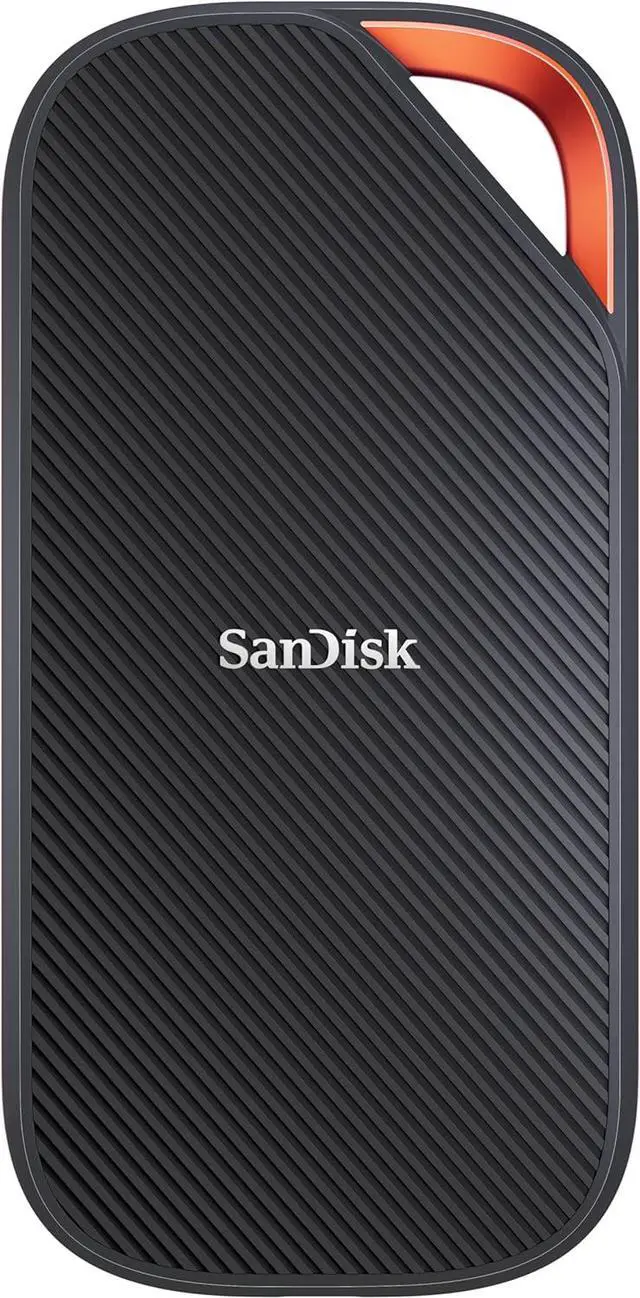
At the top, the SanDisk Extreme PRO with USB4 2TB delivers up to 3800 MB/s read and 3700 MB/s write over a 40Gbps USB4 connection, is Thunderbolt 4 compatible and backward compatible with USB 3.2, and combines a forged aluminum chassis with a rugged silicone shell rated IP65 with two-meter drop protection, backed by a five-year limited warranty.
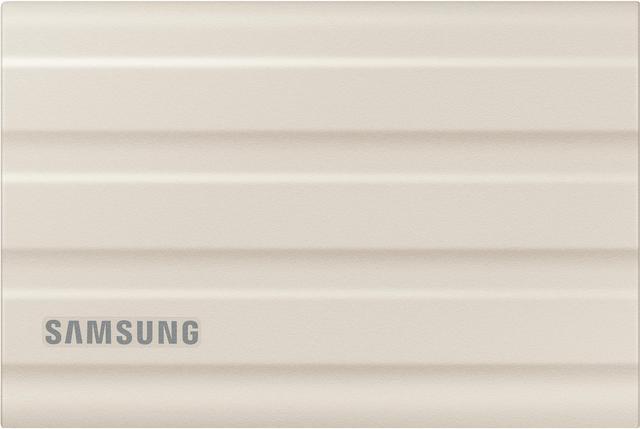
And if the drive will be thrown in a bag every day, the Samsung T7 Shield 2TB is the rugged pick: USB 3.2 Gen 2 at up to 1050 MB/s in an IP65 water and dust resistant, drop resistant body weighing about 3.5 ounces.
One Caveat on Advertised Speeds
Cheaper drives write first into a fast pseudo-SLC cache. Once that cache fills during a large transfer, the drive writes directly to slower TLC or QLC memory and performance can drop sharply. A smaller cache, slower memory or a DRAM-less design that leans on system memory all make this worse, and smaller-capacity drives suffer most because there are fewer memory dies to spread writes across. So the advertised peak describes a burst, not a 200GB video offload — which is exactly why the SanDisk Express card’s stated 220 MB/s sustained write figure above is more informative than its 880 MB/s peak.
The Verdict
For a camera or drone, the SanDisk Extreme PRO microSDXC is the safe choice; for continuous recording, the MAX Endurance card is designed for the job. For a Switch 2, an Express card is required, not optional. On the drive side, the Samsung T7 is the everyday pick, the T7 Shield the one for a backpack, and the SanDisk Extreme PRO USB4 the one for genuinely fast transfers. Buy from authorized channels, verify capacity when a card arrives, and know that storage prices are under upward pressure as AI infrastructure absorbs memory capacity — TrendForce reports enterprise demand strengthening supplier pricing power while consumer segments go undersupplied. Browse current options in Newegg’s microSD card listings.
Frequently Asked Questions
What do V30, U3 and A2 mean on a microSD card? U3 guarantees 30 MB/s minimum sustained write. V30 is the Video Speed Class equivalent, where the number is the guaranteed minimum sustained sequential write in MB/s. A2 is the Application Performance Class, measuring random IOPS — 4000 random read and 2000 random write — which is what matters for running apps and games from a card rather than recording video.
Do I need a microSD Express card? Only if your device supports it. Nintendo states the Switch 2 is compatible only with microSD Express cards for storing and loading games. In an ordinary reader or older camera, an Express card falls back to roughly UHS-I speed because it retains a legacy interface for compatibility.
How do I check whether a memory card is counterfeit? Buy from an authorized channel, then verify before trusting data to it. Run a full write-and-read-verify tool such as F3 on Linux or macOS or H2testw on Windows to confirm the card’s real capacity matches the label, and benchmark it against its printed speed class. Fake-flash cards advertise more capacity than they have and tend to fail earlier.
Why is my portable SSD slower than advertised? Two common reasons. Your port may not support the drive’s interface — USB 3.2 Gen 2×2 at 20Gbps is not supported by most Macs or by USB4-only ports without host support, so the drive falls back to 10Gbps. And on large transfers, once the drive’s fast pseudo-SLC cache fills, writes go directly to slower memory and speed drops considerably.
Read More
- SD Association: Speed Class Standards — The authoritative explanation of what every symbol on a card guarantees.
- Tom’s Hardware: Best microSD Express Cards — Benchmarked Express cards tested on a Switch 2 and on a PC for sustained write.
- The Great MicroSD Card Survey — The independent three-year endurance and authenticity project behind the 133-petabyte figure.
- ExplainingComputers: Testing microSD Express — A hands-on look at real Express transfer speeds and host-compatibility limits.
- Newegg: microSD Cards — Filter by capacity, speed class and brand.