
The power supply is the component people spend the least time on and then blame the most when something goes wrong. It is also one of the few parts where the failure mode is not “slower” but “the machine turned off in the middle of a raid and I do not know why”.
Choosing one is not complicated, but the order matters. Here is the order I use, with eight units attached to the steps.
Step One: Work Out the Number, Then Add Headroom
Take the recommended wattage from your graphics card’s product page, not from a forum. Current cards land somewhere between about 450W and 850W recommended. Add roughly a hundred watts for a mid-range processor and a bit more for a high-power one, then round up to the next common size.
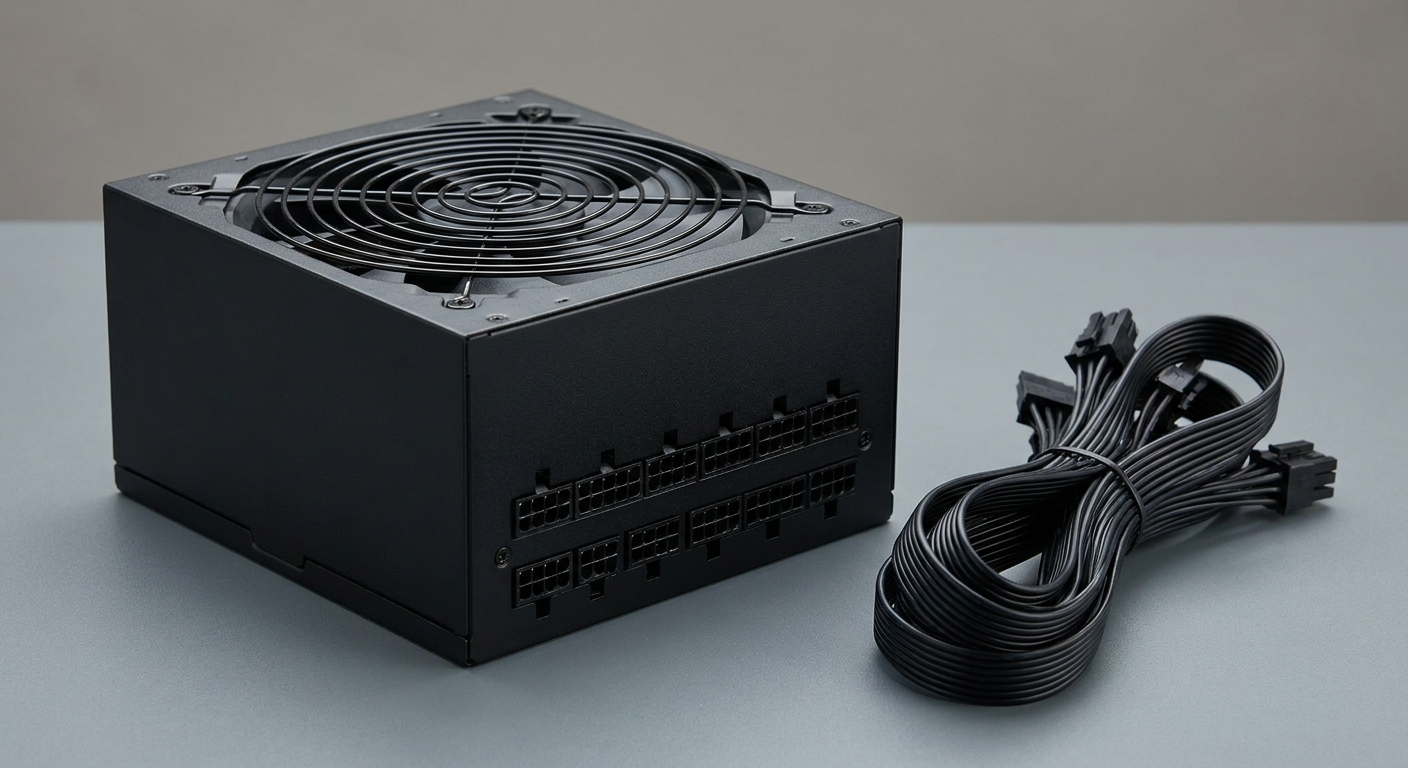
Headroom is not superstition. A supply running at roughly half its rating tends to sit in its most efficient band and its fan spends more time slow or stopped, which is the difference between a quiet machine and one you notice.
Step Two: Check the Connector, Not Just the Wattage
Modern high-end cards use a 12V-2×6 connector, sometimes still described as 12VHPWR. If your card needs one, a unit with a native cable for it is far preferable to an adapter.
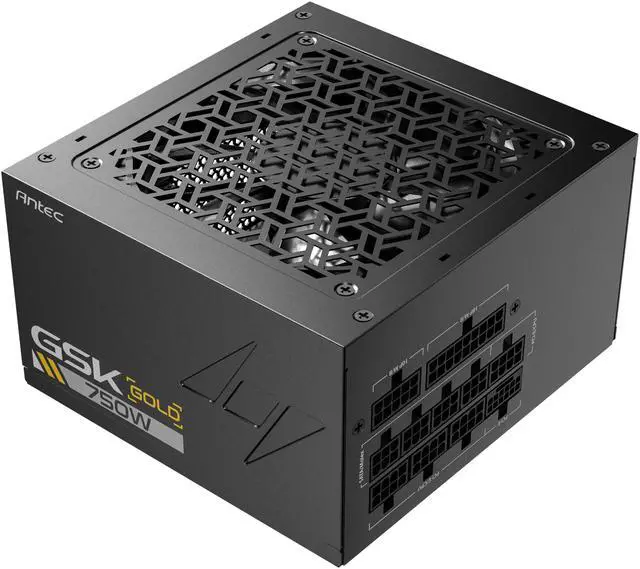
The ANTEC GSK750 V2 is a good example of a modest unit getting this right: ATX 3.1, 750W, 80 PLUS Gold, fully modular, a 120mm silent fan with zero RPM management, active PFC, and a connector list including one 24-pin, one 16-pin PCIe 5.1 12V-2×6, two 8-pin CPU, four 8-pin PCIe, eight SATA and four Molex. Protections cover OCP, OVP, UVP, SCP, OPP, OTP, SIP and NLO. It measures 5.51 x 3.38 x 5.9 inches.
The be quiet! Pure Power 13 M 750W is the quieter-minded alternative at the same wattage: ATX 3.1, 80 Plus Gold, modular, a single 120mm fan, active PFC, with six SATA and two PATA connectors listed.
Step Three: For a Mid-Range Build, 850W Is the Comfortable Size
The Corsair RM850x is the one I would buy without much thought. ATX 3.1, PCIe 5.1, fully modular, Cybenetics Gold, Japanese capacitors, and a single 140mm fan. Its cable set includes one 12VHPWR (12+4) PCIe cable, a 610mm 24-pin, two 750mm EPS cables and three 650mm 8-pin PCIe cables, plus eight SATA and three PATA. Those cable lengths matter more than people expect in a large case with rear routing.
The MSI MPG A850G PCIE5 is the compact option at the same wattage: 850W, 80+ Gold, a 135mm fan, active PFC, 100% Japanese capacitors, a native 12V-2×6 cable, an RGB fan, and a 150 x 150 x 86mm body. Its connector list runs to one 16-pin PCIe, one 24-pin, one 8-pin EPS, six 8-pin PCIe and eight SATA, with OCP, OVP, OPP, OTP, SCP and UVP protection.
Step Four: For a High-End Card, Go to 1000W or Beyond
The MSI MPG A1000GS PCIE5 II is the sensible 1000W pick: fully modular, 80+ Gold, dual 12V-2×6 cables, server-grade capacitors, a 135mm fan and active PFC, with the full protection set. Two native 12V-2×6 cables is unusual and useful if you ever run a second card or a workstation GPU.
The ASUS ROG Strix 1000W Platinum goes a step further on efficiency: fully modular, 80 Plus Platinum, ATX 3.1, Cybenetics Lambda A+ for noise, and GaN MOSFETs. Platinum efficiency and a Lambda A+ acoustic rating together are the combination to look for if the machine sits on your desk rather than under it.
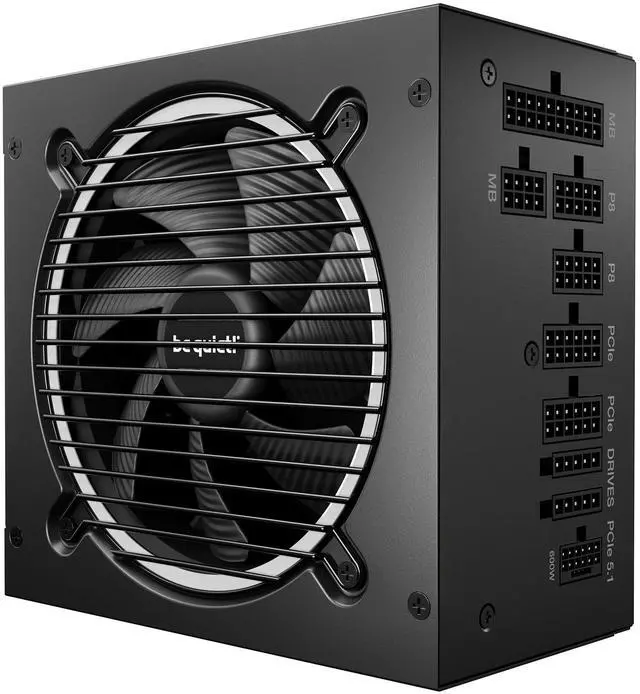
And if you want genuine overhead, the be quiet! Pure Power 13 M 1200W delivers ATX 3.1 and PCIe 5.1 at 80 Plus Gold with a temperature-controlled 120mm fan, active PFC and a 20+4 pin main connector, in a 160 x 150 x 86mm body. That 160mm depth is the number to check against your case before ordering.
Step Five: If the Case Is Small, Buy SFX
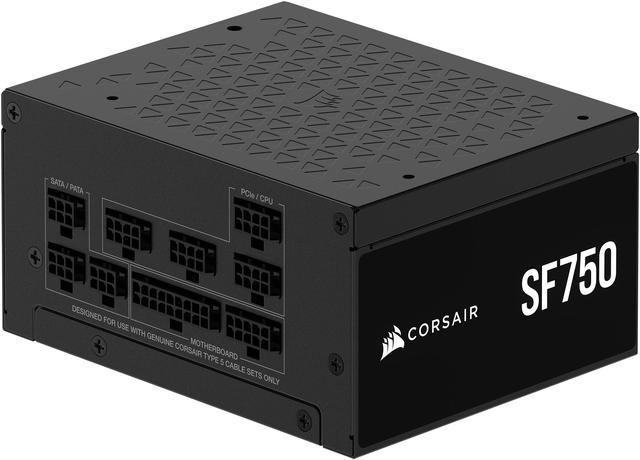
The Corsair SF750 is the small form factor answer: 750W, 80 PLUS Platinum, fully modular, a 92mm PWM fan, and a 4.92 x 3.94 x 2.50 inch body. Its cables are deliberately short — a 300mm 24-pin, 400mm EPS and PCIe cables — which is correct for a small chassis and frustrating in a large one.
Do not try to fit an ATX unit into a case designed for SFX, and do not buy an SFX unit for a mid-tower unless you enjoy cable management puzzles.
A Note on Protections and Warranties
Protection circuitry is the least interesting part of a power supply specification and the part I would not skip reading. The ANTEC GSK750 V2 lists OCP, OVP, UVP, SCP, OPP, OTP, SIP and NLO; the MSI units list OCP, OVP, OPP, OTP, SCP and UVP. Those acronyms cover over-current, over-voltage, under-voltage, short circuit, over-power and over-temperature, and a unit that carries the full set is telling you something about how it was designed rather than just how much it can deliver.
The other number I look at is depth. ATX supplies are all 150mm wide and 86mm tall, so the only dimension that varies is how far back they reach — 160mm on the be quiet! 1200W unit, 150mm on the MSI A850G. In a case with a shrouded basement and a hard drive cage, that ten millimetres decides whether the cables have room to bend.
Where I Would Land
Mid-range card, normal case: RM850x, or the MSI A850G if depth is tight. Budget build: GSK750 V2 for the connector set, Pure Power 13 M 750W if quiet matters more. High-end card: A1000GS PCIE5 II, or the ROG Strix Platinum if you want the efficiency and the acoustics. Genuine headroom: Pure Power 13 M 1200W. Small case: SF750.
One habit I would encourage: keep the box and the unused cables together somewhere. Modular supplies are not cross-compatible between brands or even between series, and replacing a lost cable is far more annoying than it should be. Current stock is in Newegg’s power supply listings.
Frequently Asked Questions
How many watts does my PC actually need? Start with the recommended system wattage on your graphics card’s product page, add roughly a hundred watts for a mainstream processor and more for a high-power one, then round up. Most current mid-range builds land comfortably on 750W or 850W, and only high-end cards paired with high-power processors genuinely call for 1000W or more.
What is the difference between ATX 3.0 and ATX 3.1? ATX 3.1 tightens the requirements around handling brief power spikes from modern graphics cards and refines the 12V-2×6 connector specification. In practice both standards work with current cards, but an ATX 3.1 unit with a native 12V-2×6 cable is the cleaner choice for a new build with a high-end GPU.
Is 80 Plus Platinum worth it over Gold? The efficiency difference is small in absolute terms and will not pay for itself quickly on electricity alone. What you often get alongside it is better components and quieter operation, as with the ASUS ROG Strix unit’s Cybenetics Lambda A+ acoustic rating. Buy Platinum for the build quality and the noise floor, not for the power bill.
Can I reuse the modular cables from my old power supply? No, and this is one of the more expensive mistakes in PC building. Modular cable pinouts differ between manufacturers and often between series from the same manufacturer, and using the wrong cable can damage components. Always use the cables that came in the box with that specific unit.
Do I need a 12V-2×6 connector? Only if your graphics card uses one. Several current high-end cards do, and a supply with a native cable for it avoids stacking adapters behind the card where there is rarely room. Cards that use one or two 8-pin PCIe connectors instead are well served by any of these units.
Read More
- Cybenetics: Power Supply Database — Independently measured efficiency and noise ratings for individual units rather than platforms.
- Tom’s Hardware: Best Power Supplies — Load testing, ripple measurement and transient response across wattage classes.
- Corsair: Explaining the PSU Lineup — The manufacturer’s own breakdown of the RMx and SF series, with a comparison table across the range.
- be quiet!: Power Supplies — Manufacturer pages for the Pure Power 13 M range with dimensions and connector details.
- Newegg: Power Supplies — Filter by wattage, efficiency rating, modularity, form factor and connector type.