
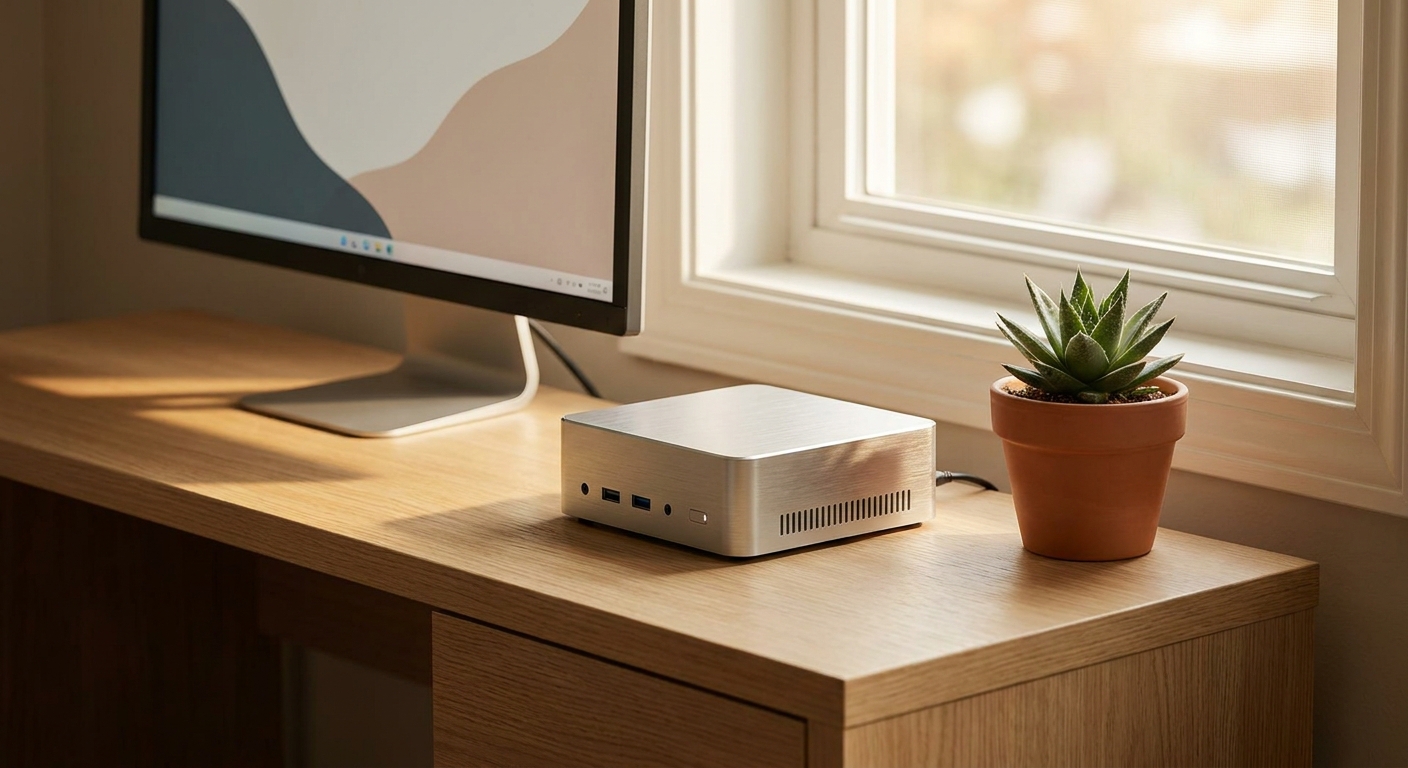
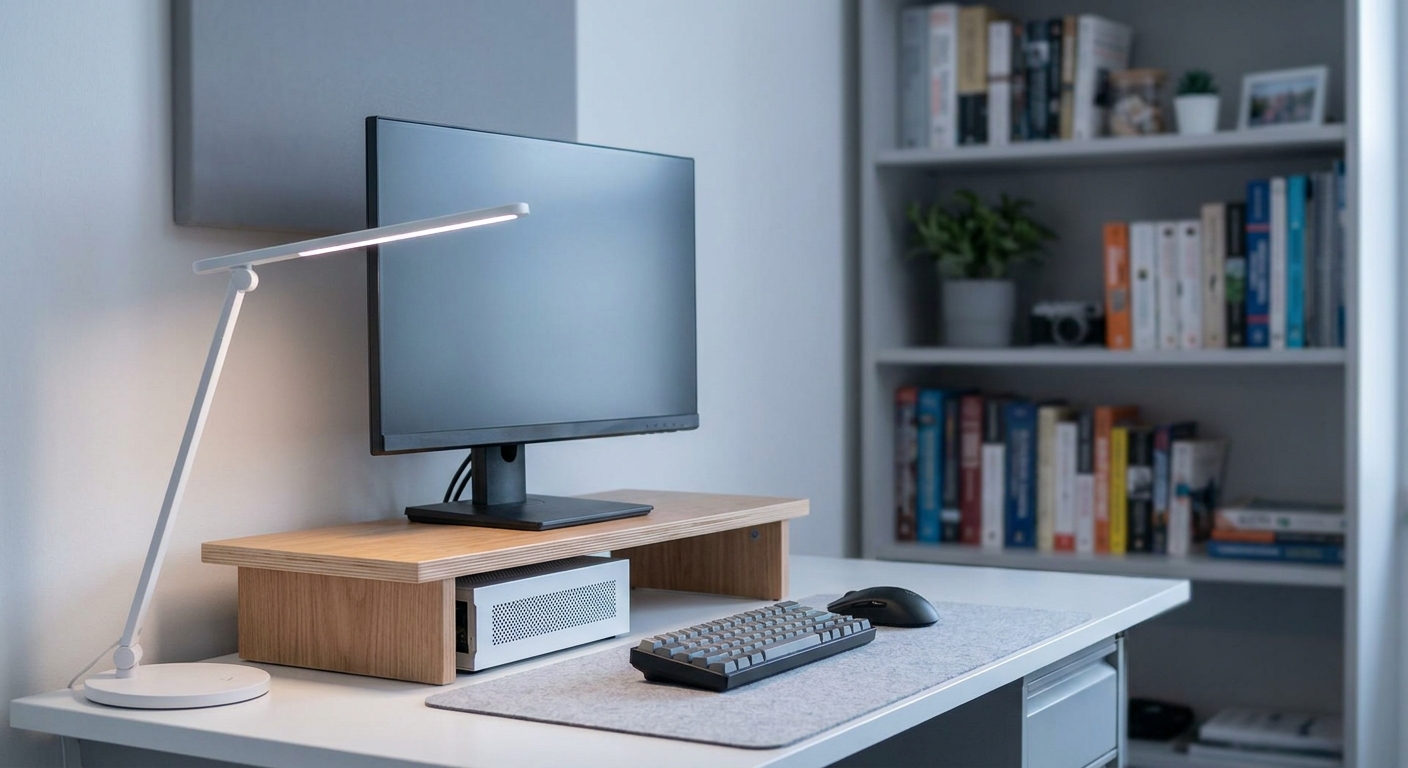
Desk space is the one spec nobody lists on a box. A dorm desk is often less than four feet wide and has to hold a monitor, a keyboard, a lamp, a stack of textbooks and whatever you are drinking at midnight. A full mid-tower simply does not fit that life, and it is a miserable thing to carry up three flights of stairs in August. The good news is that small desktops stopped being a compromise years ago. A machine the size of a hardcover book now handles coursework, video calls, photo editing and a surprising amount of gaming. Here are the best small form factor and mini desktop PCs on Newegg right now, organized from smallest and simplest up to genuinely powerful.
Why Small Desktops Make Sense for Students
A mini PC gives you three things a laptop cannot. First, a real desktop platform: full-size ports, a proper cooling design, and in most cases user-replaceable memory and storage, so the machine you buy as a freshman can be upgraded rather than replaced. Second, a separation of concerns. You take a cheap, light laptop or tablet to class, and the mini PC stays plugged into a monitor, keyboard and mouse at your desk, which is where the actual work happens. Third, it is quiet and it barely occupies the desk at all. Many of these machines mount to the back of a monitor with a VESA bracket and disappear completely.
What to Look For
Four things matter more than the rest. Barebones or complete? A barebones system ships without memory or storage, which is cheaper up front and lets you choose your own parts, but it means you have to install them yourself. Complete systems arrive ready to use. Memory and storage headroom: look for two SO-DIMM slots and at least two M.2 slots, so you are not stuck with the factory configuration. Ports: USB4 or Thunderbolt is the feature that most extends a mini PC’s life, because it lets you drive extra displays, fast external drives and even an external GPU enclosure down the road. Graphics: integrated graphics such as AMD’s Radeon 780M or 890M and Intel’s Arc series are genuinely capable at 1080p now, but if you want to play current AAA titles at high settings you need a machine with a discrete card.
The Field at a Glance
| System | Processor | Graphics | Best for |
|---|---|---|---|
| ASUS NUC 14 Essential | Intel N150 | Integrated | Smallest, simplest desk PC |
| ASRock DeskMini B760 | Your own LGA1700 chip | Integrated | Build-it-yourself value |
| ASUS NUC 15 Pro | Core Ultra 7 255H | Arc 140T | Modern barebones platform |
| GMKtec K8 Plus | Ryzen 7 8845HS | Radeon 780M | Everyday all-rounder |
| MINISFORUM UM890 Pro | Ryzen 9 8945HS | Radeon 780M | Multitasking headroom |
| BOSGAME M6 | Ryzen AI 9 HX 370 | Radeon 890M | On-device AI work |
| MINISFORUM G1 Pro | Ryzen 9 8945HX | RTX 5060 | Small-box gaming |
| Thermaltake LCGS Traveler | Ryzen 7 9700X | RTX 5070 | Full ITX performance |
Smallest and Simplest: ASUS NUC 14 Essential
If all you need is a browser, a word processor and video calls, the ASUS NUC 14 Essential is remarkable. It is a barebones system built around Intel’s four-core N150 at a 6W TDP, in a chassis of roughly half a liter that weighs about two pounds. You add one DDR5 SO-DIMM and one M.2 drive. Despite the size it still drives three 4K displays and includes 2.5G Ethernet and Wi-Fi 6E.
Best Build-It-Yourself Value: ASRock DeskMini B760
The ASRock DeskMini B760 is a 1.92-liter chassis that accepts any 12th, 13th or 14th Gen Intel Core processor up to 65W, which is a lot of CPU for the volume. It takes two DDR4 SO-DIMMs up to 64GB, two M.2 drives (one of them PCIe Gen5) and two 2.5-inch SATA bays with RAID support. If you want desktop performance in something that fits in a backpack, this is the platform.
Best Modern Barebones: ASUS NUC 15 Pro
For a current-generation platform, the ASUS NUC 15 Pro pairs a 16-core Intel Core Ultra 7 255H with Arc 140T graphics, two DDR5 SO-DIMM slots supporting up to 96GB, a PCIe Gen5 M.2 slot, two Thunderbolt 4 ports, two HDMI 2.1 outputs and Wi-Fi 7 — in a chassis under a pound.
Best Everyday All-Rounders
Two AMD machines cover the mainstream. The GMKtec K8 Plus ships complete with a Ryzen 7 8845HS, 32GB of DDR5, a 1TB PCIe 4.0 drive, dual USB4, dual 2.5G Ethernet and an OCuLink port, in a case about 132 by 125 by 58 millimeters. Step up to the MINISFORUM UM890 Pro and you get a Ryzen 9 8945HS with eight cores boosting to 5.2GHz, memory expandable to 96GB and two PCIe 4.0 M.2 slots. Both use Radeon 780M graphics, which is comfortable at 1080p in esports titles and lighter games.
Best for On-Device AI: BOSGAME M6
If your coursework touches machine learning or you want to run local AI models, the BOSGAME M6 uses AMD’s Ryzen AI 9 HX 370, a 12-core part with a dedicated NPU, alongside Radeon 890M graphics, 32GB of DDR5 and a 1TB NVMe drive. It ships with Windows 11 Pro, supports quad displays over USB4 and includes OCuLink for an external GPU later.
Best Small-Box Gaming: MINISFORUM G1 Pro
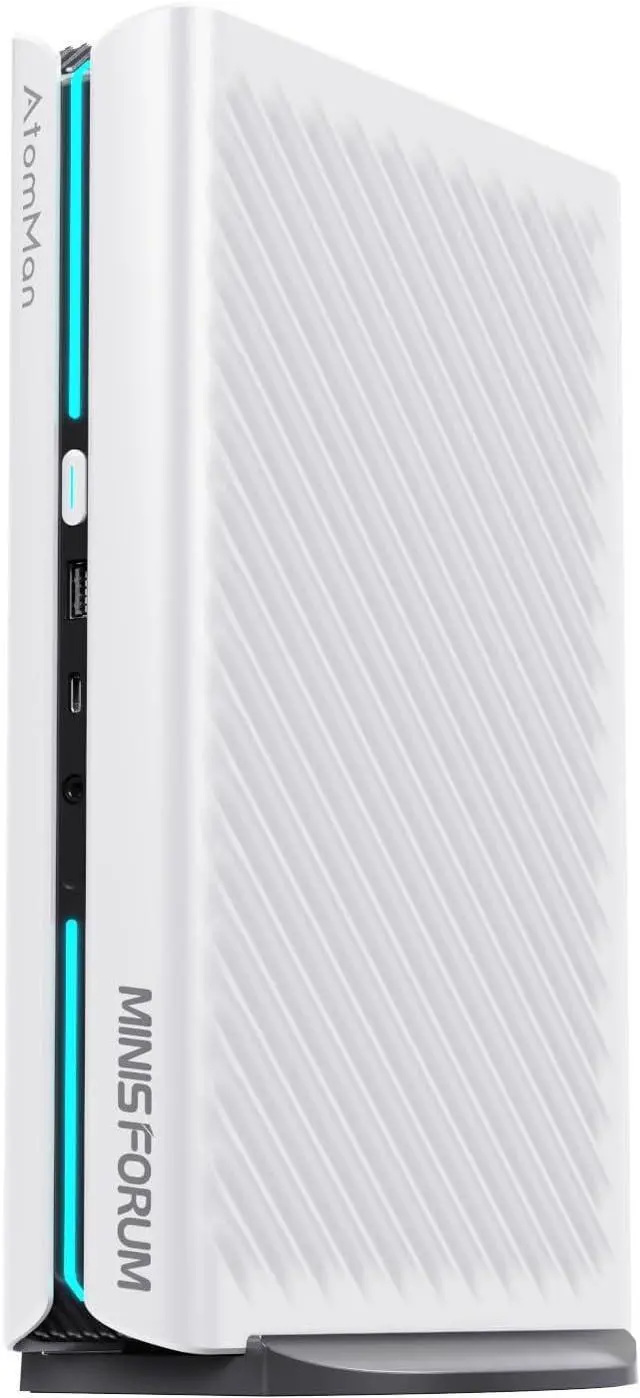
Integrated graphics have limits, and the MINISFORUM G1 Pro is how you get past them without a tower. It combines a 16-core Ryzen 9 8945HX with a discrete NVIDIA GeForce RTX 5060, 32GB of DDR5 and a 1TB PCIe 4.0 SSD, plus five display outputs, 5G and 2.5G Ethernet and Wi-Fi 7.
Best Full Performance in a Small Case: Thermaltake LCGS Traveler
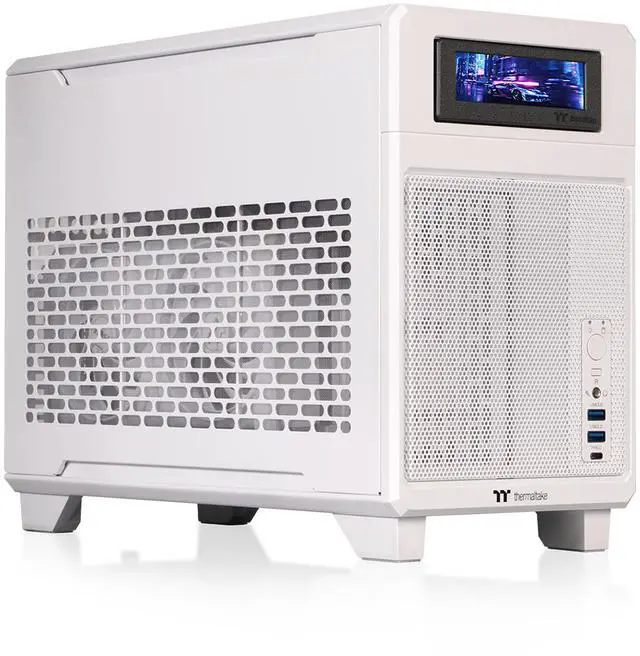
When you want no compromises, the Thermaltake LCGS Traveler is a genuine Mini-ITX desktop: a Ryzen 7 9700X on a 240mm liquid cooler, a GeForce RTX 5070 12GB, 32GB of DDR5-6000, a 1TB NVMe drive and an 850W 80 PLUS Platinum SFX power supply, all in a white ITX chassis. It is the pick if the small PC is your only PC.
The Verdict
For most students, an AMD mini PC like the GMKtec K8 Plus or the MINISFORUM UM890 Pro is the sweet spot: complete out of the box, quiet, upgradeable and fast enough for everything except demanding gaming. Choose the ASUS NUC 14 Essential if you want the smallest and simplest option, the ASRock DeskMini B760 if you enjoy choosing your own parts, and the MINISFORUM G1 Pro or Thermaltake Traveler if games are the point. You can compare current configurations across the whole category in Newegg’s mini PC listings.
Frequently Asked Questions
Are mini PCs powerful enough for college work? Yes. A current Ryzen 7 or Core Ultra 7 mini PC handles research, writing, coding, video calls and photo editing without difficulty. The limits show up in sustained heavy workloads such as long video renders and in demanding 3D games, which is where a discrete-GPU model earns its keep.
What is a barebones mini PC? A barebones system ships with the processor, motherboard, chassis and cooling, but no memory, storage or operating system. You supply those. It costs less up front and lets you pick exactly the parts you want, at the cost of doing a short, simple installation yourself.
Can you game on a mini PC? On integrated Radeon 780M or 890M graphics, yes at 1080p in esports and lighter titles. For current AAA games at high settings you want a machine with a discrete card such as the MINISFORUM G1 Pro, or a Mini-ITX system like the Thermaltake Traveler.
Can a mini PC be upgraded later? Usually memory and storage, yes — most models here have two SO-DIMM slots and two M.2 slots. The processor and graphics are normally soldered, which is why USB4 and OCuLink ports matter: they let you attach an external GPU enclosure instead.
Read More
- Tom’s Guide: The Best Mini PCs — A regularly updated round-up organized by use case, from budget to gaming to quiet builds.
- Tom’s Hardware: Mini PC Hub — Hands-on reviews and analysis across AMD, Intel and Arm compact systems.
- ServeTheHome: TinyMiniMicro — A deep technical review library covering one-liter and business tiny desktops.
- Tom’s Hardware: Best Mini-ITX Cases — Tested picks if you would rather build your own small-form-factor machine.
- Newegg: Mini PCs — Browse and filter current models by processor, memory and size.