Black Friday always brings console deals, from Switch 2 deals to Xbox's Black Friday sale. For people who already own a console, though, the upgrade that makes the biggest day-to-day difference usually isn't a new game. It's storage. Big games keep growing, and every console handles extra storage differently.
Here's what I'd buy for each console, ranked by how much difference it makes.
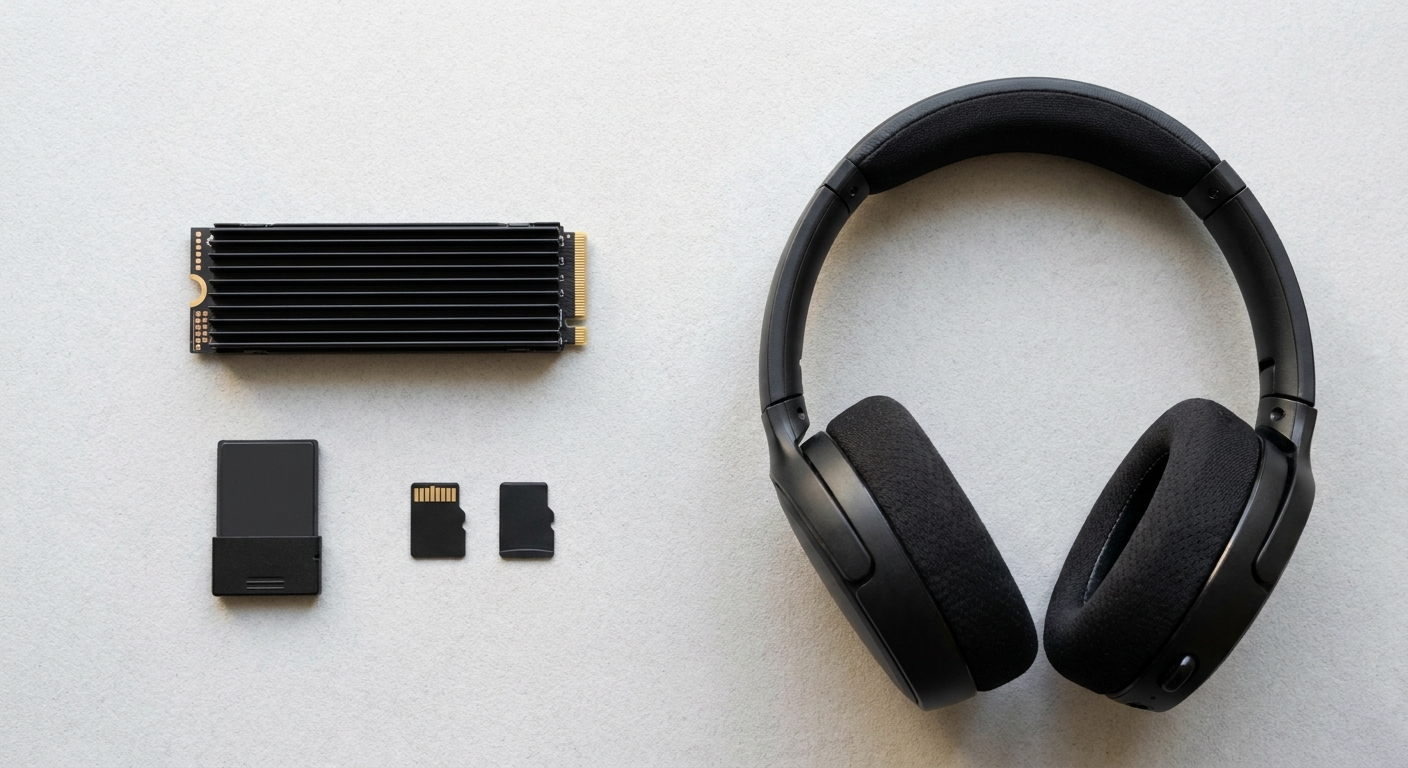
1. A PS5 SSD with a built-in heatsink
Sony's requirements are specific: a PCIe Gen4 x4 M.2 NVMe SSD from 250GB to 8TB, with 5,500MB/s or faster reads recommended and a cooling structure such as a heatsink. Total thickness has to stay within 11.25mm, including the heatsink.
The easiest way to meet all of that is a drive with the heatsink already attached. The Samsung 990 PRO 2TB with Heatsink is a PCIe 4.0 x4 drive rated up to 7,450MB/s reads. The WD_BLACK SN850X 1TB with Heatsink is rated up to 7,300MB/s reads and is the smaller-capacity option. Sony also says not to add a second heatsink to a drive that already has one.
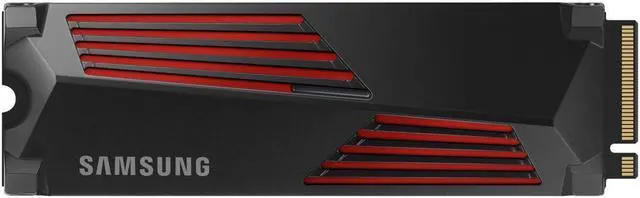
Update the PS5 system software before you install it, then follow Sony's install steps for the expansion slot.
2. A Storage Expansion Card for Xbox Series X|S
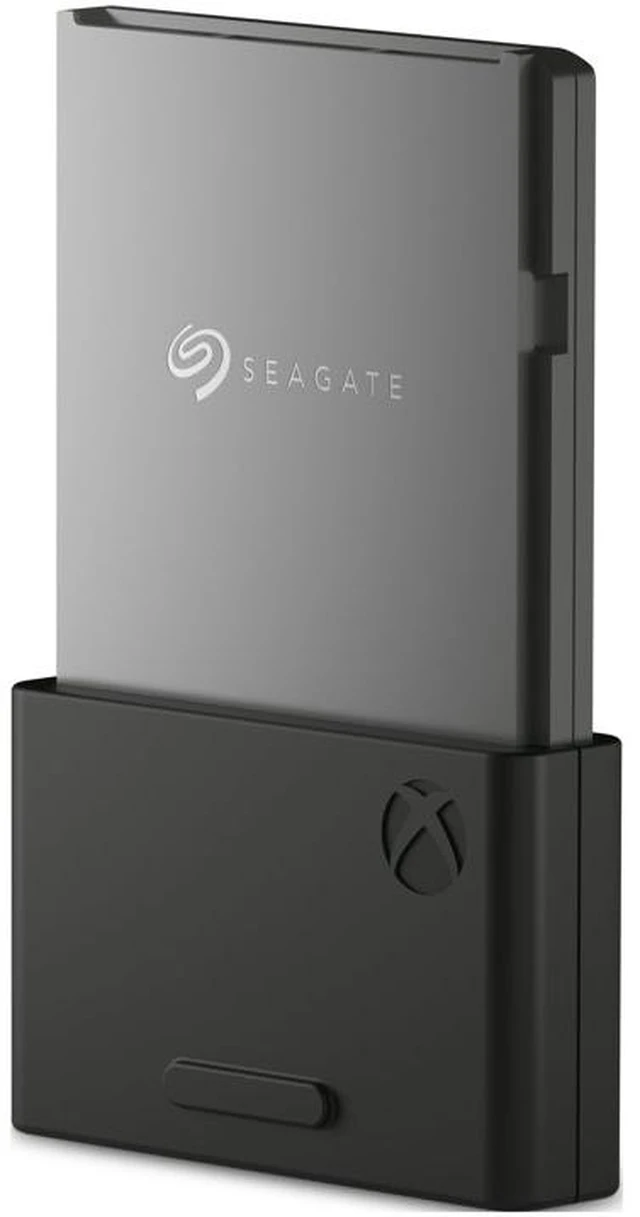
Xbox works differently. Games optimized for Xbox Series X|S need to run from the internal SSD or an official Storage Expansion Card, which plugs into the expansion slot on the back. A USB drive can store those games and play older Xbox One titles, but you'd have to move Series X|S games back before playing them.
The Seagate Storage Expansion Card Dual Pack includes a 1TB and a 2TB card, which is a lot of extra room if you've been juggling installs.
3. A microSD Express card for Switch 2
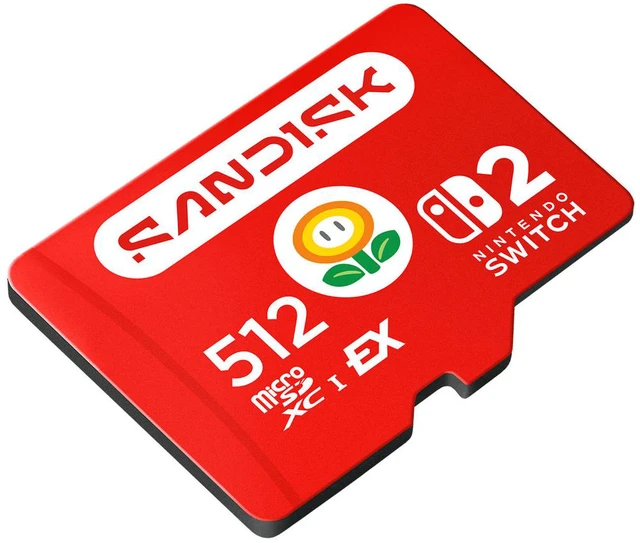
For expandable storage, the Switch 2 only accepts microSD Express cards for games, and Nintendo lists support up to 2TB. Older microSD cards won't work for Switch 2 games.
The SanDisk 512GB microSD Express card is officially licensed for Switch 2 and rated up to 880MB/s reads. If you mostly play smaller games, the SanDisk 256GB microSD Express card has the same 880MB/s read rating with up to 650MB/s writes.
4. A second controller
For holiday visits, a second controller is one of the most useful extras. The PS5 DualSense in Midnight Black works with PS5, PC, Mac and mobile. The Xbox Wireless Controller in Velocity Green works with Xbox Series X|S, Xbox One and Windows devices.
5. One headset for every console
If your household has more than one console, a wired headset with broad compatibility saves a lot of swapping. The HyperX Cloud III wired headset uses 53mm drivers and lists compatibility with PC, PS5, PS4, Xbox Series X|S, Xbox One, Nintendo Switch, Mac and mobile.
Moving games to the new storage
Once the new storage is in, move your largest games first. On PS5, the console can move installed games to the M.2 drive from the storage settings. On Xbox, you can move or copy games between the internal drive, an expansion card and USB storage from the console's storage management. On Switch 2, you can move software data to the microSD Express card through the console's data management settings.
It's worth doing this before the holidays rather than on the day a big download is waiting. Moving a large library can take a while, and you don't want to be doing it while family is waiting to play.
How I'd shop it
- Start with storage if you're deleting games to make room. It changes the most.
- Match the storage to the console: heatsink M.2 for PS5, expansion card for Xbox, microSD Express for Switch 2.
- For PS5, buy a drive with a heatsink already on it unless you're comfortable checking thickness yourself.
- Check the exact capacity in the listing before checkout. The same product line comes in several sizes.
Storage isn't exciting, but it's the upgrade that stops the "which game do I delete" routine every time a big title comes out.
Frequently Asked Questions
What SSD works in a PS5? Sony lists PCIe Gen4 x4 M.2 NVMe SSDs from 250GB to 8TB, in 2230 to 22110 lengths, with 5,500MB/s or faster reads recommended. The drive also needs a cooling structure such as a heatsink, and the total thickness must stay within Sony's limits.
Can I use a normal SSD to play Xbox Series X|S games? Xbox Series X|S optimized games need to run from the internal SSD or a Storage Expansion Card. A USB drive can store them and run older Xbox One games.
What microSD card does the Nintendo Switch 2 need? The Switch 2 supports microSD Express cards for game storage, up to 2TB. Regular microSD cards can't be used to play Switch 2 games.
Do I need a PS5 SSD with a built-in heatsink? Sony requires effective heat dissipation, such as a heatsink. A drive with a built-in heatsink is the simplest option, and you should not add a second heatsink on top of it.
Does a multi-platform headset work with every console? The HyperX Cloud III wired listing shows compatibility with PC, PS5, PS4, Xbox Series X|S, Xbox One, Nintendo Switch, Mac and mobile.
Read More
- How to Add an M.2 SSD to a PS5 (PlayStation): Sony's official PS5 SSD requirements and install steps.
- Storage Expansion Card (Xbox Support): Xbox's guide to expansion cards and external storage.
- Nintendo Switch 2 Tech Specs (Nintendo): Official storage and microSD Express details.
- Switch 2 Storage Explained (Newegg Insider): Why only microSD Express works, and what to buy.
- PS5 Pro for GTA 6, or a PC Graphics Card? (Newegg Insider): How I'd decide between console and PC upgrades.