A thread on r/homelab asking "Which OS to use for DIY NAS?" pulled in more than 180 replies, and most answers landed on three options: TrueNAS, Unraid and OpenMediaVault. Each has loyal fans, and each is the right answer for a different kind of builder.
Here's how they compare, and the hardware I'd pair with each.
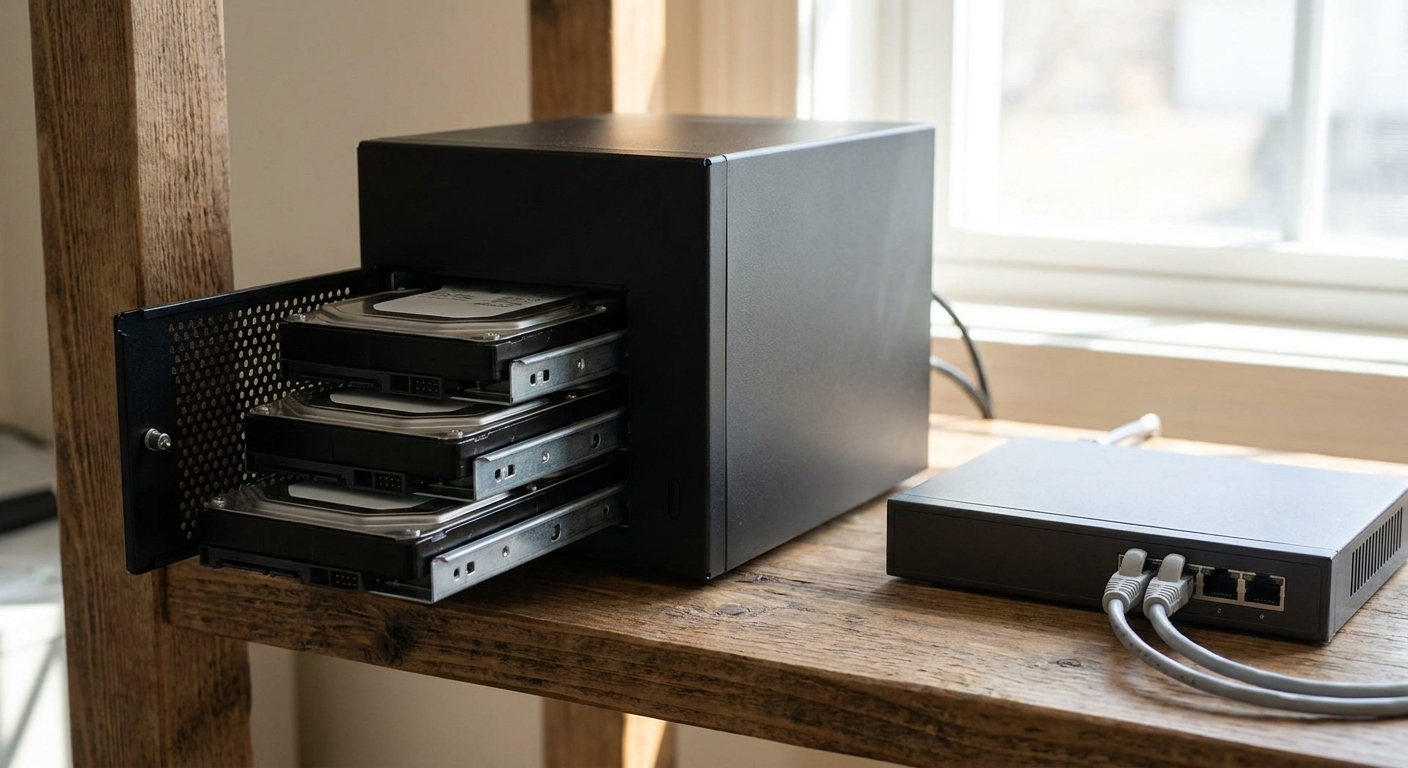
The contenders
- TrueNAS is built around ZFS, a file system with checksums, snapshots and flexible RAID levels.
- Unraid uses a parity-protected array that lets you mix drive sizes, with Docker apps and VMs built in. It requires a paid license.
- OpenMediaVault is a lightweight, Debian-based NAS OS with a web interface and plugins.
Side-by-side
| Question | TrueNAS | Unraid | OpenMediaVault |
|---|---|---|---|
| Mix drive sizes easily | Not ideal | Yes | Depends on setup |
| Data integrity features | Strongest (ZFS) | Parity protection | Depends on file system |
| Apps and VMs | Yes | Yes, very approachable | Via plugins and Docker |
| Hardware needs | Highest (more RAM helps) | Moderate | Lowest |
| Cost | Free Community Edition | Paid license | Free |
Deep dive: TrueNAS
TrueNAS is what I'd pick if the data matters more than flexibility. ZFS checks for silent corruption and makes snapshots easy. The trade-off is planning: ZFS works best when you decide your drive layout up front and buy matching drives.
Two matched CMR drives in a mirror is a solid start. The Seagate IronWolf Pro 12TB is a 7,200 RPM CMR NAS drive with 256MB of cache. If you need more SATA ports than your board has, the LSI 9300-8i is a PCIe 3.0 x8 HBA with two SFF-8643 connectors, which passes drives straight through to the OS the way ZFS wants.

Deep dive: Unraid
Unraid is the friendliest for people who collect drives over time. You can add a different-sized drive later without rebuilding the whole array, and its Docker and VM support is easy to use. The paid license is the main catch.
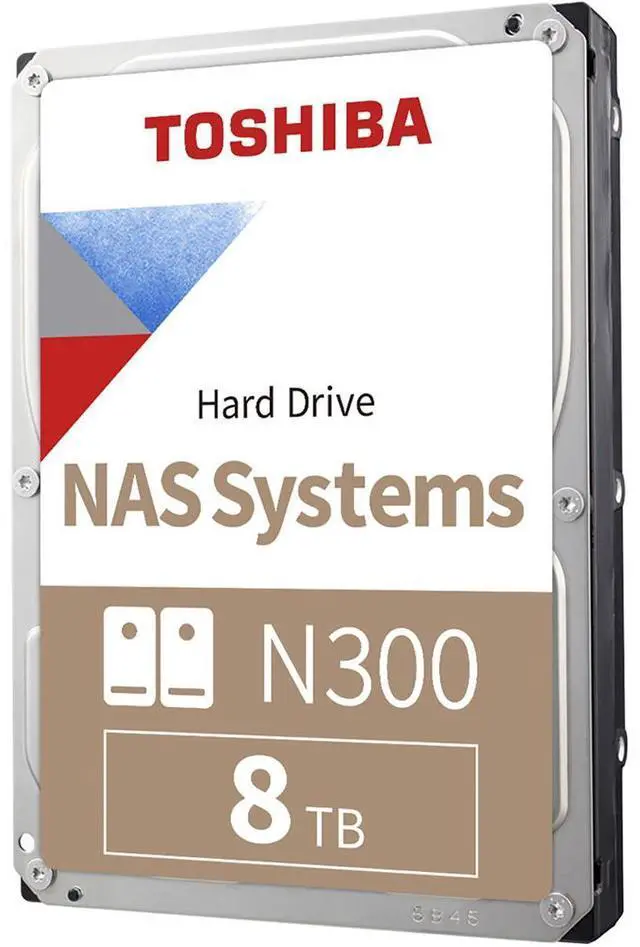
A case with plenty of bays suits this approach. The JONSBO N3 is a compact mini-ITX NAS case with eight 3.5-inch bays and one 2.5-inch bay, plus two expansion slots for an HBA or a small GPU. The Toshiba N300 8TB is a 7,200 RPM NAS drive that's an easy one to keep adding as the array grows.

Deep dive: OpenMediaVault
OpenMediaVault is the lightest of the three. It runs well on modest hardware and suits people who want simple file sharing and a few Docker containers without much overhead. It expects you to be a little more comfortable with Linux concepts.
For a quiet, small build, the Fractal Design Node 304 fits a mini-ITX board and six 3.5-inch drives.
Hardware notes for any of them
- Media transcoding: if your board's CPU lacks a good media engine, the ASRock Low Profile Arc A310 is a 4GB low-profile card that fits small cases.
- Memory: TrueNAS benefits most from more RAM. A kit like the Crucial Pro 32GB (2 x 16GB) DDR5-5600 is a comfortable start on a DDR5 board.
- Power: a small case often means an SFX PSU, like the SilverStone SX500-G, a 500W fully modular 80 Plus Gold unit. Check which PSU size your case takes; the JONSBO N3, for example, takes SFX units up to 105mm long.
Planning your drives
Whichever OS you pick, decide how much redundancy you want before you buy drives. A two-drive mirror loses half the raw capacity but survives one failure. Larger arrays with one or two parity drives are more space-efficient. With ZFS on TrueNAS, I'd buy matching drives from the start. With Unraid, your parity drive needs to be at least as large as the biggest data drive, so it's worth starting with your largest drive as parity.
Plan for noise and heat too. 7,200 RPM drives like the IronWolf Pro and N300 are louder than slower NAS drives, which matters if the NAS lives in a living room or bedroom.
Who wins, by situation
- Data first, and you'll plan the drives up front: TrueNAS.
- You'll add drives of different sizes over time: Unraid.
- Older or low-power hardware, simple needs: OpenMediaVault.
Whichever you pick, remember that RAID or parity isn't a backup. Keep a second copy of anything you can't replace somewhere else.
Frequently Asked Questions
Which NAS OS is best for beginners? Unraid is often the easiest to start with, because it lets you mix drive sizes and add drives one at a time. OpenMediaVault is also approachable if you are comfortable with a web interface on Debian Linux.
Why do people choose TrueNAS? TrueNAS is built around ZFS, which offers strong data integrity features such as checksums, snapshots and flexible RAID levels. It works best when you plan your drive layout up front.
Is Unraid free? No. Unraid requires a paid license, while TrueNAS Community Edition and OpenMediaVault are free to use.
Do I need an HBA card for a DIY NAS? Only if your motherboard does not have enough SATA ports. An HBA such as the LSI 9300-8i passes drives directly to the operating system, which is what ZFS expects.
Do I need ECC memory for a home NAS? It is recommended for ZFS but not required to get started. Many home builds run fine without it; if your platform supports ECC, it is a worthwhile extra layer of protection.
Read More
- TrueNAS: Official site for TrueNAS and its ZFS-based storage platform.
- Unraid: Official site for Unraid, including licensing and features.
- openmediavault: Official site for the Debian-based NAS OS.
- Starting a Homelab (Newegg Insider): The mini PC, NAS and network gear I'd begin with.
- The 3-2-1 Backup Strategy (Backblaze): Why a NAS still needs a backup plan.