
A gaming laptop and a mobile workstation used to be different machines. In 2026 they are converging: the same RTX 50-series GPUs that drive high frame rates also accelerate viewport performance in Blender, Cinema 4D, and SolidWorks, run GPU renderers like OctaneRender and Redshift, and chew through CAD assemblies. For a 3D artist, CAD engineer, or motion designer who also games, one machine can now genuinely do both.
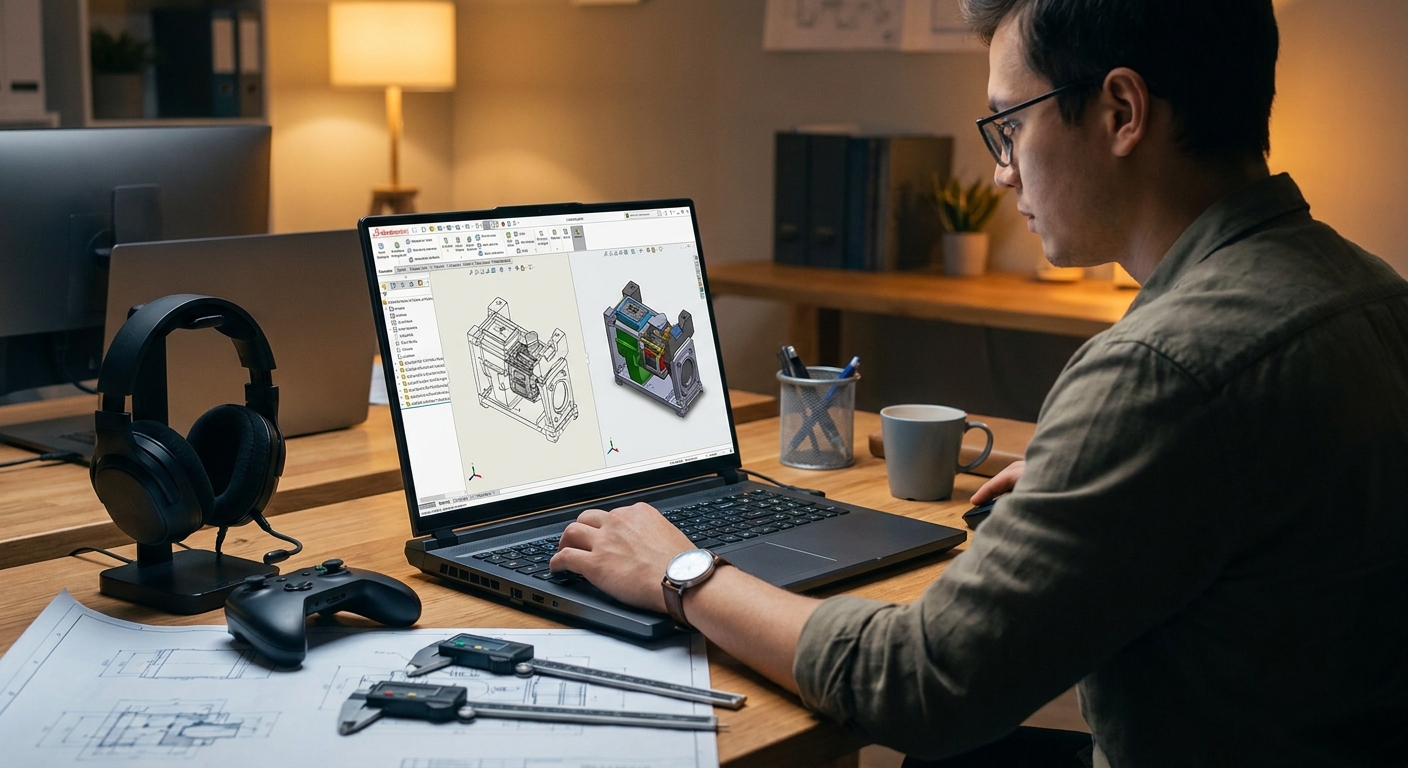
The catch is that 3D and CAD work asks for things gaming benchmarks ignore: large VRAM for scene and texture data, 64GB of system memory for heavy assemblies, fast multi-core CPUs for simulation and CPU rendering, and storage that can hold project files plus a game library. We pulled the in-stock laptops at Newegg that actually meet that bar.

What 3D and CAD work needs that gaming does not
- VRAM is the real ceiling. Games rarely exceed 12GB; a dense Cinema 4D or Blender scene with 4K textures can. RTX 5080 (16GB) and RTX 5090 (24GB GDDR7) give the headroom that an RTX 5060 cannot.
- 64GB system RAM for assemblies and timelines. Large CAD assemblies, ZBrush sculpts, and multi-app workflows blow past 32GB.
- CPU cores for simulation and CPU rendering. Intel Core Ultra 9 HX and AMD Ryzen 9 HX3D parts cut render and bake times.
- Sustained thermals. A render runs for minutes or hours. Larger 18-inch chassis hold clocks under sustained load better than thin designs.
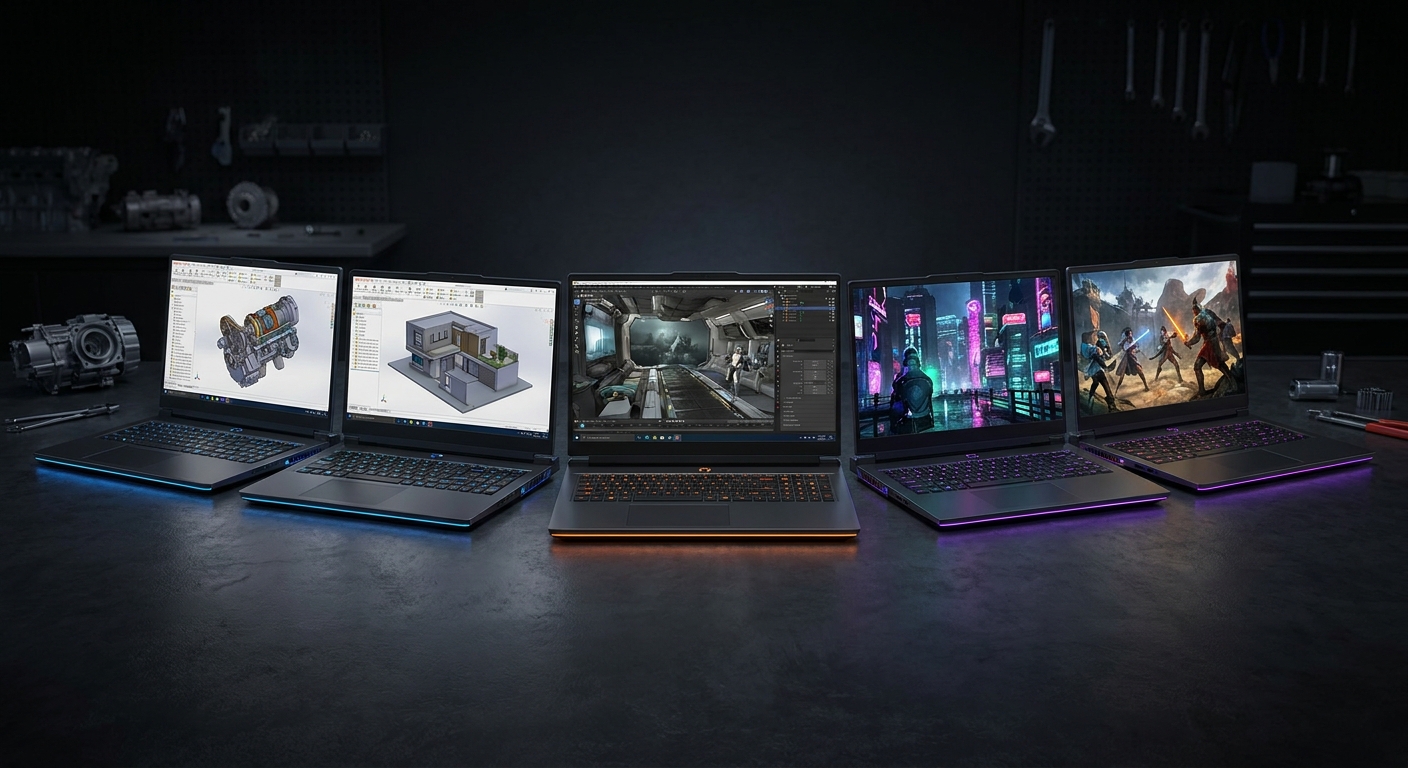
Newegg’s Gaming Laptops hub carries the full range; the six below are the ones that clear the workstation bar.
Quick picks: who each one is for
| Pick | Best for | GPU | RAM | Display |
|---|---|---|---|---|
| Lenovo Legion Pro 7i | Color-critical 3D on a 16″ OLED | RTX 5090 24GB | 64GB | 16″ OLED QHD 240Hz |
| MSI Raider 18 (5090) | Maximum GPU render power | RTX 5090 24GB | 64GB | 18″ 120Hz |
| MSI Titan 18 | Storage-heavy CAD and sim | RTX 5080 | 64GB | 18″ UHD |
| Acer Predator Helios Neo 16 AI | 64GB workstation value | RTX 5070 Ti | 64GB | 16″ WQXGA 240Hz |
| MSI Stealth 18 (5090) | Render power in a clean chassis | RTX 5090 24GB | 64GB | 18″ 120Hz |
| MSI Vector 16 HX AI | Portable 16″ entry to GPU rendering | RTX 5080 | 32GB | 16″ QHD+ 240Hz |
Browse the full lineup at the Newegg Gaming Laptops collection.
1. Lenovo Legion Pro 7i: color-critical 3D on a 16-inch OLED
The Lenovo Legion Pro 7i pairs an Intel Core Ultra 9 275HX with an RTX 5090 (24GB GDDR7), 64GB DDR5, a 2TB SSD, and a 16″ OLED QHD 240Hz panel running Windows 11 Pro, available at Newegg.
This is the pick for artists who need color accuracy and portability together. The OLED panel covers wide gamut for look-dev and texturing, the RTX 5090 drives GPU renderers and dense viewports, and 64GB handles real scenes. It is the most “workstation that happens to game” option in the Newegg lineup.
Watch for: 16-inch chassis run warmer under multi-hour renders than 18-inch. A cooling pad helps for long bakes.
2. MSI Raider 18 (RTX 5090): maximum GPU render power
Newegg lists the MSI Raider 18 HX AI A2XWJG-069US with an Intel Core Ultra 9 285HX, RTX 5090, 64GB DDR5-6400, a 2TB SSD, and an 18″ 120Hz display.
The 18-inch chassis is what makes this a serious render machine: it sustains GPU and CPU clocks far longer than a thin laptop, so OctaneRender and Redshift jobs finish without throttling. DDR5-6400 also speeds CPU-bound simulation work.
Watch for: this is a desktop replacement in weight and noise. Plan to keep it on a desk, plugged in.
3. MSI Titan 18: storage-heavy CAD and simulation
The MSI Titan 18 brings an Intel Core Ultra 9 285HX, RTX 5080, 32GB x2 (64GB) memory, a 2TB Gen5 + 4TB Gen4 SSD array, and an 18″ UHD display, available at Newegg.
For CAD and simulation engineers juggling massive project files, the dual-SSD setup (up to 6TB) is the differentiator. The UHD panel gives the pixels to work on detailed assemblies, and 64GB keeps large SolidWorks or Fusion sessions responsive.
Watch for: UHD at 18 inches is gorgeous but power-hungry. Battery life off the charger is short.
4. Acer Predator Helios Neo 16 AI: 64GB workstation value
The Acer Predator Helios Neo 16 AI PHN16-73-95NT ships with an Intel Core Ultra 9 275HX, RTX 5070 Ti, 64GB memory, a 2TB PCIe SSD, and a 16″ WQXGA 240Hz IPS panel, available at Newegg.
If you do not need a 5090 but still want 64GB for assemblies and multi-app work, this is the value entry into workstation territory at Newegg. The RTX 5070 Ti handles mid-weight GPU rendering and viewport work well, and the 16-inch form factor stays portable.
Watch for: RTX 5070 Ti has less VRAM than a 5080 or 5090, so very dense scenes may need optimization.
5. MSI Stealth 18 (RTX 5090): render power in a clean chassis
The MSI Stealth 18 HX AI A2XWJG-035US delivers an Intel Core Ultra 9 275HX, RTX 5090, 64GB memory, a 2TB SSD, Wi-Fi 7, and an 18″ 120Hz panel, available at Newegg.
Same flagship render power as the Raider, wrapped in MSI’s understated Stealth chassis, so it does not look out of place in a studio or client meeting. A strong pick for freelancers who present work in person and render at their desk.
Watch for: the 5090 in a slimmer Stealth body runs warm under sustained renders; manage expectations on fan noise.
6. MSI Vector 16 HX AI: portable entry to GPU rendering
The MSI Vector 16 HX AI A2XWIG-034CA gives you an Intel Core Ultra 9 275HX, RTX 5080, 32GB DDR5, a 1TB NVMe SSD, and a 16″ QHD+ 240Hz display, available at Newegg.
For artists who prioritize portability and a lower entry point, the RTX 5080’s 16GB VRAM is enough for most GPU rendering and viewport work, and 32GB system RAM covers moderate scenes. The lightest workstation-capable pick here.
Watch for: 32GB is the floor for serious 3D; if you work with very heavy scenes, step up to a 64GB pick above.
How to choose your tier
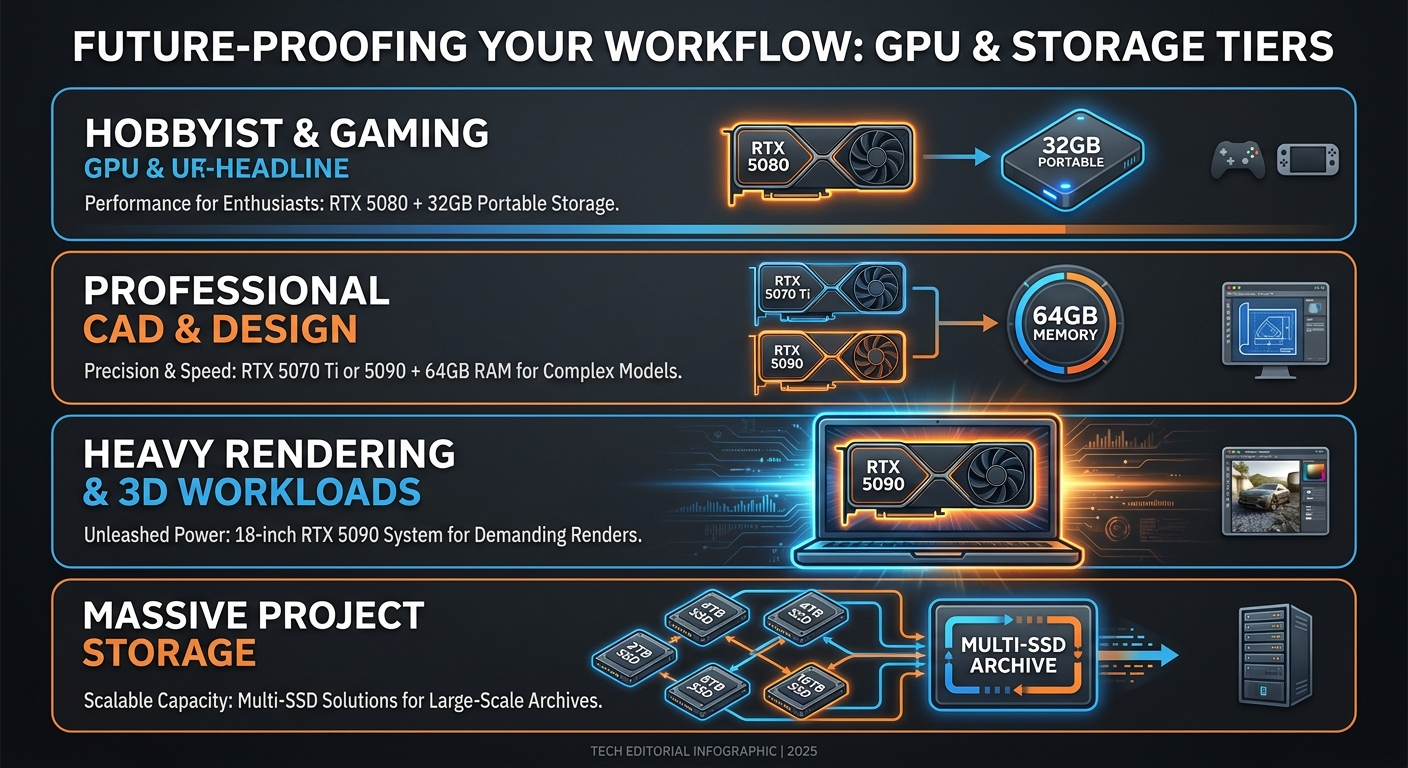
- Hobbyist or light freelance 3D: RTX 5080 + 32GB (Vector 16 HX AI). Portable, capable.
- Professional 3D / motion / CAD: RTX 5070 Ti or 5090 + 64GB (Predator Helios Neo 16 AI, Legion Pro 7i).
- Heavy CPU+GPU rendering and simulation: 18-inch RTX 5090 + 64GB (MSI Raider 18, Stealth 18) for sustained clocks.
- Massive project storage: MSI Titan 18 for its multi-SSD array.
Every configuration here is in stock at Newegg, where each product page lists the exact CPU, GPU power, memory, and storage so you can match the spec to your renderer and file sizes.
More gaming laptop guides at Newegg
- How to Choose the Right Gaming Laptops in 2026
- How Much RAM Do You Need in a Laptop?
- NVIDIA RTX 50 Series Gaming Laptops: Blackwell Performance Guide
- Gaming Laptop vs Business Laptop: Key Differences and Which to Buy
See the full workstation-capable range: Newegg Gaming Laptops collection.
Related Posts
- Best RTX 5090 gaming laptops: who should actually buy one, and which Newegg picks are worth it
- Gaming Laptops That Replace a Workstation for Video Editing: The Best Picks at Newegg
- Gaming Laptops That Double as 3D and CAD Workstations: The Best Picks at Newegg
- Your First Gaming Laptop: The Best Picks at Newegg for Someone New to PC Gaming
- New Laptop Setup 2026: Complete Guide to Updating Drivers and Software
Frequently Asked Questions
Answers to common questions about picking a gaming laptop for engineering or computer science studies.