Grand Theft Auto VI arrives on November 19, 2026, on PS5 and Xbox Series X|S, and Rockstar says players with a digital pre-order can start pre-loading at local midnight on November 12. Here's the detail that makes your home network matter more than usual: according to Rockstar's support page, the physical edition is a download code in a box, and that code can also be used to pre-load from November 12. So whichever edition you buy, the game comes down your internet connection.
Rockstar hasn't published an install size, and it describes the launch version as a single-player experience with no online mode date announced. So this isn't about ping in online matches. It's about getting a very large download, plus whatever patches follow, onto your console without drama. Here's how I'd set things up depending on where your console lives.
Who Needs to Bother?
If your console is already plugged into your router with an Ethernet cable, you're in good shape. The people who should read on are those on Wi-Fi, especially with the console in another room, behind a TV cabinet or on a different floor from the router.
It helps to know what your console can actually use. Sony's manuals list Gigabit Ethernet and Wi-Fi 6 for the original PS5 and PS5 Slim. The PS5 Pro adds Wi-Fi 7, and Sony notes it also works with Wi-Fi 6 and Wi-Fi 5 routers. Microsoft lists Gigabit Ethernet and dual-band 802.11ac, which is Wi-Fi 5, for both the Xbox Series X and Series S.
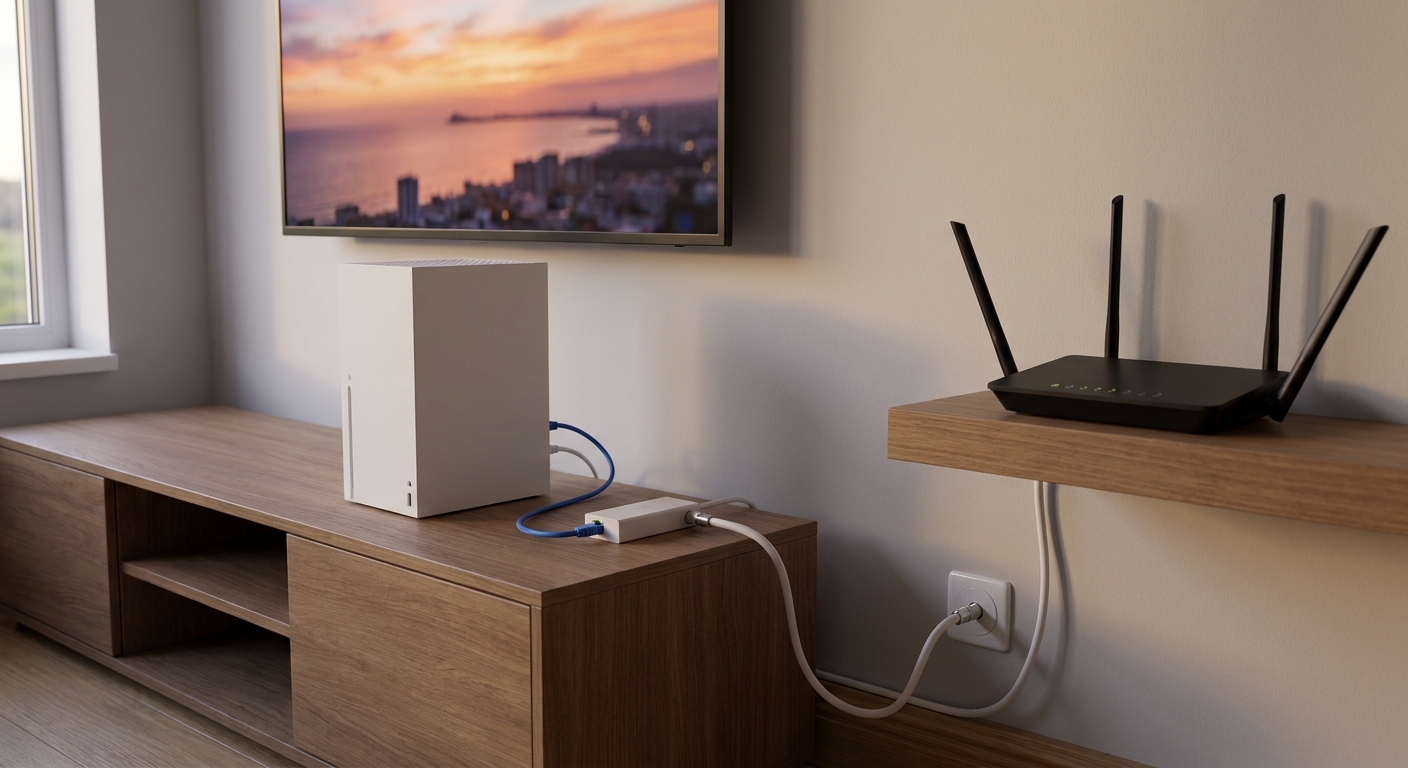
Two things follow from that. A router's 2.5Gbps or 10Gbps ports won't push any of these consoles past 1Gbps over a cable. And as RTINGS and PCMag both point out, a Wi-Fi 7 router stays backward compatible, but you only get the full Wi-Fi 7 feature set when the device connected to it supports Wi-Fi 7, too. Among these consoles, that's only the PS5 Pro.
Scenario 1: The Console Is Within Cable Reach
Run a cable. RTINGS' latency testing ends with the same advice I'd give: use Ethernet whenever you can. A StarTech 50ft Cat6 cable covers most living rooms, and if you need more ports behind the TV for the console, a streaming box and a PC, a small switch like the TP-Link TL-SG105E 5-port Gigabit switch means one cable back to the router serves all of them.
Scenario 2: The Console Is in Another Room, and You Have Coax
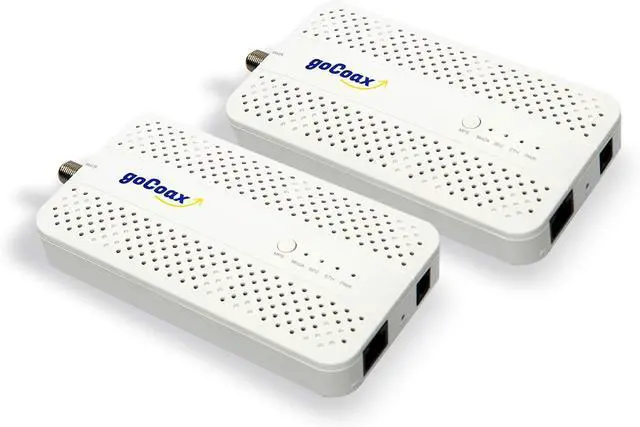
This is the situation I'd most like more people to know about. MoCA adapters send Ethernet over the coaxial cable already in many homes. The goCoax MA2500D MoCA 2.5 adapter two-pack puts one adapter by the router and one by the console, each with a 2.5GbE port. Check that your coax actually runs between the two rooms, and that any splitters along the way are rated for MoCA. goCoax also notes this kit is for cable-internet homes, not satellite TV wiring.
Scenario 3: No Coax and No Way to Run a Cable
Powerline adapters use your electrical wiring instead. The TP-Link AV2000 Powerline Kit (TL-PA9020P) has two Gigabit ports on each adapter and a pass-through outlet. Results depend heavily on your home's wiring, so I'd test it before the preload window rather than on the night.
Scenario 4: Wi-Fi Only, and the Signal Is Weak
If the console has to stay on Wi-Fi, the fix is usually better coverage, not a faster headline number. In a single-floor home or apartment, one good router near the middle is enough. The TP-Link Archer BE550 Pro is a tri-band Wi-Fi 7 router with a 10Gbps WAN port and four 2.5Gbps LAN ports, and the ASUS RT-BE58U is a dual-band Wi-Fi 7 option with a 2.5G port, four 1G ports and AiMesh support if you want to add nodes later.
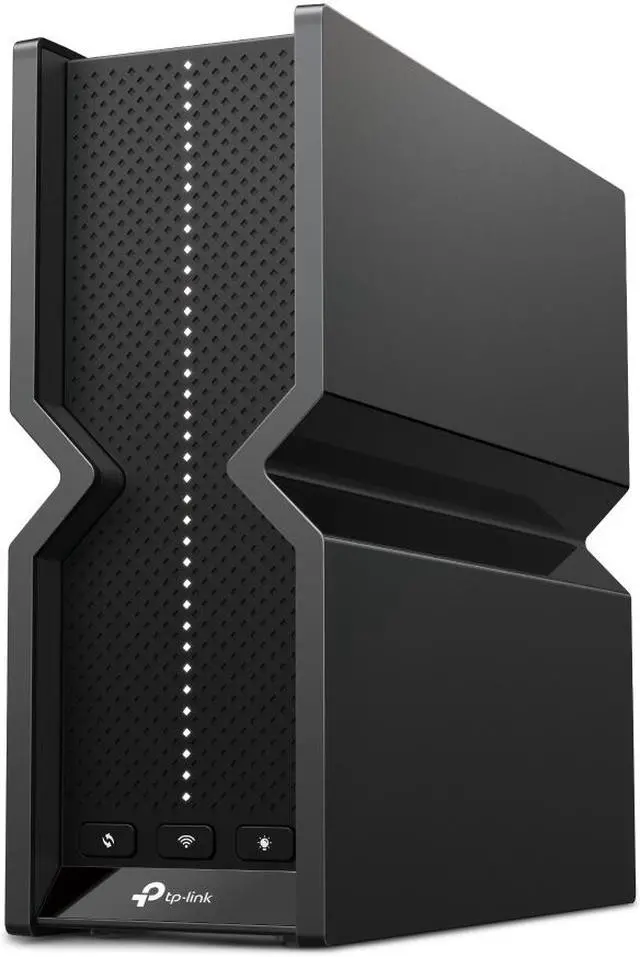
In a larger or multi-floor home, mesh makes more sense. The TP-Link Deco BE25 three-pack and the ASUS ZenWiFi BD4 two-pack both have two 2.5G ports per unit. PCMag's mesh advice is worth following: if you can connect the nodes to each other with Ethernet, do it, and if a node ends up near the console, plug the console into that node instead of relying on Wi-Fi for the last few feet.

Before November 12: A Short Checklist
- Test the connection. On PS5, go to Settings, Network, Connection Status, then Test Internet Connection. Xbox has a network test in its network settings, and Microsoft's support site covers slow downloads.
- Let it download in rest mode. PlayStation's pre-order guide says to enable Stay Connected to the Internet in rest mode so downloads keep going while the console is idle.
- Make room. Without an official size, I'd clear more space than you think you need.
- Update router firmware. Whatever router you own, install the latest firmware before you start relying on it.
Verdict
Wired is the most reliable option, and MoCA is the closest thing to wired for consoles in another room. A new Wi-Fi 7 router or mesh system helps most when coverage is the real problem, which it often is. Sort it out before November 12, and the preload can take care of itself.
Frequently Asked Questions
When can I preload GTA 6? Rockstar says players with a digital pre-order can begin pre-loading at local midnight on November 12, 2026, ahead of the November 19 launch on PS5 and Xbox Series X|S. Physical copies contain a download code that can also be used to pre-load from November 12.
Does the GTA 6 physical edition need a download? Yes. According to Rockstar's support page, the physical edition is a download code in a box, so every copy is downloaded over your internet connection.
Is Ethernet better than Wi-Fi for PS5 and Xbox? Generally, yes. RTINGS' latency research recommends using an Ethernet cable whenever possible. Note that PS5, PS5 Pro and Xbox Series X|S all have Gigabit Ethernet, so faster router ports won't raise a wired console above 1Gbps.
Will a Wi-Fi 7 router make my PS5 or Xbox faster? It can improve coverage and congestion, but the full Wi-Fi 7 feature set requires a Wi-Fi 7 device. The PS5 Pro supports Wi-Fi 7, while the original PS5 and PS5 Slim use Wi-Fi 6 and Xbox Series X|S use Wi-Fi 5.
What is a MoCA adapter? MoCA adapters carry an Ethernet connection over the coaxial cable already in many homes. You place one adapter near the router and one near the console, which gives you a wired-style connection without running new cable.
Read More
- RTINGS: Wi-Fi Latency Research -- Lab testing of Wi-Fi versus Ethernet latency.
- RTINGS: Wi-Fi 6 vs Wi-Fi 7 -- What a Wi-Fi 7 router does, and doesn't do, for older devices.
- PCMag: Wi-Fi 7 Explained -- A plain-language guide to Wi-Fi 7 features and client support.
- PlayStation Support: Set Up an Internet Connection -- Official wired and wireless setup steps for PS5 and PS5 Pro.
- Xbox Support: Troubleshoot Slow Game or App Downloads -- Microsoft's official tips for speeding up Xbox downloads.