
Capacity is the memory decision people get wrong in both directions. Some builds end up with 64GB in a machine that plays games and opens a browser. Others end up with 16GB in a machine that is expected to run a local model, and then the owner wonders why everything crawls.
The useful question is not how much is enough in the abstract. It is how much is enough for the thing you keep the machine on for, and how painful it would be to change your mind later. On AM5 that second half matters, because the clean upgrade path is usually replacing both modules rather than adding two more.
You Game, and That Is Mostly It
32GB. It has been the right answer for a while and it still is. Games that genuinely use more than 16GB exist, games that use more than 32GB are rare, and the rest of your headroom goes to a browser with too many tabs and a voice chat client.
Sixteen is still a real option at the bottom of the ladder, and G.SKILL sells it as a single module rather than a pair: the Trident Z5 Neo RGB 16GB single stick runs DDR5-6000 CL30, 30-38-38-96, 1.35V with an AMD EXPO profile. One module means single-channel, which costs you real bandwidth, so I would only buy it to pair with an identical one you already own.
Within 32GB the question becomes latency rather than quantity, which is where the Trident Z5 Neo RGB 32GB CL36 kit sits: DDR5-6000, 36-36-36-96, 1.35V, with both AMD EXPO and Intel XMP 3.0 profiles. For a white build the Trident Z5 Neo 32GB CL30 in white covers the same ground at 30-36-36-96 and 1.35V.
You Have One Machine and It Does Everything
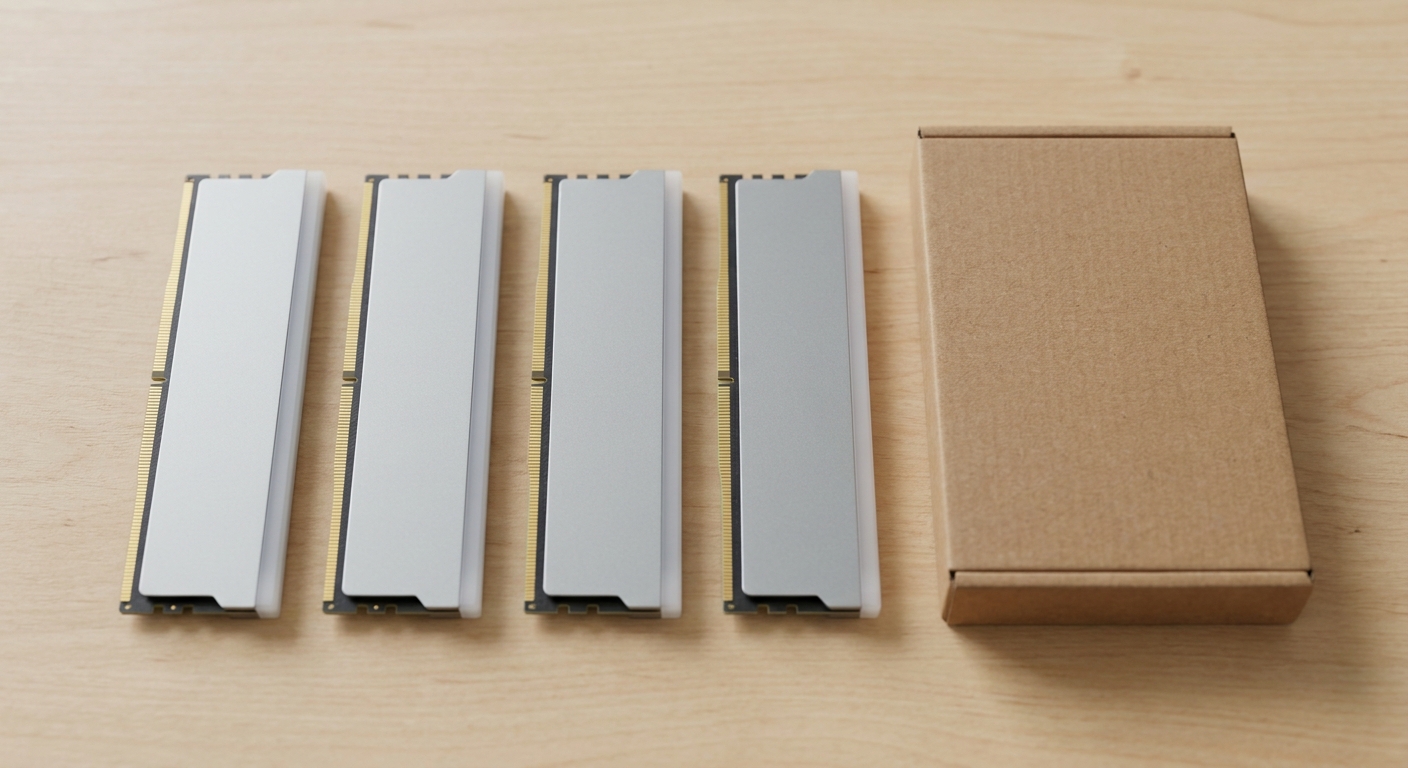
This is the case for 48GB or 64GB, and the reason is not any single application. It is having a game running, a project open in an editor, a couple of containers up, and a browser session you have not restarted in a week, all at once, without the machine starting to swap.
The Trident Z5 Neo RGB 48GB kit is 2 x 24GB at DDR5-6000 CL40, 40-48-48-102, 1.35V. Forty-eight is an odd-looking number and it exists for a good reason: it is the step you take when 32 is tight and 64 is more than you will use.
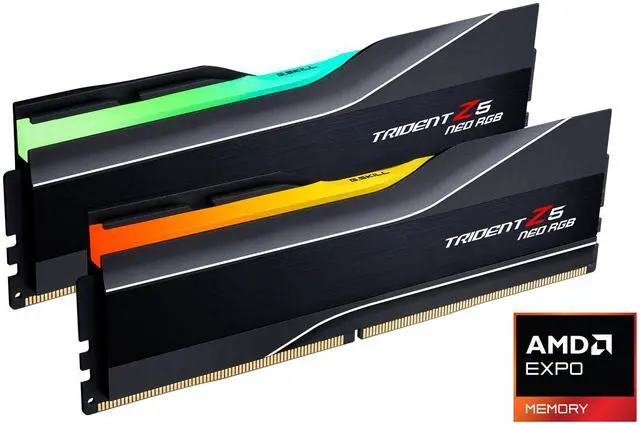
If you would rather jump straight to 64GB, the Trident Z5 Neo 64GB kit is worth a close look: 2 x 32GB at DDR5-6000, CL26, 26-36-36-96, 1.45V, with an AMD EXPO profile. Sixty-four gigabytes at CL26 is not a combination that was easy to find two years ago.
You Run Local Models, or You Edit Video
Now the numbers change shape. Local language models are the single biggest reason ordinary desktops have started asking for 96GB and up, and video work at high resolutions is not far behind. This is also the tier where I would stop optimising for latency and start optimising for having enough.
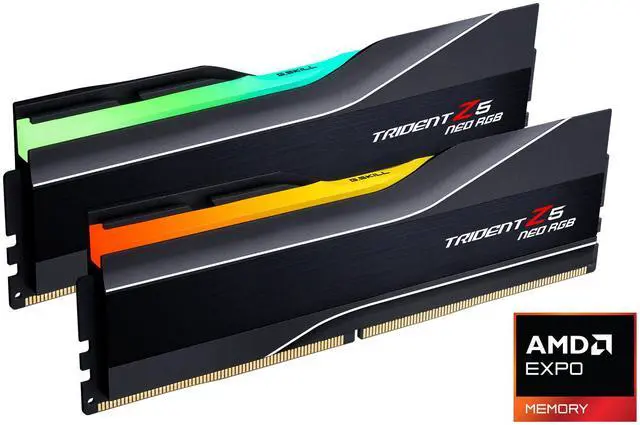
The Trident Z5 Neo RGB 96GB kit is 2 x 48GB at DDR5-6000 CL26, 26-36-36-96, 1.45V. Two modules for ninety-six gigabytes is the part that matters here, because it leaves your remaining slots empty and keeps the memory controller in easy territory.
Above that, the Trident Z5 Neo RGB 128GB kit is 2 x 64GB at DDR5-6000 CL34, 34-44-44-96, 1.35V, with both EXPO and XMP 3.0 profiles. The timings loosen, as they always do with dense modules, and the voltage comes back down.
You Need More Than a Two-Module Kit Can Give
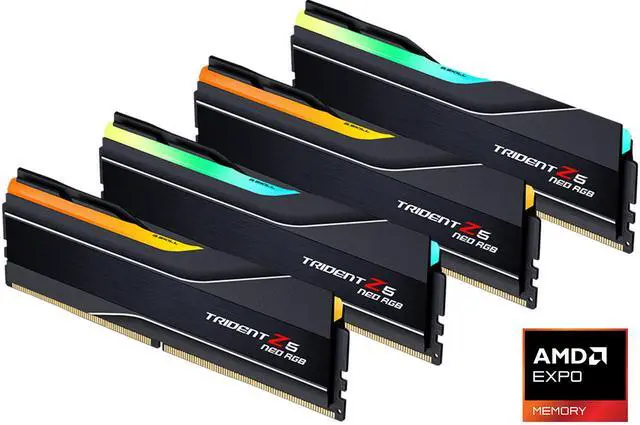
The Trident Z5 Neo RGB 256GB kit is 4 x 64GB at DDR5-6000, CL36, 36-44-44-96, and notably 1.25V, with an AMD EXPO profile. Four modules on AM5 is normally the thing I tell people to avoid, and a kit like this is the exception that proves why: all four modules are matched and validated together, which is a completely different situation to buying a second pair later and hoping.
Still, go in knowing that four-module configurations are harder on the memory controller than two, and that a kit like this is bought for the capacity, not for the speed.
What I Would Pick
Gaming machine: 32GB, and spend the difference on latency rather than quantity. One machine that does everything: 48GB if you are frugal, 64GB if you would rather not think about it again. Local models or heavy video: 96GB, in two modules. Genuinely large datasets: the 128GB two-module kit first, and the 256GB four-module kit only if 128 is provably not enough.
The thing I would tell my past self: buy the capacity in two modules whenever you can, and buy the capacity you will want in two years rather than the one you need this week. Mixing in a second pair later is where most memory headaches start. The full range is in Newegg’s G.SKILL Trident Z5 listings.
Frequently Asked Questions
Is 16GB still enough for a gaming PC? For older and lighter titles, yes, and single 16GB modules exist for exactly that kind of build. For a new machine I would not choose it, because 32GB gives you the browser and background applications alongside the game without the system having to page things out. The gap between the two is not large enough to be worth designing a new build around.
Should I buy two modules or four? Two, in almost every case. AM5 memory controllers reach higher stable speeds with two modules than with four, and two leaves you the option of a straightforward upgrade later. The exception is a matched four-module kit sold and validated as a set, which is a different situation to adding a second pair to what you already have.
Can I add two more modules to my existing kit? You can try, and it often works at a reduced speed. What you cannot count on is that the new pair behaves identically to the old one, since modules from different production runs vary. If capacity is the goal, replacing both modules with a larger two-module kit is the more reliable route, even though it means having spare memory afterwards.
Why does a 48GB kit exist between 32GB and 64GB? Because DDR5 allows non-binary module densities, so a 24GB module is possible where DDR4 would have jumped straight from 16 to 32. That gives you 48GB from two modules, which is a real answer for people who find 32GB tight and 64GB excessive. The trade tends to be looser timings, as the CL40 on the 48GB kit here shows.
Does more memory make games run faster? Only up to the point where you stop running out. Past that, extra capacity sits unused and changes nothing about frame rate. What extra capacity does buy you is not having to close things before you play, which is a quality-of-life improvement rather than a performance one. Once you have enough, speed and latency are where the remaining gains are.
Read More
- Tom’s Hardware: RAM Reviews and Buying Guides — Capacity and speed testing across current platforms.
- AMD: EXPO Memory Technology — AMD’s documentation on EXPO profiles and supported platforms.
- JEDEC: DDR5 SDRAM Standard — The specification behind DDR5 module densities and timings.
- TechPowerUp: Memory Review Database — Indexed DDR5 kit reviews across capacities.
- Newegg: G.SKILL Trident Z5 Memory — Compare kits by capacity, module count, speed and latency.