
A reader asked me last week why one 32GB DDR5-6000 kit sits next to another 32GB DDR5-6000 kit with a different number on the label and a different position in the listings. Same capacity, same speed, same brand, same heat spreader. The answer is latency, and the reason it is confusing is that the marketing number on the front and the thing you actually pay for are not quite the same.
G.SKILL’s Trident Z5 NeoX RGB line makes a clean test case, because it ships four latency tiers at one frequency. Nothing else changes between them.
What the Number Means, Briefly
CAS latency is how many clock cycles the memory takes to hand over data it has been asked for. Lower is better. The catch is that it is counted in cycles, not in time, so a CL36 kit at a high clock and a CL30 kit at a lower clock can land in the same place. That is why comparing latency across different speeds is a trap, and why comparing it at a fixed speed, like here, is actually useful.
The second thing the number hides is what it costs to get there. Tighter timings need more voltage, and that relationship is visible right across this lineup.
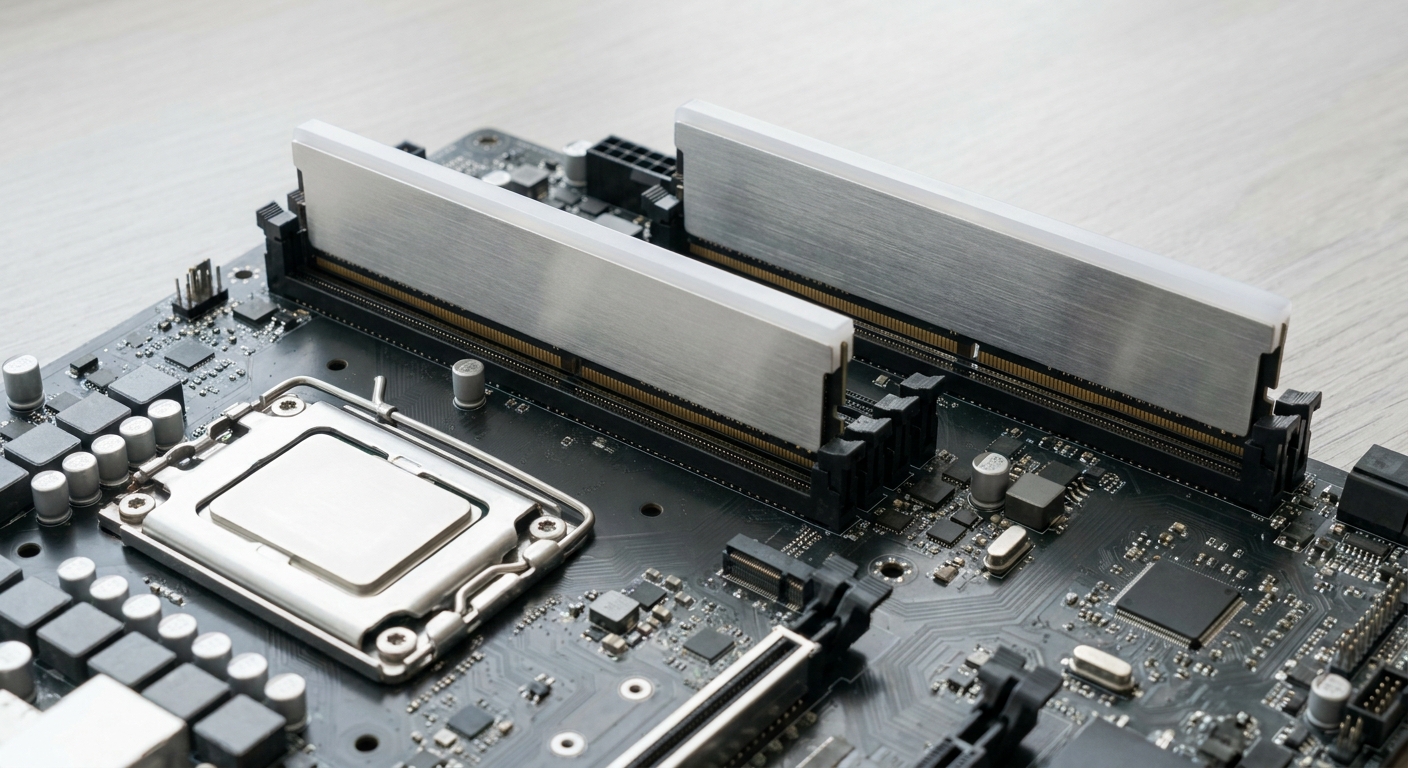
The Four Tiers, Side by Side
| Kit | Speed | Timing as published | Voltage |
|---|---|---|---|
| NeoX RGB CL36 | DDR5-6000 | 36-36-36-76 | 1.35V |
| NeoX RGB CL30 | DDR5-6000 | 30-38-38-32 | 1.35V |
| NeoX RGB CL28 | DDR5-6000 | 28-36-36-32 | 1.40V |
| NeoX RGB CL26 | DDR5-6000 | 26-36-36-32 | 1.45V |
Read down the voltage column and the shape of the decision appears. The first two tiers are free in voltage terms. The last two are not.
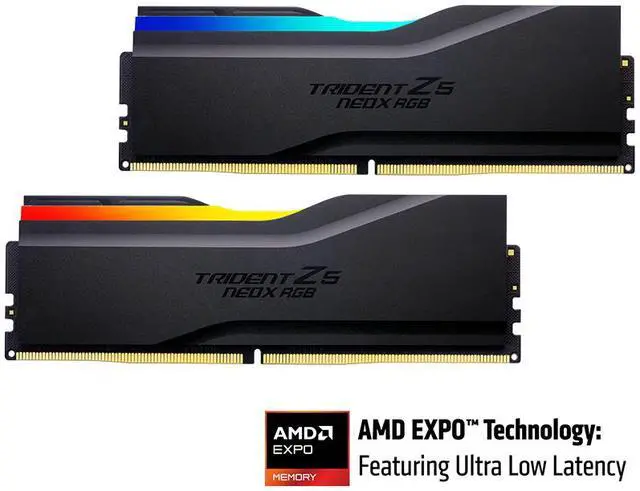
The CL36 kit is the baseline: 36-36-36-76 at 1.35V, with the EXPO ULL and standard EXPO profiles both on the module. It is the one I would buy if the build is about getting a machine running well rather than about memory.
The CL30 kit is, for my money, the right default. 30-38-38-32 at the same 1.35V. You are six clocks tighter on the primary timing for no voltage penalty at all, and that is the only step in this lineup where that sentence is true.
Where It Gets Harder to Argue
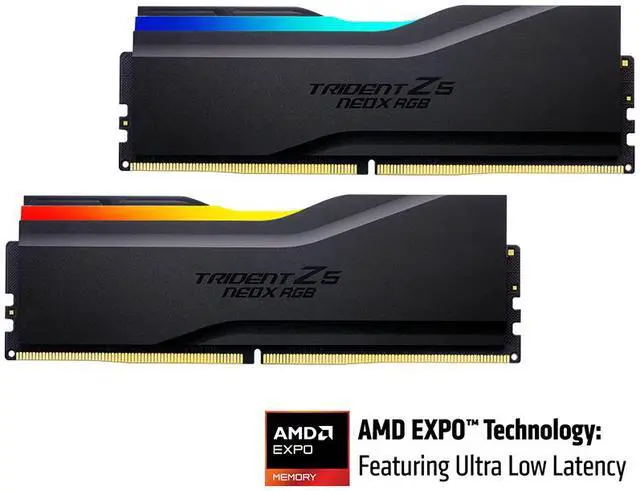
The CL28 kit runs 28-36-36-32 at 1.40V. I keep going back and forth on this tier. Two clocks tighter than CL30 is real, and the tRCD and tRP figures come down from 38 to 36 as well, which is not nothing. But it is the first step where you are paying in voltage, and the step after it is bigger and more interesting.
That step is the CL26 kit at 26-36-36-32 and 1.45V. If you have decided that memory latency is a thing you care about enough to spend on, this is the one that answers the question. If you have not decided that, CL30 already did.
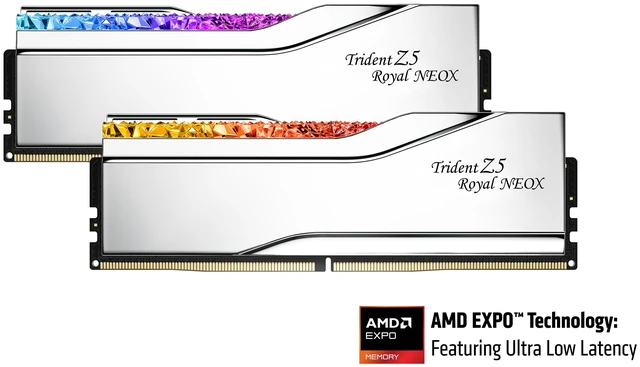
The same CL26 spec also comes in the Trident Z5 Royal NeoX in silver, which is the mirror-finish version of the same tier. It is the only reason I would pick it over the plain NeoX, and that is fine, because for a lot of builds that is reason enough.
The Kits Where Latency Is Not the Point
Two of the kits I get asked about most are not in that table, and their timings look loose next to it. That is a feature of what they are, not a fault.
The Trident Z5 Neo RGB 48GB kit runs DDR5-6000 at CL40, 40-48-48-102, 1.35V. It is 2 x 24GB, and non-binary module densities have historically been harder to drive tightly. You buy this kit because you wanted more than 32GB, and the timing is the price of admission.
The Neo RGB 32GB CL36 kit is 36-36-36-96 at 1.35V, and the useful thing about it is not the timing but the profile list: AMD EXPO and Intel XMP 3.0 both. A ULL kit only speaks EXPO. If this memory might live in an Intel board at some point, that flexibility outweighs several clocks of latency.
Same story for the Trident Z5 Neo 32GB CL30 in white, at 30-36-36-96 and 1.35V with both profiles. Look at that primary timing next to the NeoX CL30 and they match. The difference sits in the fourth figure and in which profile standard you get.
What I Would Actually Do
Pick CL30 and move on with your build. That is the honest answer for most people, and it is the tier where you stop paying voltage for latency. Go to CL26 if the machine is a CPU-limited gaming box and you want the tight profile deliberately. Take CL36 if you are stretching the budget elsewhere, because at the same speed the gap between CL36 and CL30 is smaller than the gap between having and not having a decent cooler.
And check your board’s memory support list either way, especially for the ULL profiles, which are new enough that firmware matters. The full range sits in Newegg’s G.SKILL Trident Z5 listings.
Frequently Asked Questions
Does a lower CAS latency always mean faster memory? Only at the same speed. CAS latency counts clock cycles, not nanoseconds, so a CL36 kit at a higher frequency can deliver data in about the same real time as a CL30 kit at a lower one. Comparing CL numbers across different speeds tells you very little, which is exactly why a lineup like this one, fixed at DDR5-6000, is easy to reason about.
Why do tighter kits need more voltage? Tighter timings give the memory chips less time to settle between operations, and raising voltage is the usual way to make them settle faster and more reliably. It is why the CL28 and CL26 kits here step up to 1.40V and 1.45V while CL36 and CL30 both stay at 1.35V. The vendor has validated each combination, so these are specifications rather than overclocks.
Can I just buy a CL36 kit and tighten it myself? Sometimes, and it is a reasonable hobby. What you are not getting is the binning: a CL26 kit has been tested to hold that profile, and a CL36 kit has only been tested to hold CL36. Manual tuning also means your own stability testing, which takes hours, and an unstable memory setup produces some of the most confusing crashes in PC building.
How much real-world difference is there between these tiers? Less than the spec sheet implies and more than nothing. Memory latency mostly shows up in CPU-limited scenarios and in frame time smoothness rather than in average frame rate, and the step between adjacent tiers at a fixed speed is modest. Between CL36 and CL26 it is worth measuring. Between CL30 and CL28 you would need a careful test to see it.
Do I need to update my BIOS for EXPO ULL? Probably, if your board has been sitting on a firmware from before the profile existed. Standard EXPO profiles have broad support, and every one of these NeoX kits carries a standard EXPO profile alongside the ULL one, so a dated BIOS means you fall back rather than fail. Checking the board maker’s support page before the memory arrives saves an evening of guessing.
Read More
- AMD: EXPO Memory Technology — What the EXPO profile standard covers and which platforms support it.
- JEDEC: DDR5 SDRAM Standard — The underlying specification that defines DDR5 timing parameters.
- Tom’s Hardware: RAM Reviews and Buying Guides — Memory testing across speeds, latencies and platforms.
- TechPowerUp: Memory Review Database — Indexed kit reviews with measured bandwidth and latency figures.
- Newegg: G.SKILL Trident Z5 Memory — Compare kits by speed, latency tier, capacity and finish.