
An AI workstation is a fundamentally different animal from a gaming PC, and building one well means unlearning some gaming instincts. Whether you are fine-tuning models, generating images and video, or running local large language models, the priorities shift. You still want strong all-around performance, but the components you splurge on and the ones you economize on change places. Where a gamer might pour money into a fast CPU and a high-refresh monitor, an AI builder concentrates the budget on the graphics card and its memory. This guide walks through building a capable AI workstation in 2026, part by part, explaining the reasoning behind each choice, with every price verified on Newegg today.
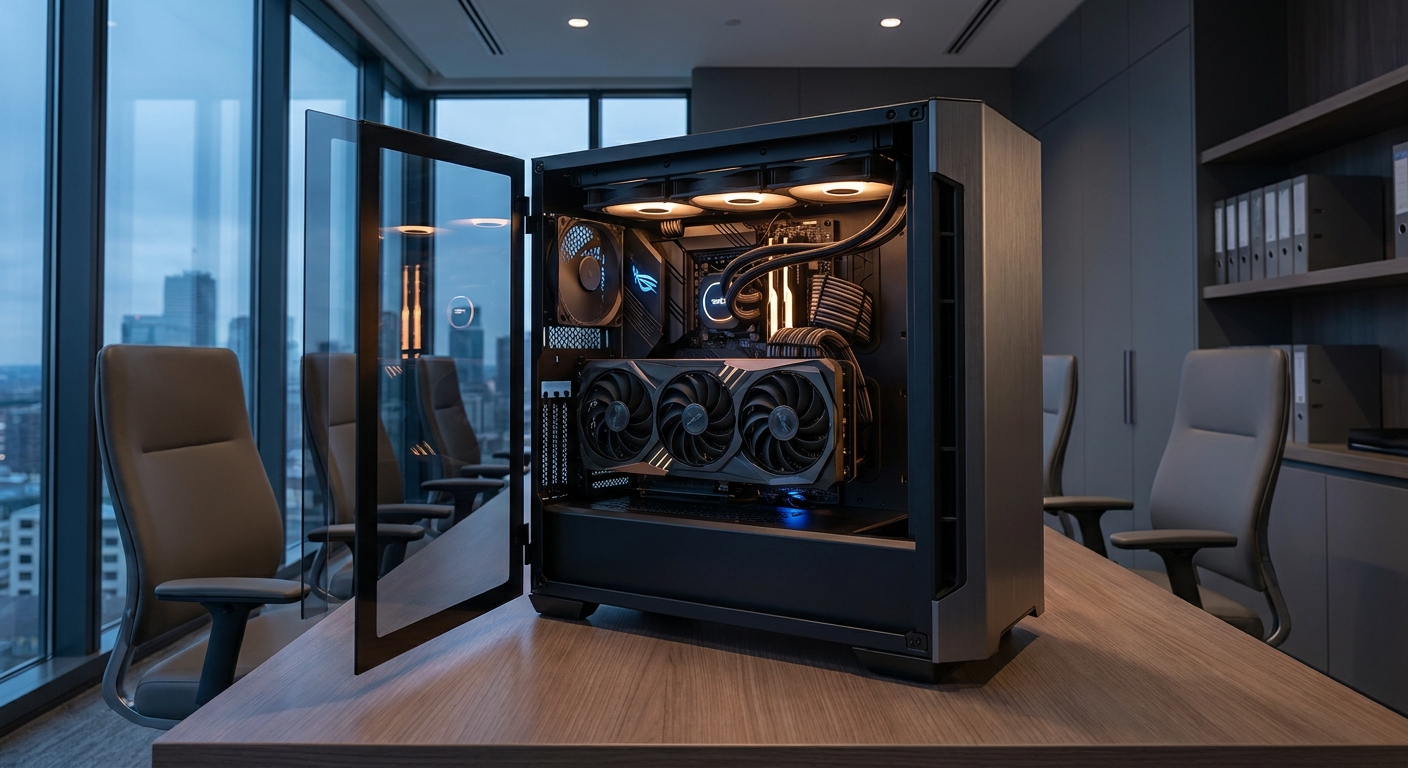
The Golden Rule: GPU VRAM First
For AI, the single most important decision is how much video memory your GPU has. Models must fit in VRAM to run efficiently, so capacity directly determines what you can do, which models you can load, at what size, and with how much context. This is the opposite of gaming, where a card’s rendering speed matters more than its memory. That is why an AI workstation budget should lead with the graphics card and work backward from there. The CPU, system memory, and storage all matter and all contribute, but in an AI machine they play supporting roles to the GPU rather than sharing top billing.
Step 1: Start with the GPU
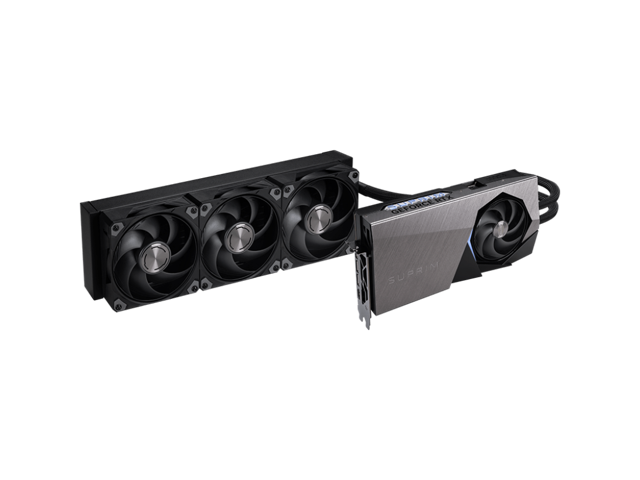
The MSI Suprim GeForce RTX 5090 32GB ($4,099.99) is the heart of this build, and it earns the largest share of the budget. Its 32GB of GDDR7 is the most in the entire GeForce lineup, which lets you load larger language models and run demanding generative image and video workloads locally that smaller cards simply cannot handle. Just as important as the raw memory is the software story: NVIDIA’s CUDA platform enjoys the widest support across AI tools and frameworks, so you spend your time building rather than fighting compatibility. If AI is your workload, this is where the majority of the money belongs.
Step 2: CPU and Memory
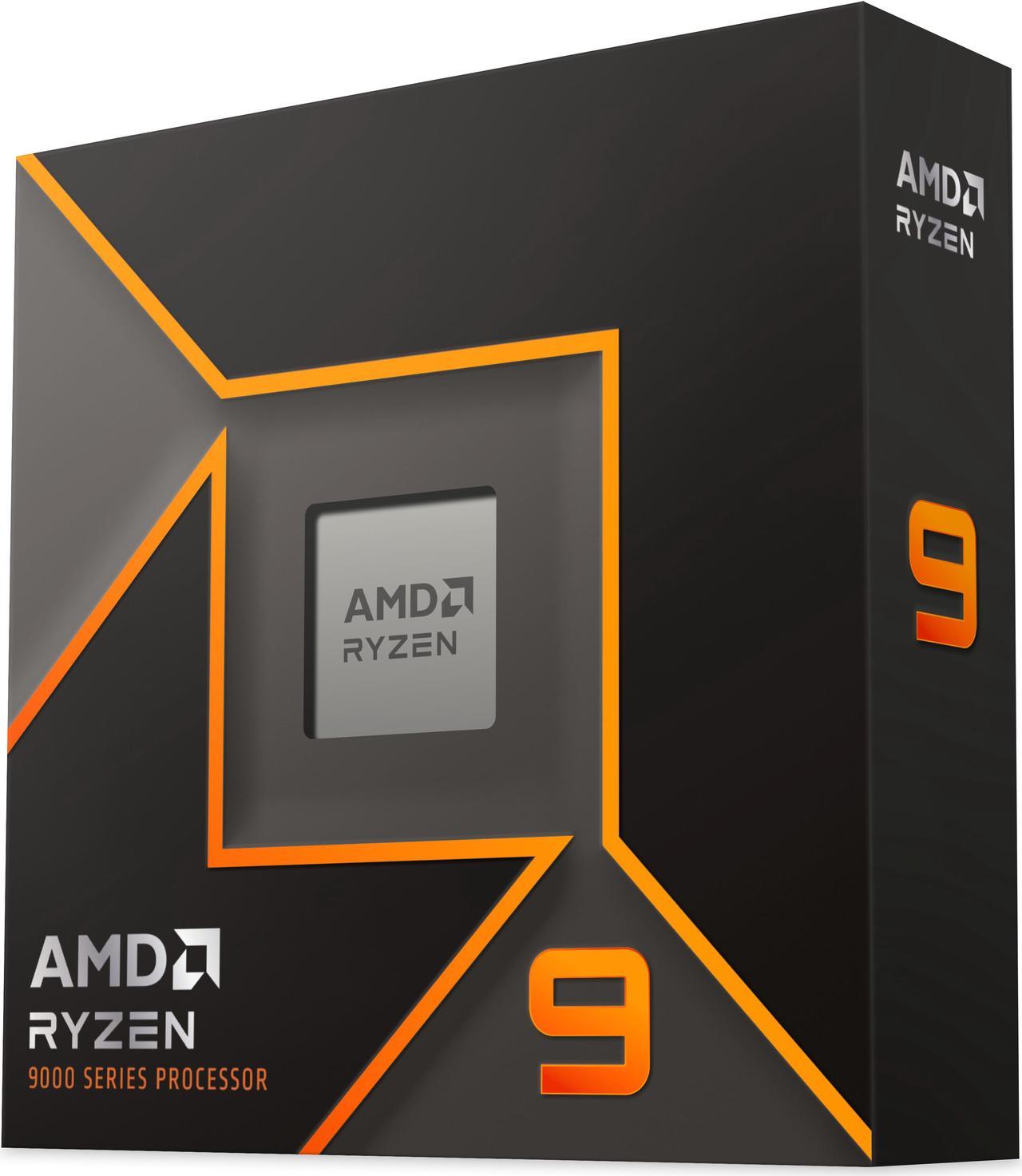
AI work benefits from many CPU cores for data preparation, preprocessing, and running multiple tasks simultaneously, such as loading a dataset while a model trains. The AMD Ryzen 9 9950X ($592.50) brings sixteen Zen 5 cores and thirty-two threads, giving you generous headroom to work alongside the GPU without becoming a bottleneck. For system memory, aim high: the CORSAIR Vengeance RGB 64GB kit ($869.99) provides the capacity that large datasets and heavy multitasking demand, and gives you room to keep data resident in memory rather than constantly reloading it. Note that DDR5 prices are elevated across the industry in 2026, so memory is a significant part of the budget you should plan for deliberately.
Step 3: Storage and Power
AI datasets and model files are large, often tens or hundreds of gigabytes each, so fast and roomy storage is essential rather than optional. The WD_BLACK SN850X 2TB ($321.77) offers both the speed to load models quickly and the capacity to hold several of them at once, and you can add more drives as your projects grow. For power, the RTX 5090 is a demanding card, so this is not the place to economize: the be quiet! Pure Power 13 M 1000W ATX 3.1 ($139.90) supplies ample, stable wattage with the modern connectors the card expects, and leaves headroom for the sixteen-core CPU and drives.
Step 4: Assembly and Cooling Notes
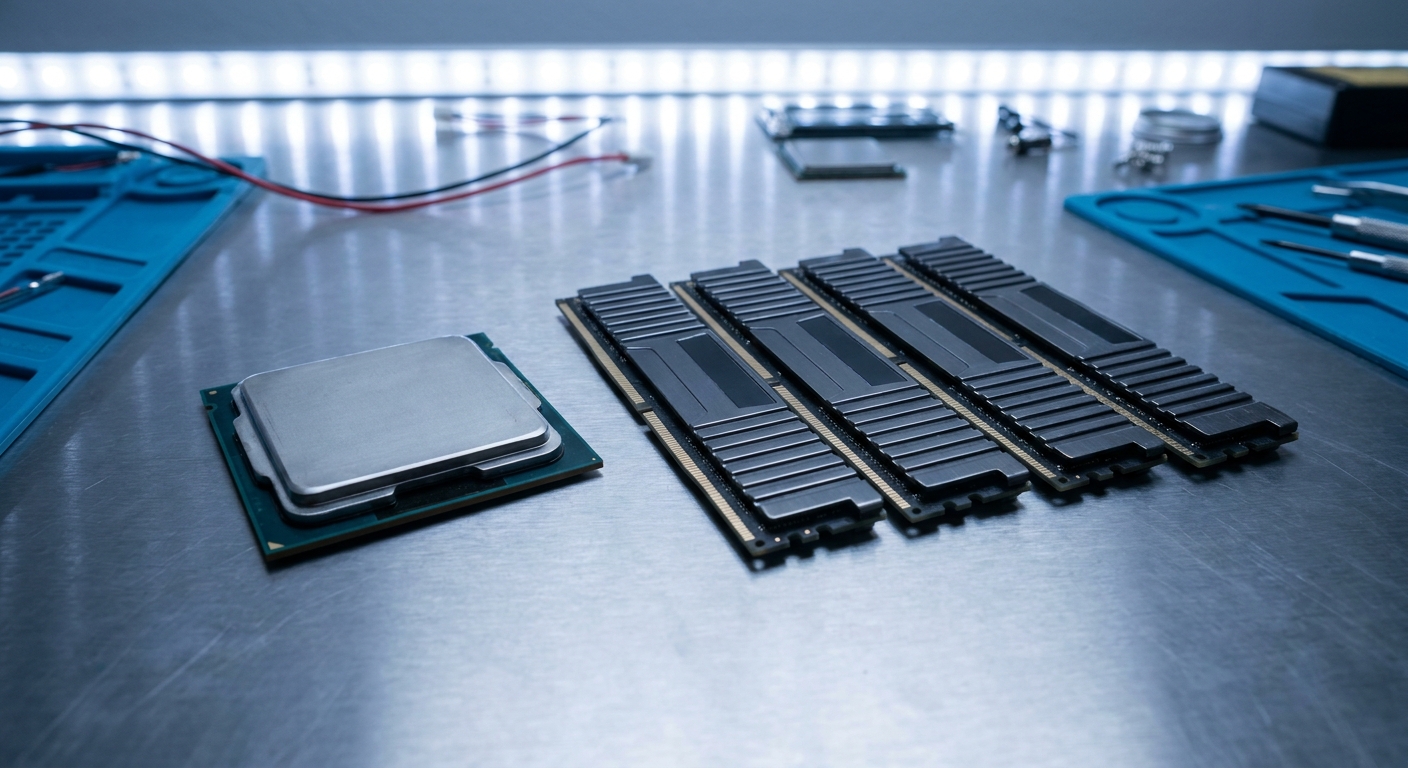
When assembling a workstation this powerful, airflow is critical, because AI workloads behave very differently from gaming. Where a game stresses the GPU in bursts, an AI training or inference session can run the card at full tilt for hours at a time, generating sustained heat that a poorly ventilated case will trap. Choose a case with strong airflow and populate it with enough intake and exhaust fans to keep cool air moving across the graphics card. Pair the 9950X with a capable cooler to keep its sixteen cores stable under long, heavy loads, and give the GPU physical room to breathe rather than cramming it against a drive cage. These precautions pay off in consistent performance and a longer hardware lifespan.
Build Summary
This workstation lands around $6,024 before a case and cooler, and it is built the right way for AI: a 32GB VRAM GPU leading the build, a sixteen-core CPU for data work, 64GB of fast memory, roomy NVMe storage, and a robust, high-headroom power supply. The logic scales in both directions. If your models are lighter, you can step the GPU down to a 16GB card and trim the memory to save considerably, while keeping the same balanced philosophy. If your work is heavier, you can add storage and memory over time. Start your parts list with the Ryzen 9 9950X and the RTX 5090, and build outward from the GPU that defines what your machine can do.
Read More
- NVIDIA Official: GeForce RTX 50 Series — VRAM and specifications for each card.
- Puget Systems: Workstation Hardware Articles — Deep dives on hardware for professional and AI workloads.
- GitHub: llama.cpp — Popular tool for running LLMs locally, with hardware guidance.
- Newegg: AMD Ryzen 9 9950X — Live pricing on the workstation CPU.
- Newegg: GeForce RTX 5090 — The 32GB GPU at the center of the build.
Related Posts
- How Much RAM Do You Actually Need in 2026?
- Best CPUs for Streaming and Content Creation in 2026
- Best 4K Gaming Monitors in 2026
- Best PC Cases for Airflow in 2026
- Best NAS Setups for a Home or Small Office in 2026
Frequently Asked Questions
Answers to the most common questions about building an AI workstation.