
Shopping for a business desktop is really about finding the right balance of speed, reliability, and value. If your workday includes email, spreadsheets, video calls, browser tabs, and office apps, you do not need to overspend on a machine that is built for gaming or creative production. You just need a desktop that can keep up, stay dependable, and fit your workspace.
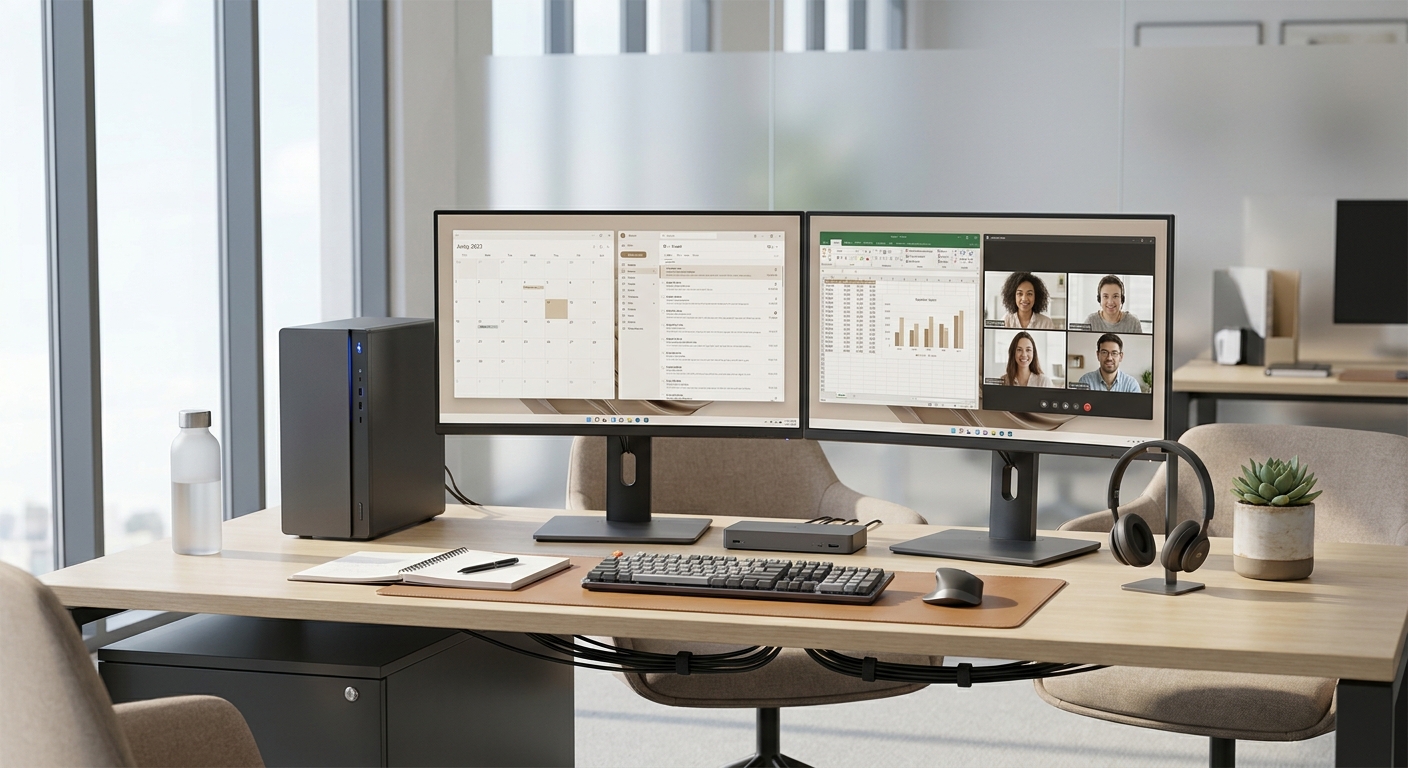
That is where Newegg makes the process easier. With a broad selection of desktop computers, including compact office towers, all-in-one PCs, and higher-performance business systems, you can compare options in one place and quickly narrow down what makes sense for your team or home office.
1. Define the work first
The best business desktop is the one that matches the job it is meant to do. A front-desk or reception PC may only need to handle web apps, email, and video meetings. A finance or operations user may spend the day in spreadsheets, dashboards, and dozens of tabs. If the workflow is more demanding, like design work or data-heavy tasks, you will want a stronger processor and more memory.
For most business users, a solid starting point is a modern multi-core CPU, 16 GB of RAM, and a 512 GB SSD or larger. If you plan to run dual monitors, confirm that the desktop includes the right video connections such as HDMI and DisplayPort. And if your setup depends on wired networking, Gigabit Ethernet should be on the checklist.
2. Focus on the specs that matter most
Business desktop shopping is easiest when you concentrate on the parts that affect daily performance. CPU, memory, storage, and connectivity have the biggest impact on how smooth the system feels during a normal workday.
- CPU: Choose a current-generation Intel Core or AMD Ryzen processor for responsive everyday performance.
- Memory: 16 GB is a strong starting point for multitasking; 32 GB can help for heavier office workflows.
- Storage: NVMe SSDs reduce boot and app-launch times compared with older hard drives.
- Ports: Look for USB-A, USB-C, and video outputs for monitors and peripherals.
- Security: Business-friendly features may include TPM support, BIOS protections, and cable-lock options.
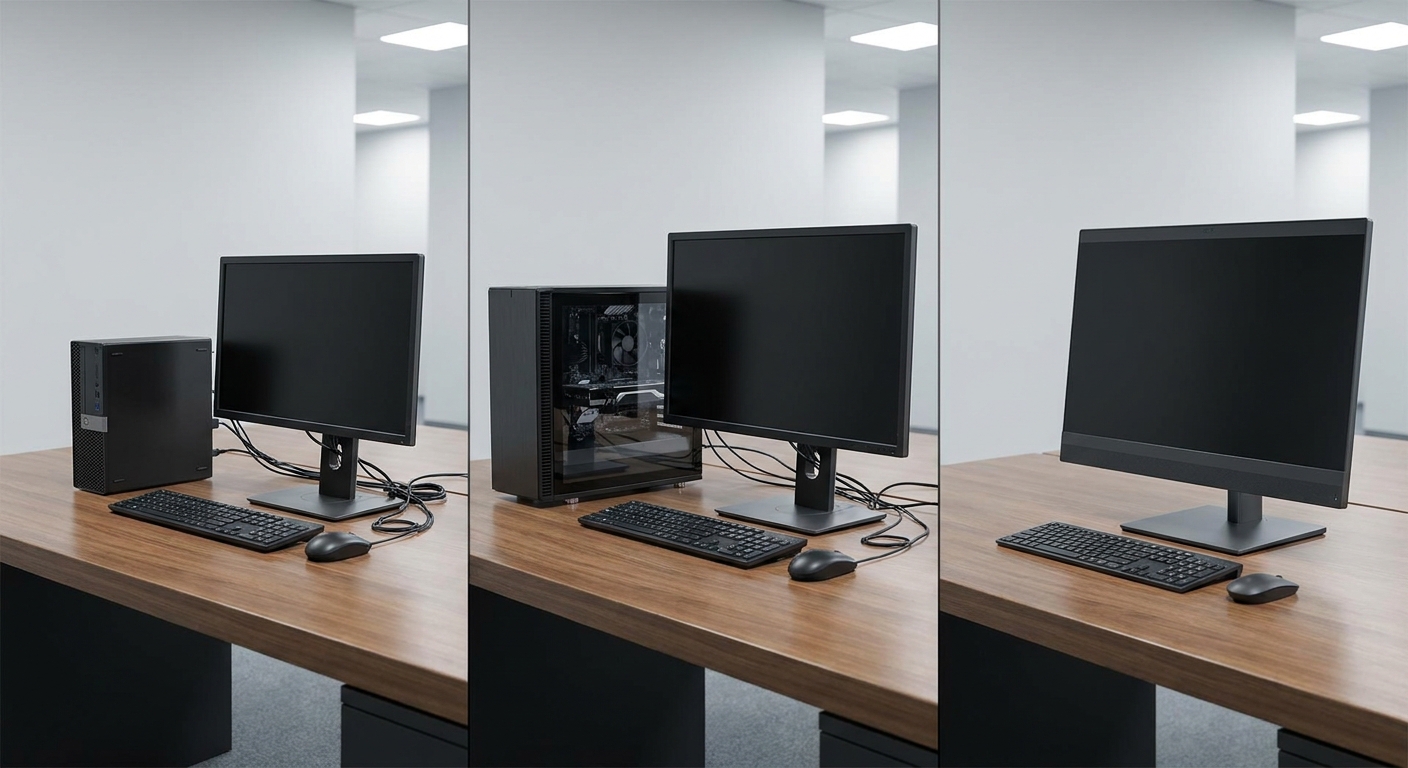
Form factor matters too. A small-form-factor desktop can be a smart pick when desk space is tight, while a tower usually gives you more room to upgrade later. An all-in-one can help reduce cable clutter, but it may offer less flexibility if you want to replace parts over time.
3. Match the desktop to the workplace
If you are buying for a shared office, consistency can save time and headaches later. Choosing one or two desktop models makes support simpler, streamlines accessory ordering, and helps IT teams handle setup, imaging, and replacements more efficiently. For hybrid workers, a compact desktop can also serve as a clean home-office hub when paired with a dock, keyboard, mouse, and one or two displays.
For small businesses, Newegg is a practical place to compare desktops by use case, price range, and configuration without starting from scratch. That makes it easier to stay within budget while still choosing a system that supports real day-to-day productivity.
4. Use Newegg to narrow the final choice
Once you are ready to buy, Newegg helps you compare models side by side and check availability before you place the order. Product pages make it easier to verify the exact CPU, memory, storage, and ports so you know what is coming to the office.
A good buying strategy is to compare at least three desktops in the same class, then choose the one that gives you the best mix of speed, expandability, and value. For business buyers, that usually means picking a system that handles today’s workload while leaving a little room to grow.
Summary
The best business desktop is not always the fastest or most expensive option. It is the one that is dependable, well-equipped, and a good fit for how your team works every day. Start with the workload, check the core specs, and use Newegg to compare the desktops that fit your office, home office, or small business setup.
Frequently Asked Questions
What should I prioritize first when buying a business desktop?
Start with the workload, then match the CPU, memory, and storage to that need. For most office users, a current multi-core processor, 16 GB of RAM, and a 512 GB NVMe SSD are the most important baseline specs.
How can I tell if a desktop supports dual monitors?
Check the product specifications for HDMI, DisplayPort, or USB-C video output. You should also confirm that the system supports the number of displays and resolution you plan to use, since port availability alone is not always enough.
Is a tower better than a small-form-factor desktop for work?
A tower is usually the better choice if you want more upgrade flexibility over time. A small-form-factor desktop is often better when desk space is limited and you want a cleaner setup with fewer cables.
How important are warranty and support for a business PC?
They are very important because downtime can affect productivity for the whole team. A better warranty can make repairs, replacements, and support much easier if the desktop has an issue.
Should I buy a new or refurbished desktop for business use?
A refurbished desktop can be a good value if the seller is reputable and the hardware still meets your needs. A new desktop is usually the safer choice if you want a longer service life, newer platform features, and easier standardization across multiple employees.
Read More
- Newegg Business Desktop Computers — Newegg’s business desktop category lets you compare office-ready systems by form factor, CPU, and operating system.
- Dell Business Desktop Computers — Dell’s business desktop landing page shows current form factors and configuration options for office use.
- Dell OptiPlex Desktop Computers — Dell’s OptiPlex lineup is a useful reference for reliability, manageability, and business-focused form factors.
- HP ProDesk Business Desktops — HP’s ProDesk selection page highlights business desktops with security and support-oriented features.
- Lenovo Business Desktops — Lenovo’s business desktop page is a helpful source for comparing office PCs built for reliability and scaling.