
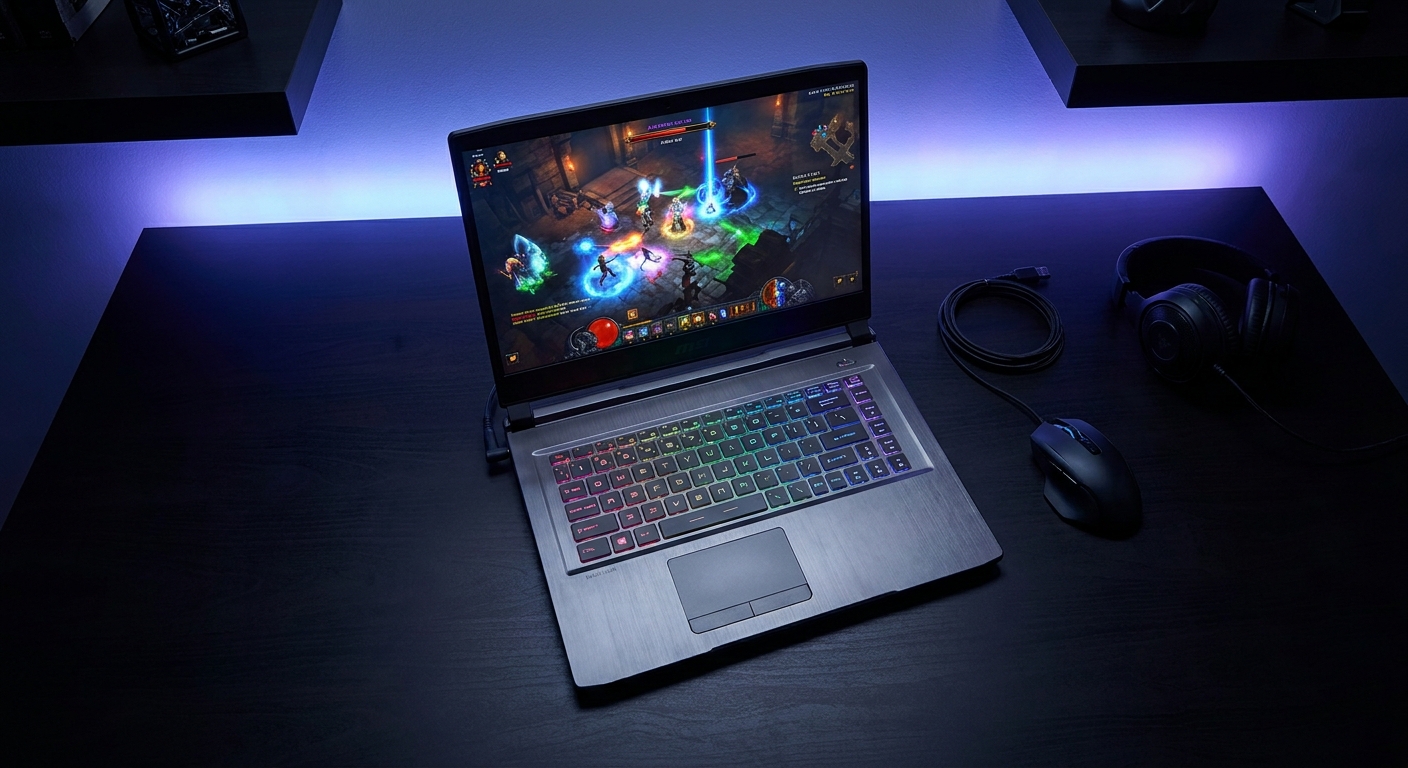
Gaming laptops have come a long way in 2026. You no longer have to choose between raw power and portability — the best models now offer desktop-class GPU performance in increasingly slim and light chassis. But the spec sheets can be overwhelming, and a wrong choice at purchase time is expensive to undo.
This guide walks you through every key decision point — from GPU tier to display to cooling to battery — so you can buy with confidence rather than regret.
Background: What Makes a Gaming Laptop Different
Unlike desktop PCs, gaming laptops involve inherent tradeoffs. The GPU, CPU, and memory are soldered to the motherboard in most models — you can’t upgrade them later. The thin chassis constrains cooling, which means the same GPU can perform 10-20% differently between a well-cooled 17-inch laptop and a poorly-designed 15-inch one. Battery life drops sharply under gaming load. These constraints make the initial purchase decision far more consequential than building a desktop.
Step 1: Set Your Budget Tier
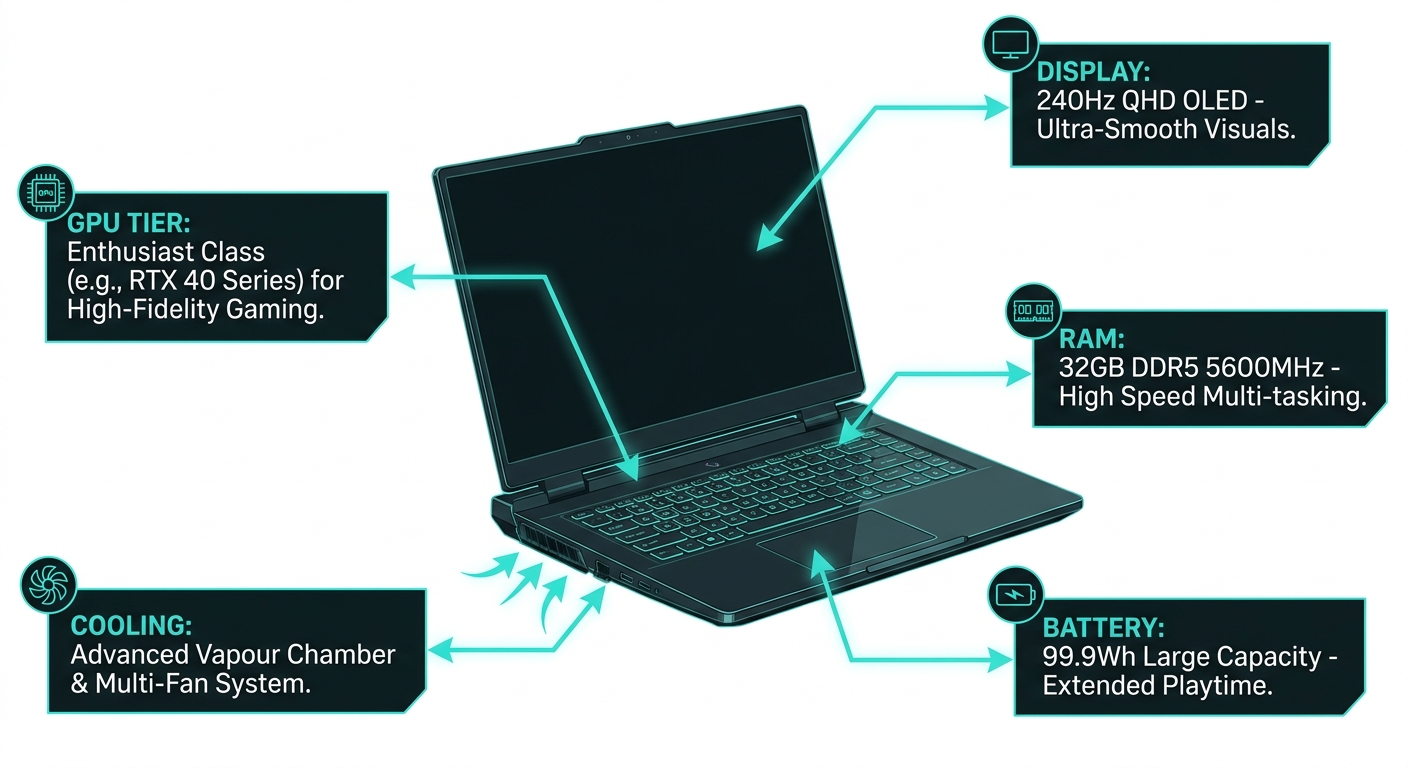
Under $1,000 (Entry): NVIDIA RTX 4060 or RTX 4070 laptop GPU tier. Excellent for 1080p gaming at high settings, capable of 1440p at medium. Display typically 1080p 144Hz.
$1,000-$1,800 (Mid-to-High): RTX 4070 Ti or RTX 4080 laptop GPU tier. Solid 1440p performance, some 4K capability. Better build quality, faster display (165-240Hz), improved cooling designs.
$1,800+ (Enthusiast): RTX 4090 laptop or equivalent. True high-refresh 1440p and capable 4K gaming. Desktop replacement-class machines — heavier, but maximum performance.
Step 2: Choose Your Display
For competitive gaming, a 1080p or 1440p display at 165-240Hz is ideal — high framerates matter more than pixel density. For single-player and cinematic gaming, a 1440p or even 4K OLED panel at 120Hz offers beautiful image quality. Mini-LED and OLED displays have become more accessible in the $1,200-1,500 range in 2026.
Step 3: Evaluate the Cooling System
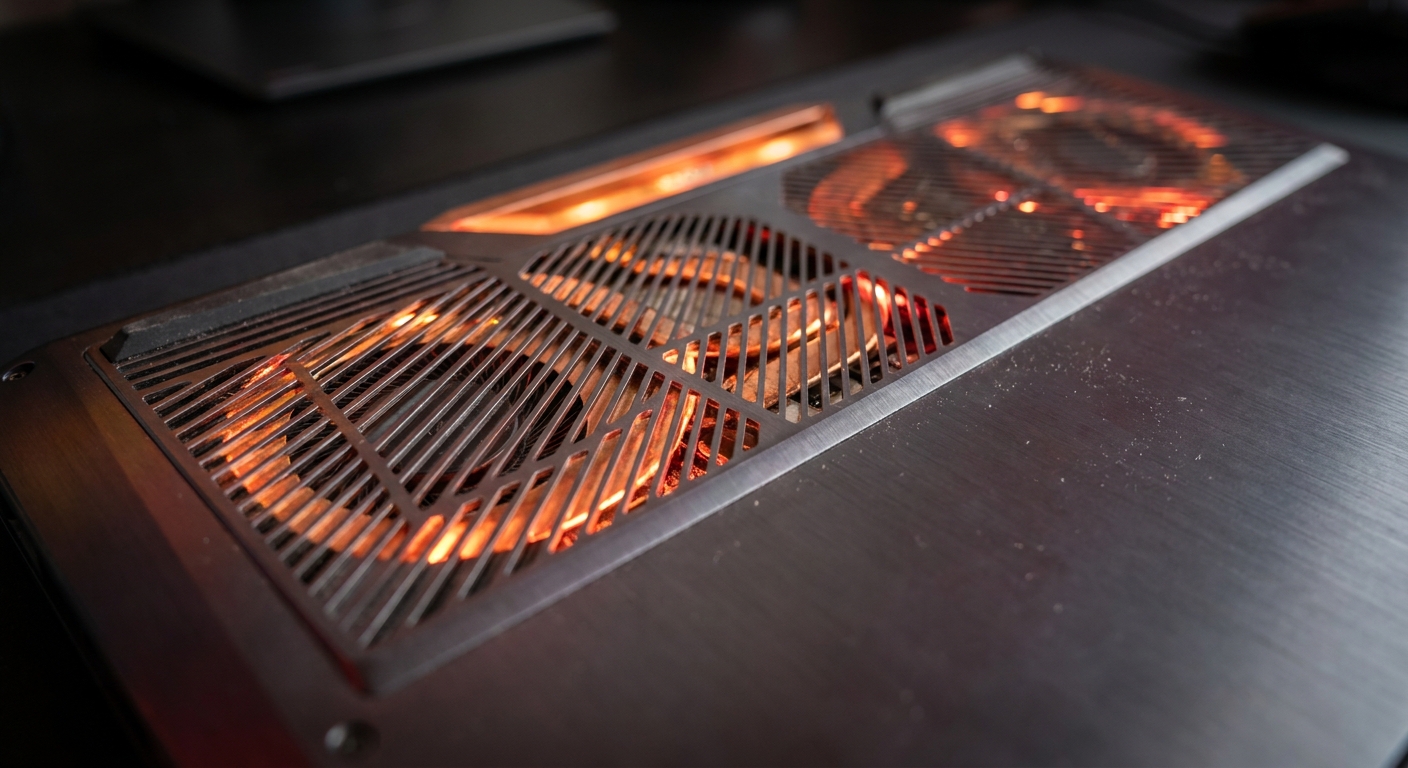
This is the most underrated spec in a gaming laptop. Two laptops with identical GPU models can perform very differently based on their thermal design. Look for models with multiple heat pipes, dual or triple fan configurations, and dedicated exhaust vents. Check independent reviews (GamersNexus, Notebookcheck) for sustained load temperature and throttling behavior.
Step 4: RAM and Storage
In 2026, 16GB of DDR5 RAM is the minimum for gaming laptops — many titles benefit from 32GB, especially if you also run a browser, Discord, and streaming software simultaneously. For storage, a 1TB NVMe SSD should be your baseline. Games are large, and running out of space quickly becomes annoying.
Step 5: Battery Life Reality Check
Under gaming load, virtually no gaming laptop will last more than 1.5-2 hours on battery — the discrete GPU draws too much power. Battery life claims in marketing refer to light productivity use with the iGPU. Look for models with hybrid GPU switching that can truly isolate the discrete GPU when gaming isn’t active.
Product Recommendations
Best Mid-Range: ASUS ROG Strix G16 (RTX 4070, 165Hz 1440p, 16GB DDR5) — Excellent thermals, strong build quality, and a bright QHD display.
Browse ASUS ROG Strix G16 on Newegg
Best Entry: Lenovo LOQ 15 (RTX 4060, 144Hz 1080p, 16GB DDR5) — Competitive pricing and solid cooling for entry-level gaming.
Browse Lenovo LOQ Gaming Laptop on Newegg
Best Enthusiast: Razer Blade 16 (RTX 4090, 240Hz QHD+, 32GB DDR5) — The premium choice for those who demand desktop-class performance in a 16-inch chassis.
Browse Razer Blade 16 on Newegg
Summary
Choosing a gaming laptop comes down to matching the performance tier to your budget, prioritizing display specs that match your play style, and verifying that the cooling system can sustain performance under real gaming loads. Don’t just buy specs on paper — read sustained load tests from dedicated reviewers before committing.
Read More
- Notebookcheck: Best Gaming Laptops — The most thorough independent gaming laptop reviews with sustained load testing and thermal analysis.
- GamersNexus Laptop Reviews — Rigorous engineering-level teardowns and thermal testing for gaming laptops.
- ASUS ROG Strix Official Page — Full lineup and specifications for the ROG Strix gaming laptop series.
- r/GamingLaptops Wiki — Community buying guide with tier lists and brand reputation summaries.
- Newegg Gaming Laptops Category — Browse all gaming laptops with filters by GPU tier, display resolution, refresh rate, and price.
Related Posts
- Best Gaming Laptops for Students in 2026: Picks for Every Budget
- Why Gaming Laptop Prices Are Rising in 2026 — and Why Waiting Will Cost You
- Best Gaming Laptops in 2026: RTX 50-Series Showdown Across Every Budget
- Best Gaming Laptops Under $1,200 in 2026: RTX 5070 Laptop Picks
- Top 3 Gaming Laptops of 2026: MSI vs. Acer vs. Lenovo RTX 5060 Head-to-Head
Frequently Asked Questions
Answers to the most common questions about this topic.