
A question came up on a build forum last week that I think about more than I probably should. Someone was short on cash and wanted to know whether to buy a strong processor with integrated graphics now and add a card later, or split the budget and get a weaker processor with a cheap card today. School work, Valorant, and eventually a family machine.
The replies split almost evenly, which tells you the answer is not obvious. So rather than write another list, I want to work through the questions people actually ask when they are in that position.
What Can Integrated Graphics Actually Run Now?
More than the reputation suggests. AMD’s G-series chips carry a real RDNA graphics block rather than a token display adapter, and at 1080p with settings turned down they handle competitive titles, older games and everything that is not a recent AAA release.
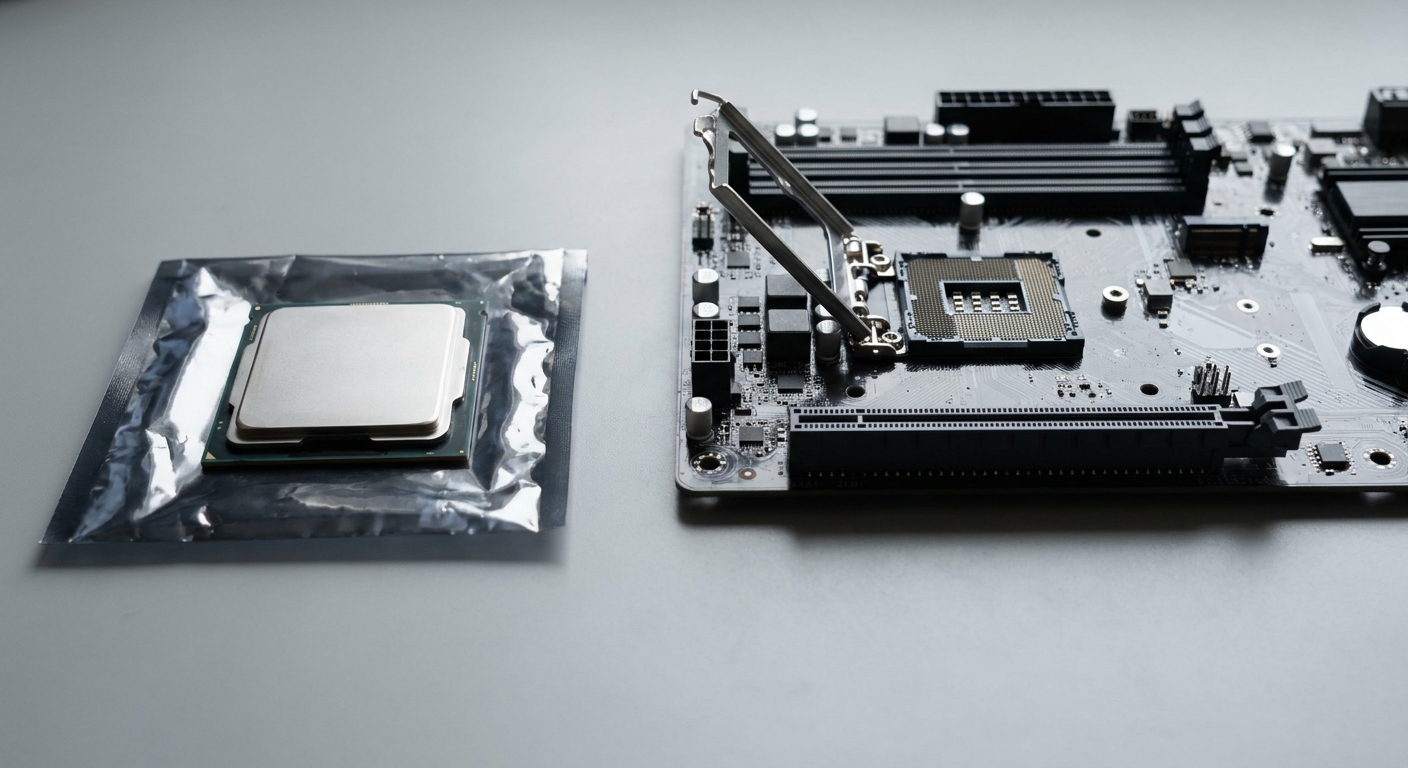
The AMD Ryzen 7 8700G is the strongest of them. Eight cores, sixteen threads, a 4.2GHz base and 5.1GHz turbo, 16MB of L3, and a Radeon 780M graphics block running up to 2.9GHz, all inside a 65W envelope on Socket AM5. It ships with a Wraith Spire cooler, which means you can build a working machine without buying one.
Step down and the AMD Ryzen 5 8600G is six cores and twelve threads at 4.3GHz base and 5.0GHz turbo, with a Radeon 760M at up to 2.8GHz and the same 65W and 16MB L3. The AMD Ryzen 5 8500G keeps the six cores but drops the base clock to 3.5GHz and the graphics to a Radeon 740M. All three come with a cooler in the box.
Is a Regular CPU’s Integrated Graphics Good Enough?
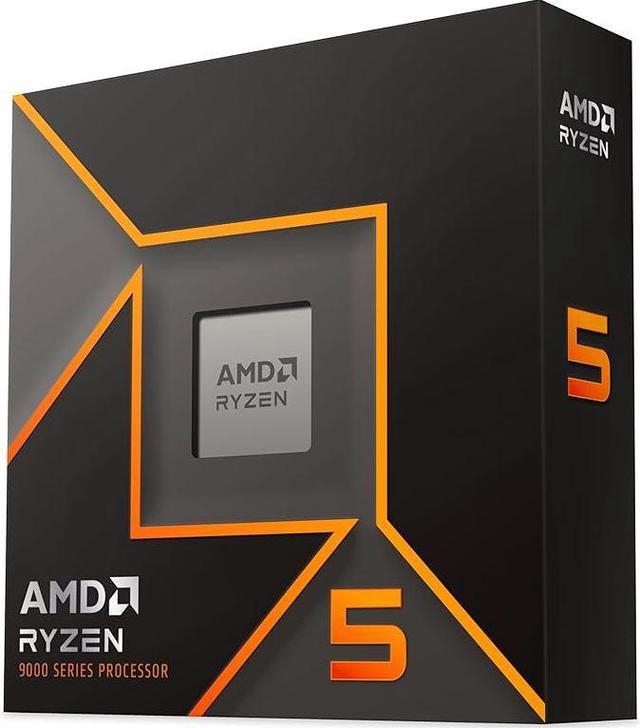
This is where people get caught out. The AMD Ryzen 5 9600X lists Radeon Graphics in its specifications, and that is technically true, but the graphics block runs at a 2200MHz base and exists to drive a display rather than to play games. As a processor it is the better chip: six Zen 5 cores at 3.9GHz base and up to 5.4GHz, 32MB of L3 against the 8600G’s 16MB, 65W, and compatibility from A620 through X870E. It just does not ship with a cooler.
Intel’s Arrow Lake parts are in the same position. The Intel Core Ultra 5 245K is fourteen cores in a 6P+8E arrangement with a 5.2GHz maximum turbo, 24MB of L3, and Intel Graphics running up to 1.9GHz, at 125W base and a 159W turbo ceiling on LGA 1851. The Intel Core Ultra 7 265K takes that to twenty cores in 8P+12E with turbo up to 5.5GHz, 30MB of L3, and a 250W turbo ceiling. Both will put a picture on a screen and neither is a gaming solution.
So the honest framing is: G-series chips are for playing games without a card. Everything else with integrated graphics is for getting the machine running until a card arrives.
Should I Buy the APU Now and a Card Later?
If the machine has to work this month and the budget genuinely will not stretch, yes, and the 8700G is the one I would buy. It plays what a student plays, it comes with a cooler, and AM5 means a graphics card and a faster processor can both be added later without a new board.
The argument against is that you pay twice for graphics. Buying the 8700G and later adding a card means the 780M sits unused, and at that point the money would have been better spent on a 9600X plus a modest card from the start. Whether that matters depends on how long “later” turns out to be.
When Is a Separate Card Clearly the Answer?
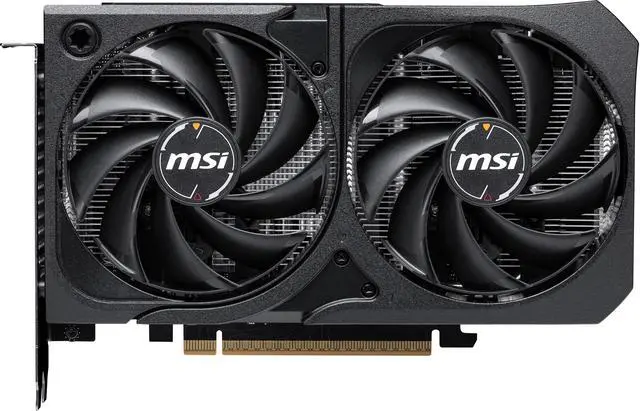
The moment you want modern single-player games at high settings, or any kind of ray tracing, the conversation is over. The MSI SHADOW GeForce RTX 5060 is 3840 CUDA cores, 8GB of GDDR7 at 28 Gbps, a 2527MHz boost clock and a 145W TDP, in a 197mm shroud that needs a 550W supply. It is not an expensive card and the distance between it and any integrated graphics block is enormous.
On the AMD side the ASRock Challenger Radeon RX 9060 XT 8GB runs 2048 stream processors with a 2700MHz game clock and boost up to 3290MHz, also on a 550W recommendation, at 249mm. Either one turns a budget build into something that plays current games properly.
What I Would Actually Do
School work, Valorant, family machine, tight budget, needs to work now: 8700G, no card, revisit in a year. Same situation but with a little more room: 9600X plus an RTX 5060 or RX 9060 XT 8GB, which is the better machine in almost every way. Small form factor build where a card will not fit: 8700G or 8600G, and enjoy how quiet it is. Mixed work and play where the graphics do not matter much: Core Ultra 5 245K.
The one thing I would avoid is buying a chip like the 9600X or 245K expecting its integrated graphics to carry you for six months of gaming. It will run a desktop and a browser perfectly. It will not run what you want it to run. You can compare the current options in Newegg’s processors with integrated graphics listings.
Frequently Asked Questions
What is the difference between a Ryzen G-series chip and a regular Ryzen? The G-series pairs the CPU cores with a substantially larger integrated graphics block, such as the Radeon 780M in the Ryzen 7 8700G running up to 2.9GHz. Regular desktop Ryzen chips like the 9600X include a small display adapter instead. The trade-off runs the other way on cache: the 9600X carries 32MB of L3 against 16MB on the 8600G, which helps it in CPU-bound work.
Do these processors come with a cooler? The Ryzen 7 8700G includes a Wraith Spire cooler, and the Ryzen 5 8600G and 8500G both include a Wraith Stealth. The Ryzen 5 9600X, Core Ultra 5 245K and Core Ultra 7 265K are sold as processor only, so budget for a cooler alongside them.
Can I add a graphics card to an APU build later? Yes. All the AMD chips here use Socket AM5 and sit in boards with a standard PCI Express x16 slot, so a card drops straight in and the integrated graphics step aside. Check that your power supply meets the card’s recommendation first, since a build sized for a 65W processor with no card may be tight for a 145W card.
How much memory do integrated graphics use? Integrated graphics share system memory rather than having their own, so a portion of your RAM is reserved for them. That is a practical argument for 32GB rather than 16GB in an APU build, and for running two memory sticks rather than one, since the graphics block benefits from dual-channel bandwidth more than the CPU cores do.
Is integrated graphics enough for 1440p? For desktop use and video, yes, easily. For games, no, not in any meaningful sense. The G-series chips are 1080p parts with settings turned down, and pushing them to 1440p in anything demanding is asking more than the hardware has. If 1440p gaming is the goal, plan on a dedicated card.
Read More
- TechSpot: AMD Ryzen 7 8700G Review — Independent gaming benchmarks for the Radeon 780M against entry-level dedicated cards.
- AMD: Ryzen Desktop Processors — Manufacturer specifications for the 8000G series and Ryzen 9000, including socket and chipset support.
- Tom’s Hardware: Best CPUs — Ranked processor picks with notes on which parts include usable integrated graphics.
- TechPowerUp: Intel Core Ultra 5 245K Review — Measured results for the Arrow Lake mid-range part, including its integrated graphics.
- Newegg: Processors with Integrated Graphics — Compare current APUs and desktop chips by core count, graphics block and TDP.