A meme about streaming services raising prices and adding ads was one of the most upvoted posts on r/pcmasterrace last week, with over 28,000 upvotes. The comments were full of people tired of paying more to watch ads. If you'd rather own your media and stream it around your home, the first question is a simple one: should the server be a NAS or a mini PC?
Here is how the two approaches actually compare.
The Contenders
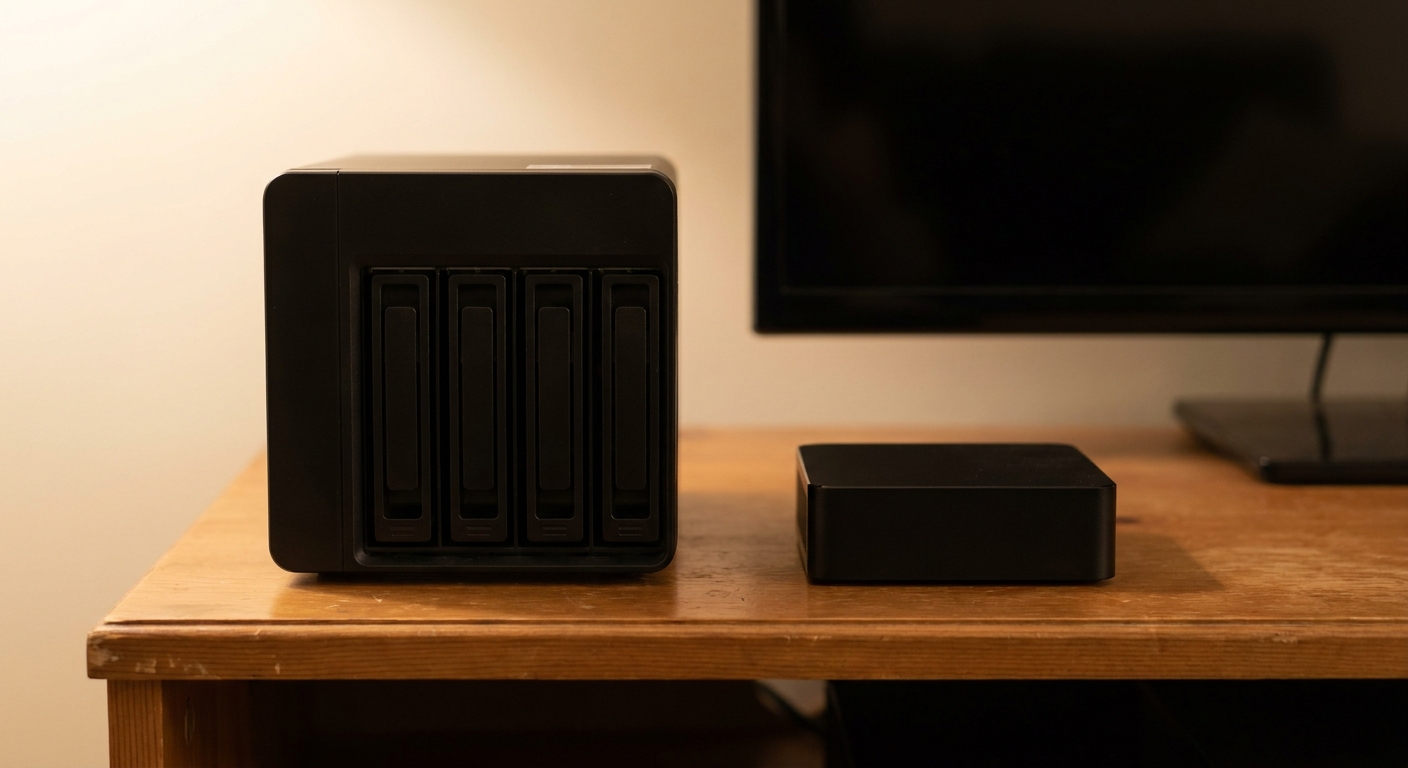
A NAS is built around storage. Drive bays, RAID, snapshots and an operating system designed to run 24/7 come standard, and Plex or Jellyfin run as apps on top.
A mini PC is a small, quiet computer. It's more flexible, can run Windows or Linux, and its Intel chip handles video transcoding well, but storage is something you add, usually over USB or through internal M.2 slots.
Both options here use Intel processors with Quick Sync, which is what makes hardware transcoding work for 4K streams to phones and older TVs. One licensing note: Plex lists hardware-accelerated streaming as a Plex Pass feature, and since 2025 remote playback of personal video has required a Plex Pass or Remote Watch Pass. Jellyfin is free and supports hardware transcoding without a subscription.
Side by Side
| Device | Processor | Memory | Drive Bays | Network |
|---|---|---|---|---|
| UGREEN NASync DXP2800 | Intel N100 (4 cores) | 8GB DDR5 | 2 SATA + 2 M.2 | 2.5GbE |
| UGREEN NASync DXP4800 Plus | Intel Pentium Gold 8505 (5 cores) | 8GB DDR5, up to 64GB | 4 SATA + 2 M.2 | 10GbE + 2.5GbE |
| Synology DS225+ | Intel Celeron J4125 | Up to 6GB DDR4 | 2 SATA | 2.5GbE + 1GbE |
| Beelink Mini S13 | Intel N150 (4 cores) | 12GB LPDDR5 | M.2 only | 2.5GbE, Wi-Fi 6 |
| Beelink ME Pro | Intel N150 (4 cores) | 16GB LPDDR5 | 2 SATA + 3 M.2 | Dual LAN |
Deep Dive
UGREEN NASync DXP2800
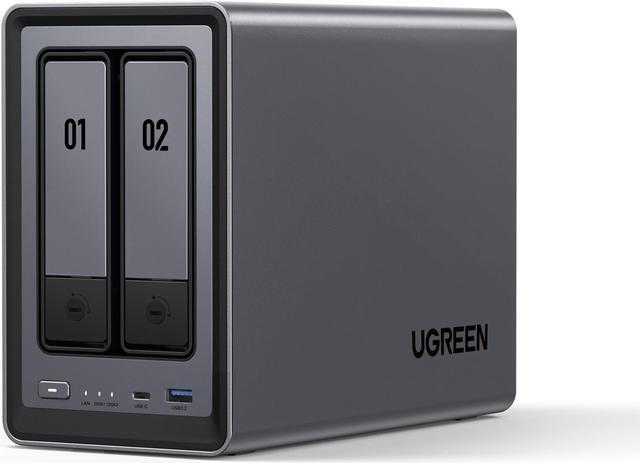
The UGREEN NASync DXP2800 is the NAS I'd suggest to most first-timers. It has an Intel N100, 8GB of DDR5, two SATA bays for hard drives, two M.2 slots for SSD storage, and a 2.5GbE port. Two drives in RAID 1 give you one drive's worth of protected space, which is enough for a starting library.
UGREEN NASync DXP4800 Plus
Once a library outgrows two drives, the UGREEN NASync DXP4800 Plus is where I'd go. It has four bays, a 5-core Pentium Gold 8505, 8GB of DDR5 expandable to 64GB, RAID 5, 6 and 10 support, and both 10GbE and 2.5GbE ports. The 10GbE port is overkill for streaming but very useful when copying a whole Blu-ray collection onto it.
Synology DS225+
The Synology DS225+ is the choice if you value Synology's DSM software and its backup and photo apps. Its Celeron J4125 is older than UGREEN's chips, and memory tops out at 6GB. Synology's drive policy for its 2025 Plus models caused a stir, but DSM 7.3, released in October 2025, restored support for third-party hard drives such as Seagate and WD on models like this one.
Beelink Mini S13
The Beelink Mini S13 is the minimal option. It has an Intel N150 with 4 cores up to 3.6GHz, 12GB of non-expandable LPDDR5, a 512GB SSD with room to add M.2 storage, 2.5GbE and Windows 11 Home. Paired with an external drive such as the WD Elements 16TB desktop drive, it's one of the quickest ways to get a Plex or Jellyfin server running in an afternoon. The trade-off: there's no redundancy unless you add a second drive and back it up yourself.
Beelink ME Pro
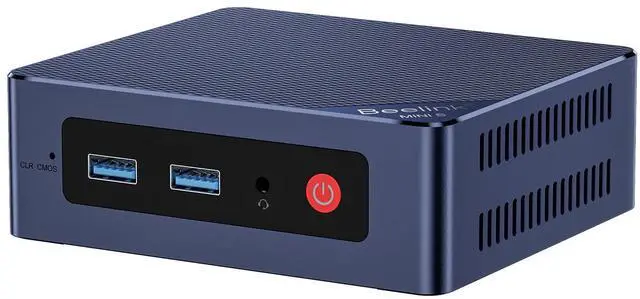
The Beelink ME Pro sits between the two categories. It's a mini PC with the same N150, 16GB of LPDDR5 and a 1TB SSD, but it adds two drive bays for 2.5-inch or 3.5-inch SATA drives and three M.2 2280 slots. Beelink pitches it for Jellyfin, Plex or Kodi, and its drawer-style design is meant for easy upgrades later.
The Drives
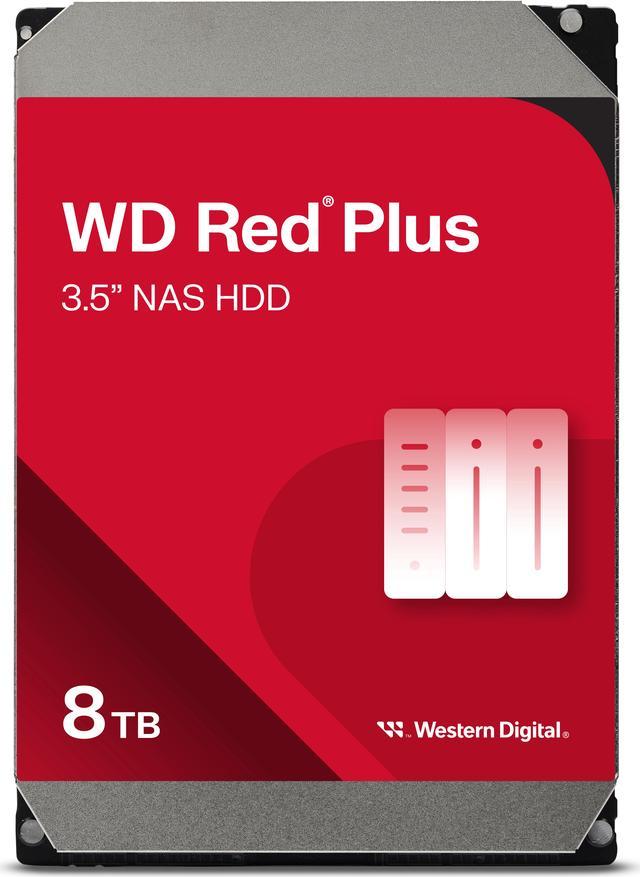
For drives that spin all day, I'd use NAS models rather than desktop drives. The Seagate IronWolf 8TB is a 7,200RPM CMR drive with 256MB of cache. The WD Red Plus 8TB spins slower at 5,640RPM, which usually means less noise, is rated for up to 180TB per year of workload and carries a 3-year limited warranty. Either works well in these boxes. I'd lean toward the WD in a living room, where noise matters more.
Winner by Category
- Best for most people: UGREEN NASync DXP2800 with two 8TB NAS drives.
- Best for a growing library: UGREEN NASync DXP4800 Plus.
- Best software ecosystem: Synology DS225+.
- Fastest setup: Beelink Mini S13 plus a WD Elements external drive.
- Best hybrid: Beelink ME Pro.
If your media matters to you, I'd pick a NAS for the redundancy alone. If you just want to try self-hosting and see if you like it, a mini PC is cheap and quiet and won't lock you in. Newegg has more options under NAS listings.
Frequently Asked Questions
Is a NAS or a mini PC better for Plex? A NAS is better if you want drive redundancy and 24/7 storage features. A mini PC is cheaper to start and more flexible, but you need to add and back up storage yourself.
Does Plex need a Plex Pass for hardware transcoding? Yes. Plex lists hardware-accelerated streaming as a Plex Pass feature. Jellyfin supports hardware transcoding for free.
Do I need a Plex Pass to stream my media outside my home? Plex says remote playback of personal video requires an active Plex Pass on the server admin or your account, or a Remote Watch Pass.
Can the Synology DS225+ use Seagate or WD hard drives? Yes. DSM 7.3, released in October 2025, restored support for third-party HDDs and SATA SSDs on 2025 Plus models such as the DS225+.
Which processor is good for a Jellyfin or Plex server? Intel chips with Quick Sync, such as the N100, N150 and Pentium Gold 8505, handle hardware transcoding efficiently in small, low-power boxes.
Read More
- Plex Support: Requirements for Remote Playback -- Plex's current rules for streaming personal media outside your home.
- Plex Support: Plex Pass Feature Overview -- The list of features, including hardware-accelerated streaming, that need Plex Pass.
- Jellyfin Docs: Hardware Acceleration -- How to set up free hardware transcoding in Jellyfin.
- GIGAZINE: Synology Third-Party HDD Support Returns -- Coverage of Synology's DSM 7.3 drive policy change.
- Newegg Insider: Best NAS for Home -- Our broader NAS buying guide for home users.