
PCIe 5.0 NVMe SSDs have broken the 14,000 MB/s sequential read barrier in 2026 — numbers that would have been unimaginable for a consumer storage device three years ago. But raw speed is only part of the story. This guide answers the questions that actually matter: who needs a Gen5 SSD, which models deliver the best value, and whether you would even notice the difference day to day.
What Is a PCIe 5.0 NVMe SSD?
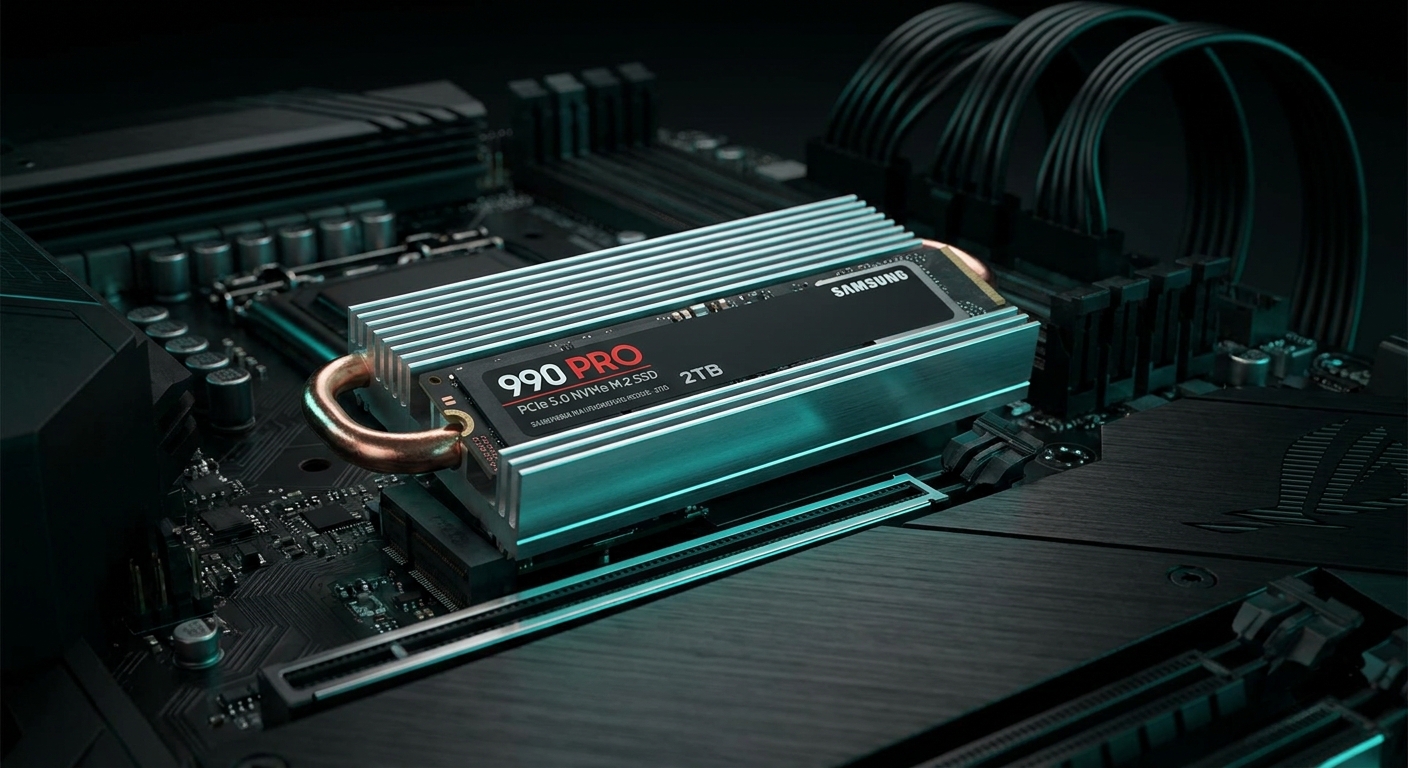
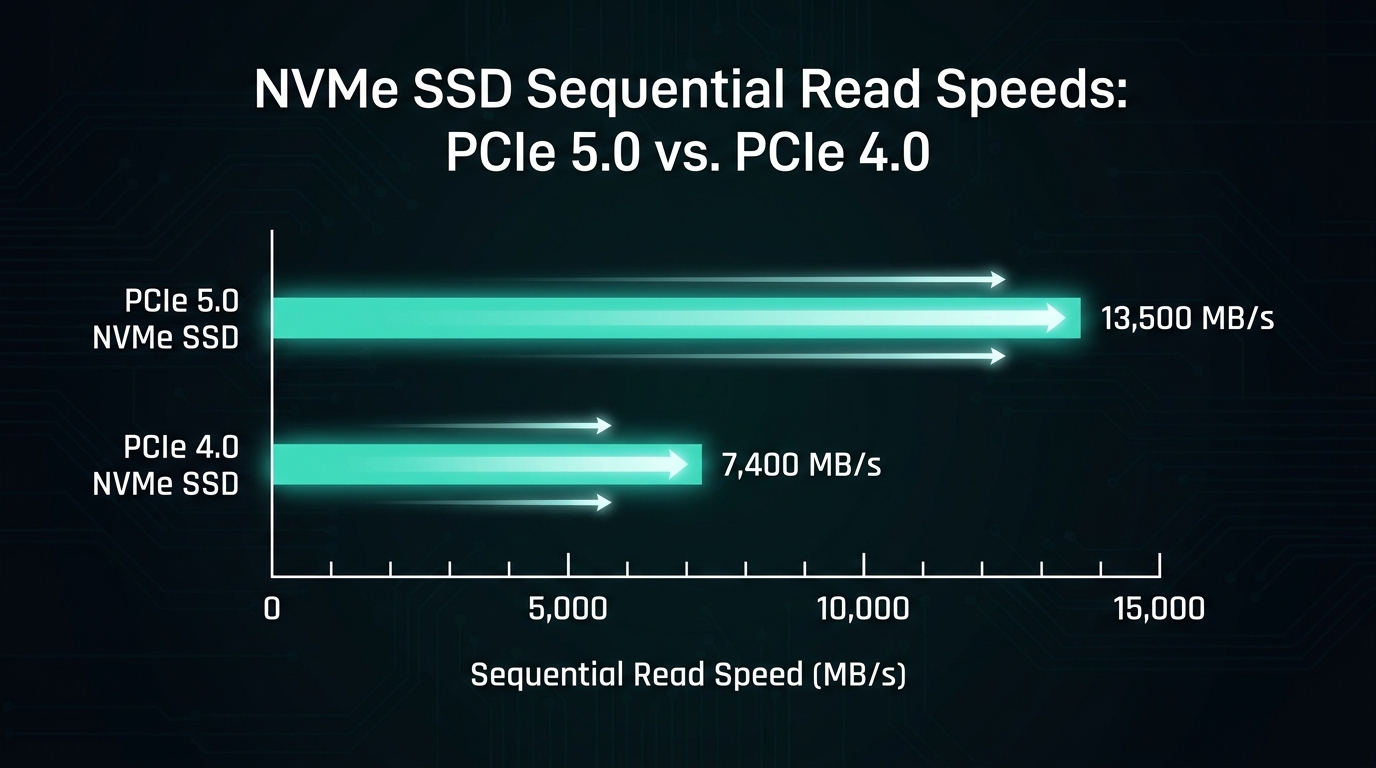
PCIe 5.0 doubles the bandwidth per lane compared to PCIe 4.0. An M.2 SSD using four PCIe 5.0 lanes (x4) can reach theoretical bandwidth of roughly 16 GB/s, allowing current drives to hit sequential read speeds of 12,000–14,900 MB/s. For comparison, PCIe 4.0 SSDs top out around 7,000–7,300 MB/s sequential read, and PCIe 3.0 drives peak near 3,500 MB/s.
To use a PCIe 5.0 M.2 SSD, your motherboard must include a PCIe 5.0 M.2 slot. This is standard on Intel Z790, Z890, and AMD X670/X870 platform boards. If your board only has PCIe 4.0 M.2 slots, a Gen5 drive will simply run at Gen4 speeds — it is backward compatible but you will not gain any benefit from the drive’s Gen5 capability.
Does PCIe 5.0 Speed Matter for Gaming?
Honestly, for pure gaming, the answer is mostly no — at least for now. Game loading times are already fast on PCIe 4.0 drives, and benchmarks consistently show under 1–2 second differences between Gen4 and Gen5 drives on real-game loading screens. The PCIe 4.0 WD_BLACK SN850X (7,300 MB/s) loads games in roughly the same time as a 14,900 MB/s Gen5 drive because the bottleneck in most game engines is asset decompression and CPU processing, not raw sequential storage throughput.
Where Gen5 genuinely delivers advantages: professional video editing with 4K/8K RAW footage, large 3D project renders, data science workloads with large datasets, and AI model training with local storage. If your daily workflow involves moving 100GB+ files regularly, Gen5’s 2x speed advantage becomes meaningful time savings.
Top PCIe 5.0 SSD Picks on Newegg
Best Overall Gen5 SSD: WD_BLACK SN8100 2TB ($386.48)
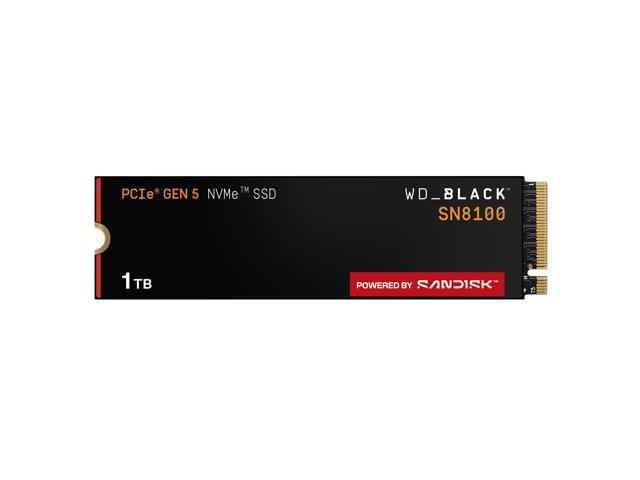
The WD_BLACK SN8100 2TB at $386.48 delivers sequential reads up to 14,900 MB/s and writes up to 14,000 MB/s on the 2TB model. It runs noticeably cooler than competing Gen5 drives due to WD’s thermal management design, making it suitable for sustained workloads without throttling. The 1TB model is available for $247.49 for buyers with lighter storage needs.
Best Gen5 SSD with Heatsink: WD_BLACK SN8100 1TB with Heatsink ($239.99)
The WD_BLACK SN8100 1TB with Heatsink at $239.99 includes WD’s integrated heatsink for users in cases with limited M.2 cooling. Gen5 SSDs run hot under sustained loads — the heatsink prevents thermal throttling and maintains peak performance during large transfers.
Best Budget Gen5 SSD: Crucial P510 1TB ($149.31+)
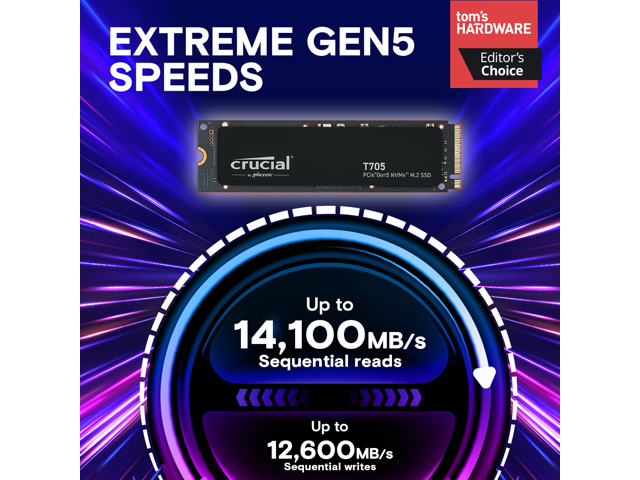
The Crucial P510 Gen5 starting from $149.31 for 1TB is the most affordable entry to Gen5 storage on Newegg. It reaches up to 11,000 MB/s sequential read — not quite as fast as the WD SN8100 but still roughly 60% faster than the best PCIe 4.0 drives. The 2TB model starts from $199.31, making it exceptional value for the performance tier.
Best GIGABYTE Gen5 SSD: GIGABYTE AORUS Gen5 14000 1TB ($169.99)
The GIGABYTE AORUS Gen5 14000 at $169.99 delivers up to 12,400 MB/s read and 11,800 MB/s write with an included heatsink — strong performance for the price with an RGB heatsink that looks impressive in open builds.
Should You Buy Gen5 or Gen4?
For most PC builders and gamers in 2026, a quality PCIe 4.0 drive in the 2TB range remains the better value choice. Drives like the WD Blue SN5000 2TB at $289.33 deliver 5,150 MB/s — fast enough that you will never feel limited in daily use. The money saved versus a Gen5 drive can go toward a better GPU, more RAM, or a larger display.
Buy Gen5 if: you are a video editor, 3D artist, or content creator who regularly moves large project files; you want the fastest possible boot and application-launch times; or you are building a workstation that will see AI/ML workloads locally. Browse all PCIe 5.0 NVMe SSDs on Newegg to compare current prices.
Final Verdict
PCIe 5.0 SSDs in 2026 are real, fast, and no longer prohibitively expensive. The WD_BLACK SN8100 is the benchmark for performance and thermal efficiency, while the Crucial P510 opens Gen5 to mainstream budgets. But unless your workload genuinely demands 12,000–15,000 MB/s throughput, a 2TB PCIe 4.0 drive remains the smarter buy for most users.
Related Posts
- How Much Memory an AM5 Build Actually Needs in 2026
- CL36, CL30, CL28 or CL26? Picking a DDR5-6000 Latency Tier
- Best G.SKILL Trident Z5 NeoX RGB Kits with AMD EXPO ULL in 2026
- Best CPU Coolers in 2026
- Best AM5 Motherboards in 2026
Frequently Asked Questions
Common questions about PCIe 5.0 NVMe SSDs in 2026.