
Whether you want to back up your family’s photos, stream 4K media to every device in the house, or set up a private cloud that replaces a Dropbox subscription, a NAS (Network Attached Storage) device is one of the most practical home tech investments you can make. In 2026, the two dominant platforms for home users remain Synology and QNAP — both have matured significantly, but they make very different trade-offs. This guide helps you decide which one belongs in your home.
The Platforms at a Glance
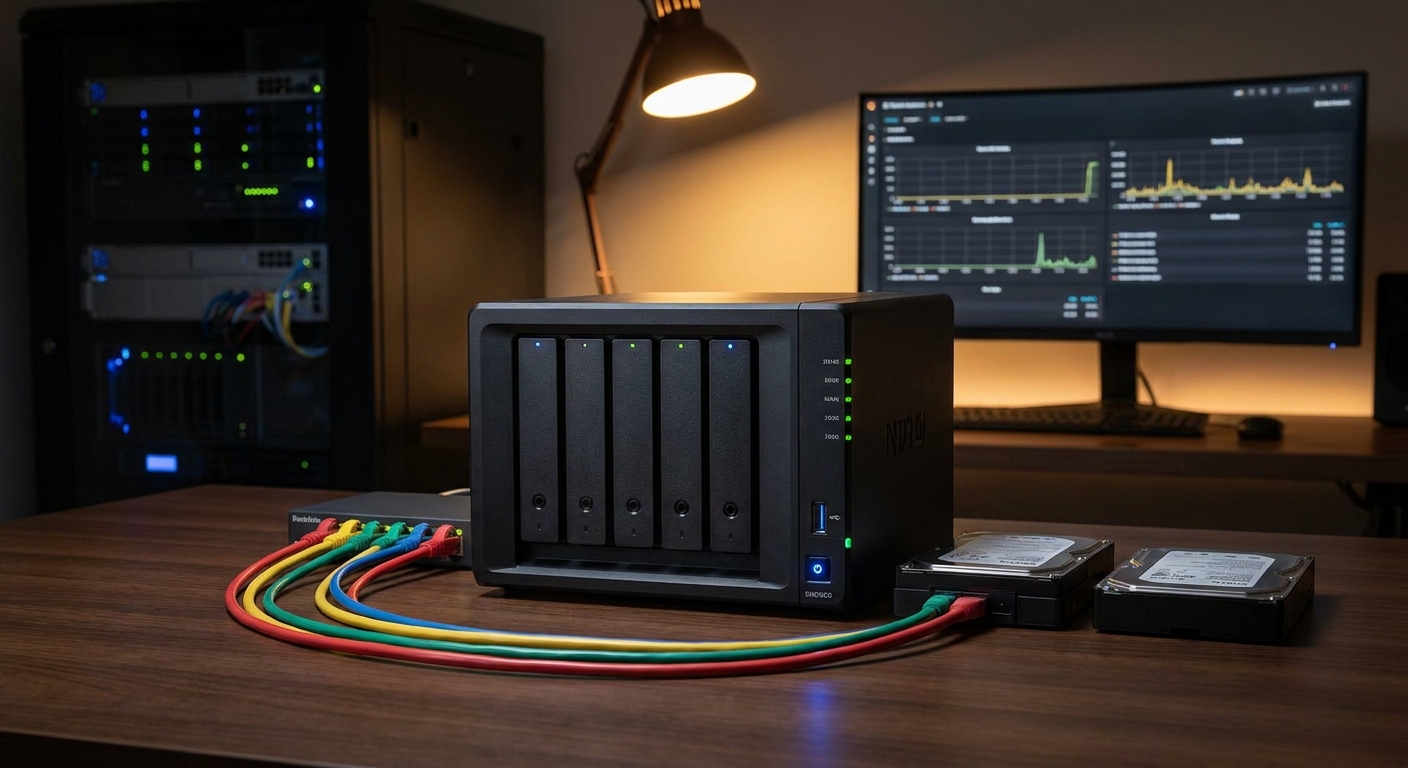
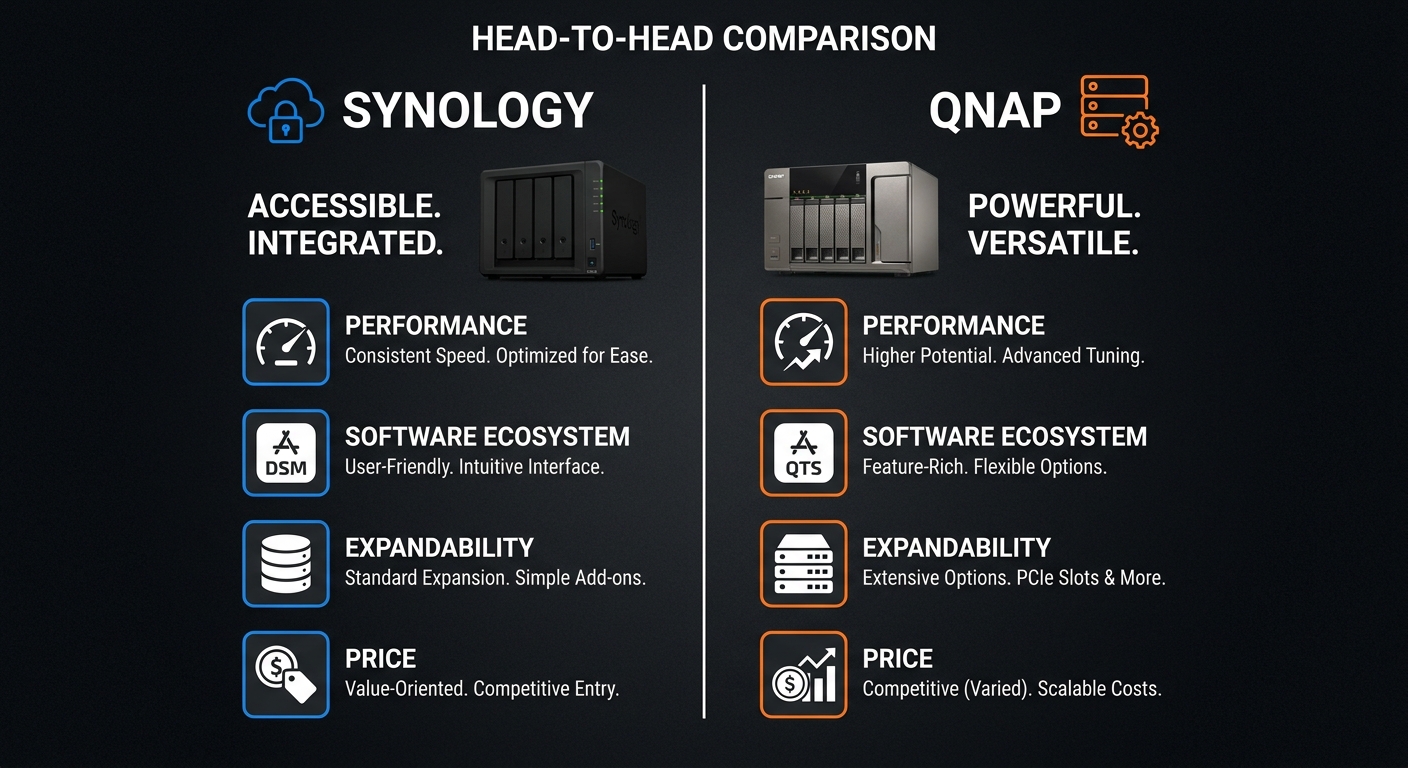
Synology has built its reputation on software simplicity and polish. Its DSM (DiskStation Manager) operating system is widely regarded as the most user-friendly NAS interface available, making it the go-to choice for users who want a system that works without ongoing tinkering. Synology’s app ecosystem is curated, and the company updates DSM regularly with security patches and new features.
QNAP, by contrast, emphasizes hardware flexibility. QNAP NAS devices often include more expansion options, PCIe slots, 10GbE networking, and higher RAM ceilings out of the box. QNAP’s QTS operating system is powerful but more complex — it rewards users who enjoy customizing their setup but can overwhelm first-time NAS buyers.
Side-by-Side Comparison
| Criteria | Synology | QNAP |
|---|---|---|
| Software (OS) | DSM — clean, intuitive, consumer-first | QTS — powerful, feature-rich, more complex |
| App Ecosystem | Curated, stable, well-integrated | Broader but inconsistent quality |
| Hardware Flexibility | Moderate — drives must be from approved list | High — more PCIe, RAM, networking options |
| Drive Compatibility | Must use Synology-approved drives in newer models | Wide compatibility with any SATA drive |
| Best For | Home users, families, first-time NAS owners | Power users, home labs, media server enthusiasts |
| Surveillance | Surveillance Station — polished, limited free cameras | QVR Pro — more cameras included free |
| Media Server | Plex, VideoStation — solid | Plex, Multimedia Console — more codec support |
| Entry Price | $189.99 (DS223J) | Starts ~$199 (TS-233) |
Drive Compatibility: Synology’s 2026 Policy
An important consideration for 2026 Synology buyers: Synology’s newer NAS models (DS425+, DS925+, and others released from 2024 onward) require Synology-branded or Synology-validated drives to enable Storage Manager’s full health monitoring and some DSM features. You can still install third-party drives, but you will see a compatibility warning in DSM and may lose some diagnostic features. QNAP places no such restrictions and accepts any SATA hard drive.
For users who already own drives or prefer using large-capacity Seagate or WD NAS drives, this is a meaningful difference. Budget this into your total cost of ownership when comparing the two platforms.
Best Synology Picks on Newegg
Best Entry 2-Bay — Synology DS223J ($189.99): The Synology DS223J at $189.99 is the most affordable way to enter the Synology ecosystem. With a Realtek RTD1619B processor, 1GB DDR4, two SATA bays, and two USB 3.2 ports, it handles personal backup, Plex media serving (transcoding limited), and cloud sync for a small household. Not suitable for heavy virtualization or 4K transcoding, but excellent for simple home backup use.
Best 2-Bay Upgrade — Synology DS225+ ($329.99): The Synology DS225+ at $329.99 steps up to an Intel Celeron processor with hardware transcoding support, 2GB DDR4 RAM (upgradeable), and full DSM compatibility. This is the recommended minimum for 4K Plex transcoding and running multiple DSM packages simultaneously.
Best 4-Bay Value — Synology DS425+ ($519.99): The Synology DS425+ at $519.99 gives you four drive bays for RAID 5 protection, protecting against a single drive failure. With the same Intel Celeron as the DS225+ and 2GB RAM, it suits growing home media libraries and families who want data redundancy.
Best 4-Bay Premium — Synology DS925+ ($638.99): The Synology DS925+ at $638.99 is Newegg’s current best-seller in NAS systems. It ships with 4GB DDR4 ECC RAM, a quad-core processor, two M.2 NVMe SSD cache slots, and two 1GbE LAN ports. It is Synology’s most capable home NAS and the right choice for users running Plex, Surveillance Station, Docker, and other demanding applications simultaneously.
Which Should You Buy?
If you are new to NAS, value polished software, or just want a device that works reliably with minimal effort, Synology is the clear choice. The DS225+ at $329.99 is the ideal starting point for most home users — it covers backup, media serving, cloud sync, and photo management without any tinkering.
If you want more hardware for your money, plan to run a home lab, want maximum drive compatibility, or enjoy configuring systems yourself, QNAP offers more hardware options at similar price points. Browse QNAP NAS devices on Newegg for the latest pricing and models.

Final Verdict
For 90% of home users, Synology wins on software quality and ease of use. The DS925+ at $638.99 is the single best home NAS available today for users who want to grow into advanced features without ever fighting their device. For hardware enthusiasts and home lab builders, QNAP provides a compelling alternative with more expansion headroom. Either way, the NAS investment pays for itself quickly in eliminated cloud storage subscription costs.
Shop all Synology NAS devices on Newegg to browse current models and configurations.
Related Posts
- Best NAS for Home in 2026
- Best Mini PCs in 2026
- Best Wi-Fi 7 Routers in 2026
- Best Prebuilt Gaming PCs in 2026
- Best Wireless Gaming Headsets in 2026
Frequently Asked Questions
Common questions about choosing between Synology and QNAP for home NAS use.