
For most of the last two decades the answer to this question was easy: build it yourself, save money, learn something. In 2026 that answer deserves a second look. The AI infrastructure buildout has pushed memory and storage suppliers to reallocate capacity toward server DRAM and high-bandwidth memory, and the ripple effects reach anyone buying components one at a time. Meanwhile prebuilt systems have quietly improved in exactly the places they used to be criticized. Here is an honest head-to-head, organized around the things that actually differ.
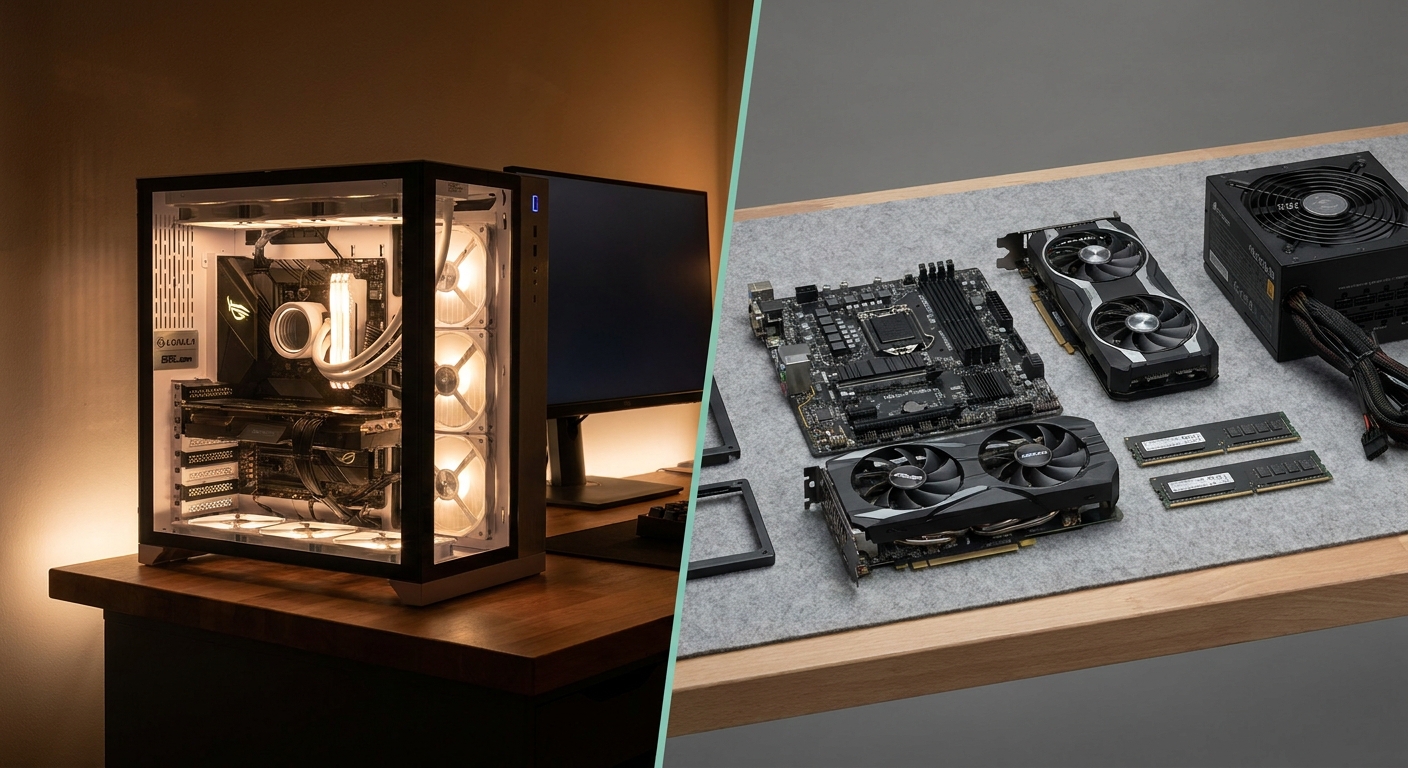
The Contenders
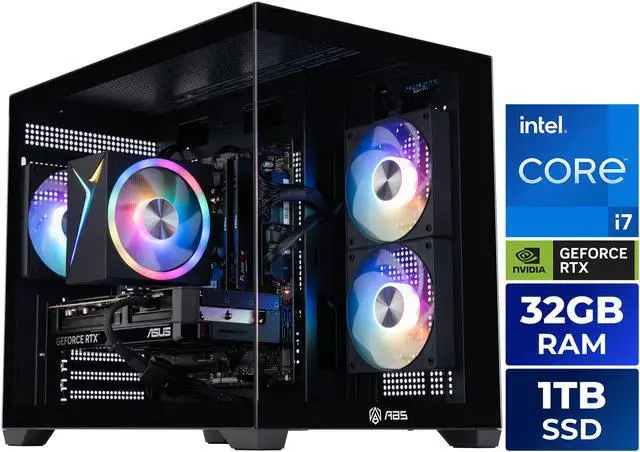
In the prebuilt corner, four machines that show the current range. The ABS Cyclone Aqua is an entry 1080p machine: a 10-core Core i5-14400F, an ASUS Dual RTX 5060 8GB, 32GB of DDR4-3200, a 1TB PCIe 4.0 NVMe drive and a 650W 80 PLUS Gold supply with Windows 11 Home preinstalled. The iBUYPOWER Ryzen 7 7800X3D system pairs AMD’s 96MB-L3 gaming chip with an RTX 5060 Ti 16GB, 32GB of DDR5 and a 1TB SSD. The ABS Flux II Aqua steps up to a 20-core Core i7-14700F with an ASUS Dual OC RTX 5070 12GB and 32GB of DDR5-6000. At the top, the iBUYPOWER Core Ultra 7 270K Plus system brings a 24-core processor, an RTX 5080 16GB, 32GB of DDR5, a 2TB NVMe drive, an 850W supply and a 360mm liquid cooler.
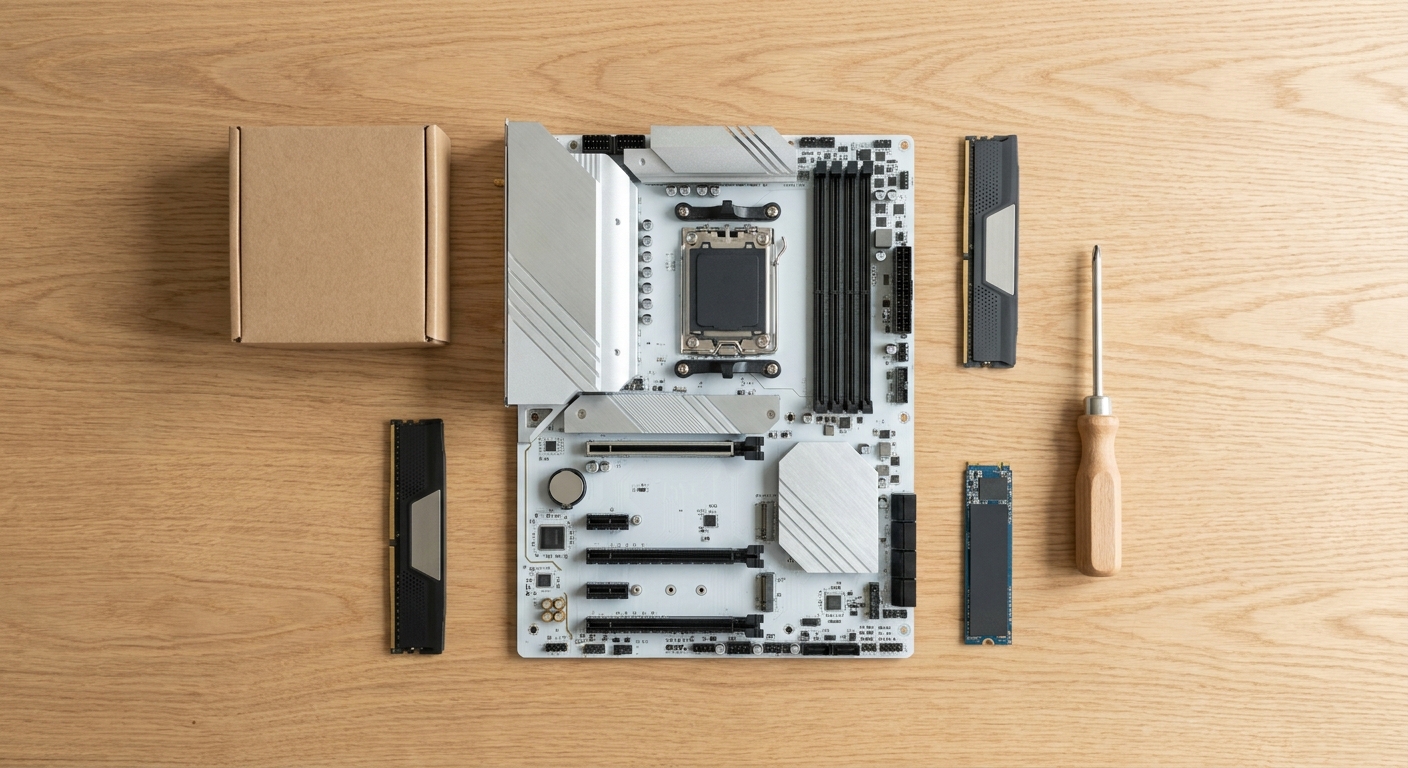
In the DIY corner, the four parts that define a comparable mainstream build. The AMD Ryzen 7 9800X3D is an 8-core Zen 5 part boosting to 5.2GHz with 96MB of L3 cache on Socket AM5, backed by a three-year warranty. The MSI MAG B850 TOMAHAWK MAX WIFI supports Ryzen 7000, 8000 and 9000 on one socket, with four DDR5 slots to 256GB, four M.2 slots including two PCIe 5.0 x4, Wi-Fi 7 and 5G LAN. The ASUS TUF Gaming RTX 5070 OC 12GB brings 6144 CUDA cores and a 750W PSU recommendation. And the G.SKILL Flare X5 32GB DDR5-6000 CL36 EXPO kit is the low-profile memory to go with it, carrying a limited lifetime warranty.
Round 1: The 2026 Memory Situation
This is the round that changed. TrendForce reports conventional DRAM contract prices rising 13 to 18% quarter over quarter and NAND flash 10 to 15% in the third quarter of 2026 — a moderation from the roughly 60% jumps of the prior quarter, but still upward. The cause is not consumer demand: suppliers are reallocating fab capacity toward server DRAM and AI infrastructure, which limits availability elsewhere. Tom’s Hardware reports enterprise demand continuing to take priority over consumer allocation, with the brake on further increases being buyer affordability rather than improved supply.
Why that favors prebuilts: commercial system builders negotiate volume pricing and hold large inventories, so they absorb cost pressure in ways an individual buying one memory kit cannot. Tom’s Hardware notes that notebook builders accumulated inventory specifically to avoid further hikes and that some manufacturers are absorbing costs rather than passing them on. The net effect, as SlashGear’s 2026 analysis puts it, is that the long-standing assumption that self-assembly automatically saves money no longer holds reliably.
Round 1 to prebuilts.
Round 2: Warranty and Support
A prebuilt gives you one phone number and covered labor. iBUYPOWER’s published policy is three years of labor with parts coverage tiered by order date — three years of parts for orders placed from July 2026 — and they repair or replace defective parts at no charge for parts during coverage, covering return shipping on warranty repairs. They have also extended warranty service to in-store repair and diagnosis through a nationwide Micro Center collaboration.
DIY components frequently carry longer coverage per part. The Ryzen 7 9800X3D lists three years, the MSI B850 board three years, the ASUS TUF RTX 5070 three years, and the G.SKILL memory a limited lifetime warranty. But nobody owns the problem except you: you diagnose the fault, ship the specific part to the specific vendor, and absorb both the downtime and your own labor.
Round 2 to prebuilts on convenience, DIY on raw coverage length. Which matters depends entirely on whether you enjoy troubleshooting.
Round 3: Component Quality
The old case against prebuilts was proprietary motherboards, unlabeled undersized power supplies, 120mm coolers that throttled and single-channel memory configurations. Much of that has improved: current systems commonly ship standard ATX and micro-ATX boards with recognizable chipsets, branded 80 PLUS certified supplies, 240mm and 360mm AIO coolers, mesh front intakes and dual-channel memory as standard.
But the criticism has not vanished, and you can see it in the listings above. The entry ABS Cyclone Aqua pairs a current-generation RTX 5060 with a previous-platform Core i5-14400F on DDR4-3200 — a perfectly reasonable machine, but not a current platform. And power headroom can be tight: the ASUS TUF RTX 5070’s own product page lists a 750W recommended supply, while the ABS Flux II Aqua ships its RTX 5070 with a 650W unit. Neither is a defect, but both are the kind of choice a self-builder would make differently.
Round 3 to DIY, narrowly. You choose every part, including the ones vendors economize on.
Round 4: Windows and Licensing
All four prebuilts here ship with Windows 11 Home preinstalled and activated, so the license and the driver setup are bundled. The trade-off is that OEM licenses are tied to the original hardware. Microsoft’s own guidance is that OEM licenses are not transferable to a new motherboard, that license status is directly affected by motherboard changes, and that the OEM is obligated to provide technical support for the license and the motherboard for the life of the hardware. A retail license, which is what most DIY builders buy, moves between machines.
Round 4 to prebuilts for convenience, DIY for flexibility.
Round 5: Upgradeability
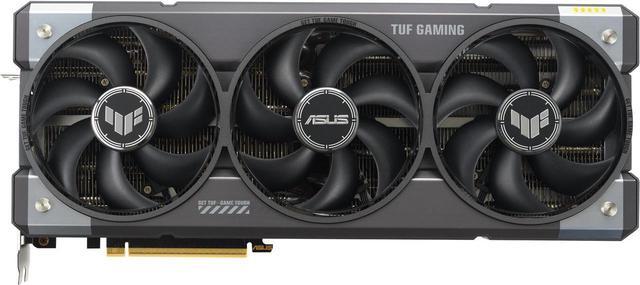
This is DIY’s clearest win, and the reason is platform longevity. AMD publicly committed at Computex 2024 to supporting the AM5 socket through at least 2027, covering Zen 4, Zen 5 and Zen 6 on one socket. In practice that means a B850 board like the MSI MAG TOMAHAWK MAX WIFI officially supports Ryzen 7000, 8000 and 9000 processors, offers four DDR5 slots to 256GB, four M.2 slots with two at PCIe 5.0 x4 and a PCIe 5.0 x16 primary slot — so CPU, memory, storage and graphics can each be swapped without changing platform. The Ryzen 7 9800X3D itself supports DDR5 from 5600 up to 8800 MT/s, so a DDR5-6000 kit leaves headroom on the same socket.
Intel’s LGA1851 is the weaker platform bet right now; reporting suggests Intel is moving to a new socket rather than extending it, though that has not been confirmed by Intel, so treat it as reported rather than settled. Worth noting too that prebuilt upgradeability has genuinely improved: the shift to standard ATX and micro-ATX boards with recognizable chipsets specifically reduces vendor lock-in.
Round 5 clearly to DIY.
The Verdict
Buy a prebuilt if you want a working machine with one warranty and one support contact, if you would rather not gamble on component availability while memory pricing is unsettled, or if this is your first desktop and the goal is playing games rather than learning platforms. Build it yourself if you want to control every part, if you care about a multi-year upgrade path — which in 2026 means AM5 — or if the building is part of the appeal. What has changed is that the cost argument is no longer automatic. In 2026 the honest recommendation is to buy prebuilt for convenience and DIY for control, and to stop assuming DIY is always cheaper. Compare current systems in Newegg’s gaming desktop listings.
Frequently Asked Questions
Is building a PC still cheaper than buying a prebuilt in 2026? Not reliably. The AI-driven DRAM and NAND squeeze means system builders who negotiate volume pricing and hold inventory absorb cost pressure that individual buyers cannot. SlashGear’s 2026 analysis concludes the automatic DIY cost advantage has eroded. Compare specific configurations rather than assuming.
Which has the better warranty? Different shapes. A prebuilt gives you a single system-level warranty that includes labor — iBUYPOWER publishes three years of labor with parts tiered by order date. DIY parts often carry longer individual coverage, up to lifetime on memory, but you diagnose the fault and handle each RMA yourself.
Can you upgrade a prebuilt gaming PC? Usually yes, and more easily than a few years ago, because current systems commonly use standard ATX or micro-ATX boards with recognizable chipsets rather than proprietary designs. Check the power supply headroom before planning a bigger graphics card, since prebuilt PSU wattage is often sized closely to the shipped configuration.
Which platform should I build on for the longest upgrade path? AMD’s AM5. AMD committed publicly to supporting AM5 through at least 2027, spanning Zen 4, Zen 5 and Zen 6, so a B850 board can carry several processor generations. Intel’s LGA1851 path is less certain based on current reporting.
Read More
- SlashGear: Building vs Buying a PC in 2026 — Why the memory squeeze eroded the DIY cost advantage this year.
- Tom’s Hardware: Best Gaming PCs — Benchmarked prebuilt picks across budget, mid-range and small-form-factor categories.
- Tom’s Hardware: How to Build a PC — A full step-by-step build walkthrough from standoffs to driver setup.
- iBUYPOWER: Warranty Policy — The manufacturer’s published parts and labor coverage terms.
- Newegg: Gaming Desktops — Compare current prebuilt systems by processor, graphics card and memory.
Related Posts
- Best ABS Gaming Desktops for 1080p, 1440p, and 4K Gaming
- Best Gaming Desktop PCs in 2026 for Every Budget
- Celebrity Gaming Setups: The PCs That Keep the Spotlight Running
- Best Pre-Built Gaming Desktops Under $1,500 in 2026
- Get It Today with Progressive Leasing: The Smarter Way to Own the Tech You Want