
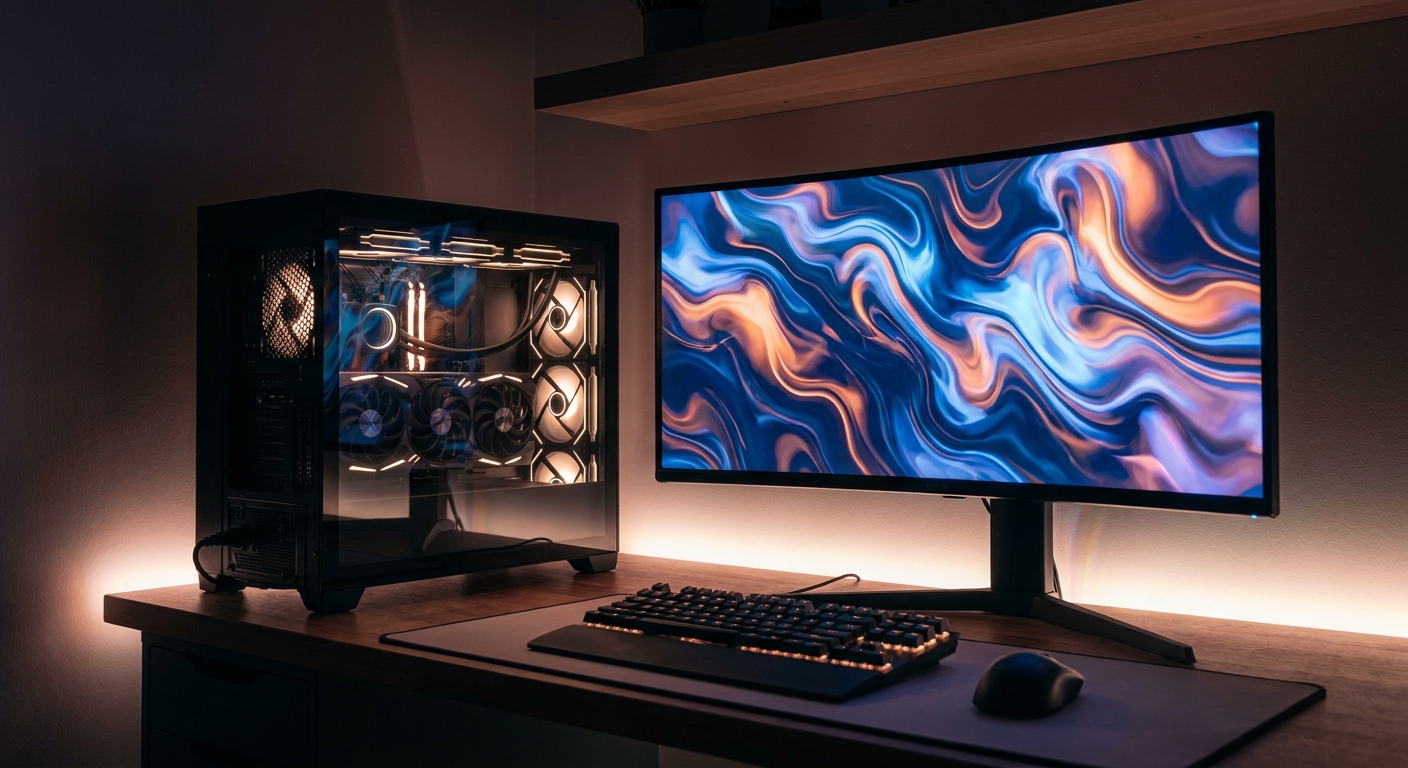
1440p has become the resolution that makes the most sense for PC gaming. It is a large enough step up from 1080p that the sharpness is obvious, high-refresh 1440p monitors are everywhere, and the graphics card you need to drive it well is far more attainable than a genuine 4K card. The catch is that 1440p is also where VRAM capacity stops being a specification and starts being a hard limit. Here are the best graphics cards for 1440p on Newegg right now, arranged from the entry point up to the cards that make high-refresh 1440p effortless.
Why It Matters: 1440p Is a VRAM Question
Tom’s Hardware’s current guidance for 1440p is to target an RTX 4070, RTX 5070 or RX 9070 class card, stepping up to an RX 9070 XT or RTX 5070 Ti for the best possible experience. But raw performance is only half the story. TechSpot’s VRAM analysis concludes that 8GB is insufficient for modern 1440p at high or ultra settings, that 12GB is the bare minimum, and that 16GB is the ideal target. Their evidence is specific: Cyberpunk 2077 with Phantom Liberty and ray tracing pushes around 12GB at 1440p, Avatar: Frontiers of Pandora uses roughly 12.6GB at 1440p ultra, and Senua’s Saga: Hellblade II exceeds 8GB even at High. Buy the card for the frame rate, but check the memory first.
What to Look For
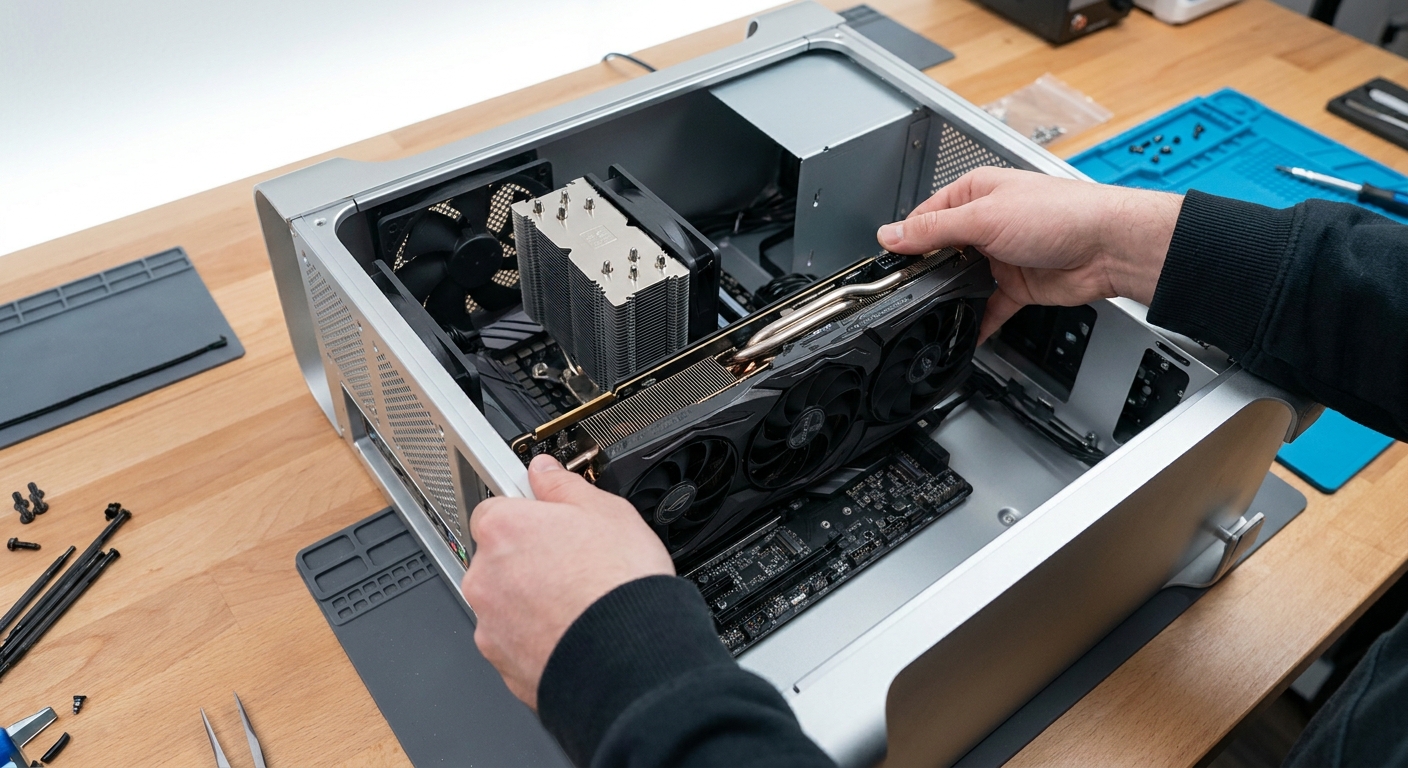
VRAM: 12GB is the working floor at 1440p and 16GB is the comfortable target, especially if you want ray tracing on.
Upscaling and frame generation support: this is now a real differentiator. NVIDIA’s DLSS 4.5, announced at CES 2026, uses a second-generation transformer model and is available across all GeForce RTX GPUs in more than 400 titles, with RTX 40 and 50-series benefiting from FP8 acceleration. Multi Frame Generation 6X, which can generate up to five additional frames per rendered frame and adjust the multiplier dynamically to hit a target refresh rate, is RTX 50-series exclusive. On the AMD side, the full FSR Redstone suite — machine-learning upscaling, ML frame generation, Ray Regeneration and Radiance Caching — is Radeon RX 9000-series only, with RX 7000 cards getting ML upscaling alone. Intel has rolled XeSS 3 multi-frame generation out across the entire Arc line, including Arc B580.
Physical fit: check card length and slot width against your case, and check the power connector. Several cards here use a single 8-pin; the higher tiers use a 16-pin connector or multiple 8-pins.
The Field at a Glance
| Card | VRAM | Bus | Rec. PSU | Best for |
|---|---|---|---|---|
| ASRock Arc B580 Challenger | 12GB GDDR6 | 192-bit | 650W | Entry 1440p |
| SAPPHIRE Pulse RX 9060 XT | 16GB GDDR6 | 128-bit | 450W | Efficient 1440p |
| ASUS Prime RTX 5060 Ti | 16GB GDDR7 | 128-bit | 550W | Mainstream NVIDIA |
| ZOTAC RTX 5060 Ti Twin Edge OC | 16GB GDDR7 | 128-bit | 600W | Compact / ITX builds |
| MSI RTX 5070 Gaming Trio OC | 12GB GDDR7 | 192-bit | 650W | Strong 1440p |
| PowerColor Reaper RX 9070 | 16GB GDDR6 | 256-bit | 650W | 1440p value |
| GIGABYTE RTX 5070 Ti Gaming OC | 16GB GDDR7 | 256-bit | 750W | High-refresh 1440p |
| XFX Mercury RX 9070 XT OC | 16GB GDDR6 | 256-bit | 800W | Raw 1440p performance |
Entry Point: ASRock Arc B580 Challenger 12GB
The cheapest sensible way into 1440p is more VRAM rather than more shaders. The ASRock Challenger Arc B580 12GB pairs Intel’s Battlemage GPU with 12GB of GDDR6 on a 192-bit bus, a 2740MHz core clock, a single 8-pin connector, a two-slot 249mm card and DisplayPort 2.1 outputs. It is the weakest performer here and Tom’s Hardware does not place Battlemage in its top 1440p tier, but 12GB and XeSS 3 frame generation make it a credible 1440p high-settings card rather than a 1080p-only one.
Best Efficient 1440p Card: SAPPHIRE Pulse RX 9060 XT 16GB
The SAPPHIRE PULSE Radeon RX 9060 XT 16GB is the low-power option: 2048 RDNA 4 stream processors with a 3290MHz boost, 16GB of GDDR6, a 170W board power, a single 8-pin connector and a 240mm 2.3-slot card that only asks for a 450W supply. Full FSR Redstone support comes with the RX 9000 generation. It sits at the bottom of the performance stack here, but the 16GB buffer means it does not fall off a cliff when a game’s textures get greedy.
Best Mainstream Picks: RTX 5060 Ti 16GB
For most 1440p players the RTX 5060 Ti 16GB is the value sweet spot in NVIDIA’s line. The ASUS PRIME GeForce RTX 5060 Ti 16GB uses 4608 Blackwell CUDA cores with 16GB of GDDR7 running at 28Gbps, a single 8-pin connector and a 2.5-slot 304mm cooler.
If your case is small, the ZOTAC Twin Edge OC RTX 5060 Ti 16GB is the same GPU in a 220.5mm two-slot card with a single 8-pin connector — a genuinely ITX-friendly 16GB card, which is a rarer thing than it should be.
Stepping Up: RTX 5070 and RX 9070
Both of these are a meaningful jump. On Tom’s Hardware’s 1440p ultra rasterization index the RTX 5070 sits about 31% ahead of the RTX 5060 Ti 16GB, and the RX 9070 sits about 8% ahead of the RTX 5070.
The MSI RTX 5070 Gaming Trio OC brings 12GB of GDDR7 on a 192-bit bus with a 2610MHz boost clock, a 16-pin power connector and a 338mm triple-fan cooler. The PowerColor Reaper Radeon RX 9070 16GB counters with 16GB of GDDR6 on a 256-bit bus, dual 8-pin connectors and a two-slot 289mm card. If you want the extra 4GB of headroom for ray tracing and future titles, the Radeon is the more future-proof of the two.
Best for High-Refresh 1440p
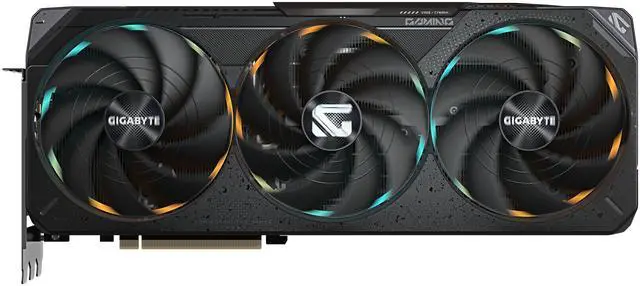
At the top of sensible 1440p, two cards are effectively tied. Tom’s Hardware’s 1440p ultra index puts the RTX 5070 Ti at 69.8% and the RX 9070 XT at 69.7% — a statistical dead heat, roughly 12% ahead of the RX 9070 and 21% ahead of the RTX 5070.
The GIGABYTE RTX 5070 Ti Gaming OC 16GB is the NVIDIA route: 16GB of GDDR7 on a 256-bit bus, a 16-pin connector, a 342mm 3.5-slot cooler and a 750W recommended supply. Its advantage is the feature set — DLSS 4.5 plus RTX 50-exclusive Multi Frame Generation 6X, which is precisely the tool for pushing a 1440p 240Hz panel.
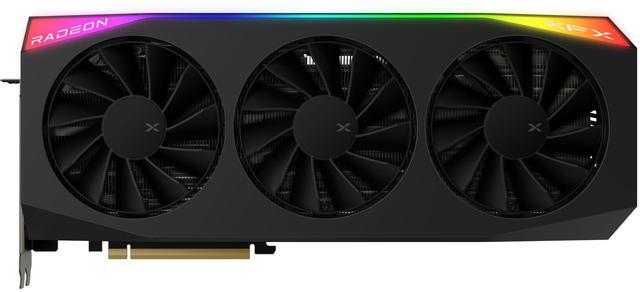
The XFX Mercury Radeon RX 9070 XT OC 16GB matches it in raster with 16GB of GDDR6 on a 256-bit bus and a 3100MHz boost. Be aware of the physical demands: a 360mm 3.5-slot card with three 8-pin connectors and an 800W recommended supply. Measure your case first.
The Verdict
For most people building or upgrading for 1440p in 2026, an RTX 5060 Ti 16GB is the value pick and an RX 9070 is the smart middle step. If you have a high-refresh panel and want to drive it properly, the RTX 5070 Ti and RX 9070 XT are the two cards to choose between, and the decision comes down to whether NVIDIA’s frame generation ecosystem or AMD’s 16GB-and-raster value appeals more. One practical note: PC Partner has warned that entry-level GPU shortages will worsen through the second half of 2026, with VRAM supply the constraint as AI infrastructure absorbs GDDR6 and GDDR7 capacity. If you see the card you want in stock, that matters more this year than usual. Compare current models in Newegg’s graphics card listings.
Frequently Asked Questions
What graphics card do I need for 1440p gaming? Tom’s Hardware recommends an RTX 4070, RTX 5070 or RX 9070 class card for 1440p, and an RX 9070 XT or RTX 5070 Ti for the best experience. An RTX 5060 Ti 16GB or RX 9060 XT 16GB will do 1440p high settings well, especially with upscaling enabled.
How much VRAM do I need at 1440p? TechSpot’s testing concludes 12GB is the bare minimum for 1440p and 16GB is the ideal target. Games such as Cyberpunk 2077 with ray tracing and Avatar: Frontiers of Pandora push around 12GB at 1440p, and Hellblade II exceeds 8GB even at High.
Which card is faster, the RTX 5070 Ti or the RX 9070 XT? At 1440p ultra rasterization they are effectively tied — 69.8% versus 69.7% on Tom’s Hardware’s index. The decision comes down to features: NVIDIA offers DLSS 4.5 with RTX 50-exclusive Multi Frame Generation 6X, while AMD offers the full FSR Redstone suite on RX 9000 cards.
Is Intel’s Arc B580 good enough for 1440p? It is the entry point rather than a recommendation. Its 12GB frame buffer on a 192-bit bus avoids the memory cliff that 8GB cards hit at 1440p, and XeSS 3 frame generation helps, but it is the slowest card in this guide and Tom’s Hardware does not place Battlemage in its 1440p recommendation tier.
Read More
- Tom’s Hardware: GPU Benchmarks Hierarchy — 1440p ultra and 1080p performance indexes for every modern card.
- Tom’s Hardware: Best Graphics Cards — Resolution-tier picks including current 1440p and high-refresh 1440p recommendations.
- AMD: FidelityFX Super Resolution — Which Radeon generations get ML upscaling versus the full FSR Redstone feature set.
- Hardware Unboxed: RX 9070 XT vs RTX 5070 Ti, 52 Game Benchmark — A large-sample head-to-head of the two top 1440p cards at 1440p and 4K.
- Newegg: Graphics Cards — Filter current cards by GPU, VRAM, length and power connector.