Choosing the right router for GTA 6 matters more than most console players expect. Grand Theft Auto VI launches November 19, 2026 on PlayStation 5 and Xbox Series X|S, and the digital preload opens at local midnight on November 12. Even the boxed edition holds a download code instead of a disc, so every player pulls the full game over the internet. Rockstar has not announced the file size. However, rumored figures of 150 GB to 300 GB suggest a long download on a weak connection. This guide covers wired Ethernet versus Wi-Fi, Wi-Fi 6, 6E, and 7 routers, mesh systems, powerline and MoCA adapters, NAT type, QoS, DNS, and the console settings that finish the preload while you sleep.
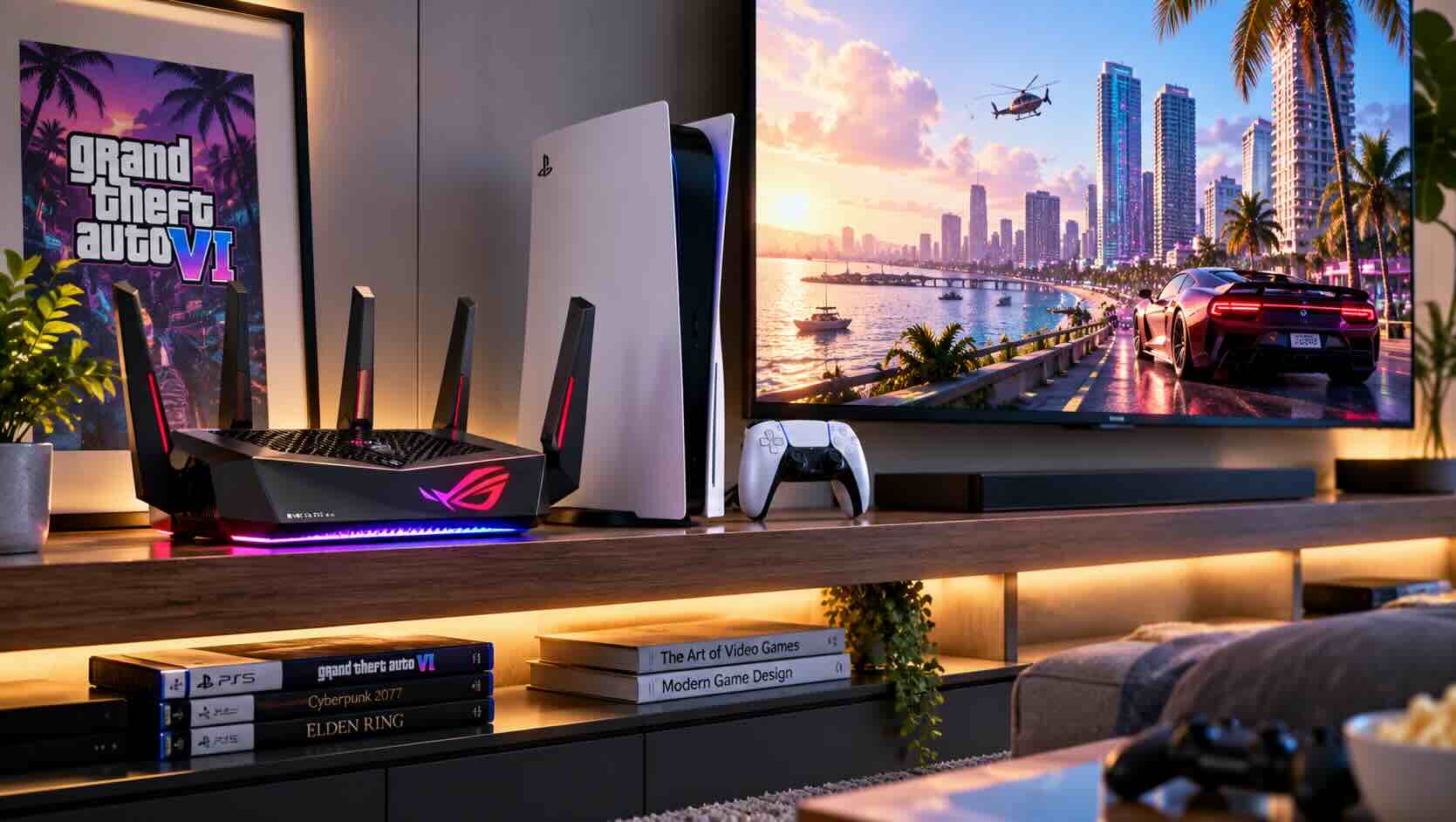
Why Your Network Matters Before November 19
Your home network, and especially your router for GTA 6, decides whether the preload finishes in 30 minutes or overnight. Because Rockstar has not confirmed a file size, plan for roughly 150-200 GB or more and treat any larger figure as unconfirmed rumor.
The math is simple. For example, a gigabyte holds 8 gigabits, so a 150 GB download equals 1,200 gigabits of data. Next, divide that by your real connection speed and you get a best-case time. In practice, launch-week servers run busy, so expect slower results than the table shows.
Real download speed150 GB (best case)200 GB (best case)50 MbpsAbout 6 hours 40 minutesAbout 8 hours 50 minutes100 MbpsAbout 3 hours 20 minutesAbout 4 hours 25 minutes300 MbpsAbout 67 minutesAbout 89 minutes500 MbpsAbout 40 minutesAbout 53 minutes1 GbpsAbout 20 minutesAbout 27 minutes
Finally, note the ceiling. Both PS5 and Xbox Series X|S consoles ship with a gigabit Ethernet port, so internet plans above 1 Gbps will not speed up a single console. On the other hand, a weak Wi-Fi link can cut a fast plan to a fraction of its rated speed. For that reason, most of the gains come from your home network, not your internet plan. An older modem can also bottleneck a fast plan, so check whether your ISP supports a DOCSIS 3.1 cable modem if yours is several years old.
Quick Network Checklist Before the November 12 Preload
Before you shop for a new router for GTA 6, run a short checklist so the preload starts cleanly at midnight on November 12. In practice, most fixes take minutes and cost nothing.
Run the console's built-in connection test and write down the download speed.
Free up storage for roughly 150-200 GB or more.
Update your router firmware through its app or web page.
Check your NAT type in the console's network settings.
Turn on automatic downloads in rest or sleep mode.
Pause cloud backups and large PC downloads on preload night.
However, storage is the step people forget. If your console is nearly full, read our companion guide on PS5 and Xbox storage before you worry about speed. A compatible PCIe Gen4 NVMe SSD expands PS5 storage, while Xbox owners need an official expansion card to play Series X|S titles from added storage.
Finally, compare your test result with the speed you pay for. If the console shows less than half your plan speed, the problem sits between the router and the console. That gap is exactly what the next sections solve.
Wired Ethernet vs. Wi-Fi: Which Is Faster for a Console?
Wired Ethernet is faster and more consistent than Wi-Fi for console downloads. A cable delivers close to your full plan speed, up to the console's 1 Gbps port, with low latency and no interference.
Wi-Fi performance, however, depends on distance, walls, and neighbors. In addition, the consoles differ. The original PS5 and PS5 Slim support Wi-Fi 6, the PS5 Pro adds Wi-Fi 7, and Xbox Series X|S consoles use Wi-Fi 5. As a result, an Xbox two rooms from the router often sees a fraction of a gigabit plan.
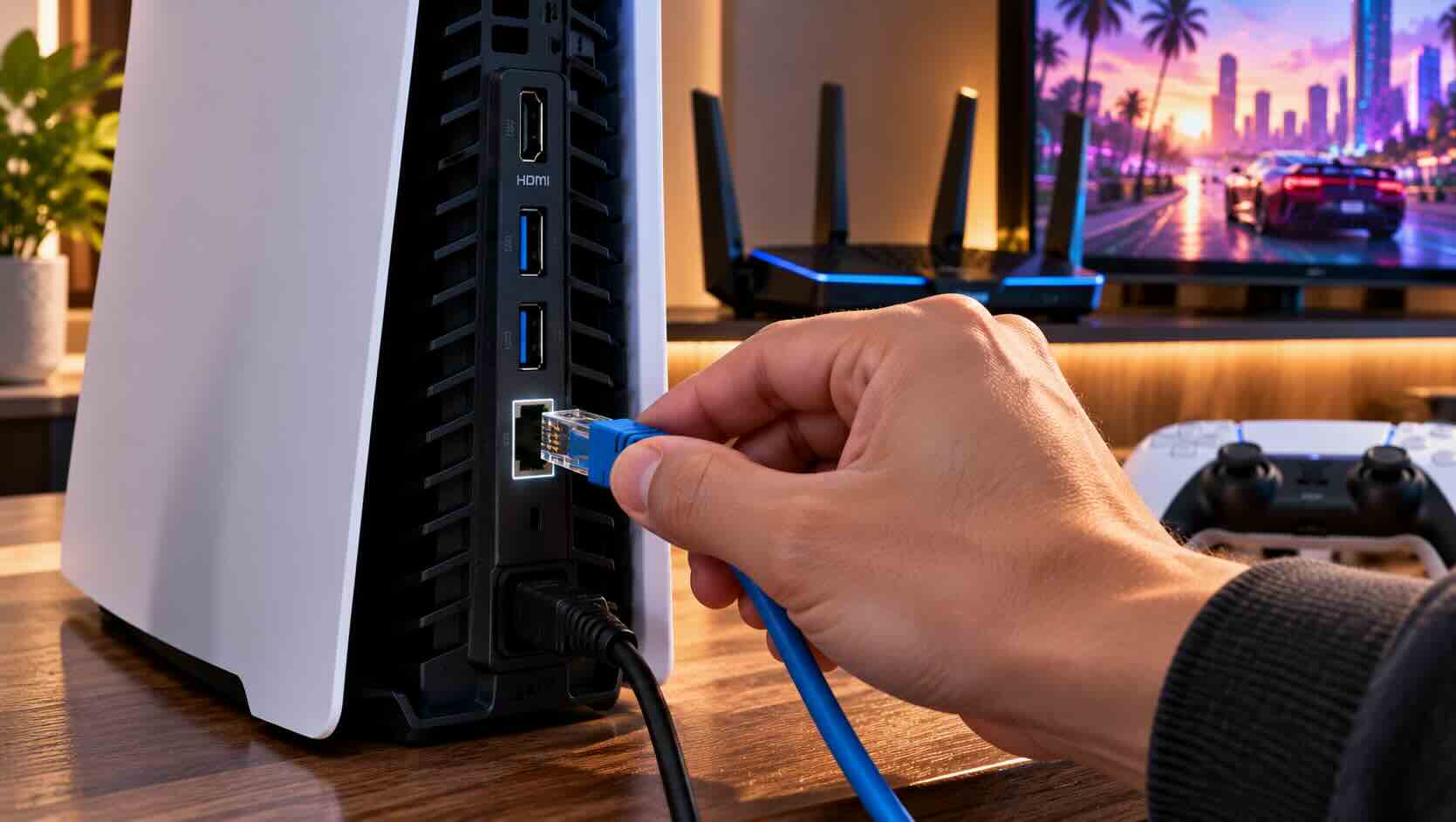
If the router sits near the TV, a Cat 6 Ethernet cable solves the problem for a few dollars. For runs along a baseboard or under a rug, a flat Ethernet cable hides more easily. Moreover, Cat 6 handles gigabit speeds comfortably at typical in-home lengths.
Many entertainment centers hold a console, a TV, and a streaming box but only one wall jack. In that case, an inexpensive gigabit network switch turns one cable into five wired ports. Better yet, unmanaged switches need no setup, so you plug them in and move on.
Wi-Fi 6 vs. Wi-Fi 6E vs. Wi-Fi 7: Choosing a Router for GTA 6
The best router for GTA 6 is the one that matches your console and your home. Wi-Fi 6 covers most players well, Wi-Fi 6E adds a cleaner 6 GHz band, and Wi-Fi 7 mainly pays off for PS5 Pro owners and busy homes.
StandardBandsBest fit for console playersWi-Fi 6 (802.11ax)2.4 GHz and 5 GHzPS5, PS5 Slim, and Xbox homes on a budgetWi-Fi 6EAdds 6 GHzCrowded apartments with many neighboring networksWi-Fi 7 (802.11be)2.4, 5, and 6 GHz, wider channelsPS5 Pro owners and homes with many devices
A Wi-Fi 6 router remains the value pick. Xbox Series X|S consoles top out at Wi-Fi 5, so a newer router will not speed up their wireless link much.
For apartments with dozens of nearby networks, a Wi-Fi 6E router opens the 6 GHz band, which few neighbors use. However, 6 GHz signals fade quickly through walls.
Meanwhile, a Wi-Fi 7 router makes the most sense if you own a PS5 Pro or plan to keep the router for years.
Mesh Wi-Fi for a Far-Away Living Room
Mesh Wi-Fi is the fix when the console sits far from the router and running a cable is not an option. A mesh system places two or three nodes around the home so the console connects to a nearby node instead of a distant router.
First, consider the layout. Single routers often live in an office or by the front door, wherever the internet line enters. The living room TV may sit two walls and a floor away. A mesh Wi-Fi system solves that by placing one node near the TV. In addition, most nodes include an Ethernet port, so you can wire the console to the node directly.
Next, look for tri-band or dedicated-backhaul models. The backhaul is the link between nodes, and a dedicated band keeps it from competing with your devices. For the strongest setup, a Wi-Fi 7 mesh system supports multi-link operation, which can combine bands for a steadier backhaul.
In contrast, a basic Wi-Fi range extender costs less but often halves throughput, because it receives and resends on the same radio. That trade-off works for a phone in the garage, but not for a console. For a big game download, mesh with a wired node connection is the better router for GTA 6 in a large home.
Powerline and MoCA: Wired Speed Without New Cables
Powerline and MoCA adapters bring a wired connection to the console without drilling holes. MoCA uses your coaxial TV cable and usually delivers the faster, steadier result.
A powerline adapter kit sends data through your electrical wiring. First, you plug one unit near the router and another near the console. However, real speeds vary widely with wiring age and circuit layout. For instance, many homes see a few hundred megabits, while others see far less.
By contrast, a MoCA adapter kit runs over existing coax, the same cable that feeds cable TV boxes. MoCA 2.5 adapters can carry well over 1 Gbps and keep latency low. If your living room has a coax jack, MoCA is usually the best path to a wired console.
Connection typeTypical real-world speedLatencyBest forEthernet cableUp to 1 Gbps (console port limit)LowestRouter in the same roomMoCA 2.5Often 1 Gbps or moreVery lowHomes with coax jacksMesh with wired nodeVaries, often several hundred MbpsLowLarge or multi-floor homesWi-Fi 6/6E/7, nearbySeveral hundred Mbps or moreLow to mediumOpen floor plansPowerlineVaries widely by wiringMediumOlder homes with no coax
Router Placement and Console Network Settings
Router placement and a few console settings often improve download speed more than a new router for GTA 6. Put the router up high, in the open, and as close to the center of the home as possible.
First, avoid cabinets, metal shelves, and the floor behind the TV. In addition, fish tanks, mirrors, and microwaves also weaken Wi-Fi. If the router must stay in a corner, angle external antennas so some point up and some point sideways.
For PS5, first open Settings, then Network, and run Test Internet Connection. Next, in System, then Power Saving, enable Stay Connected to the Internet under Features Available in Rest Mode. That setting lets the preload continue overnight in rest mode.
On Xbox Series X|S, first open Settings, then General, then Network Settings, and choose Test Network Speed and Statistics. Next, set the power option to Sleep, and keep automatic game updates on. In the energy-saving shutdown mode, updates may not download in the background.
Finally, use the 5 GHz or 6 GHz band rather than 2.4 GHz when the console stays on Wi-Fi. Some routers combine bands under one network name. If the console keeps landing on 2.4 GHz, a separate 5 GHz network name can help.
NAT Type, QoS, and DNS: What Actually Helps
NAT type affects online play and party chat, QoS protects the console during busy hours, and DNS changes rarely speed up downloads. Fix NAT first, use QoS when the house is busy, and treat DNS as optional.
NAT type describes how easily other players connect to your console. PS5 reports Type 1, 2, or 3, and Xbox reports Open, Moderate, or Strict. In practice, Type 2 or Open works well for most players. Therefore, enabling UPnP on the router usually fixes a strict result. However, avoid putting the console in a DMZ unless you understand the security trade-off.
QoS, or quality of service, tells the router which device gets priority. During the preload, prioritizing the console keeps a 4K stream in another room from slowing it down. Many routers with a QoS or device-priority page handle this in two taps. For instance, a dedicated gaming router often puts these tools front and center. Even so, a gaming label matters less than the Wi-Fi standard and placement.
DNS translates website names into addresses. For example, a public DNS service can make web pages feel slightly snappier. In practice, it rarely changes how fast a console download runs, because the store's content network handles the heavy lifting. If speeds look normal, leave DNS alone.
Remote Play, Streaming, and Future Online Play
GTA 6 launches as a single-player game, and Rockstar has not announced a GTA 6 Online mode. Strong upload speed and a solid home network still matter for Remote Play, game streaming, and whatever multiplayer Rockstar adds later.
First, Remote Play lets you stream the game from your console to a handheld, phone, or laptop in another room. Sony recommends at least 15 Mbps for PS Remote Play. Microsoft advises a 5 GHz Wi-Fi or wired connection for Xbox Remote Play. In both cases, the console works best on Ethernet while the handheld sits near a strong access point.

Next, streaming away from home leans on your upload speed. However, cable plans often provide far less upload than download, so check that number in your speed test. On the other hand, fiber plans usually offer matching upload speeds.
For players who will wait for a PC version, note that Rockstar has not announced one and has given no date. Even so, a wired gaming PC benefits from the same network habits. Our series covers gaming desktops and laptops for that wait. Likewise, an Xbox owner can park older games on an external hard drive to clear internal space, since Series X|S titles must run from internal or expansion-card storage.
Frequently Asked Questions
Do I need a new router for GTA 6?
Not always. For example, if your console test shows close to your plan speed, your current router for GTA 6 is fine. Upgrade if the console sees under half your plan speed, the router is several years old, or the console sits far away.
Is Ethernet faster than Wi-Fi for the GTA 6 preload?
Yes, in almost every home. First, Ethernet delivers steady speeds up to the console's 1 Gbps port with low latency. Wi-Fi varies with distance, walls, and interference, especially on Xbox Series X|S consoles, which use Wi-Fi 5.
How big is the GTA 6 download?
Rockstar has not announced the file size. Instead, figures of 150 GB, 200 GB, and 300 GB circulate as unconfirmed rumors. Plan for roughly 150-200 GB or more of free space before the November 12 preload.
Is a Wi-Fi 7 router for GTA 6 worth it?
Wi-Fi 7 helps most if you own a PS5 Pro, which supports it, or have a busy home with many devices. For an original PS5, PS5 Slim, or Xbox Series X|S, a good Wi-Fi 6 router covers most needs.
Does GTA 6 have an online mode at launch?
Rockstar has not announced GTA 6 Online. Launch listings describe a single-player experience. Your network still matters for the download, possible updates, Remote Play, and any online features Rockstar adds later.
More from the GTA 6 Ready series: GTA 6 Storage Guide: How to Upgrade Your PS5 or Xbox Before Launch; Best Console for GTA 6: PS5, PS5 Pro, Series X or Series S, Plus Which Edition to Buy; Best TV for GTA 6: 4K 120 Hz, HDMI 2.1 and HDR Explained.
Conclusion
The best router for GTA 6 is often the setup you already own, tuned correctly. Wire the console if you can, use MoCA or a mesh node if you cannot, and run a connection test well before November 12. Next, enable rest-mode or sleep-mode downloads so the preload finishes overnight.
However, if your test shows a real bottleneck, upgrade with your console in mind. Wi-Fi 6 suits most PS5 and Xbox homes, while Wi-Fi 7 rewards PS5 Pro owners and large households. A mesh system rescues a far-away living room, and QoS keeps the rest of the house from slowing the console.
Start with your speed test this week, and browse Newegg's full range of wireless routers when you are ready to upgrade. That way, your router for GTA 6 is ready long before November 19, 2026.