Grand Theft Auto VI arrives on November 19, 2026 for PlayStation 5 and Xbox Series X|S, and most players already know their first weekend will disappear into it. A comfortable GTA 6 gaming setup decides whether hour five feels as good as hour one. Storage and screens get most of the attention, but the chair you sit in, the controller in your hands, and the headset on your ears shape every minute you spend in an open world this large. This guide covers gaming chairs, extra and pro controllers, wireless headsets, and the small extras that make long sessions easier. It sticks to general comfort advice, not medical guidance. Digital preload opens at local midnight on November 12, so you have a few weeks to sort out your gear before launch.
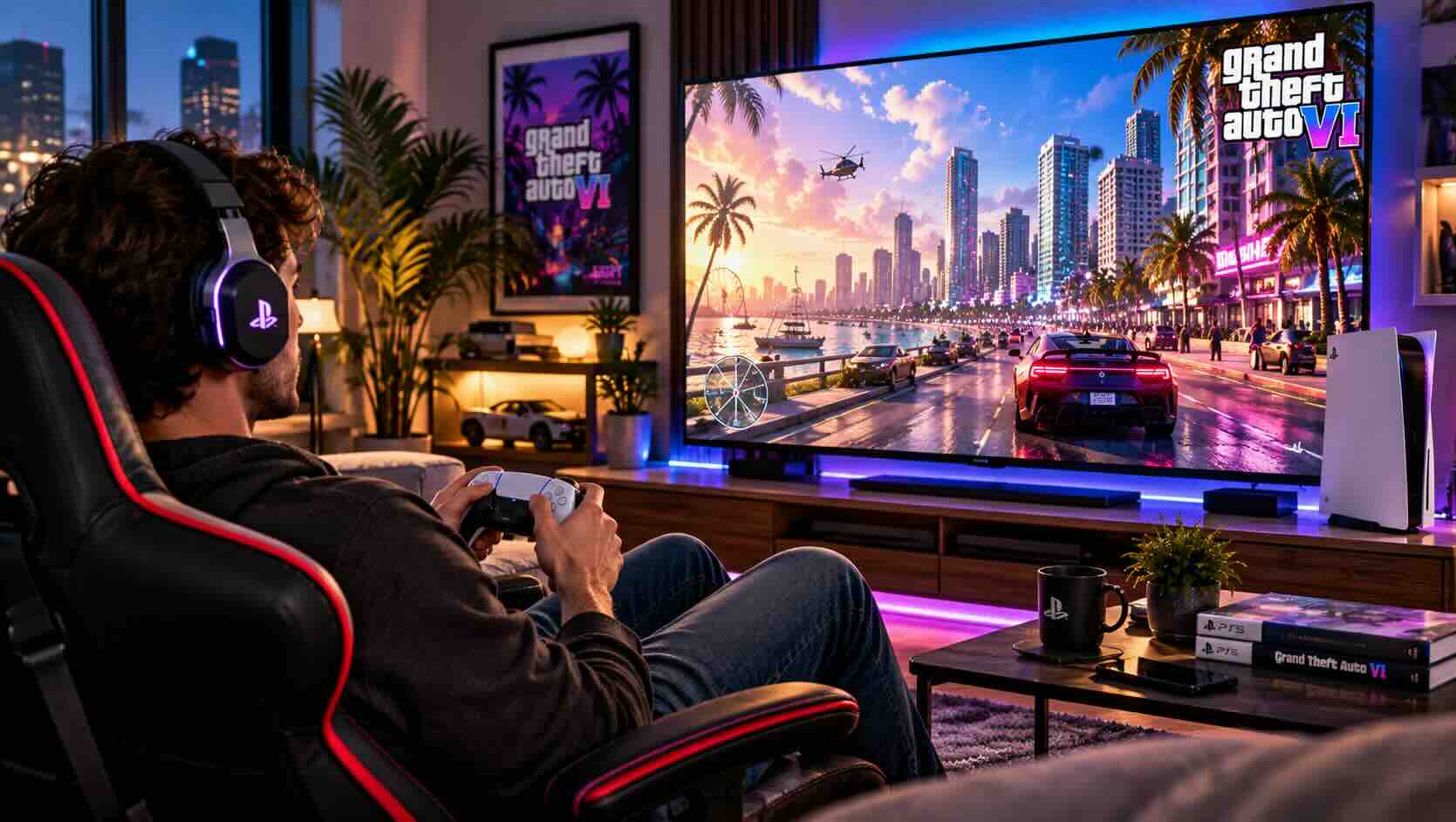
What a Comfortable GTA 6 Gaming Setup Needs
A comfortable GTA 6 gaming setup comes down to four things: a supportive seat, a controller that holds a charge, a headset you forget you are wearing, and a routine that includes breaks. Everything else is a nice extra.
Start by looking at how you play today. Some players sit at a gaming desk with a monitor, while others sprawl on a couch in front of a living room TV. The right purchases differ for each, so note your position before you shop.
Next, think about session length. A two-hour evening session barely tests a cheap headset, but a six-hour Saturday exposes every pressure point. For example, a clamp that feels snug at first can feel tight by mid-afternoon.
Finally, list what already annoys you. Common complaints include a controller dying mid-mission, a chair that slumps forward, and a headset that heats up your ears. Fix those first, because they will matter most once the game launches.
Gaming Chair Ergonomics: Lumbar, Armrests and Adjustments
The best gaming chair for long sessions adjusts to your body rather than forcing your body to adjust to it. Look for seat height, seat depth, armrest, recline and lumbar adjustments before you look at color or styling. Our gaming chair buying guide walks through each one in more depth.
First, set the seat height. Your feet should rest flat on the floor with your knees near a right angle, a basic rule of desk ergonomics. Seat depth matters too, but for a different reason: a seat that runs too deep pushes you forward and away from the backrest.
Next, set up lumbar support. Many gaming chairs ship with a strap-on pillow, while others build an adjustable lumbar mechanism into the backrest. A built-in mechanism stays in place, but a pillow is easier to reposition or remove.
Armrests deserve more attention than they usually get. Adjustable "3D" or "4D" armrests move up, down, forward, back and sideways. That range lets you rest your forearms at controller height instead of holding them in the air.
Finally, check recline and tilt lock. A recline of around 135 degrees or more suits laid-back controller play, and a tilt lock holds the angle you choose. However, check the weight capacity and base material too, since a metal base usually outlasts plastic. If you prefer a quieter look, a mesh ergonomic office chair offers many of the same adjustments.
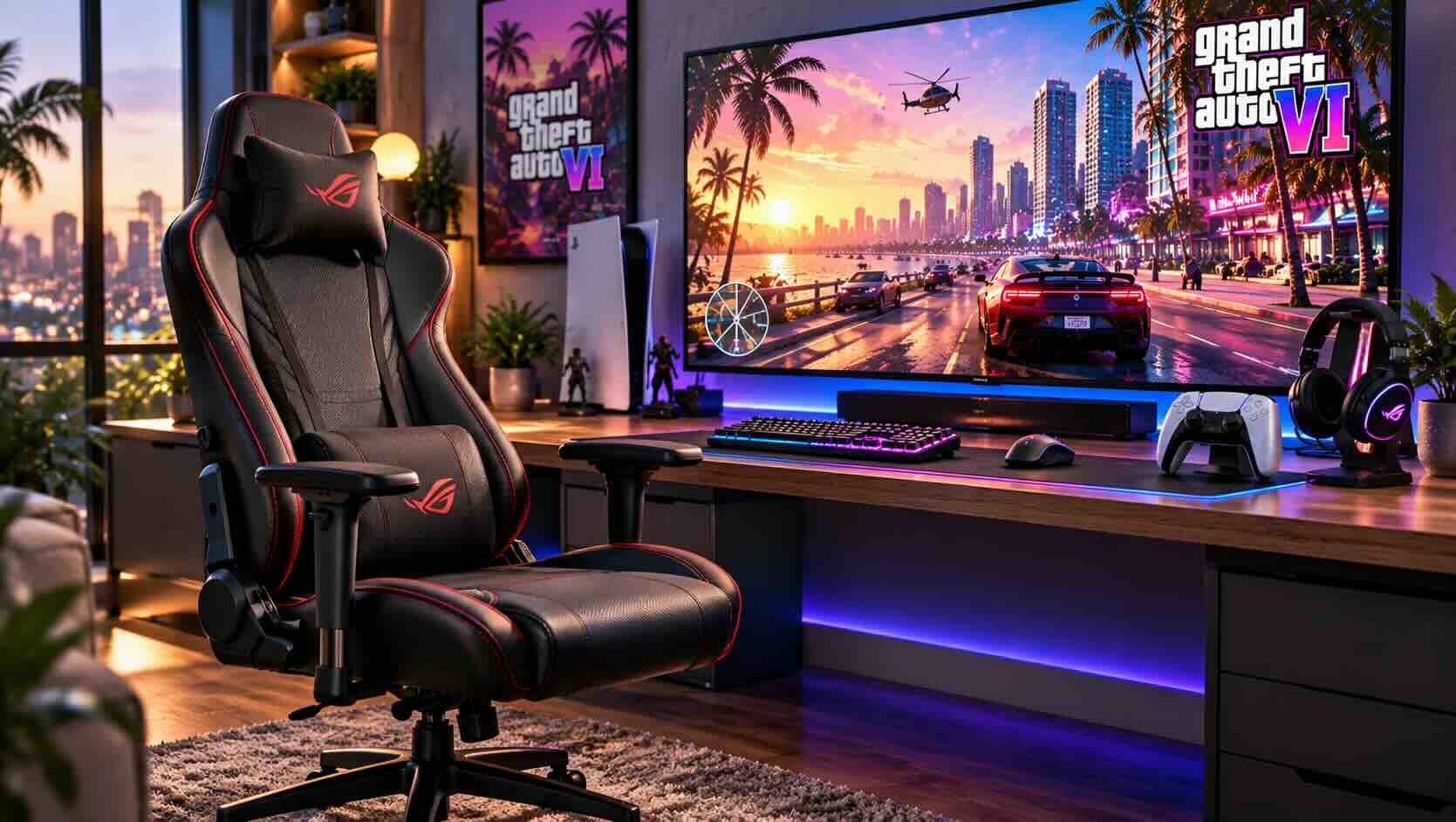
Fabric vs PU Leather Gaming Chairs
Fabric chairs breathe better during long sessions, while PU leather chairs wipe clean more easily. Your room temperature and how often you eat at your desk should decide between them.
FeatureFabricPU leatherBreathabilityGood; stays coolerLower; can feel warmCleaningNeeds a fabric cleaner or vacuumWipes clean with a damp clothLong-term wearCan pill or fadeCan crack or peel over yearsFeelSoft and casualSmooth and firmBest forWarm rooms, long sessionsSnack-heavy desks, easy upkeep
PU leather, or polyurethane-coated fabric, delivers the classic racing-seat look. On the other hand, it traps heat in warm rooms, and lower-grade coatings can flake after a few years. A fabric gaming chair avoids both problems but needs more care when drinks spill.
Some chairs mix materials, such as a mesh back with a leatherette seat. For example, that combination keeps your back cooler while leaving the seat easy to clean. In practice, most players who game for hours at a time end up happier with fabric or mesh.
Couch Comfort for a Living Room GTA 6 Gaming Setup
A living room GTA 6 gaming setup can be just as comfortable as a desk, as long as you support your lower back and keep your arms relaxed. Small, inexpensive additions do most of the work.
However, couches rarely offer lumbar support, so most players slide forward as the hours pass. A firm lumbar support pillow fills that gap and keeps you sitting upright. Next, add a cushion under your elbows so your hands rest at controller height without holding your arms up.
Distance also matters, for example when text gets small. Sit far enough back that you can see the whole screen without turning your head, but close enough to read on-screen text. Our sibling guide on TVs and monitors covers screen size and viewing distance in more detail. If you play on a PS5 Pro, our look at GTA 6 resolution and frame rate on PS5 Pro explains what is and is not confirmed.
Finally, keep essentials within reach. A side table for a drink, the remote and a charging cable saves you from getting up mid-mission. However, getting up now and then is a good thing, as the breaks section below explains.
Extra and Pro Controllers: Back Paddles and Hall-Effect Sticks
First, a second controller keeps you playing while the first one charges, and a pro controller adds back paddles and better sticks for long sessions. For most players, a spare standard pad is the first upgrade to make.
PlayStation players can pick up a spare PS5 controller and swap it in whenever the battery runs low. Xbox players can do the same with an extra Xbox wireless controller. Official pads support every console feature, including haptics on PS5.
In addition, pro controllers add back paddles, which are extra buttons under your fingers on the rear of the grip. You can map jump, reload or a camera button to them, so your thumbs stay on the sticks. In a game full of driving and shooting, that reduces how often you shift your grip.
Hall-effect sticks use magnets to detect movement instead of physical contact parts. Because nothing rubs together, they resist the stick drift that wears out many standard pads over time. Third-party Hall-effect controllers often cost less than first-party pro pads, but check that a model is licensed for your console first.
Moreover, pro pads add trigger stops, swappable stick caps and adjustable stick tension. If remapping matters most to you, browse pro controllers with back paddles and compare grip shape before buying.
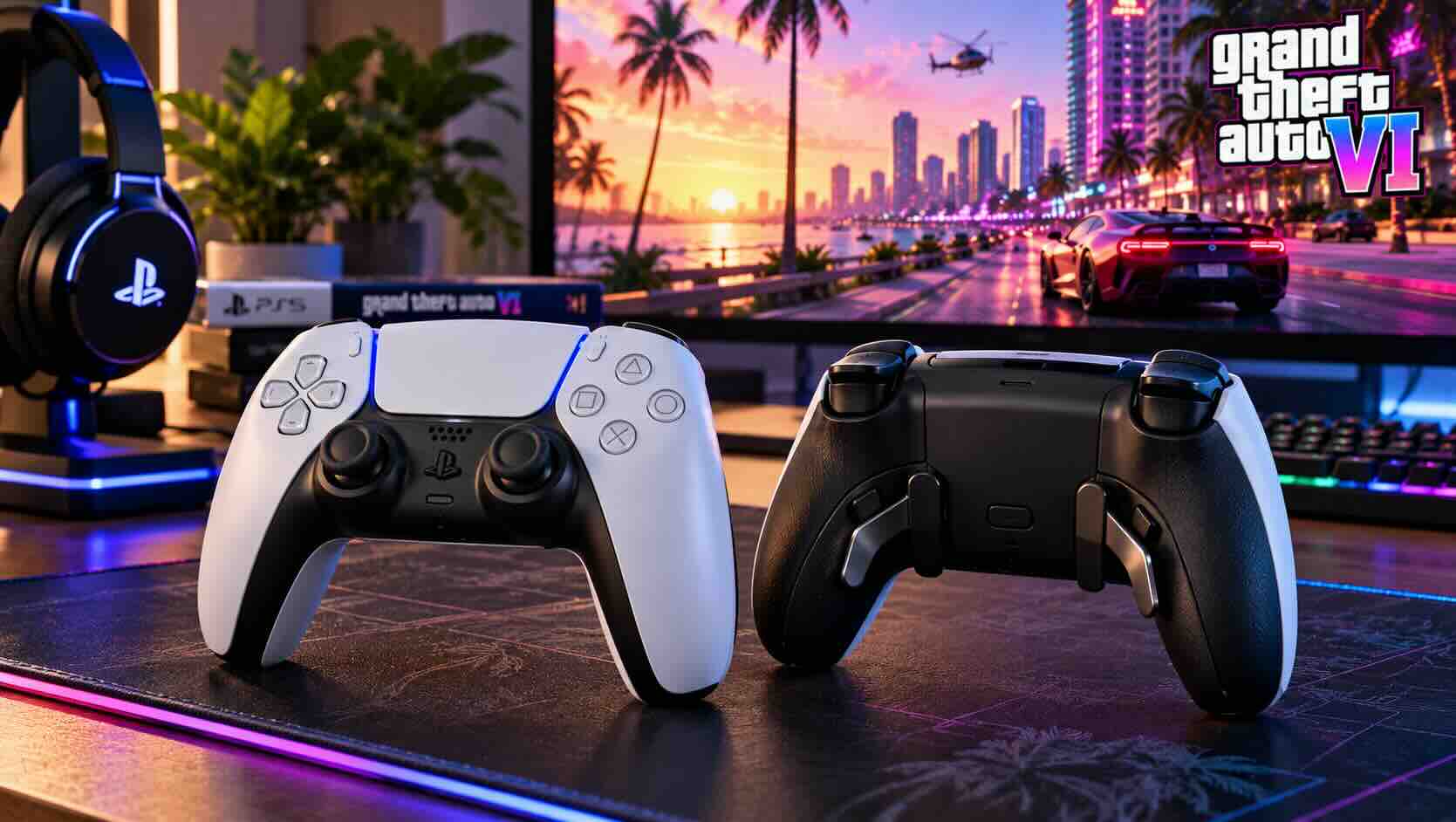
Controller Battery Life and Charging Docks
Controller battery life varies widely, so plan to charge between sessions rather than during them. A charging dock and a spare pad make dead batteries a non-issue.
PS5 pads use built-in rechargeable batteries, and runtime drops when haptics, adaptive triggers and the light bar run at full strength. You can lower vibration and trigger effect intensity in the console settings to stretch each charge. Pro pads with more features often run shorter than standard pads.
Standard Xbox controllers, however, take AA batteries out of the box. Many players switch to an Xbox rechargeable battery pack to stop buying disposables. Others use rechargeable AA cells, which work just as well.
A controller charging station holds two pads upright and tops them up whenever you put them down. Next, build a simple habit: dock the active pad when you stop, and pick up the charged one when you start. As a result, you always begin a session with a full battery.
If you prefer cables, a long USB-C cable lets you play while charging. However, docks keep cables off the floor and reduce wear on the controller port.
Gaming Headsets: 2.4 GHz Wireless vs Bluetooth
A 2.4 GHz wireless headset with its own USB dongle is the best choice for console gaming, because neither PS5 nor Xbox supports standard Bluetooth audio. Bluetooth headsets usually need a wired fallback or an adapter to work with a console.
ConnectionWorks on PS5Works on XboxLatencyNotes2.4 GHz USB dongleYesOnly Xbox-licensed modelsLowBest all-around choiceBluetoothNo native audio supportNo native audio supportHigherFine for phones; use wired mode on consoleWired (3.5 mm)Yes, via controller jackYes, via controller jackLowestNo charging needed
On PS5, most wireless gaming headsets with a USB dongle simply plug in and work. Xbox is stricter. It uses its own wireless protocol, so you need a headset built for Xbox, often labeled "Designed for Xbox."
For that reason, check the platform label before you buy. A model sold as a PS5 headset may not carry Xbox support, and the reverse is also true. Some dual-dongle or switchable models cover both consoles.
Many headsets also include Bluetooth alongside 2.4 GHz. That lets you take a phone call or listen to a podcast while the game audio runs through the dongle. In practice, this dual mode is the most flexible option for a shared living room.
3D Audio, Comfort and Mic Quality
3D audio helps you hear where sounds come from, and comfort decides whether you keep the headset on. Consider both before you look at extra features.
PS5 includes Tempest 3D AudioTech, which works with most stereo headphones and headsets. Xbox offers Windows Sonic for Headphones for free, plus optional paid apps for other spatial audio formats. A capable Xbox wireless headset handles spatial audio the same way as any wired pair, because the console does the processing.
Next, headset comfort comes down to weight, clamp force and ear pads. Headsets under about 300 grams tend to feel lighter over long sessions. Fabric or velour pads stay cooler, while leatherette pads seal better and block more room noise.
Glasses wearers should look for softer pads or a gentler clamp, since frames press against the side of the head. Next, check the headband. A suspension band spreads weight better than a single padded bar.
Mic quality matters less for a single-player launch, because launch listings describe a single-player experience. However, you may still use voice chat in party apps. A flip-to-mute boom mic is the most convenient design for quick conversations.
Small Extras That Upgrade Any GTA 6 Gaming Setup
Small accessories finish a GTA 6 gaming setup by cutting clutter and improving lighting. They cost little and make your play space easier to use every day.
A headset stand keeps ear pads in shape and gives your headset a fixed home. Some stands include a USB hub, which helps if your dongle and charging cables compete for ports. Similarly, a controller stand keeps pads off the floor and away from pets.
Lighting, on the other hand, changes how a long session feels. Playing in a fully dark room makes a bright screen feel harsher. A set of soft LED light strips behind the TV or desk, often called bias lighting, adds a gentle glow and reduces the contrast between the screen and the wall. Our guide to setting up bias lighting covers placement in more detail.
Choose a neutral or warm white setting for long play. Colorful modes look fun, but they can tint what you see on screen. In addition, a dimmable desk or floor lamp helps you keep the room evenly lit.
Finally, think about cable management. Velcro ties and a small tray under the desk keep chargers tidy, and nobody trips over a USB cable during a late-night mission.
Build Breaks Into Your GTA 6 Gaming Setup
Regular breaks are the simplest comfort upgrade, and they cost nothing. Many players stand up, stretch and look away from the screen at least once an hour.
Open-world games make it easy to lose track of time. One more mission turns into three, and suddenly the afternoon has gone. A timer on your phone or a smart speaker reminder helps you stop at natural points.
In practice, the game's own rhythm helps too. Saving after a story mission or before a long drive gives you a clean place to pause. For example, step away while the next chapter loads or after you park in a safe house.
In addition, hydration and snacks help. Keep water nearby, and choose snacks that will not leave grease on your controller. As a result, your hands and gear stay cleaner through a long weekend.
Breaks also help with focus, but keep them short. You will often come back sharper after a short walk. This is general comfort advice, so talk to a professional if you have specific health concerns.
Pre-Launch Comfort Checklist Before November 19
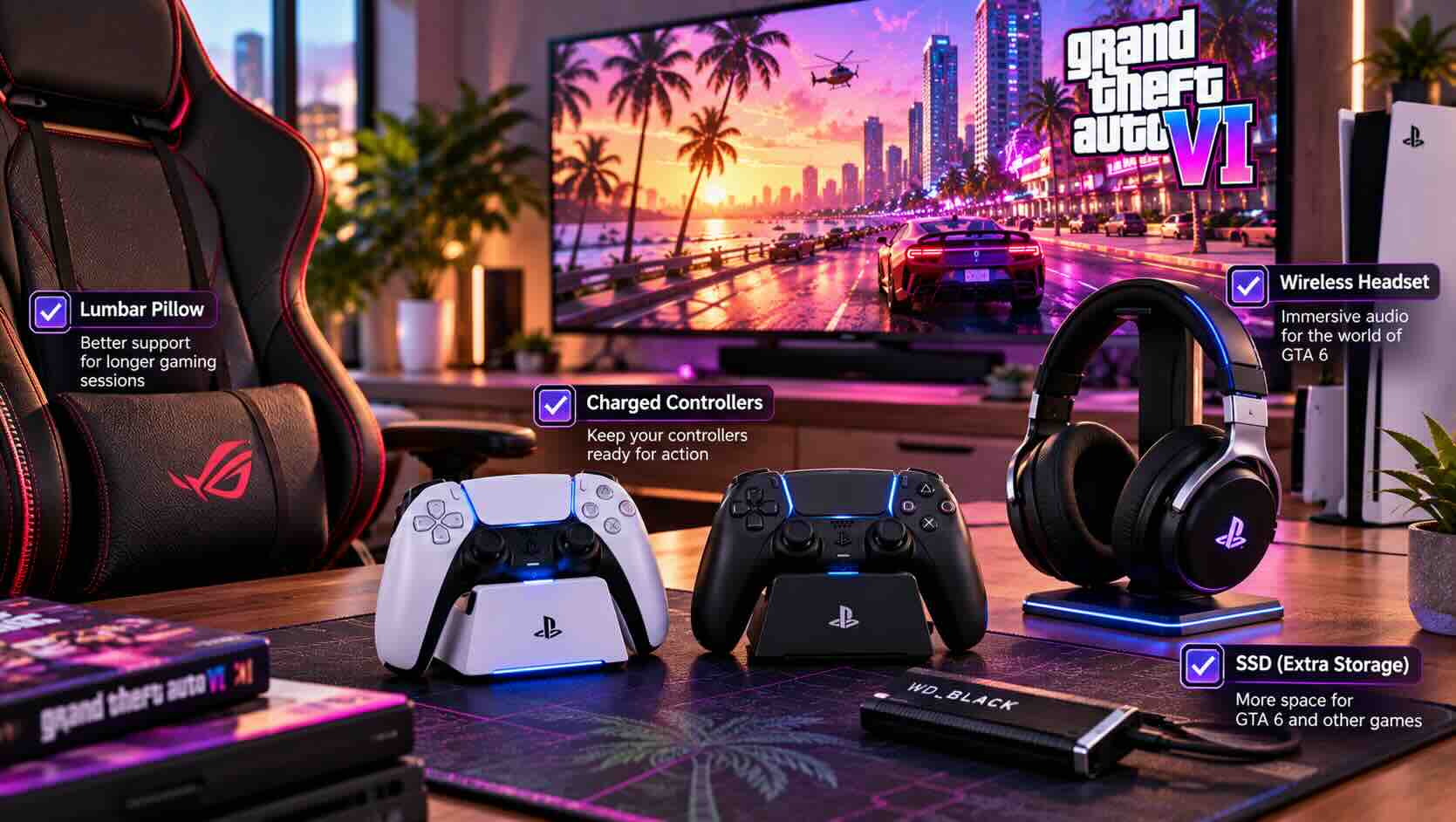
Use the weeks before launch to test your gear, so nothing surprises you on November 19, 2026. Treat it as a dress rehearsal for your GTA 6 gaming setup.
Adjust your chair height, armrests and lumbar support, then play a two-hour session to test them.
Charge every controller and update its firmware through the console settings.
Pair your headset, confirm the dongle works, and turn on 3D audio.
Set up your lighting and check for glare on the screen.
Clear storage space before the November 12 preload.
That last step matters because the boxed edition holds a download code, not a disc, so every player downloads the game. Rockstar has not announced a file size, as our GTA 6 storage guide explains. Plan for roughly 150-200 GB or more of free space, and consider a fast NVMe SSD on PS5 if you are running short.
Frequently Asked Questions
Do I need a gaming chair for a GTA 6 gaming setup?
No. Any chair with adjustable height, lumbar support and armrests works well. Gaming chairs simply bundle those features with a reclining back. Couch players can add a lumbar pillow instead.
Do Bluetooth headsets work on PS5 or Xbox?
Not for game audio. Neither console supports standard Bluetooth headphones natively. Use a 2.4 GHz headset with a USB dongle, or plug a wired headset into the controller's 3.5 mm jack.
Are Hall-effect controllers worth it?
For heavy players, often yes. Hall-effect sticks use magnets, so they resist the stick drift that wears out many standard pads. Check console licensing before buying a third-party model.
When can I start playing GTA 6?
GTA 6 launches November 19, 2026 on PS5 and Xbox Series X|S. Digital preload begins at local midnight November 12, so you can download early and play at launch.
Is GTA 6 coming to PC?
Rockstar has not announced a PC version or date. At launch, GTA 6 is available only on PlayStation 5 and Xbox Series X|S. If you also game on PC, see whether your gaming PC is ready for GTA 6 once a PC version is announced.
More from the GTA 6 Ready series: "GTA 6 Storage Guide: How to Upgrade Your PS5 or Xbox Before Launch", "Best TV for GTA 6: 4K 120 Hz, HDMI 2.1 and HDR Explained", and "Best Console for GTA 6: PS5, PS5 Pro, Series X or Series S, Plus Which Edition to Buy".
Conclusion
A comfortable GTA 6 gaming setup does not require a full room makeover. Instead, focus on the four pieces that matter most: a chair or couch setup that supports your back, a spare controller that is always charged, a headset that fits your console and your head, and a habit of taking breaks.
Start with the item that annoys you most today, then test everything well before the November 12 preload. That way, launch day on November 19 is about the game and not about dead batteries or sore shoulders. When you are ready to fill the gaps, browse Newegg's range of console gaming accessories and build a GTA 6 gaming setup that lasts through every long session.