An r/buildapc post titled "Need to upgrade my son's GPU without breaking the bank" is a familiar kind of holiday question. Questions like it usually come down to three checks before any card is recommended: the power supply, the case and the motherboard.
That order is right. A graphics card upgrade can make an older PC feel new, but only if the rest of the system can take it. Here's how I'd do it.
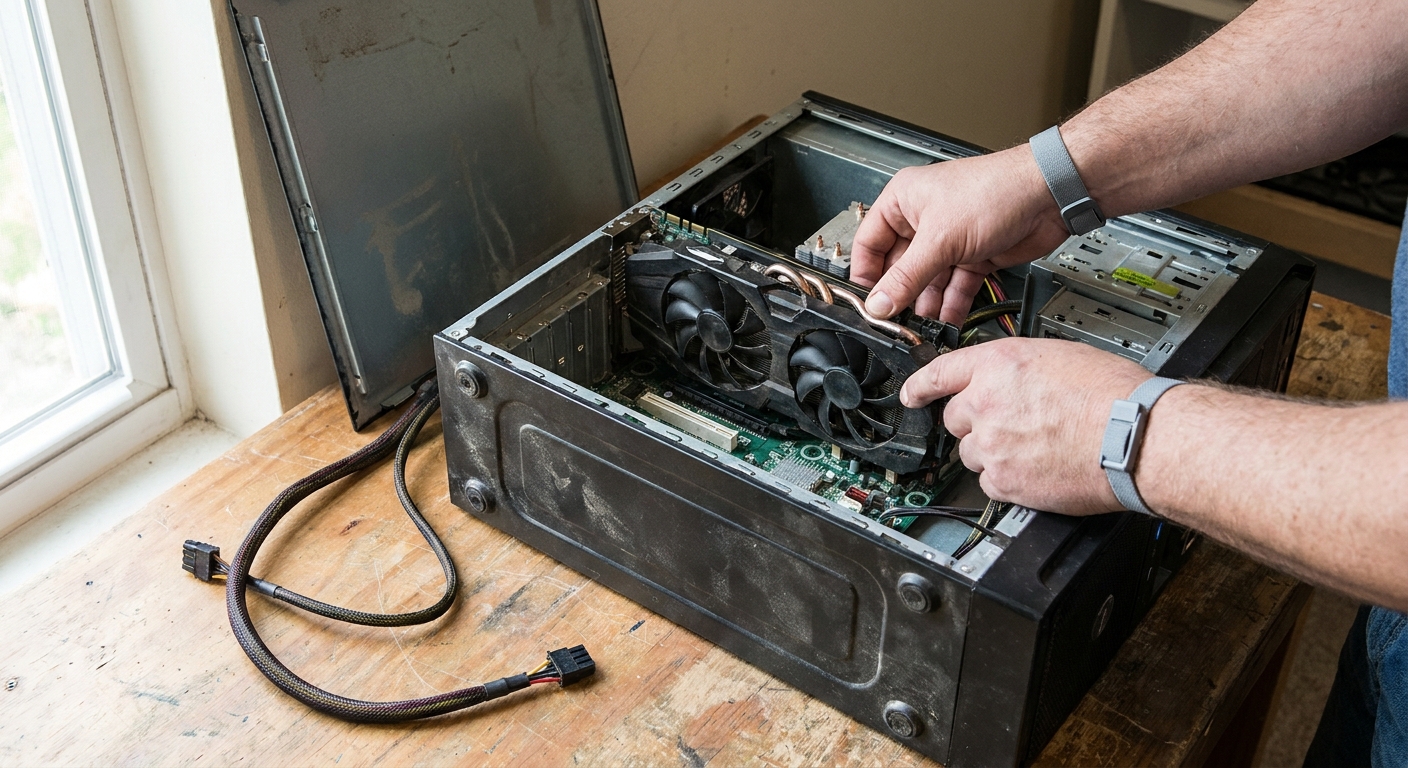
Step 1: Find out what's in the PC
Open Task Manager, go to Performance, and note the CPU, memory and current GPU. Then look at the power supply label for its wattage and check which PCIe power cables are free. If you'd rather not guess, Newegg's PC Upgrader gives compatibility-checked suggestions based on the current system.
Step 2: Check the power supply properly
Most mid-range cards need at least one 8-pin PCIe power connector. Compare each card's recommended PSU with what you have, and run the numbers through Newegg's Power Supply Calculator.
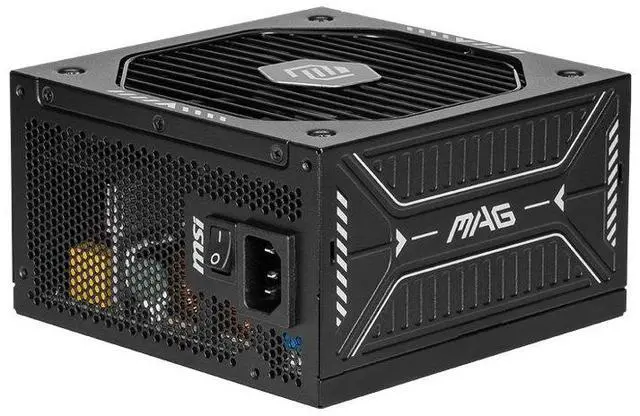
If the old PSU is small, unbranded or more than a few years old, I'd replace it with the GPU. The MSI MAG A650GLS PCIE5 is a 650W, 80 Plus Gold, fully modular ATX 3.1 unit, which meets the recommended PSU listed for each Nvidia and AMD card here. If you think a bigger card might come later, the be quiet! Pure Power 13 M 750W is an ATX 3.1, 80 Plus Gold option with more headroom.
Step 3: Measure the case
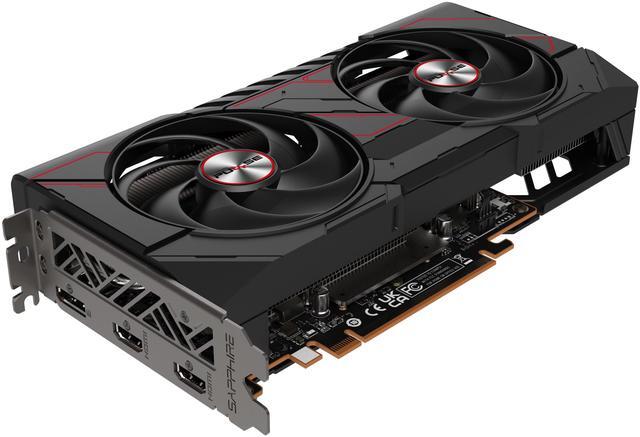
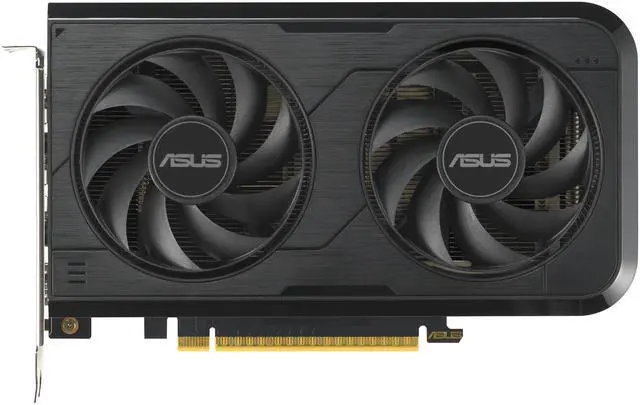
Measure from the back of the case to the front fans or drive cage. Then compare with the card length on the listing. Compact cards like the MSI Shadow 2X OC RTX 5060 at 197mm and the ASUS Dual RTX 5050 at 203mm fit almost anywhere. The SAPPHIRE PULSE RX 9060 XT 16GB is 240mm, which still fits most mid-towers.
Small office PCs are their own problem. The GIGABYTE Low Profile RTX 5050 is 182mm long and 69mm tall, but it still needs an 8-pin power connector and a 550W recommended PSU, and many office PCs have neither.
Step 4: Check the slot and platform
Newer cards work in older PCIe slots. But the RTX 5050, RTX 5060 and RTX 5060 Ti use eight PCIe lanes, so on an older PCIe 3.0 board they get half the bandwidth they would on PCIe 4.0. In most games it's a small difference. It matters more when a game runs out of VRAM, which is one more reason I'd lean toward 16GB.
If you're considering the Intel Arc B580 with 12GB on a 192-bit bus, Intel recommends Resizable BAR for Arc cards, which many older platforms don't support. Check the BIOS first.
Step 5: Pick the card
- Esports and older games at 1080p: the RTX 5060 8GB or RTX 5050 8GB.
- Newer games at 1080p for a few more years: the SAPPHIRE PULSE RX 9060 XT 16GB, with a 450W recommended PSU, or the MSI Shadow 2X OC Plus RTX 5060 Ti 16GB, with a 600W recommended PSU.
Step 6: Install it cleanly
Uninstall the old graphics driver, power the PC down and unplug it. Remove the old card, install the new one fully into the top x16 slot, screw in the bracket and connect every power plug the card needs. Then install the latest driver from Nvidia, AMD or Intel.
Step 7: Know when to stop
If the CPU is very old, a new GPU won't fix stutter in CPU-heavy games. If the PC needs a new PSU, a new GPU and more RAM, compare that total with a new prebuilt before you buy. Sometimes the honest answer is that the old PC has done its job.
My take
For most older family PCs, a compact 8GB card and a good 650W PSU are a big jump for light games, and a 16GB card is the better gift for anyone who plays newer releases. Check power, length and the slot before you check the deal.
Frequently Asked Questions
Will a new graphics card work in an older PC? Usually, if the PC has a PCIe x16 slot, enough power supply wattage and connectors, and room in the case. Newer cards work in older PCIe slots, though x8 cards lose some bandwidth on PCIe 3.0 boards.
How do I know if my power supply is good enough? Check the PSU label for wattage and the cables for the connector the card needs, then compare with the card's recommended PSU. Newegg's Power Supply Calculator can estimate the system's needs.
What GPU fits a small office PC? Look for a low-profile card. The GIGABYTE Low Profile RTX 5050 is 182mm long and 69mm tall, but it still needs an 8-pin power connector, which many office PCs don't have.
Do I need to uninstall the old graphics driver? It's a good idea, especially when switching between Nvidia, AMD and Intel. Uninstall the old driver, install the new card, then install the latest driver from the GPU maker.
Is an 8GB graphics card worth it as an upgrade? For 1080p esports and older games, yes. For new open-world games, I'd choose a 16GB card if the budget allows.
Read More
- Power Supply Calculator (Newegg): Estimate how much power the upgraded PC will need.
- PC Upgrader (Newegg): AI-powered, compatibility-checked upgrade suggestions for your current PC.
- GPU Benchmarks Hierarchy (Tom's Hardware): Compare the new card against the old one.
- Buying a Kid's First Gaming PC for the Holidays (Newegg Insider): If upgrading turns out not to be worth it.
- Best Graphics Cards for Open-World Games in 2026 (Newegg Insider): Higher-end picks if the PC can handle more.