A thread on r/buildapc in late October 2026 is a good example of a common worry. Someone swapped a Ryzen 5 3600 for a Ryzen 7 5800X3D to stay on AM4, then saw 45 to 50C at idle and 90C while gaming in Stalker 2, using a Cooler Master Hyper H412R and the pre-applied thermal pad. Their question: is something wrong?
Partly no and partly yes. X3D chips run differently from regular Ryzen parts, but that cooler is undersized for an eight-core X3D chip.
Who needs to worry, and who doesn't
AMD lists a maximum operating temperature of 90C for the 5800X3D, and 89C for the 7800X3D. Ryzen CPUs boost until they hit power, current or temperature limits, so reaching the low 80s in a demanding game isn't a fault on its own. Sitting at the limit, though, usually means you're losing some boost clock, and that's worth fixing.
The reason the older X3D chips run warm is the stacked cache. On the 5800X3D and 7800X3D, the extra cache sits on top of the CPU cores, which adds a layer the heat has to pass through. AMD moved the cache underneath the cores on the 9000-series X3D chips like the 9800X3D, which is part of why those run cooler and allow overclocking.
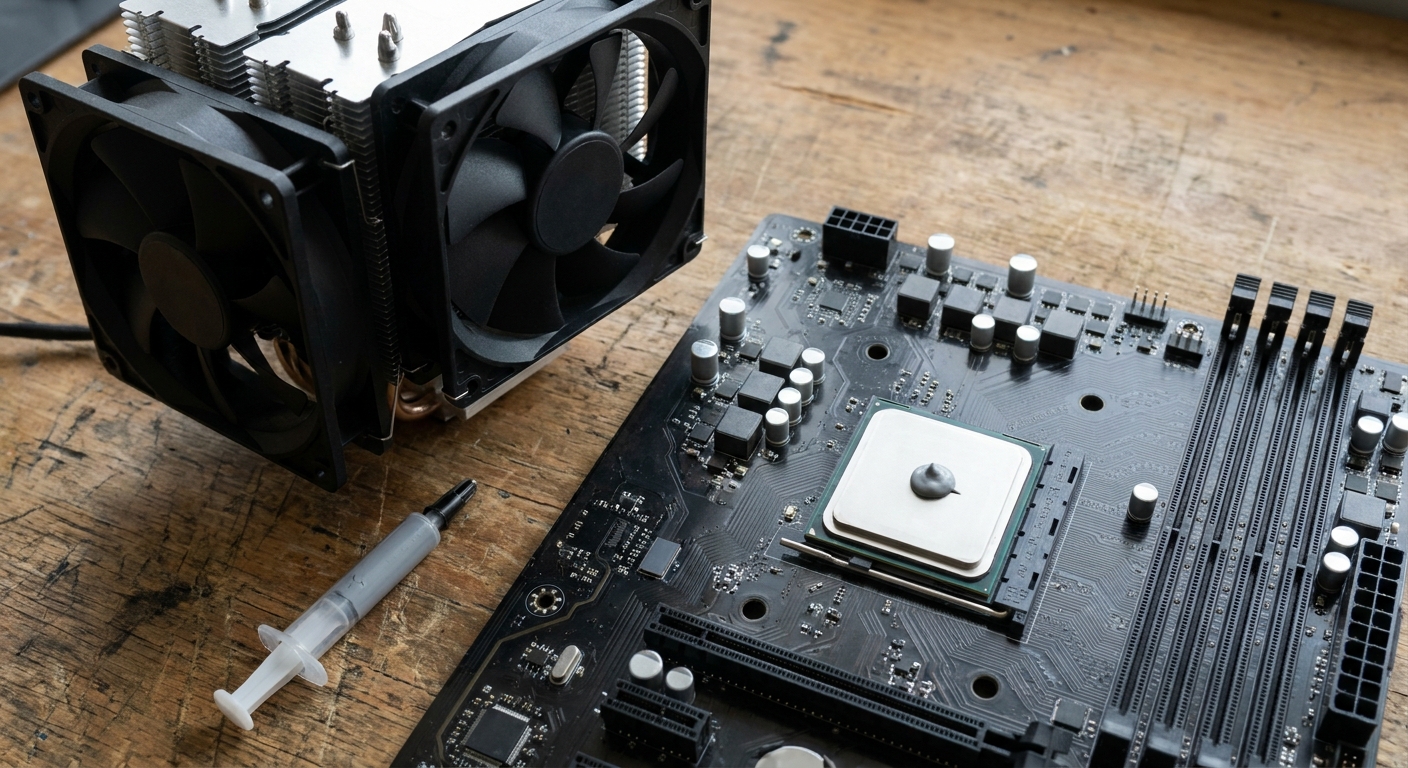
Scenario 1: AM4 X3D on a budget cooler
This is the Reddit case. A small single-tower cooler with a 92mm fan was fine on a 65W Ryzen 5 3600 but struggles with a 105W 5800X3D. I'd replace it with something like the Thermalright Peerless Assassin 120 SE, a dual-tower cooler with six heat pipes and two 120mm fans that supports AM4 and AM5. If you prefer one tower, the ARCTIC Freezer 36 uses two push-pull 120mm fans.

On thermal pads versus paste: the pre-applied pad that comes with some coolers works, but I'd clean it off and use a quality paste when changing coolers. ARCTIC MX-6 is a reliable choice that's easy to spread.
Scenario 2: AM5 X3D with an air cooler
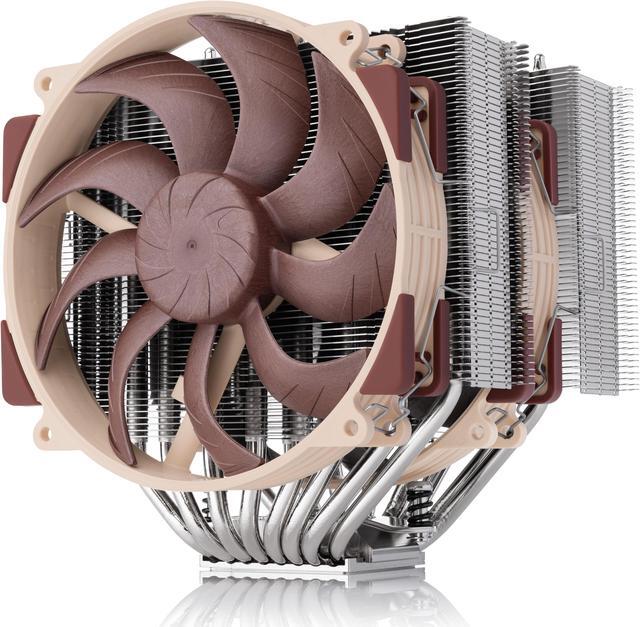
For a 9800X3D or 9850X3D, a strong dual-tower air cooler is enough for most people. The Noctua NH-D15 G2 uses two 140mm fans and is rated around 24.8dB(A), and its standard version is the one Noctua recommends for AM5. The be quiet! Dark Rock Pro 5 is rated for a 270W TDP and is one of the quieter large air coolers.
AM5's heat spreader has cutouts at the edges where paste can squeeze out onto the socket area. The Noctua NT-H2 AM5 Edition includes a guard to keep paste where it belongs, which is a small but nice touch for a first AM5 build.

Scenario 3: 16-core X3D or a small, warm case
The 9950X3D is a 170W chip, and in cases with limited airflow I'd consider a 360mm AIO. The ARCTIC Liquid Freezer III Pro 360 A-RGB uses a thicker 38mm radiator, and the NZXT Kraken Elite 360 adds an LCD on the pump head if you like seeing temperatures at a glance. An AIO won't help much if the case itself has poor intake, so check front airflow first.
Quick fixes before buying anything
Make sure the cooler's mounting pressure is even and the protective film is removed from the cold plate. Check that case fans are pulling air in at the front and out at the back. In the BIOS, try AMD's Eco Mode or a Curve Optimizer negative offset on supported chips, which can cut temperatures with little performance loss.
How to read your temperatures
Before changing anything, make sure you're measuring the right number. Tools like HWiNFO show several CPU temperature readings. On Ryzen, "CPU (Tctl/Tdie)" is the one most people track. Ryzen chips also jump in temperature for a second or two when a background task wakes up, so brief spikes at idle are normal. What matters is the sustained temperature in a game or a repeatable workload.
Room temperature plays a part too. A PC in a warm room in summer will run several degrees hotter than the same PC in winter, so compare results on similar days.
The Reddit poster's idle reading of 45 to 50C on a 5800X3D isn't alarming by itself. The 90C in Stalker 2 is the number to fix. A dual-tower cooler and fresh paste usually bring that down noticeably, and it also tends to make the fans quieter because they don't need to spin as fast to keep up.
One installation detail catches people on AM4: many coolers reuse AMD's stock backplate, so check the cooler's manual before removing it. Mounting a large cooler with uneven pressure is a common cause of high temperatures on an otherwise healthy system.
Verdict
Hitting 90C on a 5800X3D with a small cooler isn't a defect, but it is a sign the cooler is out of its depth. A dual-tower air cooler and fresh paste solve most X3D heat complaints for a modest cost.
Frequently Asked Questions
Is 90C normal for a Ryzen 7 5800X3D? AMD lists 90C as the 5800X3D's maximum operating temperature, so it's within spec, but it usually means the cooler is limiting boost clocks. A better cooler typically brings it down.
Why do older X3D CPUs run hotter than regular Ryzen chips? On the 5800X3D and 7800X3D, the extra cache is stacked on top of the cores, which makes it harder for heat to escape. AMD moved the cache below the cores on 9000-series X3D chips.
Is a dual-tower air cooler enough for a 9800X3D? Yes. The 9800X3D is a 120W chip, and a quality dual-tower air cooler handles it well in a case with decent airflow.
Should I use the pre-applied thermal pad or paste? Pre-applied pads work, but a quality thermal paste applied properly is usually the better choice when installing a new cooler.
Do I need an AIO for a Ryzen 9 9950X3D? Not always, but a 360mm AIO is a sensible choice for a 170W chip, especially in a smaller or warmer case.
Read More
- AMD: Ryzen 7 5800X3D - Official specs, including maximum operating temperature.
- AMD: Ryzen 7 7800X3D - Official specs for the AM5 X3D chip.
- AMD: Ryzen 7 9800X3D - Official specs for the 9000-series X3D chip.
- ARCTIC: Liquid Freezer III Pro 360 A-RGB - Official specs for the 360mm AIO in this guide.
- Newegg Insider: Ryzen 9 9950X3D2 vs 9950X3D vs 9850X3D - How AMD's top X3D chips compare.